















































Bluetooth Headsets
Which Bluetooth headset to buy for phone and PC calls
For phone calls, the Poly Voyager 4310 is the one to get. It's a one-ear headset with 24 hours of talk time, and it connects over Bluetooth to your phone and your PC at the same time, with no cable and no dongle. The Yealink BH70 is the cheapest here, from $104.99, and runs up to 35 hours.
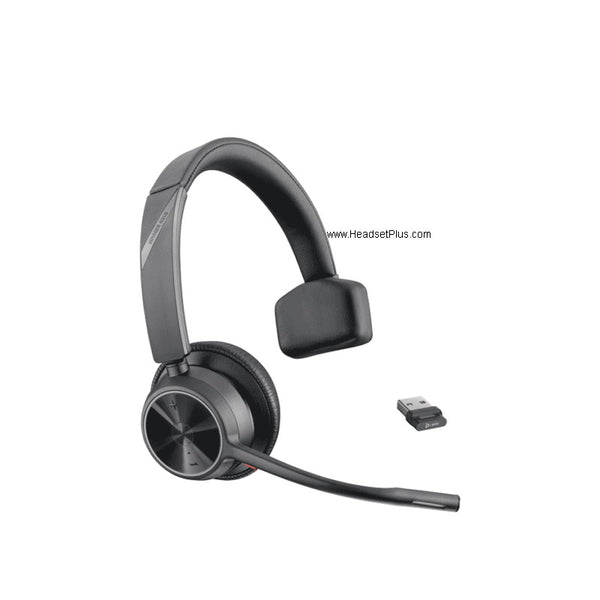
Poly Voyager 4310 Mono Wireless Headset
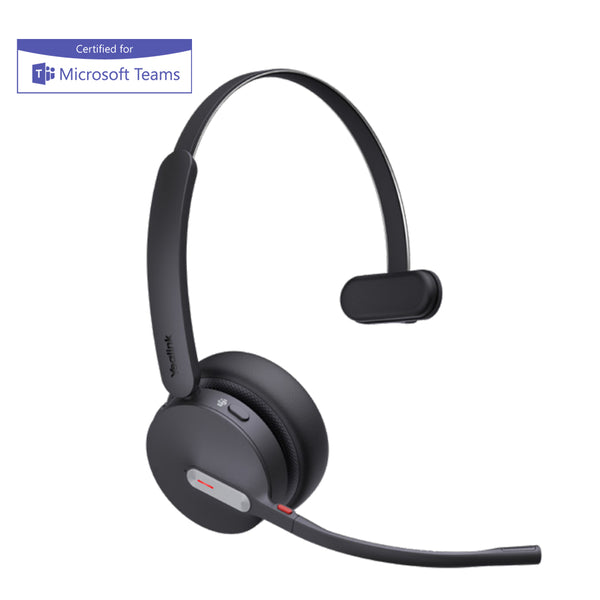
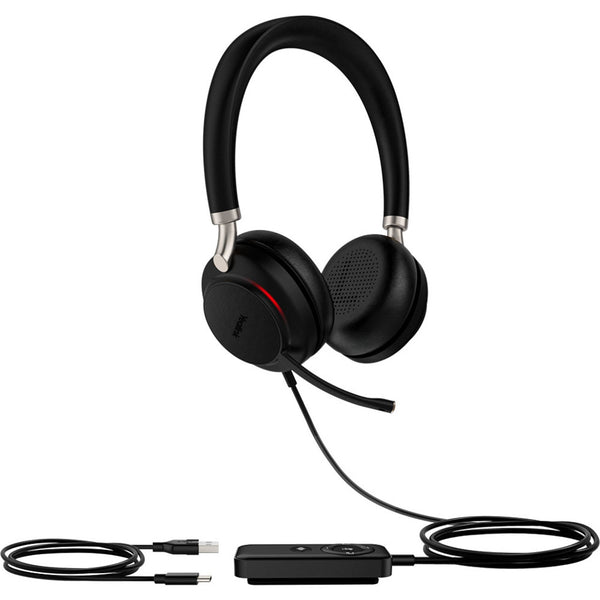
Yealink BH70 Bluetooth Headset (Mono or Dual, Teams Certified)
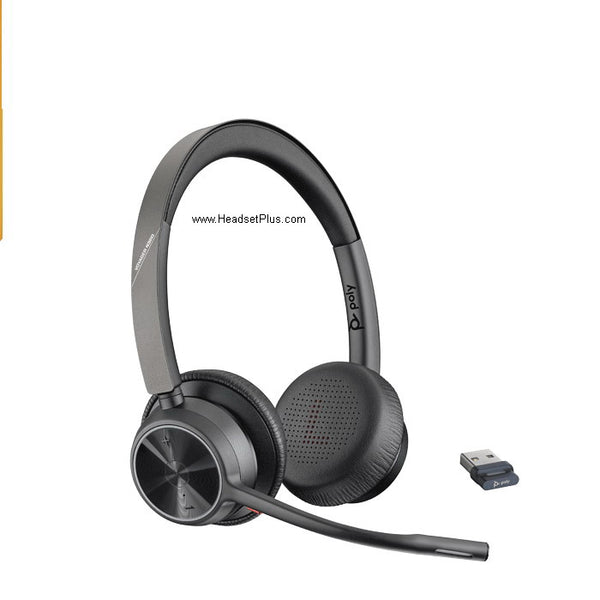
Poly Voyager 4320 Stereo UC and Teams Bluetooth Headset
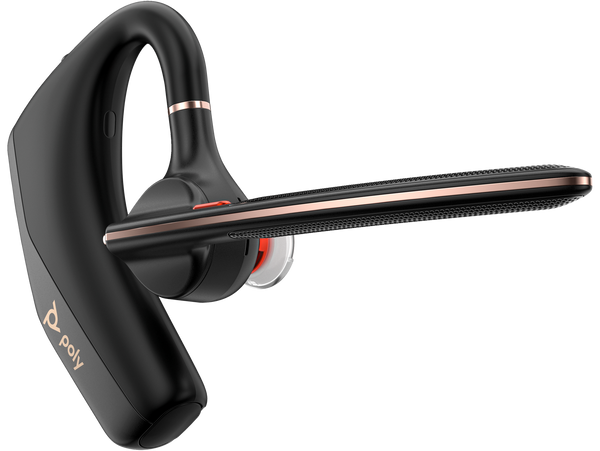
Poly Voyager Legend 50 Mono Wireless Headset
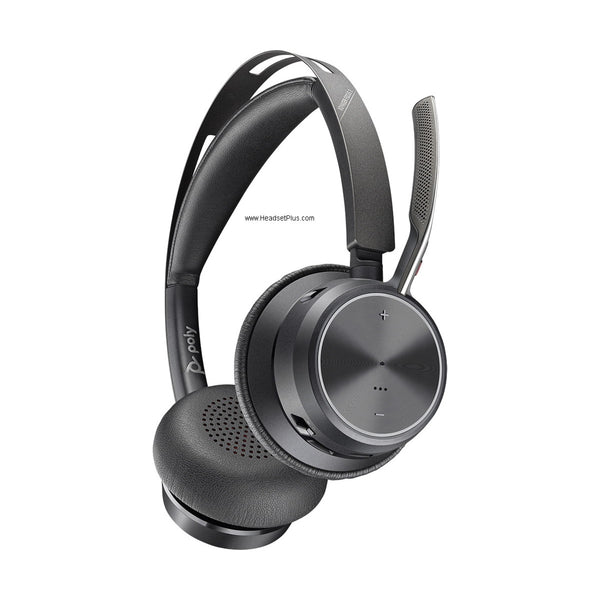
Poly Voyager Focus 2 UC and Teams Wireless Headset (Charging Stand Optional)
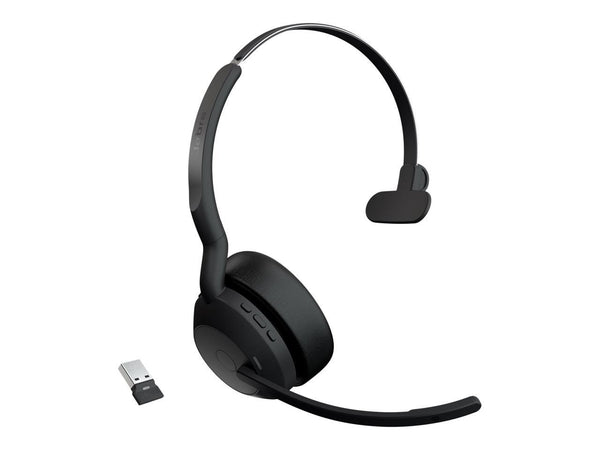
Jabra Evolve2 55 Wireless Headset (Mono or Stereo)
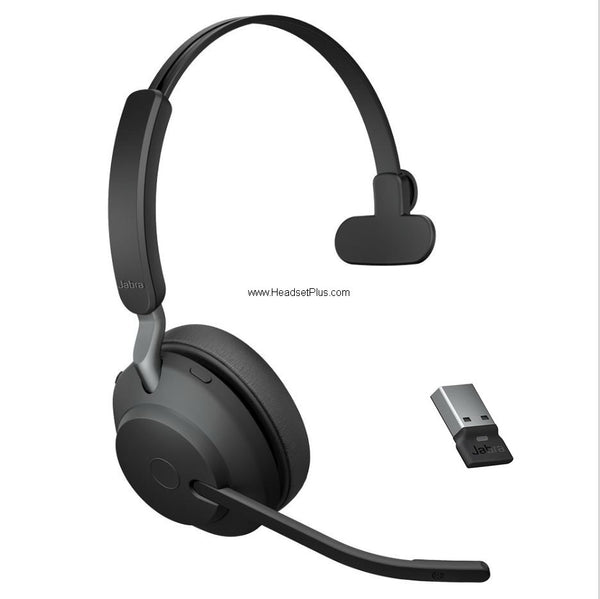
Jabra Evolve2 65 Wireless Headset (Mono or Stereo)
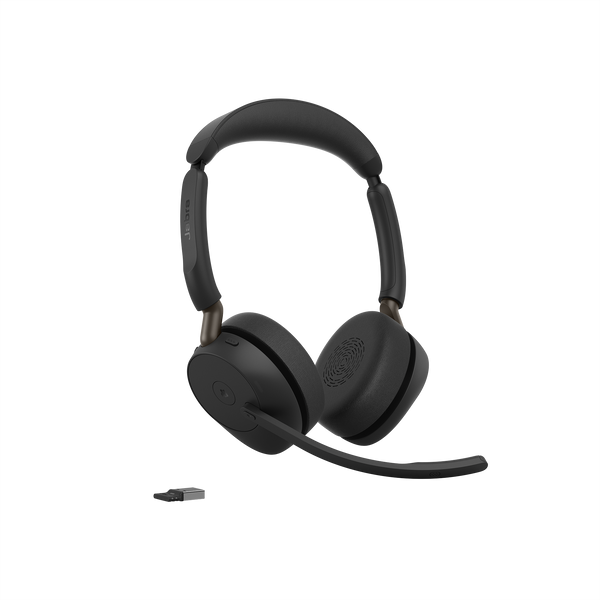
Jabra Evolve3 65 Wireless Headset
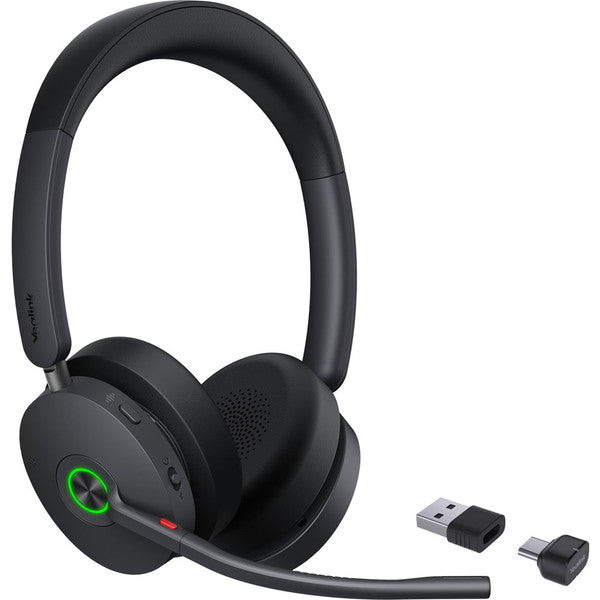
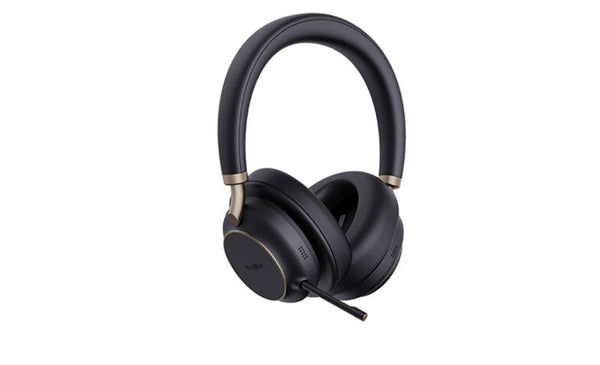
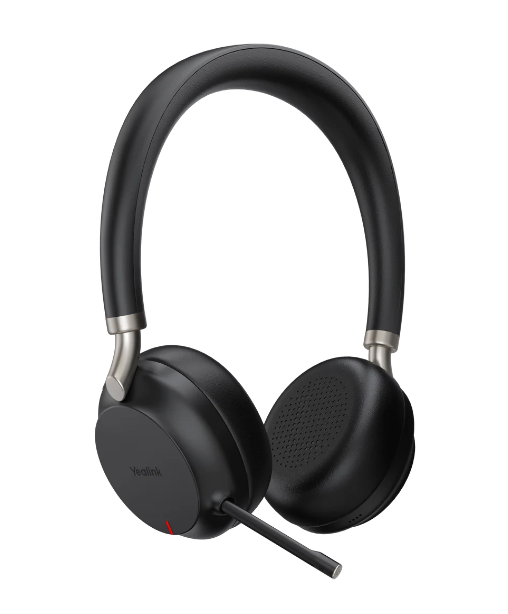
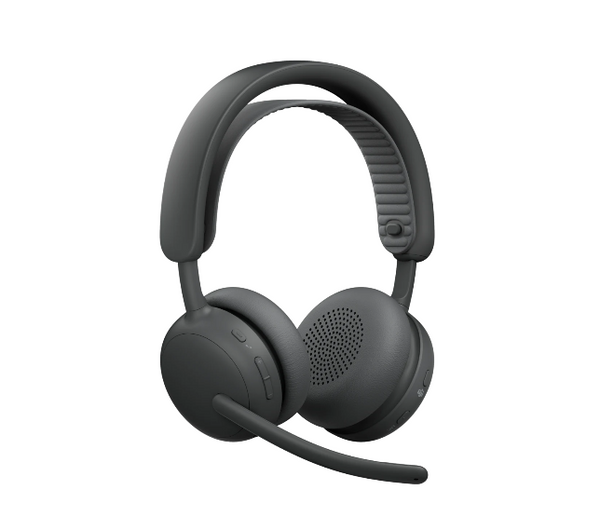
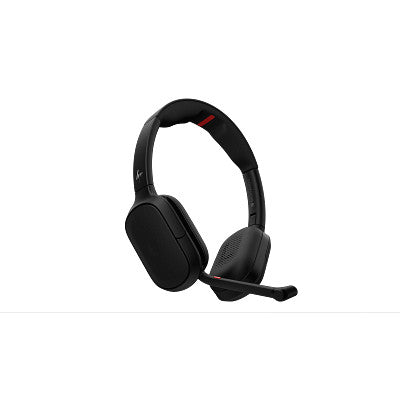
Poly Focus 6 Wireless Headset (Fold and Charging Stand Options)
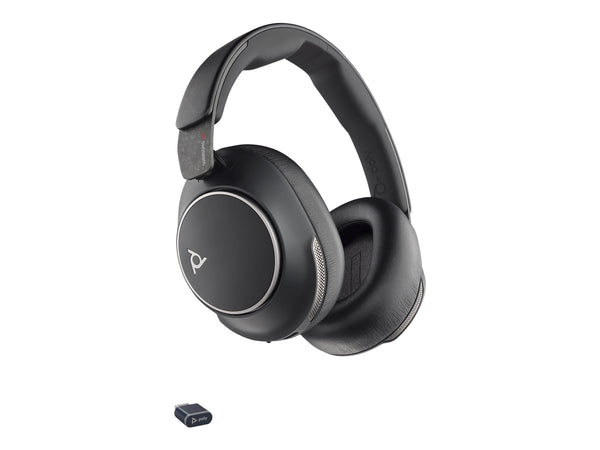
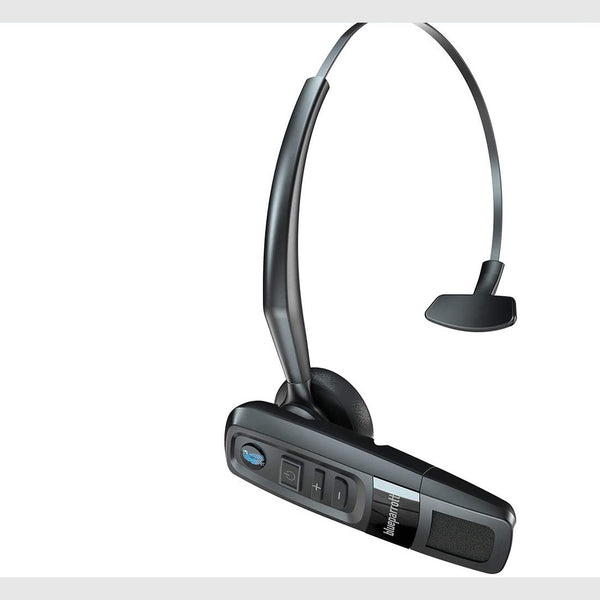
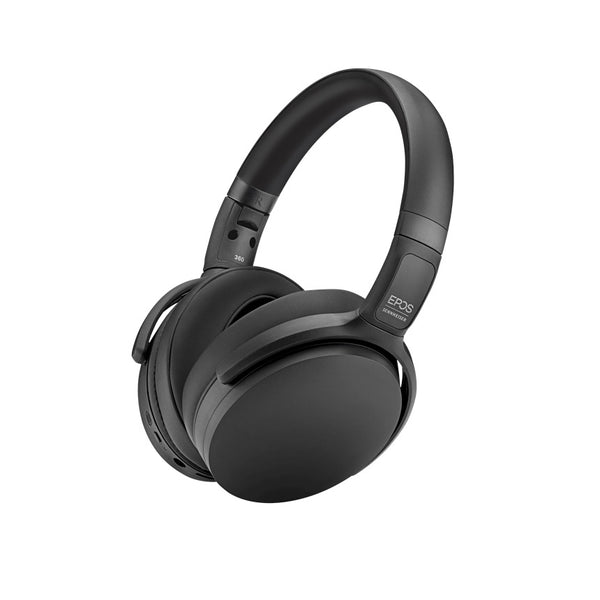
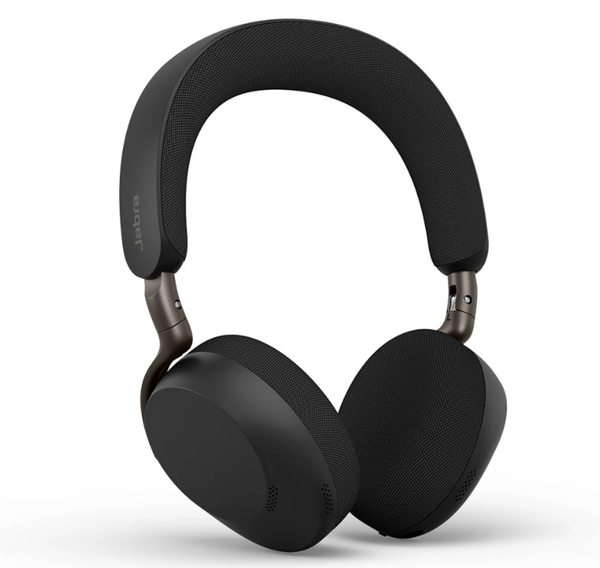
Jabra Evolve3 75 Wireless Headset (Charging Pad Optional)
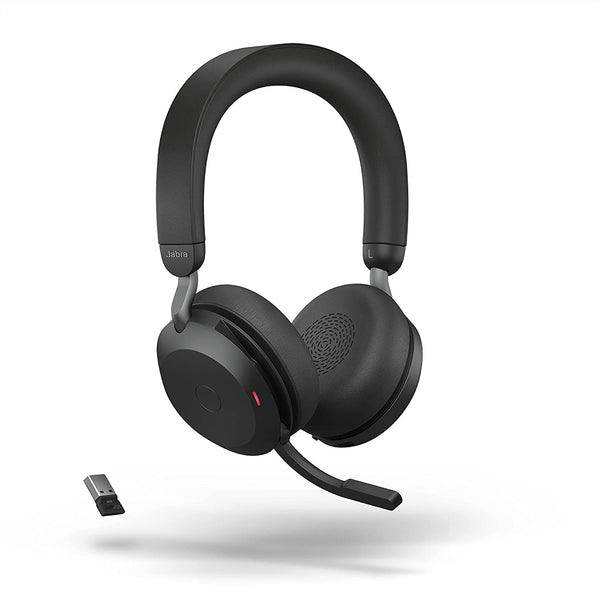
Jabra Evolve2 75 Wireless Headset (Charging Stand Optional)
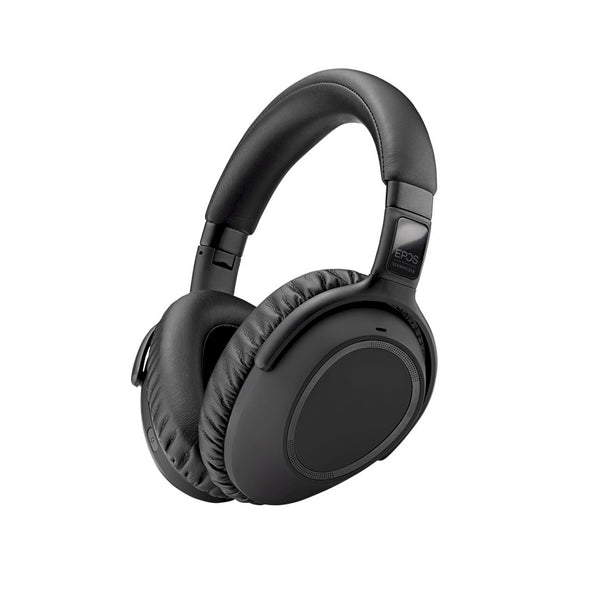

Jabra Evolve3 85 Wireless Headset (Charging Pad Optional)
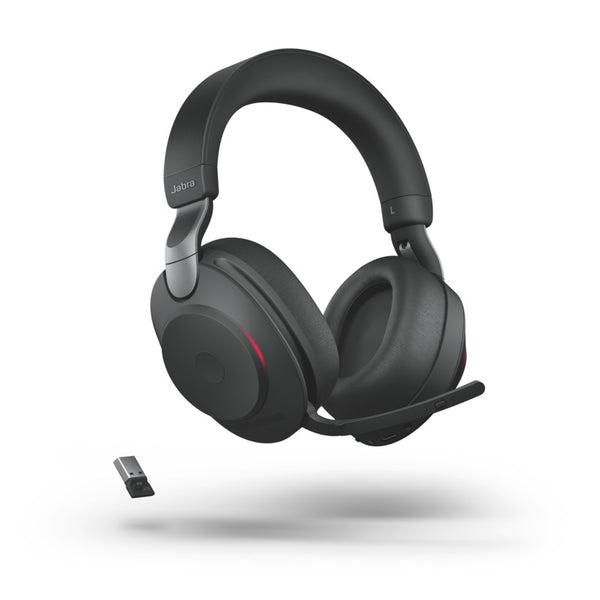
Jabra Evolve2 85 Wireless Headset (Charging Stand Optional)
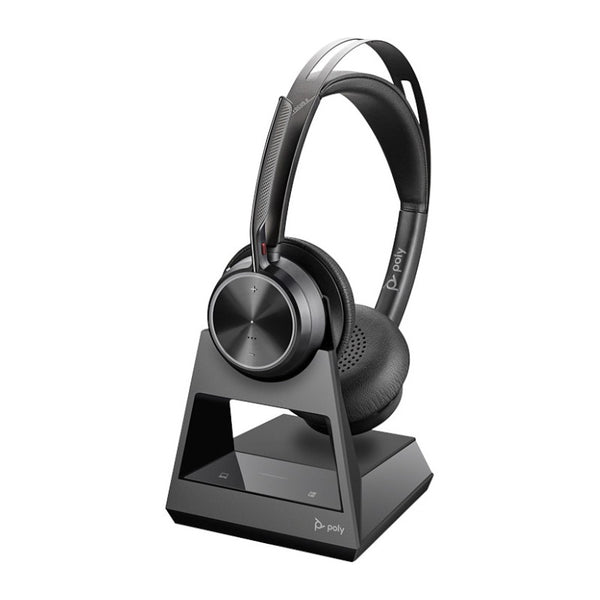
Poly Voyager Focus 2 Office Headset with Desk Phone Base (EHS Options)
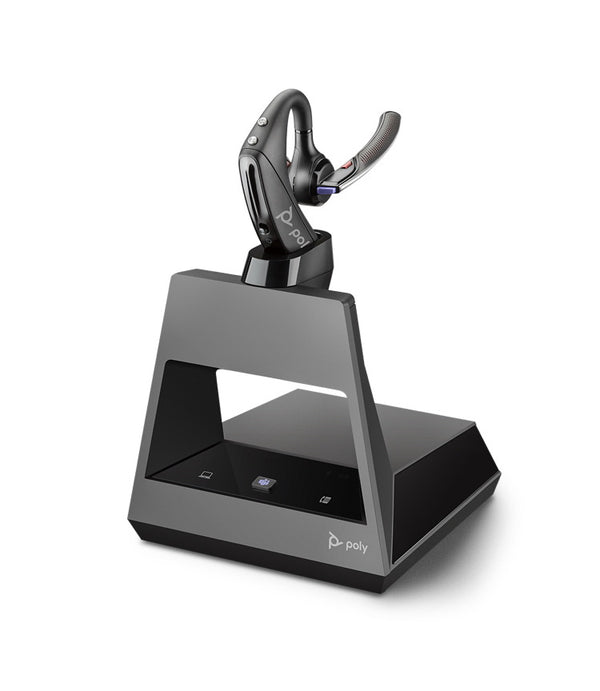
Plantronics Voyager 5200 Office Wireless Headset (2-Way Base)
No products match “” in Bluetooth Headsets.
Bluetooth headset for your phone, your PC or both
| How you call | Get this | Why |
|---|---|---|
| Phone calls all day, one ear | Poly Voyager 4310 | 24 hours of talk time, and it holds two devices at once |
| The lowest price | Yealink BH70 (one ear or two) | Up to 35 hours of talk time, and it holds two devices at once |
| Phone and PC, both ears | Poly Voyager 4320 | 24 hours of talk time, and it holds two devices at once |
| Calls from a noisy place | Poly Voyager Legend 50 | Poly's NoiseBlockAI mic, with 10 hours of talk time per charge |
| Noise canceling over the ear | Yealink BH74, Yealink BH76 Plus | Up to 32 and 35 hours of talk time, and the BH76 Plus is Teams certified |
How to connect a Bluetooth headset to your PC and phone
You pair it the same way every time: put the headset in pairing mode, open Bluetooth settings on your phone or PC, and pick the headset from the list. After that it reconnects on its own when both are on. No cable, no dongle.
One Bluetooth headset for two phones, or a phone and a PC
Almost every headset here keeps two devices connected at once, so a call on your phone or your PC reaches you without re-pairing. This is called multipoint, and it comes in two versions that the box rarely names. Simple multipoint drops the call you're on when you answer the second one. Advanced multipoint puts the first caller on hold instead.
Using a Bluetooth headset with Microsoft Teams
Any of these carries your calls on a PC. The Teams answer, hang up and mute buttons are the part that depends on your computer. Microsoft's bar for a certified headset to control Teams straight over Bluetooth is Windows 11, an integrated Bluetooth radio, and an Intel Core 12th Gen chip or newer, a Snapdragon X or newer, or an AMD model Windows 11 supports.
| Calling from | How it connects | Teams buttons |
|---|---|---|
| Windows 11, Intel 12th Gen or newer | Straight over Bluetooth | Work, on a headset certified for it |
| An older PC | Straight over Bluetooth for calls | Use the headset's USB adapter, where one comes in the box |
| A phone | Straight over Bluetooth | Not needed |
Microsoft sends some people back to the USB adapter even on qualifying hardware: crowded wireless environments, a PC radio already busy with several paired devices, or an older radio the manufacturer no longer supports. The certification covers Classic Bluetooth only, not LE Audio, and macOS is not supported yet.
The Bluetooth specification fixes transmit power, from -20 dBm to +20 dBm, and a minimum receiver sensitivity, not a distance, so bluetooth range depends on antennas and obstacles. HP rates the Poly BT700 adapter at up to 50 m, and how to pair a plantronics bluetooth headset covers the sequence when one will not appear.
FAQ
Frequently Asked Questions
Yes. Put the headset in pairing mode, open Bluetooth settings on your PC and pick it from the list, the same as on a phone. The USB adapter that comes with some headsets is optional. It helps when your PC has no Bluetooth of its own, or when you want the Teams buttons on an older computer.
Yes. A Bluetooth headset pairs with an iPhone or an Android phone the same way: put the headset in pairing mode, then pick it from your phone's Bluetooth settings. After that it reconnects on its own whenever both are on.
Yes, if it supports multipoint, and almost every headset on this page does, including the Poly Voyager 4310, Yealink BH70 and Jabra Evolve2 55. It keeps two devices connected at once, so a work phone and a personal phone, or a phone and a PC, can share one headset. Some versions drop the first call when you answer the second, and others put it on hold, so check which one it is if you take calls on two lines.
Classic Bluetooth cannot send stereo audio out and carry your microphone back at the same time. So Windows 11 switches a Bluetooth headset to the Hands-Free Profile as soon as an app opens the microphone. That profile is mono, at 16 kHz where the radio and the headset both manage wideband speech and 8 kHz where they do not. Noise canceling does not change this, because the switch is Windows choosing a profile rather than anything about the microphone.
Microsoft Teams certification covers calling, mute and the Teams button, plug-and-play pairing with no extra configuration, and mute status syncing in both directions between the headset and the Teams desktop client. The program's scope is the Teams desktop client only. Microsoft also lists the Teams button as inconsistent when more than one Bluetooth peripheral is connected directly to the same laptop.