


















Plantronics CS55 Replacement/Spare Headset *DISCONTINUED*
Description
*Discontinued* Please look at the new CS540 system as the replacement
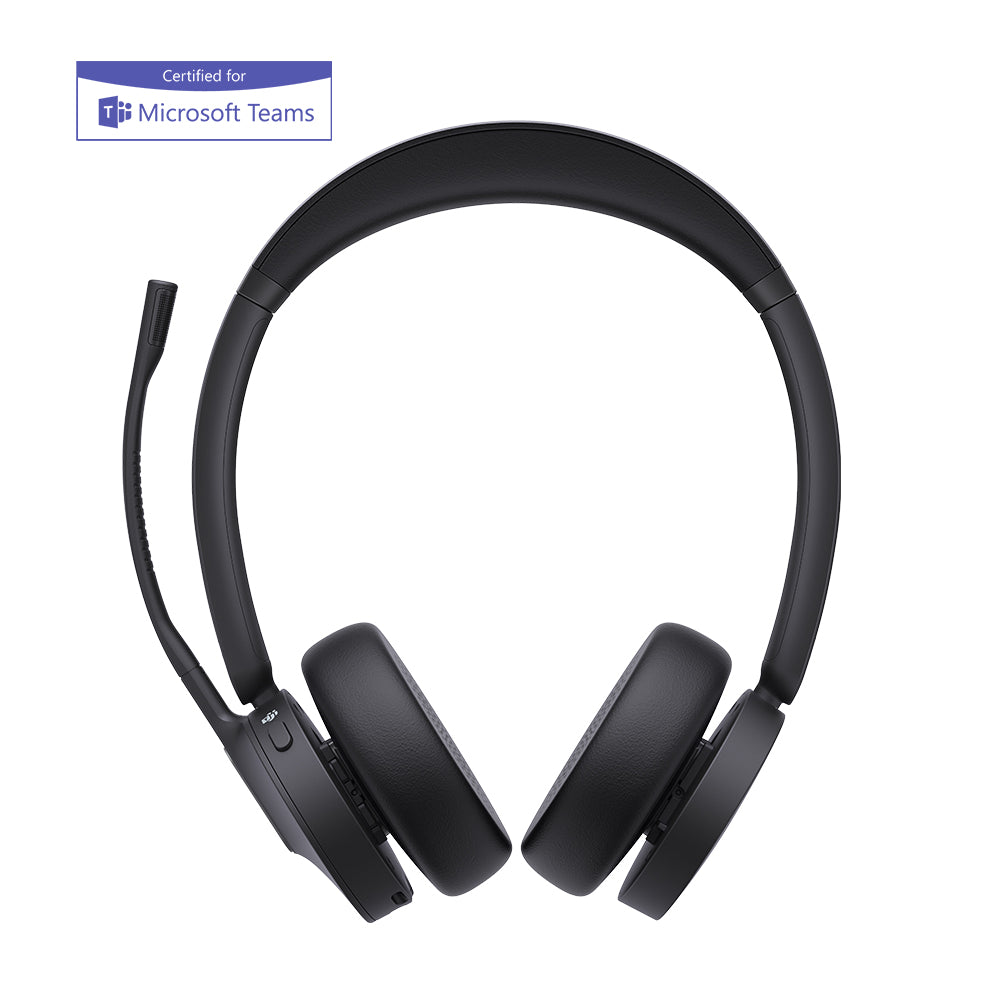
This is the Plantronics CS55 placement headset only (72195-01) for the Plantronics CS55 wireless headset system. This is the replacement headset If you lost or broken your Plantronics CS55 headset. This part will not work on its own so only order this item if you already have the complete Plantronics CS55 system and only need to replace the headset itself.
Note: This replacement headset does NOT come with CS55 ear loops or CS55 Headband.
Instructions to pair this headset to your existing CS55 base: (it will not work if you don't)
NOTE: Before syncing the system make sure the IntelliStand switch (on the right side of the charging base) is in the "_" position and NOT the "=" position.
To Sync:
1. Return the headset to the charging base.
2. Press and hold both the + and - buttons on the back of the charging base until the red light on the front of the base starts to flash.
3. Let go of both buttons. The red light should continue to flash.
4. Press the mute switch (black wheel on the top of the headset) straight down until a green light appears on the headset. Then let go of the wheel, and the light should remain on the headset.
5. Disconnect the AC power adapter from the bottom of the base unit for 5 seconds, then reconnect it.
6. Pairing is finished when the red light on the base is fully illuminated and the green light on the headset disappears.
7. Remove the headset from the charging base, and press the talk button. The headset and base should now be connected.