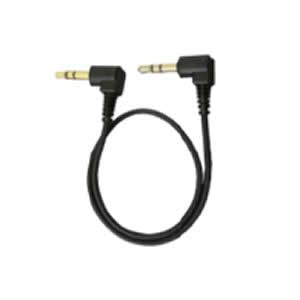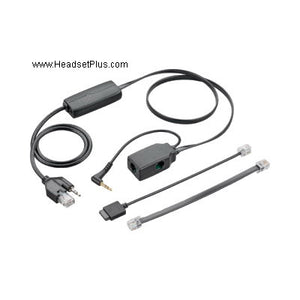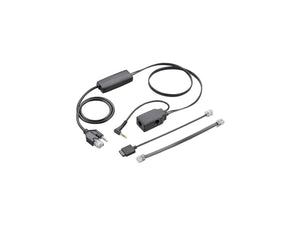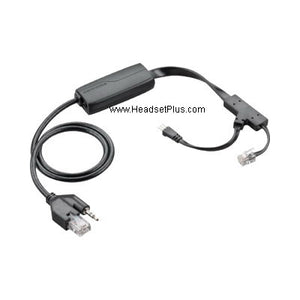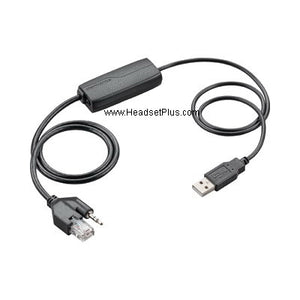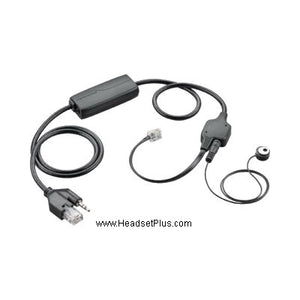













































Plantronics APS-11 Savi/CS500 Hookswitch Cable Aastra/Mitel/Zult
Description
Plantronics APS-11 is compatible with these Plantronics Savi Wireless Headsets:
Plantronics CS540, CS510, CS520 , Plantronics Savi WO100, Plantronics Savi WO200, Plantronics Savi WO300 Plantronics Savi WO350 , Plantronics Savi W740, Plantronics Savi W710 , Plantronics Savi W720 , Plantronics Savi W730 , Plantronics Savi W745
APS-11 Electronic Hookswitch (EHS) works with the following telephone models:
Aastra OpenPhone 71, OpenPhone 73, OpenPhone 75, OpenPhone 73 IP, OpenPhone 75 IP, Office 70, Office 80, Office 70IP, Office 80IP
Aastra 6735i, 6737i, 6739i, 6771, 6773, 6775, 6773 IP, 6775 IP, 6865i, 6867i, 5370, 5380, 5370 IP, 5380 IP
Aastra 53i*, 55i*, 57i*, 57i CT*, 6753i*, 6755i*, 6757i*, 6757i CT* - *These require Part#: D0062-0011-34-00 DHSG CABLE KIT.
Siemens OpenStage 40, OpenStage 60, OpenStage 80, Optipoint 410 with acoustic adaptor, Optipoint 420 with acoustic adaptor, Optipoint 500 with acoustic adaptor, Optipoint 600 with acoustic adaptor
Does NOT supported Siemens Realitis Systems.
Agfeo ST30 (HS-Module 30 required), ST31, ST40
Auserwald COMfortel 2500
Funkwerk CS290-U, CS410, CS410-U, IP-S400
Mitel 5370, 5370 IP, 5380, 5380 IP, 6735i, 6737i, 6739i, 6753i, 6755i, 6757i, 6771, 6773, 6773 IP, 6775, 6775 IP, 6865i, 6867i, 6869i, 6920, 6930, 6769i, 7434 IP and 7444 IP
Swyx L420s, L440, L520s, L540
Zultys ZIP Phone 51e, 53e, 53i, 55i, 57i, 57i CT, 59i
Obihai 1032, 1062
T-Com Comfort Pro 100, Comfort Pro 300, Comfort Pro 300 IP, Comfort Pro 500, Comfort Pro 500 IP, F20, F30, F40, F50, F640, F660, F680, F31IP, L420s, F41 IP, L440
Old Poly part # 37818-11
New HP part # 85Q78AA
Note: This APS-11 EHS requires an initial “wake up” by pressing the headset button on the phone. This is a one time “wake up” unless the product is disconnected
Note: For APS-11 to work you need to change Mitel phone settings to enable the EHS functionality. Make the following in the phone menu by press the button with the gear icon to open the menu:
- Go to Preferences – Set Audio – Audio Mode. Select Headset from the list and press the tick button to confirm.
- Go to Preferences – Set Audio – DHSG. Select the “DHSG is On” option and press the tick button to confirm.
Goes With It
You May Also Like