















































Zoom Headsets
Which Zoom headset fits how you take calls
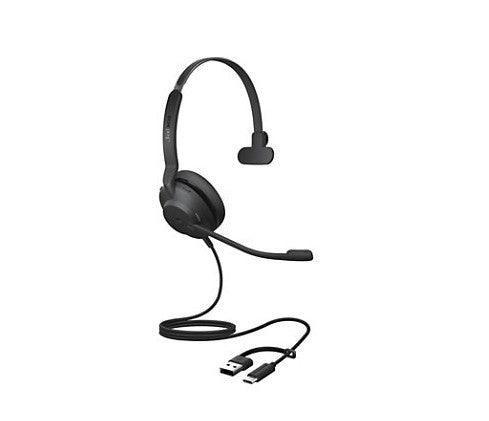
If you take Zoom calls at one desk, a corded USB Zoom headset like the Jabra Evolve2 30 SE is the easy pick. If you get up and move, go Bluetooth with the Poly Voyager 4310.
Every model in this grid is on Zoom's certified hardware list, so the only question left is which one suits the way you work.
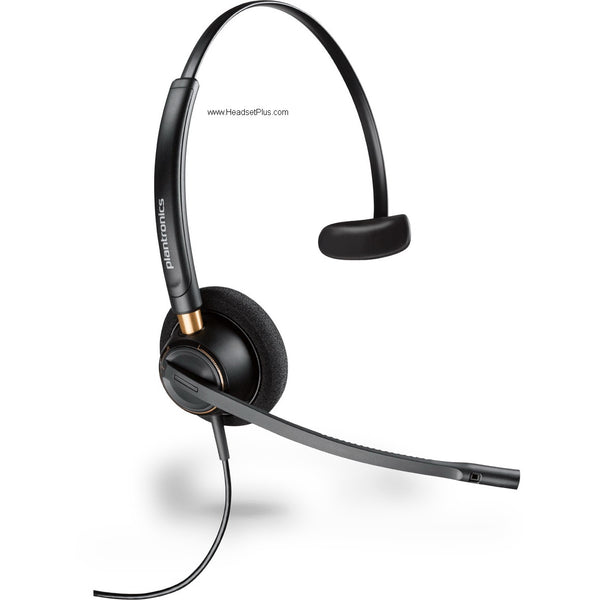
Plantronics EncorePro HW510 Mono Wired Headset (Noise-Canceling or Voice Tube)
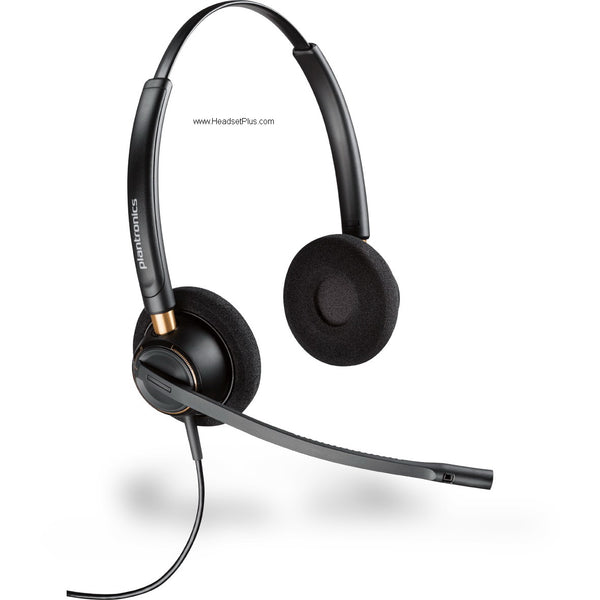
Plantronics EncorePro HW520 Binaural Wired Headset (Noise-Canceling or Voice Tube)
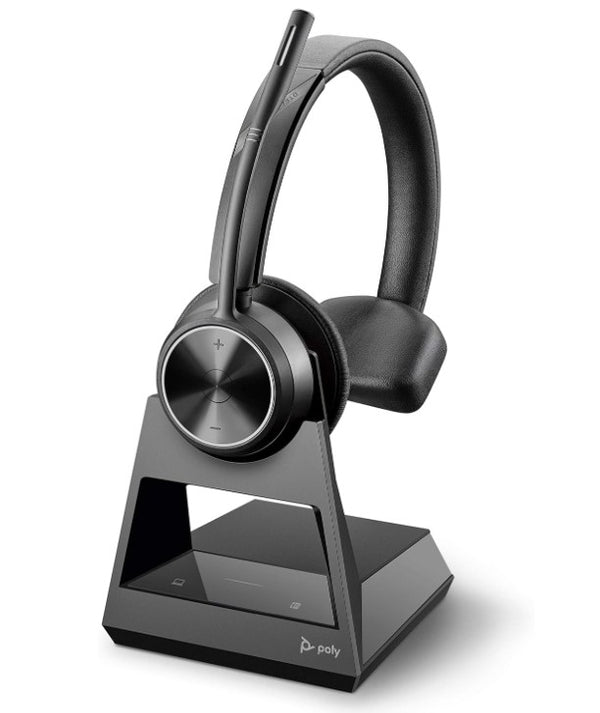
Poly Savi 7310 Mono Office Wireless Headset (EHS Options)
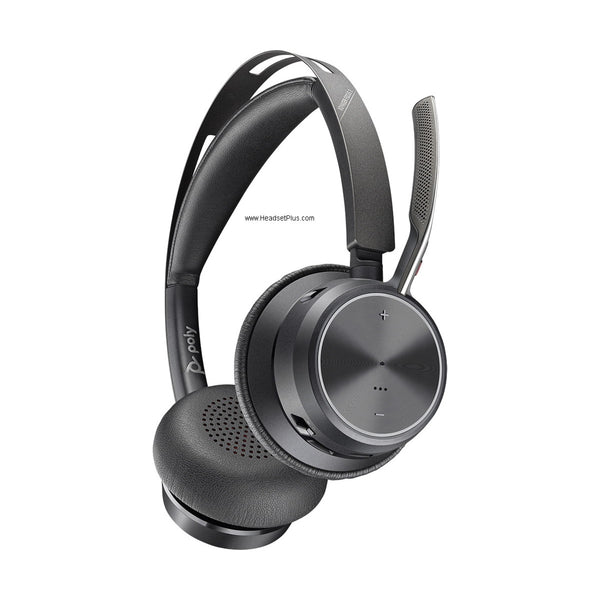
Poly Voyager Focus 2 UC and Teams Wireless Headset (Charging Stand Optional)
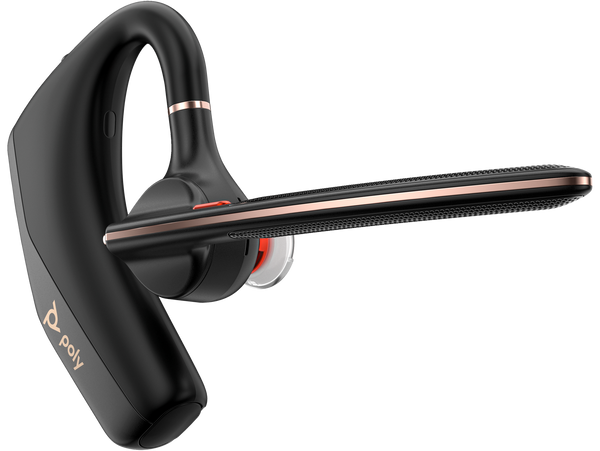
Poly Voyager Legend 50 Mono Wireless Headset
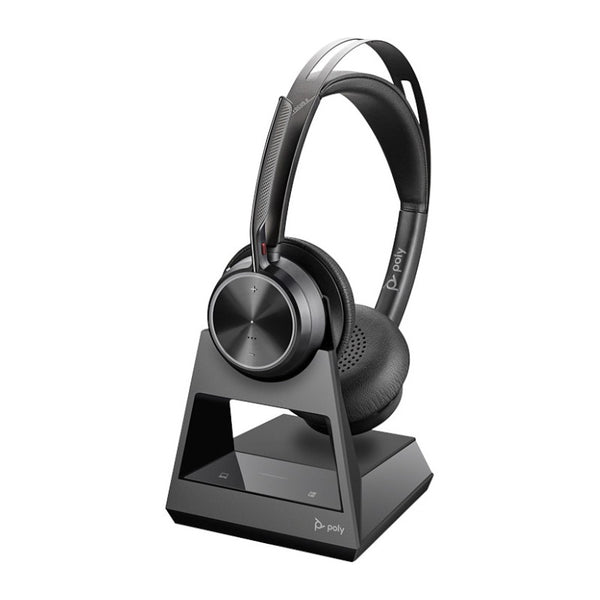
Poly Voyager Focus 2 Office Headset with Desk Phone Base (EHS Options)
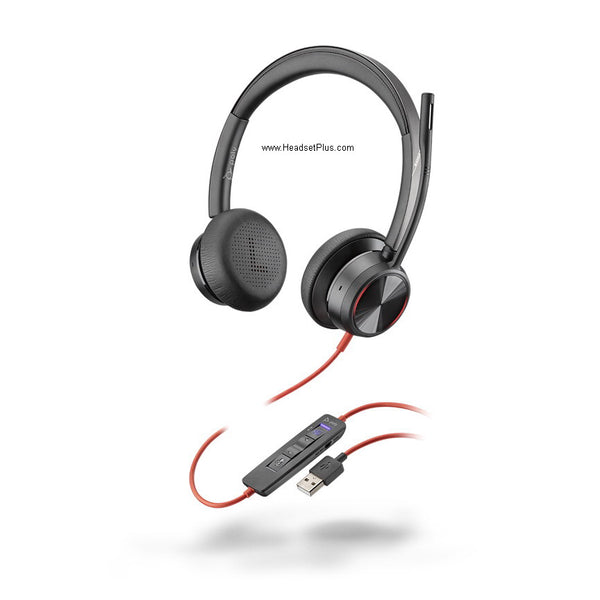
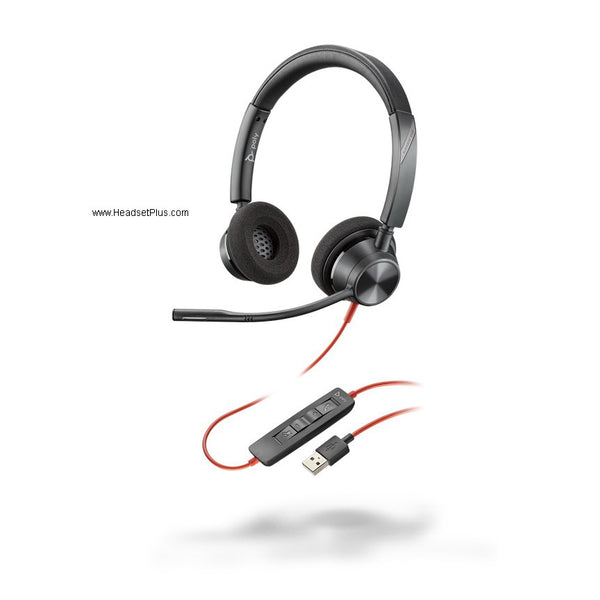
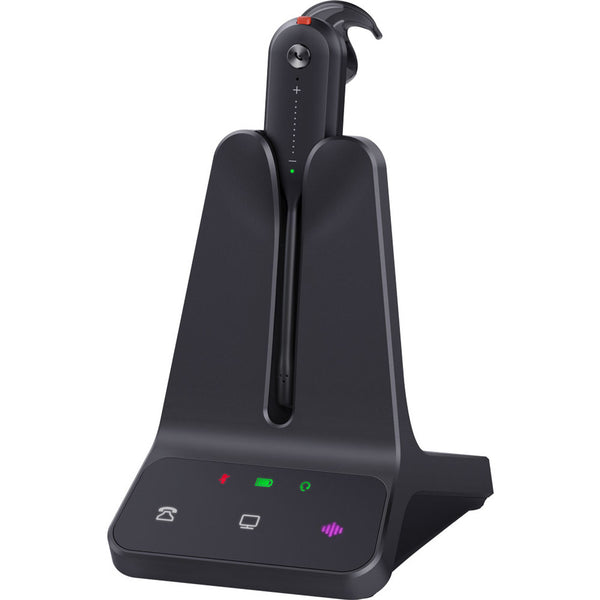
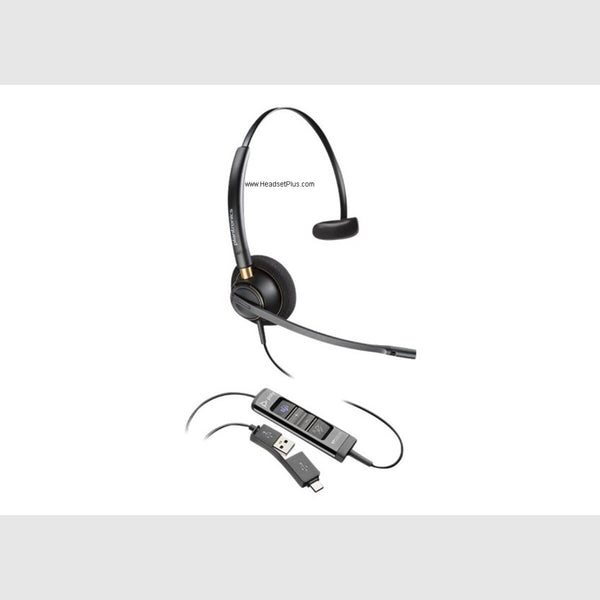
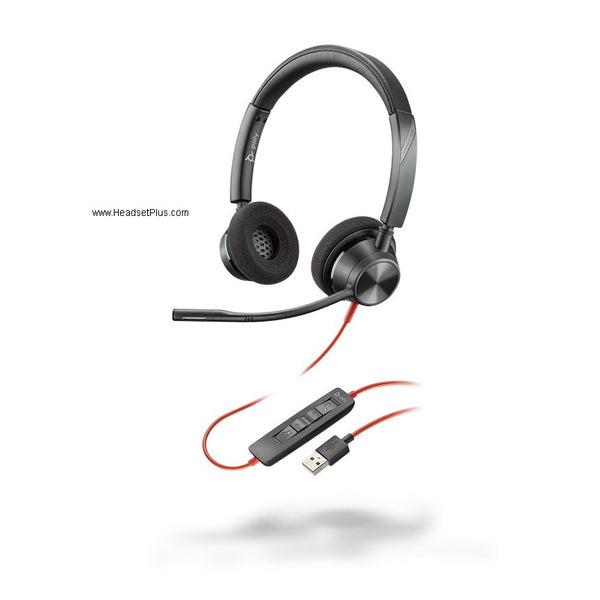
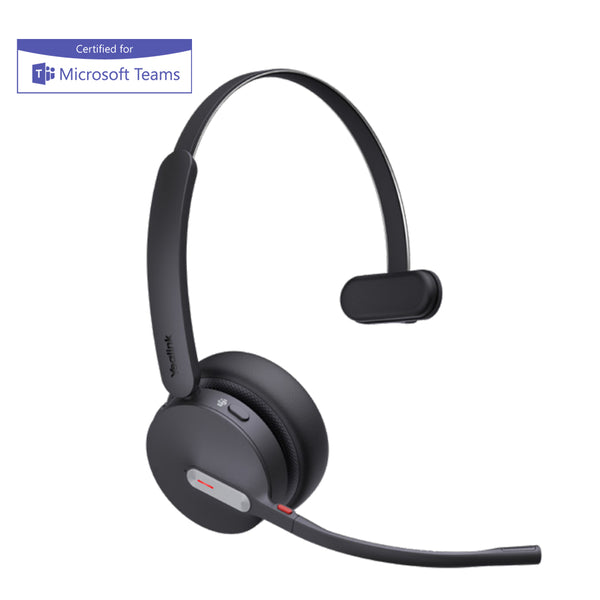
Yealink BH70 Bluetooth Headset (Mono or Dual, Teams Certified)
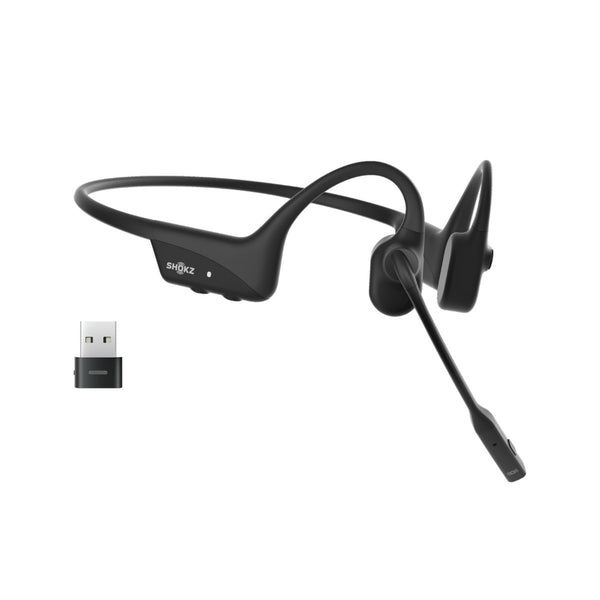
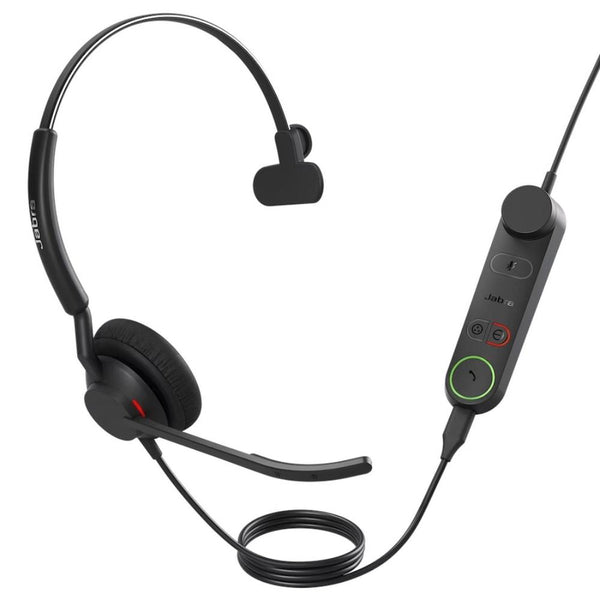
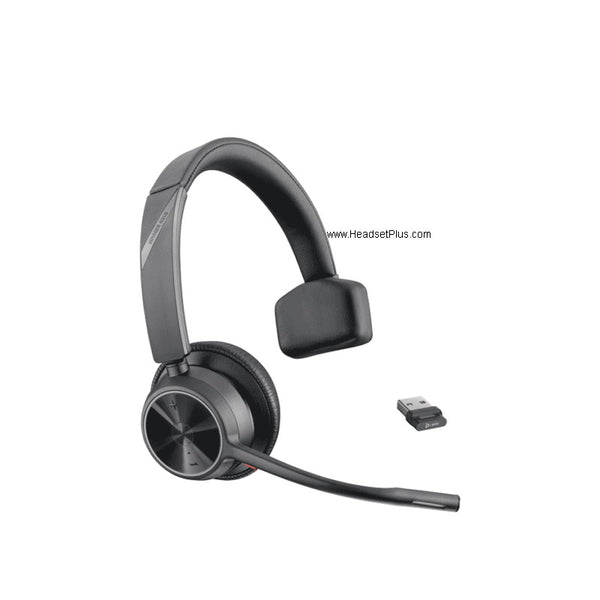
Poly Voyager 4310 Mono Wireless Headset
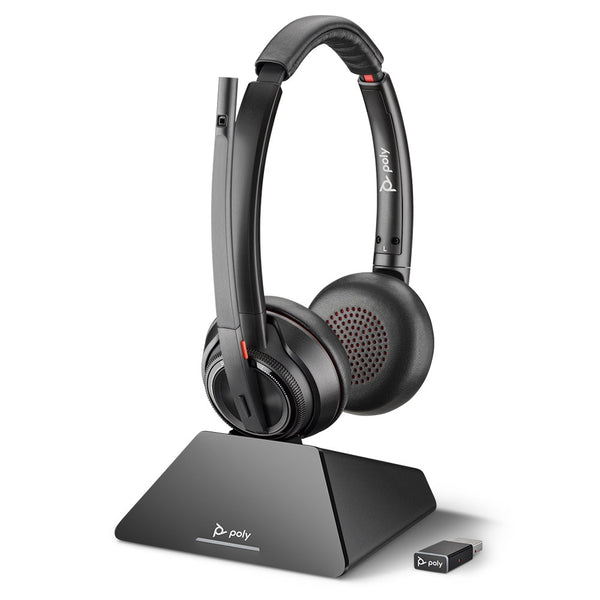
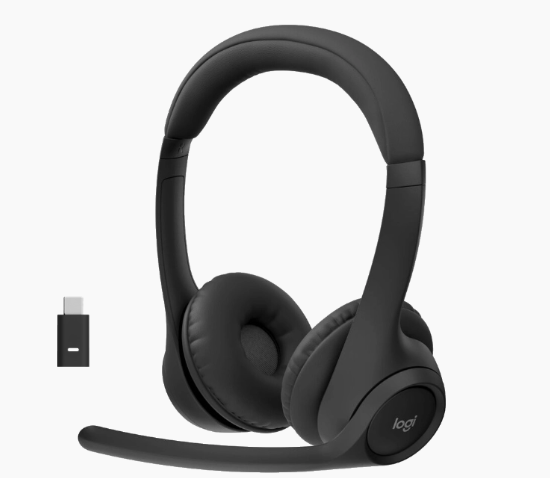
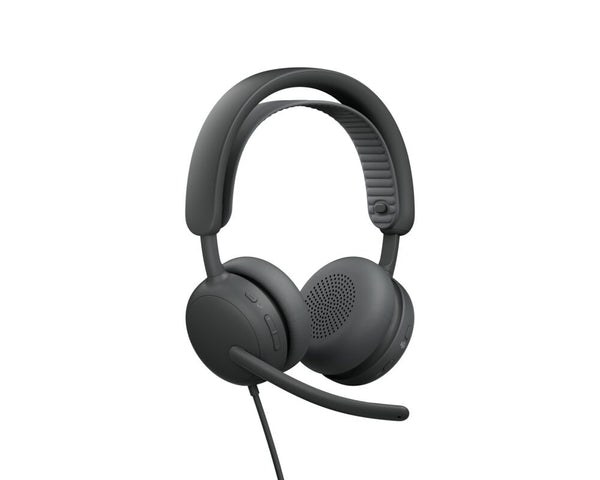
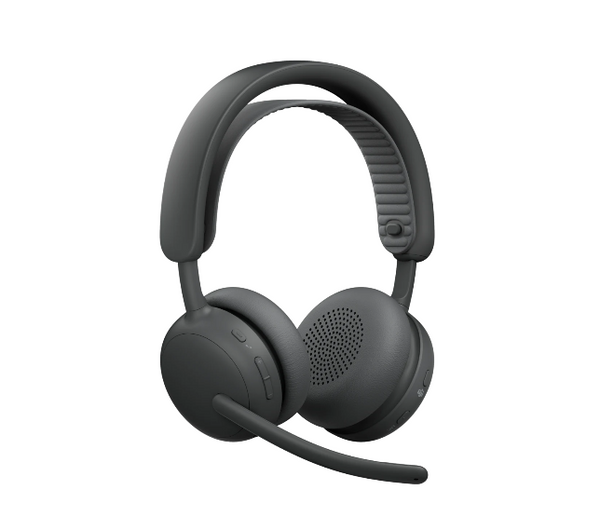
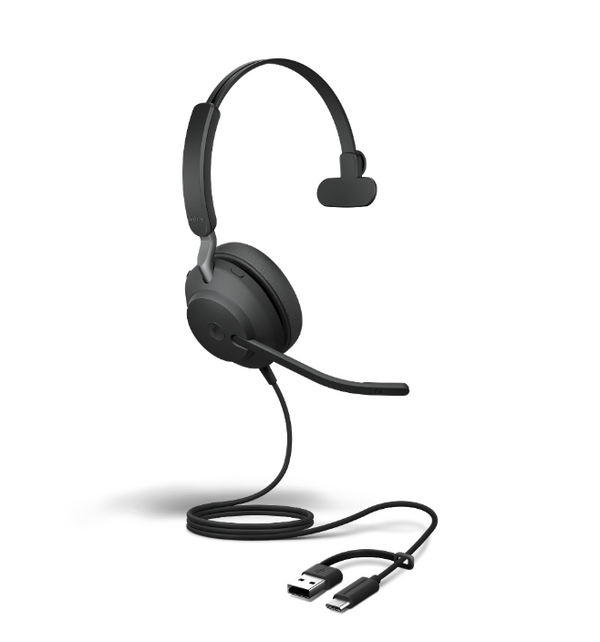
Jabra Evolve2 40 SE Wired USB Headset

No products match “” in Zoom Headsets.
Comparing the Zoom headsets here
There's no single best headset for Zoom. The right one depends on where you sit, how loud the room is, and whether a desk phone is part of your day. Find your row, then look at the models named in it.
| How you take Zoom calls | Connection | Start with | Why |
|---|---|---|---|
| At one desk, back to back | Corded USB | Jabra Evolve2 30 SE, Poly Blackwire 3320 | Nothing to charge or pair |
| Desk, then meeting rooms | Bluetooth with USB adapter | Poly Voyager 4310, Jabra Evolve2 65 | Walks with you, pairs to your phone too |
| Open-plan and loud | Bluetooth with ANC | Poly Voyager Focus 2, Jabra Evolve2 75 | Active noise canceling mutes the room for you |
| Zoom plus a desk phone | DECT with a base | Poly Savi 7310, Jabra Engage 65 SE | One headset for the computer and the desk phone |
| Can't wear ear cups all day | Bone conduction Bluetooth | Shokz OpenComm2 UC, Shokz OpenMeet UC | Sits on your cheekbones, ears stay open |
Picking a headset for Zoom meetings in a noisy room
Noise canceling means two different things on a headset, and they fix different problems. A noise-canceling microphone works on what the other people in the meeting hear: it keeps your keyboard and the colleague behind you out of the call. Active noise canceling (ANC) works on what you hear, turning down the room so you can follow the conversation. Most headsets here have the first. The Voyager Focus 2, Evolve2 75 and Blackwire 8225 add ANC, and in a loud open office you want both.
If a desk phone is still on your desk
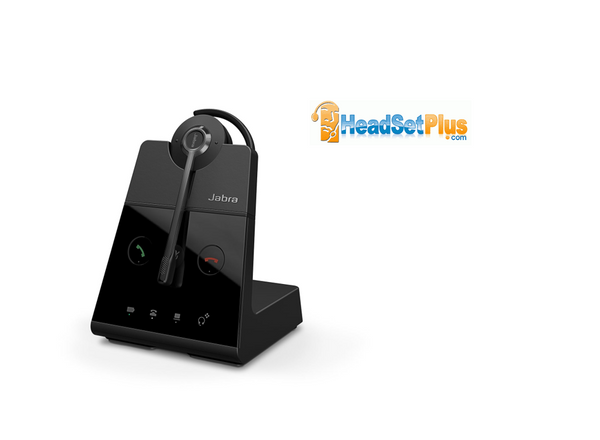
A DECT headset keeps a base on the desk that connects to both the computer and the desk phone, so you answer Zoom and the desk line from one headset. The Poly Savi 7310 and Jabra Engage 65 SE work that way. The Yealink WH64 adds Bluetooth for your mobile as well.
FAQ
Frequently Asked Questions
A Zoom certified headset is one Zoom has tested and put on its certified hardware list. Zoom says certification is there to give one person at their own workstation a high quality calling experience. The certification covers the exact model Zoom names, so match the model name, not just the product family.
Not every Zoom certified headset does. Zoom's own list marks some certified contact center headsets as not supporting the End Call function. If you run calls from the headset buttons, read the note beside the model on Zoom's list before you buy.