

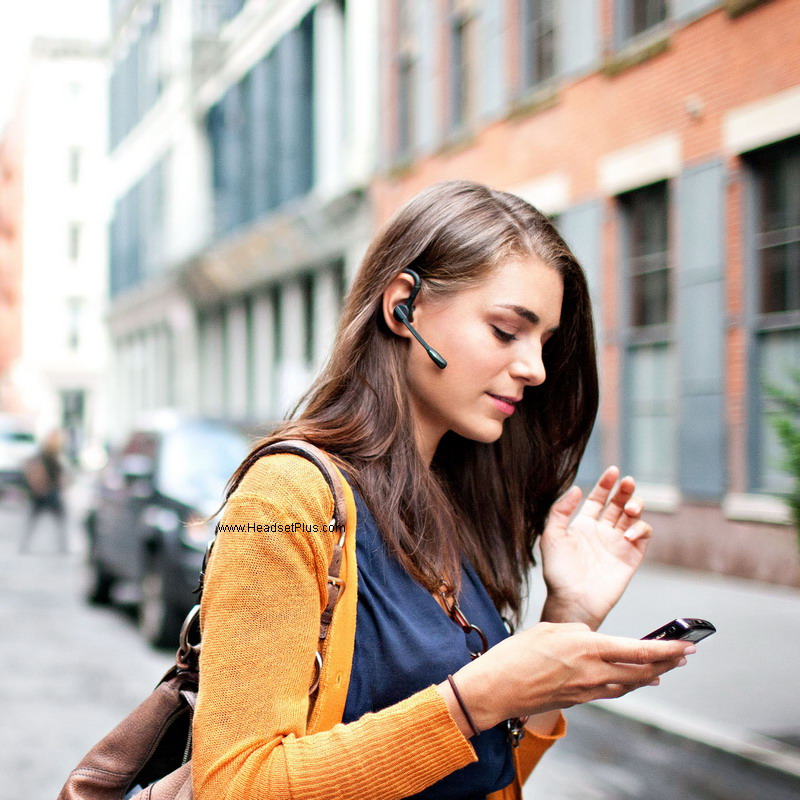
The following are detail instructions on how to Pair (sync) a Plantronics Bluetooth Headset to your Bluetooth Cell Phone:
1 – You need to go into the device you wish to pair it and turn the Bluetooth feature first.
2 – Then you need to place the headset in pairing mode so your phone will find it.
Find your model headset in the instructions below. Once the headset is in “Pairing” mode you will then need to follow the instructions in your cell phone or Bluetooth device’s user guide on how to go it to your phone and search for the headset & pair it to a Bluetooth headset.
The passkey is 0000 (4 Zeros) except models M1000 and M1500 (see below for their number )
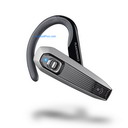
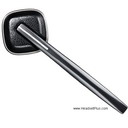
- Plantronics Explorer 220, 230, 320, 330, 340, 350, 360, 370, 380, 390
- Plantronics Voyager 520, 815, 835, 855
- Plantronics Discovery 610, 640, 645, 655, 665, 925, 975
- Plantronics K100
1. Begin with the headset turned off. Press and hold down the silver call control button in for 6-10 seconds. The light will flash blue first. Continue to hold the button down then release the button when the indicator light starts flashing red then blue.
2. Release the button and set the headset aside. Follow the pairing instructions for your cell phone or other Bluetooth device. If prompted for a passkey, enter 0000 (four zeros)
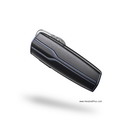
Plantronics M100
Plantronics M1100
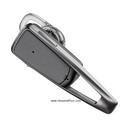
Plantronics Explorer 210, 240, 242, 243, 245, 395
1. Turn your headset powered on. Press and hold the call control button for 5 or 6 seconds until the light starts flashing an alternating red-blue. Release the button and set the headset aside.
2. Follow the pairing instructions for your cell phone or other Bluetooth device. If prompted for a passkey, enter 0000 (four zeros). Note: Do not be alarmed if your phone does not prompt you for a passkey, because many phones do not.
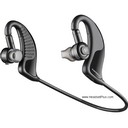
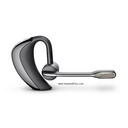
Plantronics Voyager Pro, Pro+
Plantronics Backbeat 903, 903+
1. Begin by turning your headset powered off. Press and hold the power button for 5 or 6 seconds until the light starts flashing an alternating red-blue. Release the button and set the headset aside.
2. Follow the pairing instructions for your cell phone or other Bluetooth device. If prompted for a passkey, enter 0000 (four zeros).
*********** for the older and discontinued models *******************
For the Plantronics 510 Voyager:
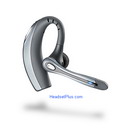
Pressing and holding down the call control button and holding down the volume up at the same time until the indicator light on the headset starts flashing red then blue.
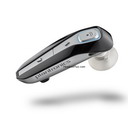
Plantronics 655, 665
Begin with the headset turned off. Press and hold down the silver call control button in for 6-10 seconds. The light will flash blue first. Continue to hold the button down then release the button when the indicator light starts flashing red then blue.
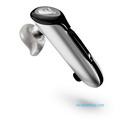
Plantronics Discovery 640, 645, 640e
Begin with the headset turned off. Press and hold down the silver call control button in for 6-10 seconds. The light will flash blue first. Continue to hold the button down then release the button when the indicator light starts flashing red then blue.
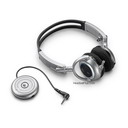
Plantronics Pulsar 590/590e & 590A & a Bluetooth device:
Begin with the headset turned off. Press and hold the call control button then power the headset on and when the indicator light flashes red and blue, release the call control button. Once the headset is paired successfully the headset will flash blue.
For the Plantronics Pulsar 590 & 590A & the Universal Adapter: Begin with the headset turned off. Press and hold the call control button. Power the headset on and when the indicator light flashes red and blue, release the call control button. Turn the Universal Adapter on. Press and hold the adapter pairing/connect button for 7-10 seconds. When adapter starts flashing red and blue release the buttons. The headset and adapter will flash blue when paired successfully.
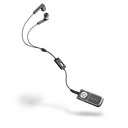 Plantronics Pulsar 260
For the Plantronics Pulsar 260, Begin with pendant powered on.
Press and hold both the mute/play/pause button and the power on/off/pairing button simultaneously. When the indicator light flashes red and blue, release buttons. While pendant is flashing red and blue, use the phone menu to search for Bluetooth devices and select “260 Plantronics.” When prompted for passkey, enter 0000.
For the Plantronics M2500 (discontinued):
Start with the headset powered on. Press and hold down the call control button while also rotating the multi function dial upward (away from the light) until the indicator light on the headset starts flashing red then green. When prompted for passkey, enter 0000.
For the Plantronics M1000 (discontinued):
Hit and hold the volume/mute switch in until the indication light starts blinking.
For the Plantronics M1500 & A500 adapter (discontinued): Turn the headset on and the adapter off. On the headset push in and hold the mute/volume dial until the indicator light begins to flash. On the adapter press and hold the blue power button for 10 seconds. The light on the adapter will flash once after 3 seconds- continue to hold the power button for another-7 seconds until the light flashes red. If the pairing is successful, the headset will sound a tone and both the headset and adapter lights will turn off.
For both the Plantronics M1000/M1500 (discontinued): If you remove the battery cover from the headset and then remove the battery itself. On the Green PC board itself there will be a letter followed by 4 numbers. These 4 numbers are your personal PIN code.




