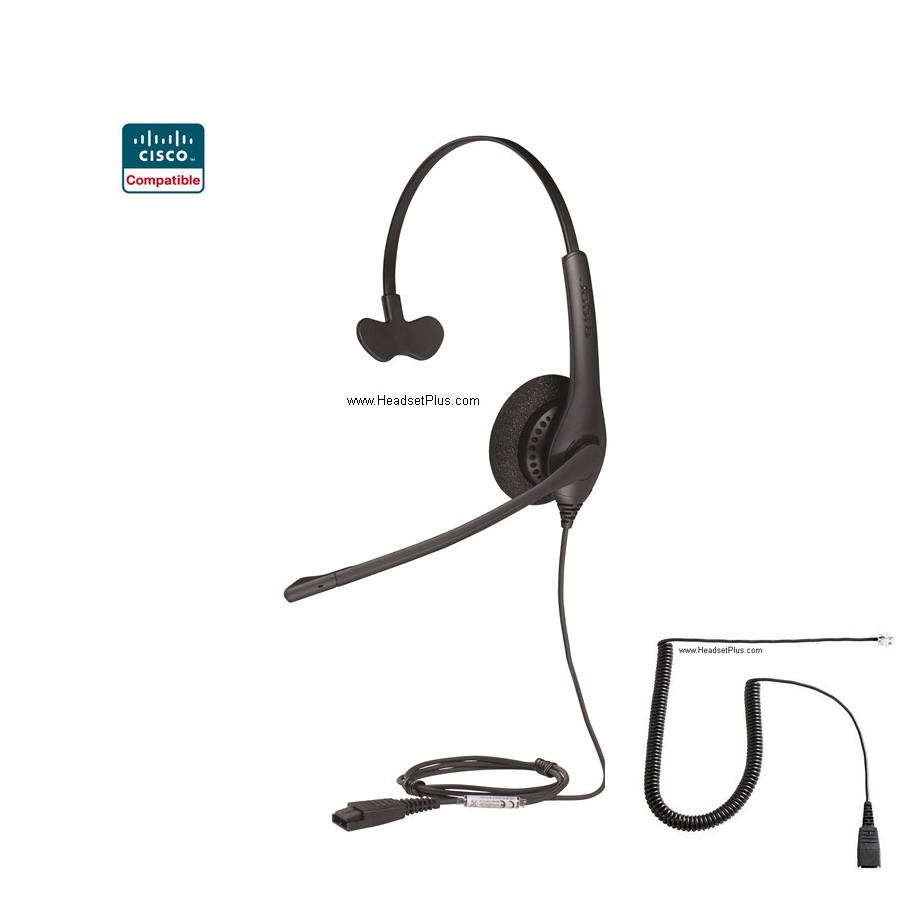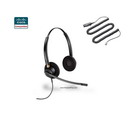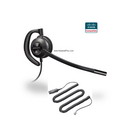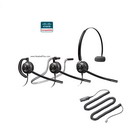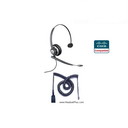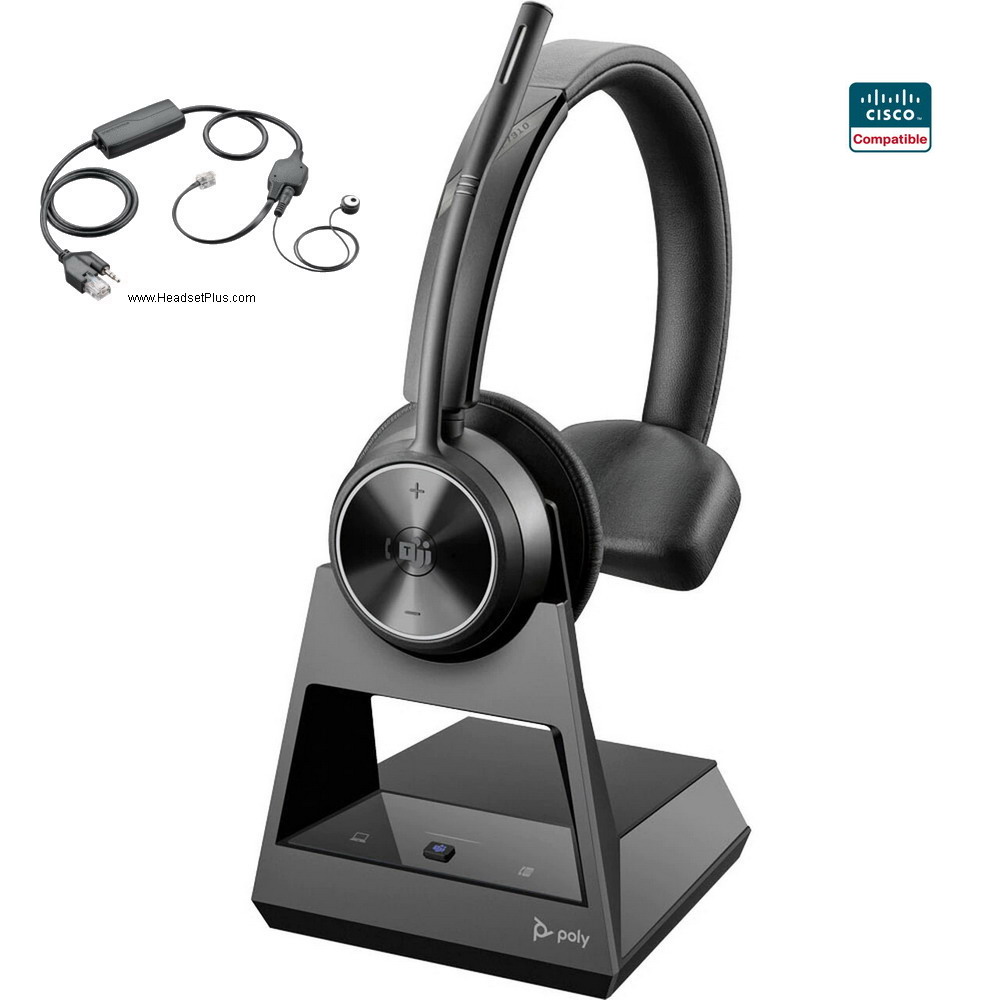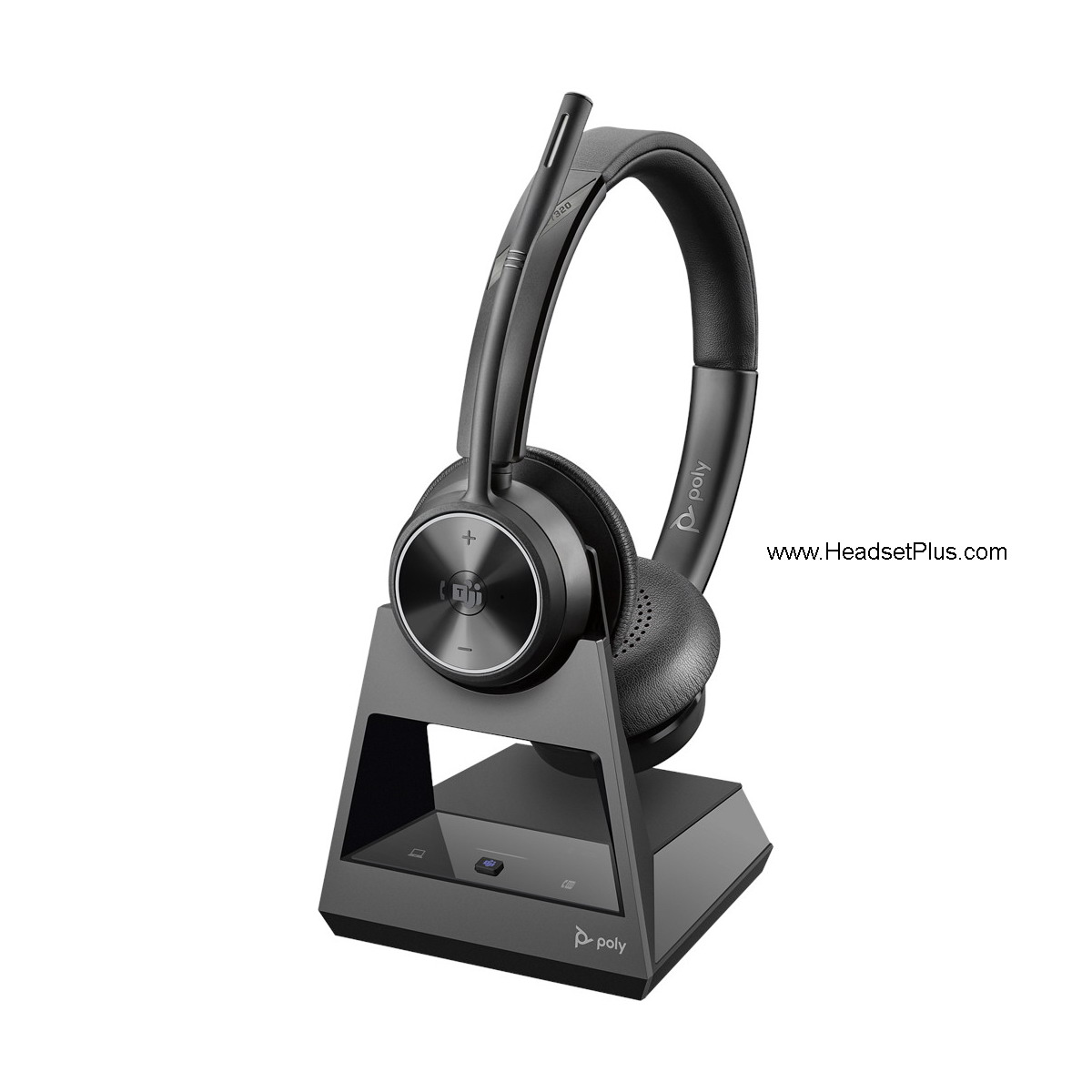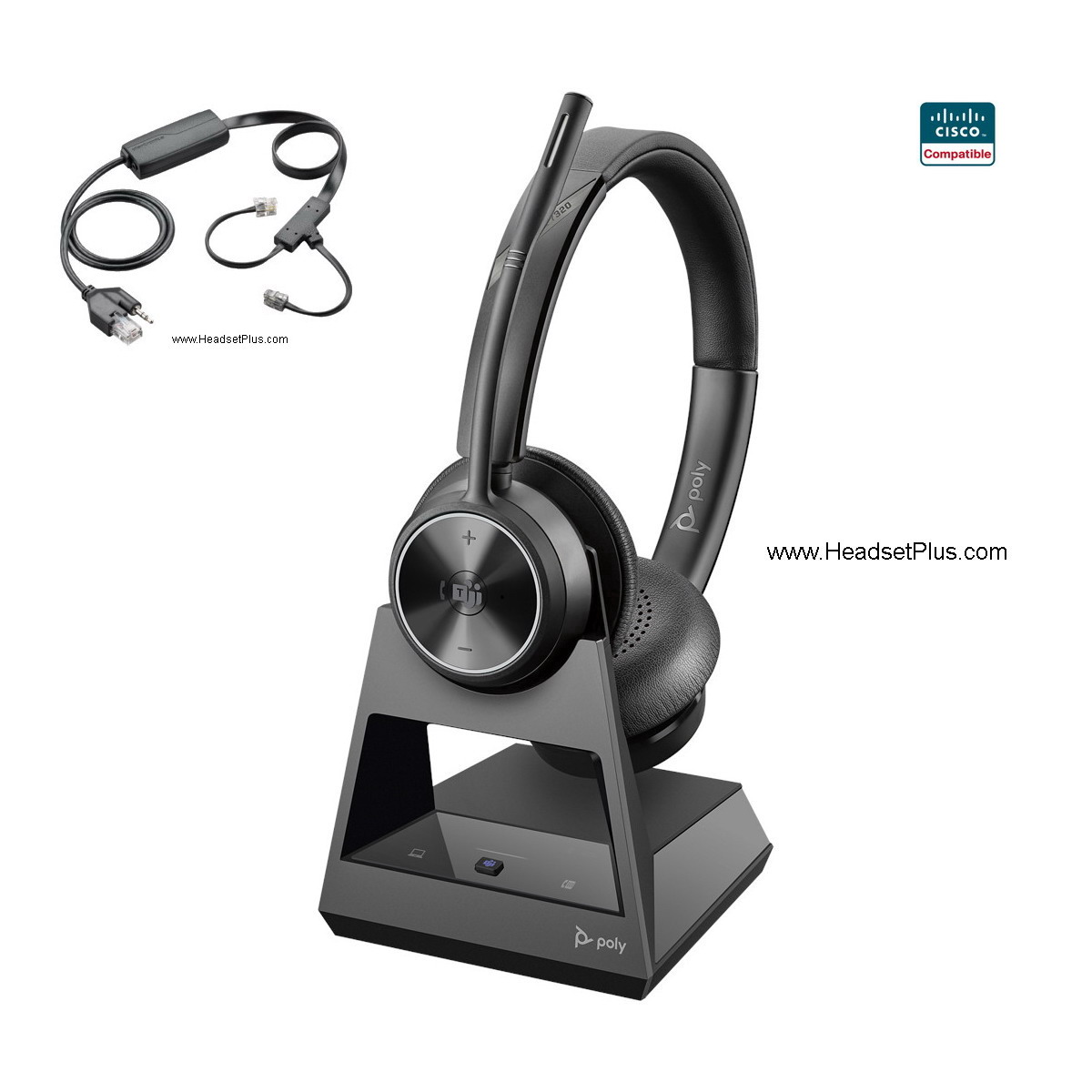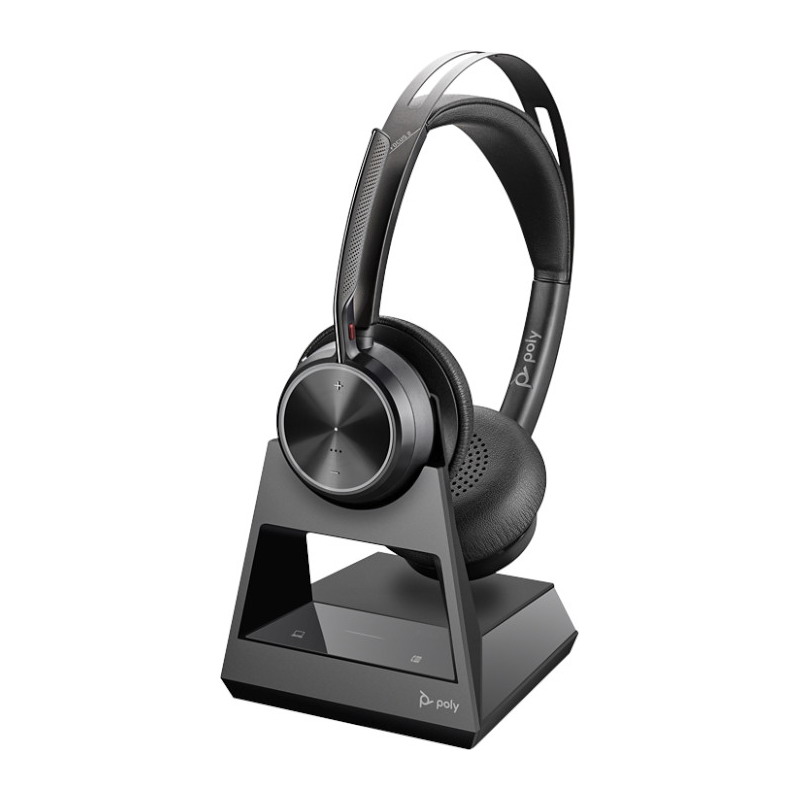
Cisco 6900 7800 7900 8900, 9900 Series Wireless/Corded Headset

We have Cisco compatible wireless headsets (and corded) for the Cisco Unified IP Phone 69xx, 79xx, 89xx, 99xx series IP Phones: 6821, 6841, 6851, 6921, 6941, 6945, 6961, 7821, 7841, 7861, 7931G, 7940, 7940G, 7941, 7941G, 7942G, 7945, 7945G, 7960, 7960G, 7961, 7961G, 7962G, 7965G, 7970, 7970G, 7971G, 7975G, 7985G*, 8811, 8841, 8845, 8851, 8861, 8865 and 8900, 9900 Series (8941, 8945, 8961, 9951, 9971). If your Cisco Phone is not listed, call us for compatibility.
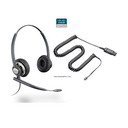
Plantronics Corded Headsets: Select any Plantronics H-Series Headset + this special Plantronics 26716-01 Cisco Cable. These two parts make one headset solution for your Cisco phone
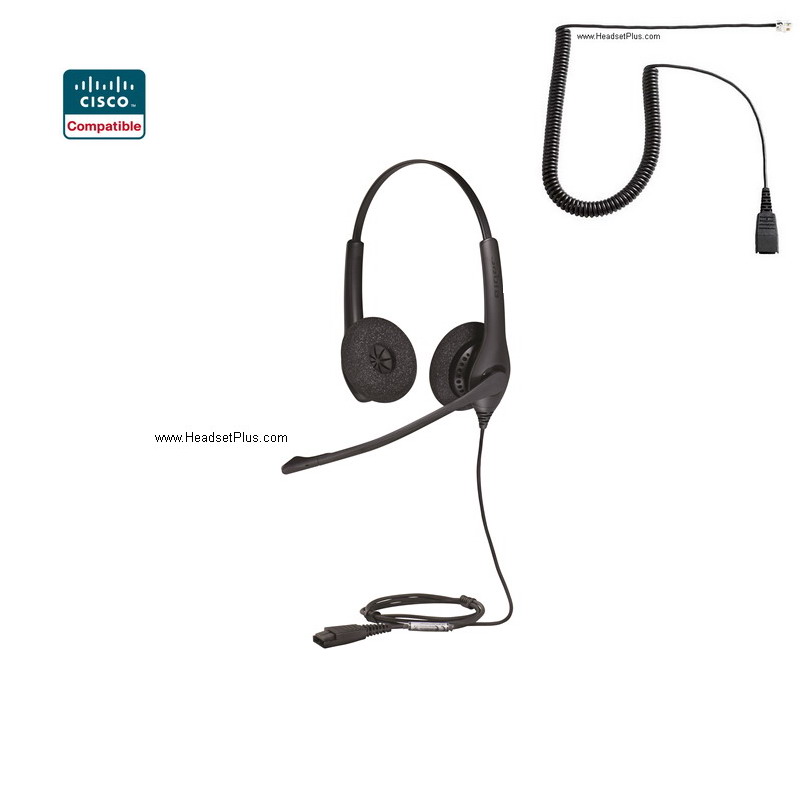
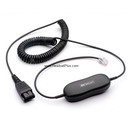
Jabra (GN Netcom) Corded Headsets: Use any Jabra Headsets from the Jabra/GN Direct Connect Headsets page. These headsets already include the GN1200 smart cable (use setting 2). Or pick from any one of the pre-packaged Cisco certified headsets below.
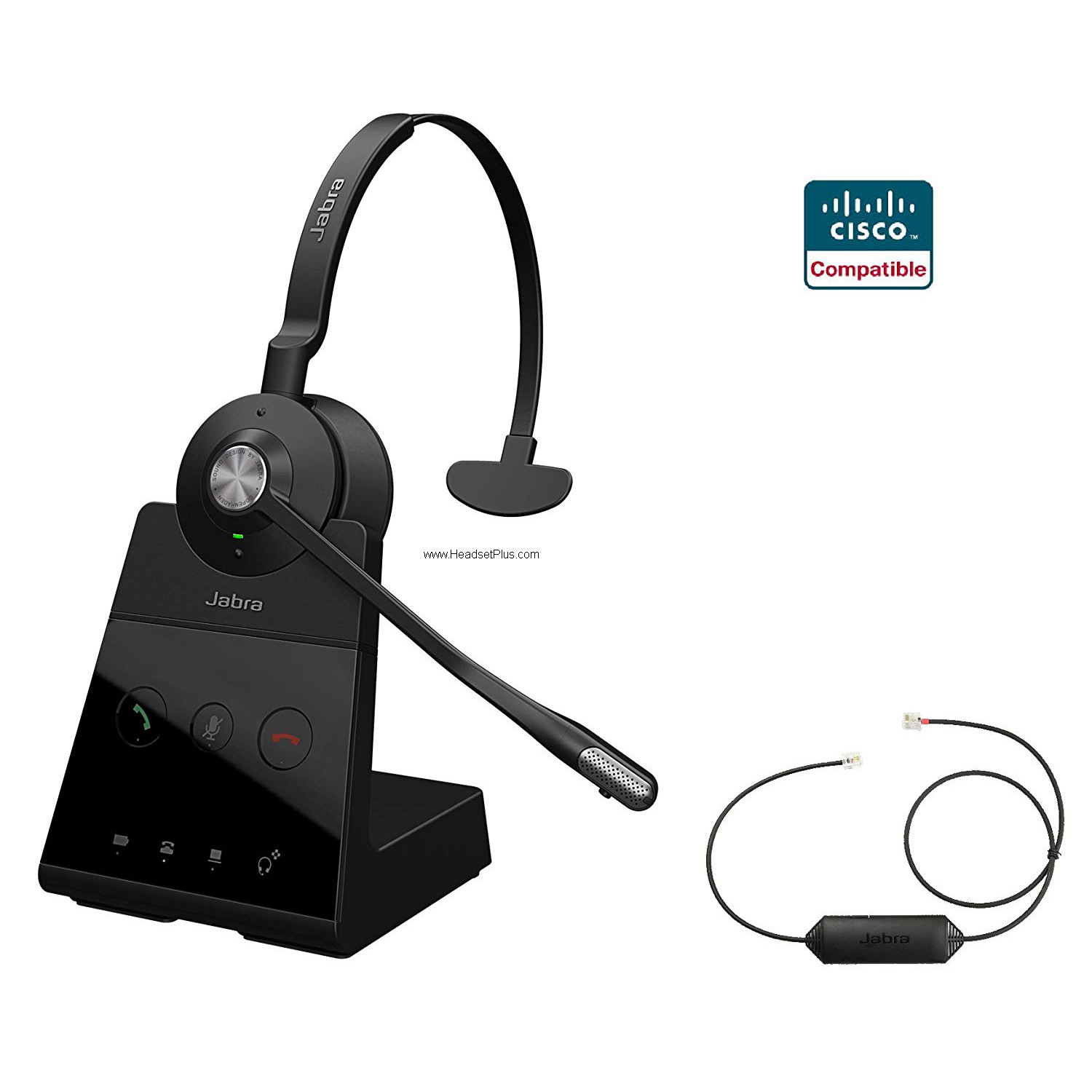
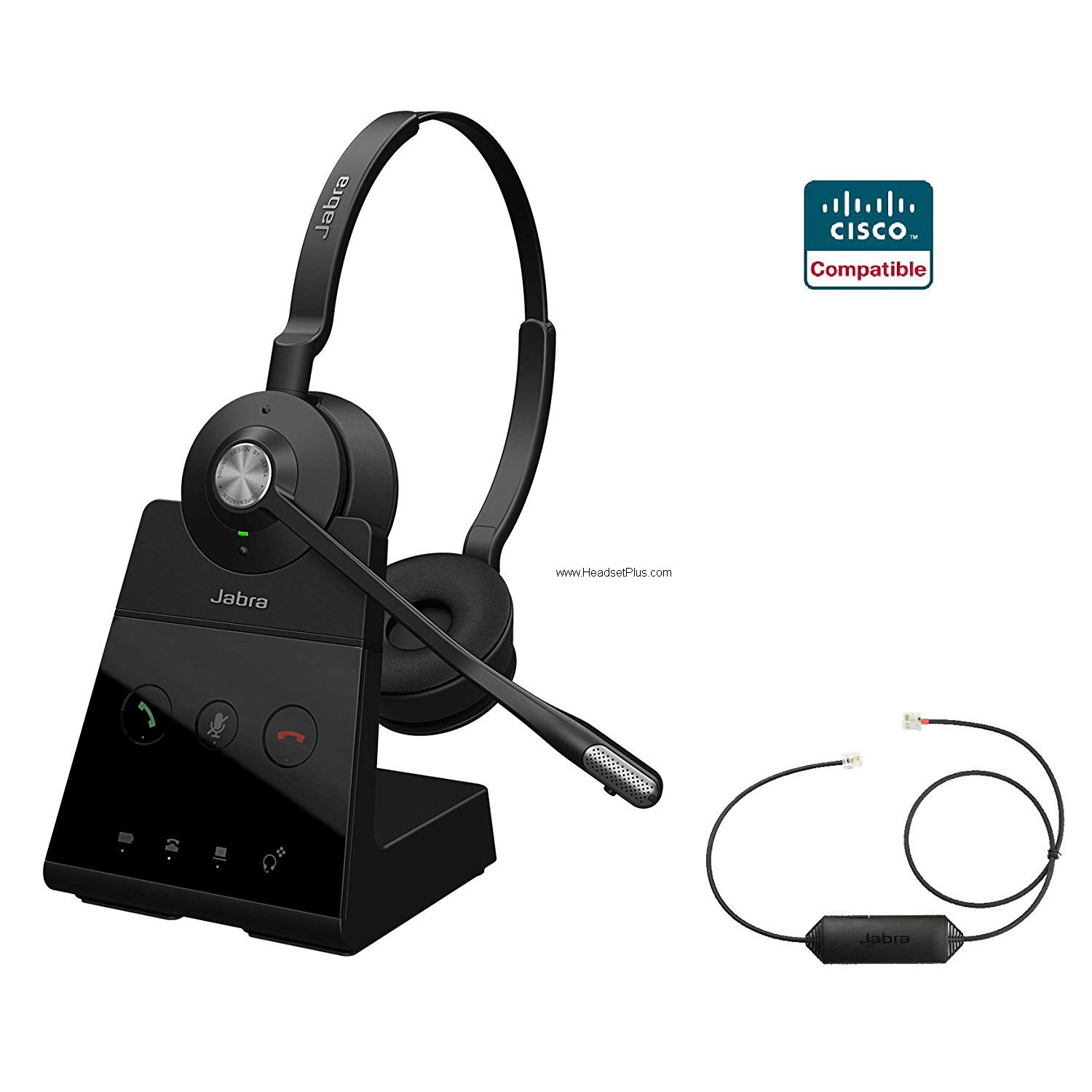
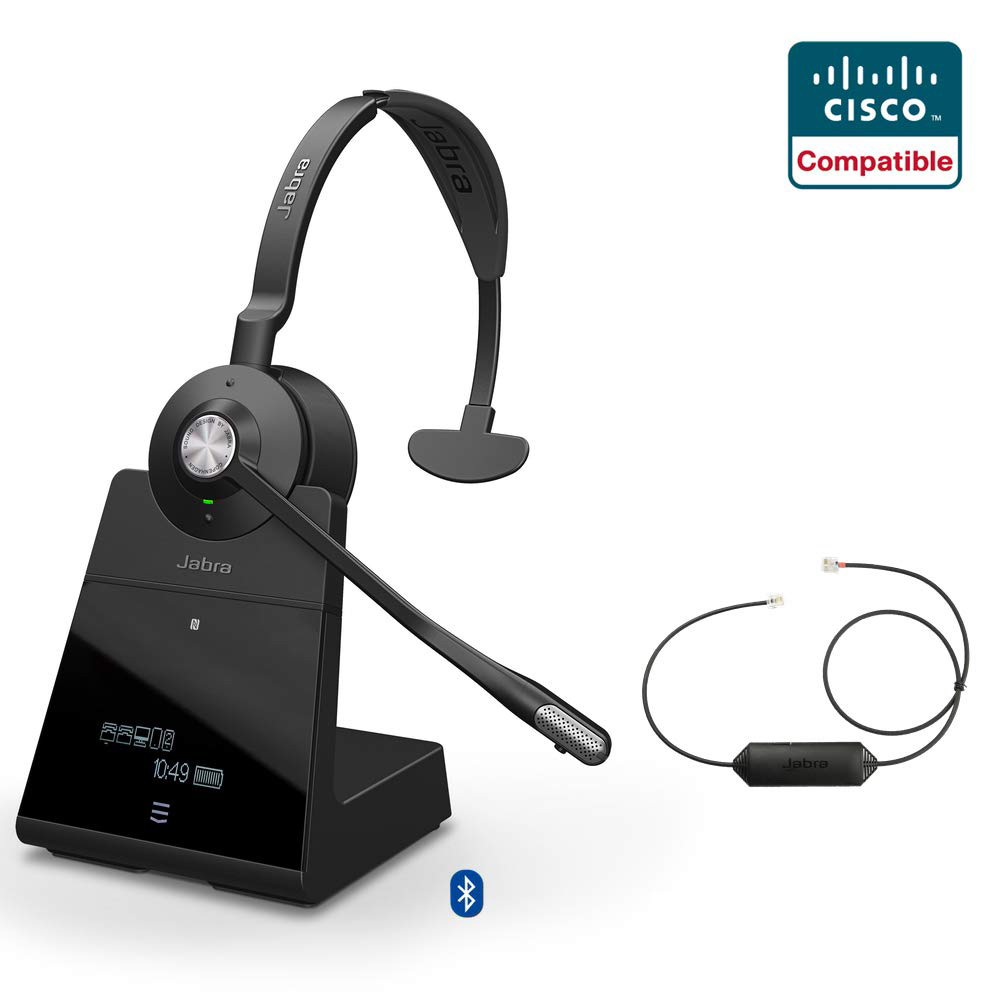
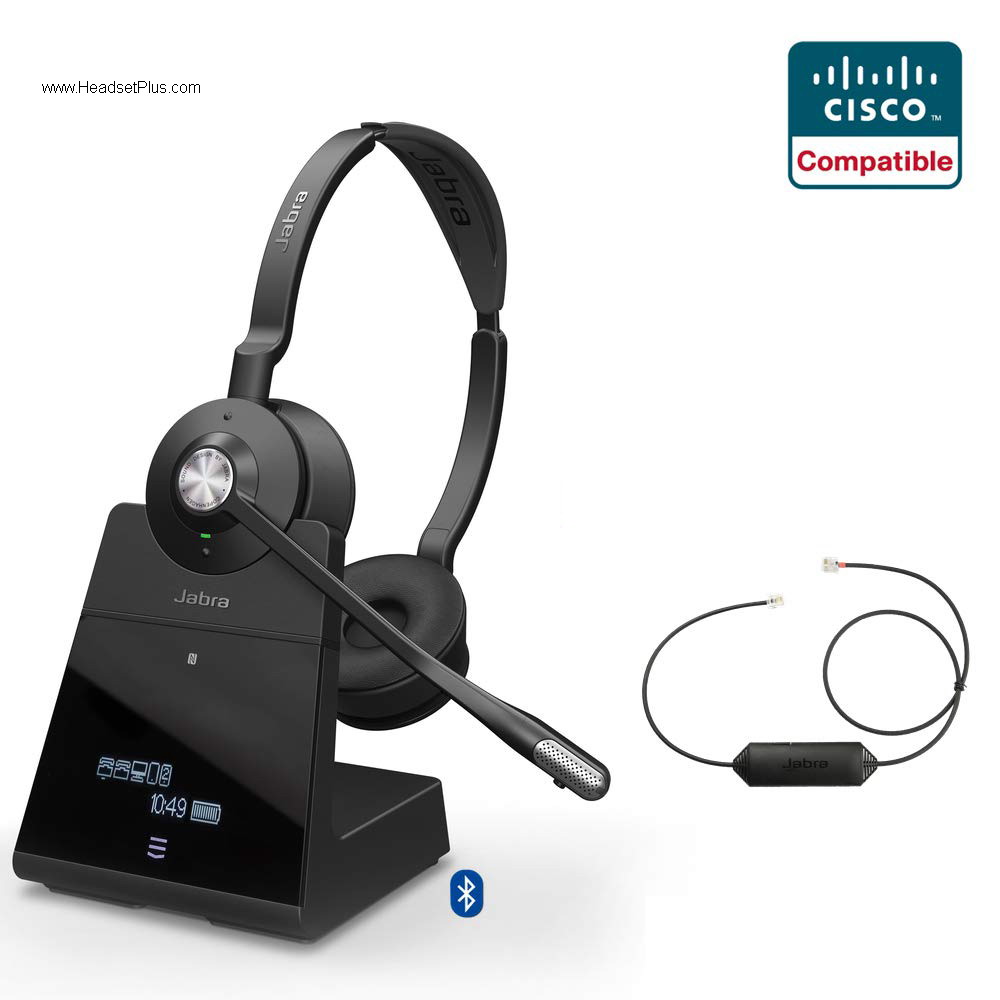
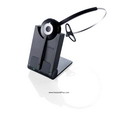
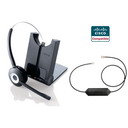
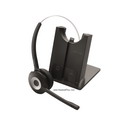
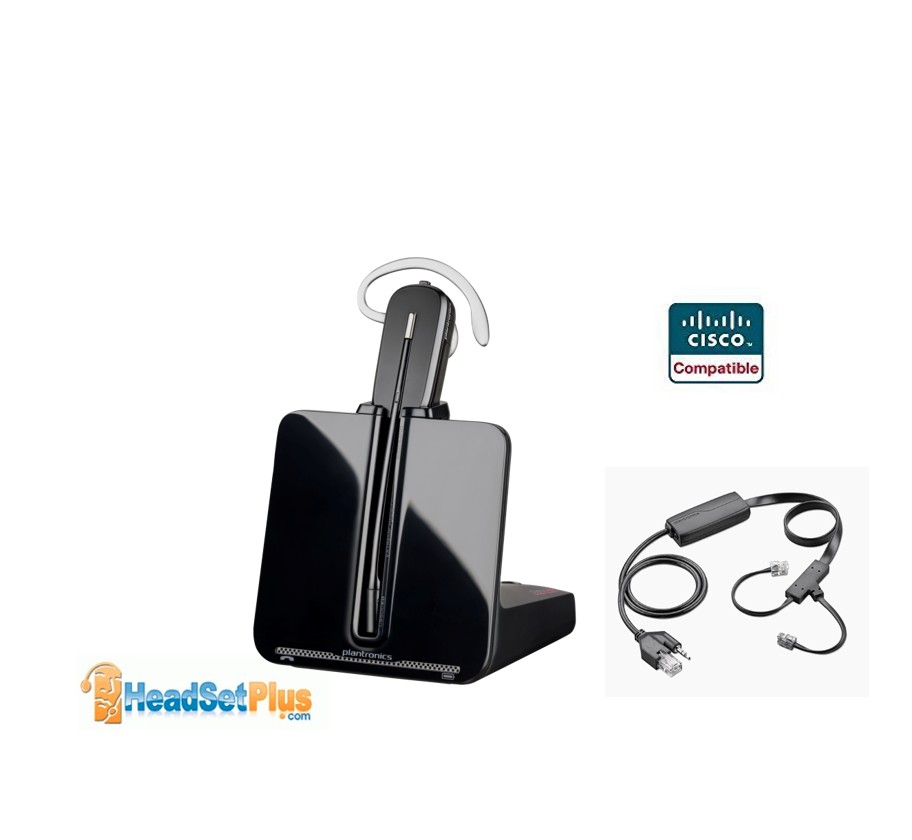
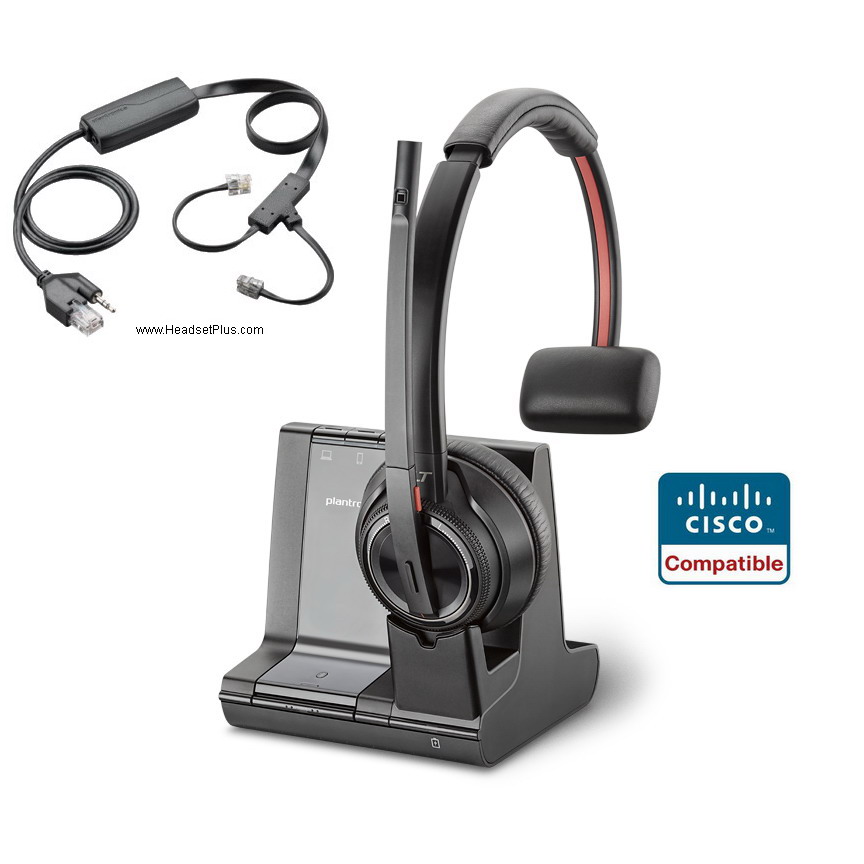
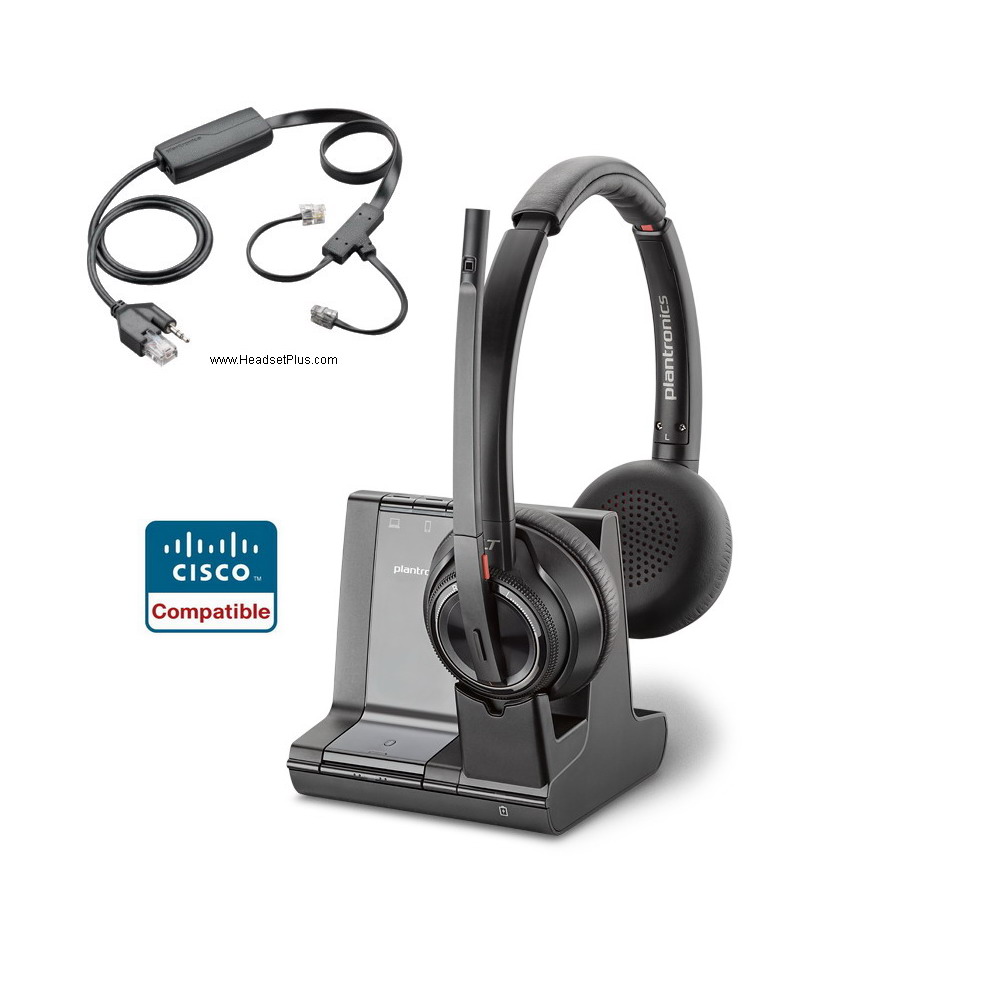
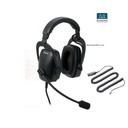
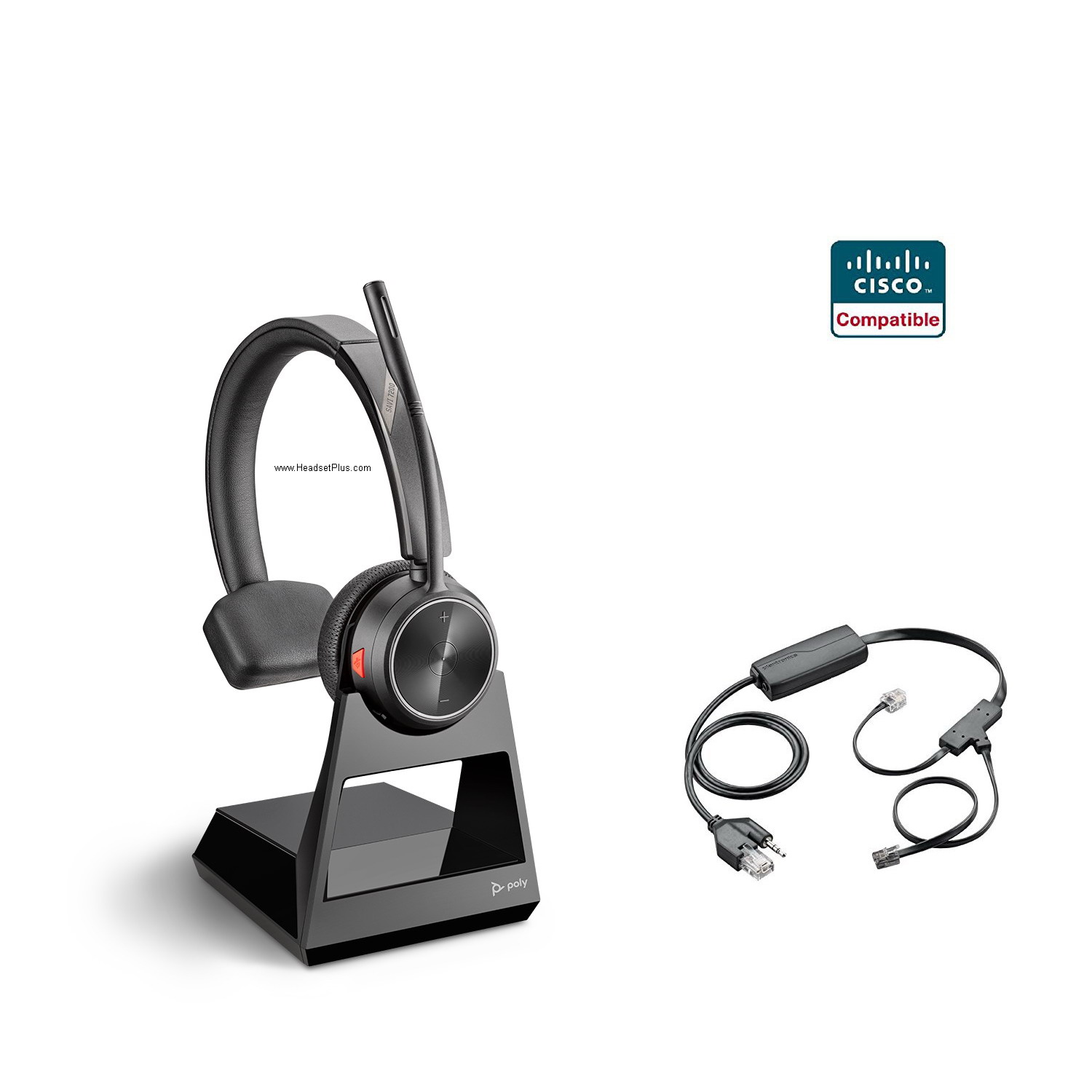
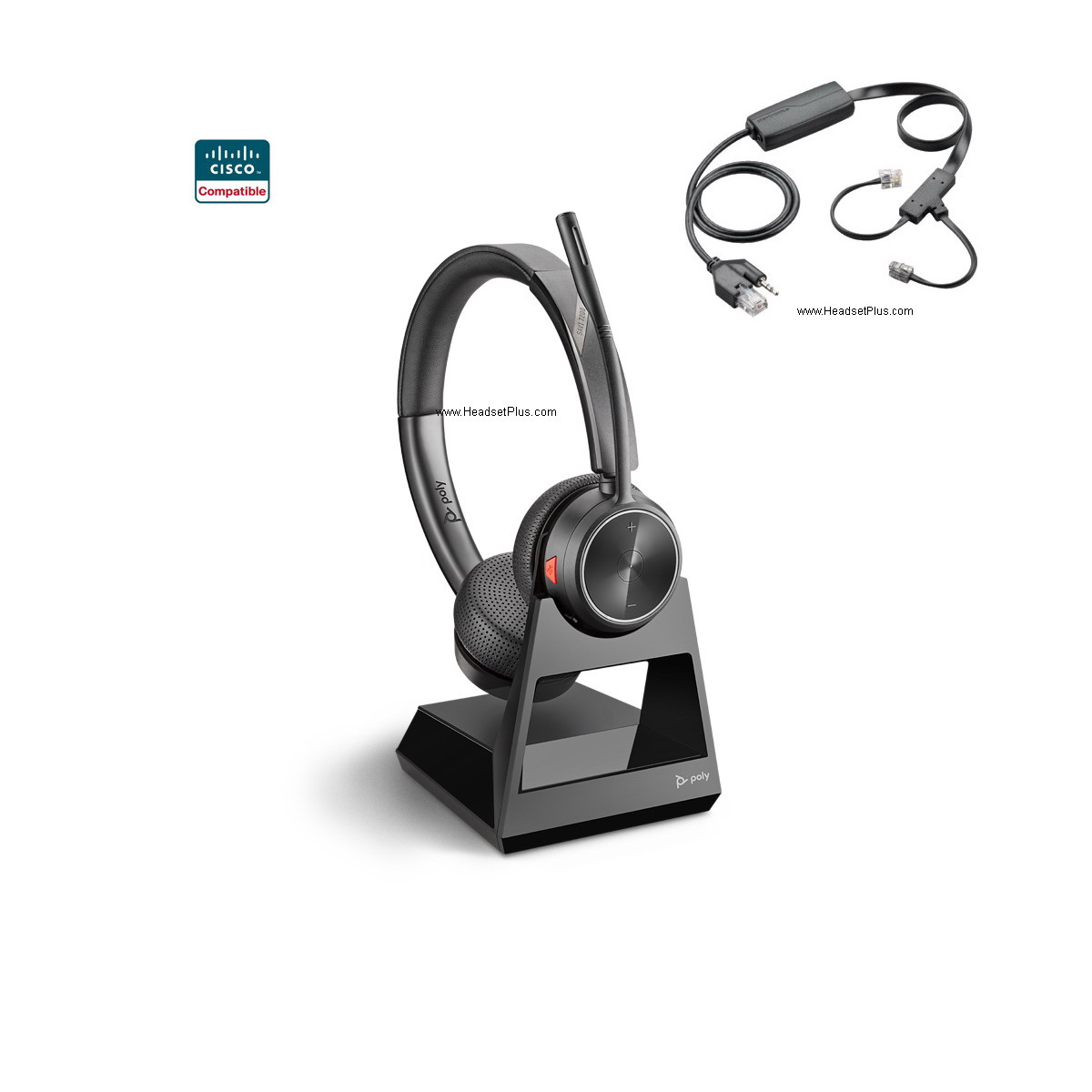
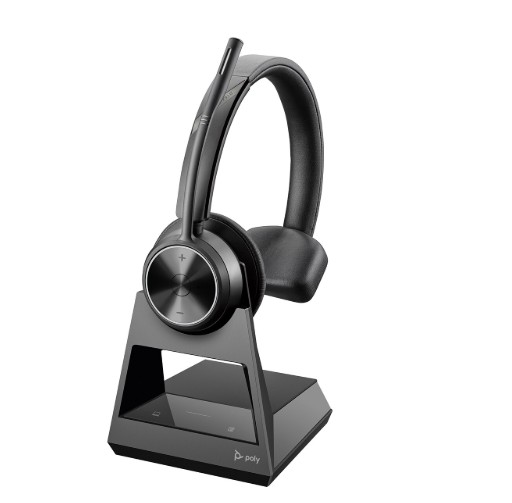
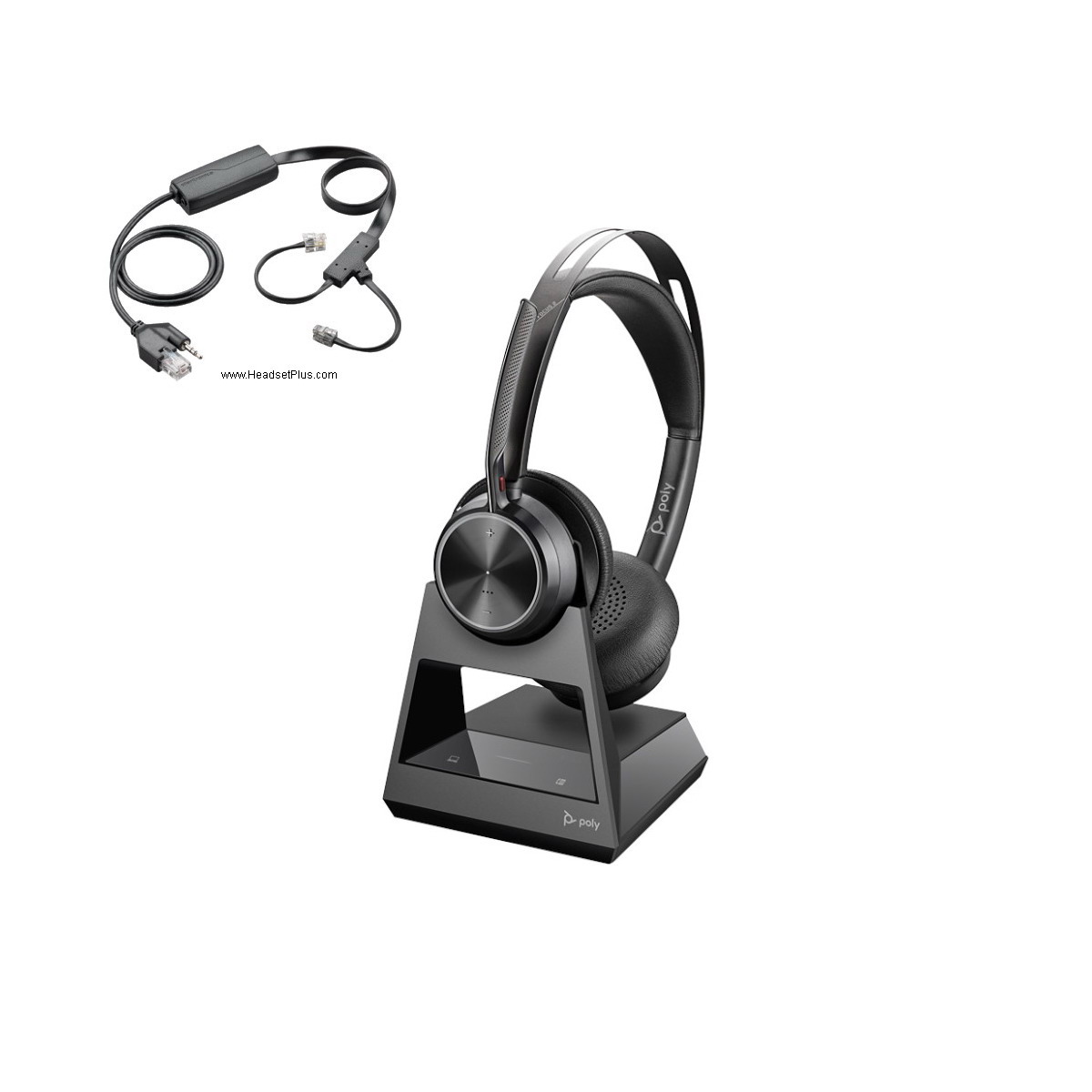
Wireless Headset: Both Plantronics and Jabra/GN Netcom wireless headsets are compatible with Cisco IP phones. To add remote answering on your Cisco IP Phone, you can add a handset lifter (HL10 or GN1000) or a EHS hookswitch cable. See our Cisco Phone Hookswitch compatiblity chart below:
If you have a Cisco SPA models (SPA 3xx, 5xx, 9xx), GO HERE instead
Cisco E20 video phone, use any Plantronics H-Series Headset with a Plantronics Polaris U10P Cable (part# 27190-01).
*Cisco 7985G has a 2.5mm headset jack. Use any Plantronics H-Series Headset with a Plantronics 2.5mm Quick Disconnect Coil Cable 10ft
For Cisco 7811, 7902G, 7905G, 7906G, 7910G, 7911G, and 7912G, you will need the Plantronics H-Series headsets + Plantronics M22 amplifier. These phones do not have a headset port and requires an amplifier.
For Cisco 7920, 7921, 7921G, 7925G, 7926G, 7929 wireless IP Phone. You will need Plantronics H-Series headsets + Plantronics Cisco 2.5mm cable
For Cisco CIPC, CUPC, Jabber softphone Compatible Headsets, GO HERE instead.
If Cisco phone is equipped with a Cisco 7914, 7915, 7916 expansion module (sidecar):
- Plug the expansion module (into the telephone AUX connector.
- Connect the APC-4 / APC-40/ APC-41 into the expansion module.
- Use a 85638-01 adapter to extend the APC-4/ APC40/ APC-42/APC-43 audio input to reach the headset jack on the phone.
Echo problem with your Cisco IP phone and wireless headset? Set the Handset/Headset monitor in Cisco Call Manager to Disabled. This will only route the call to the headset when the headset is used.