


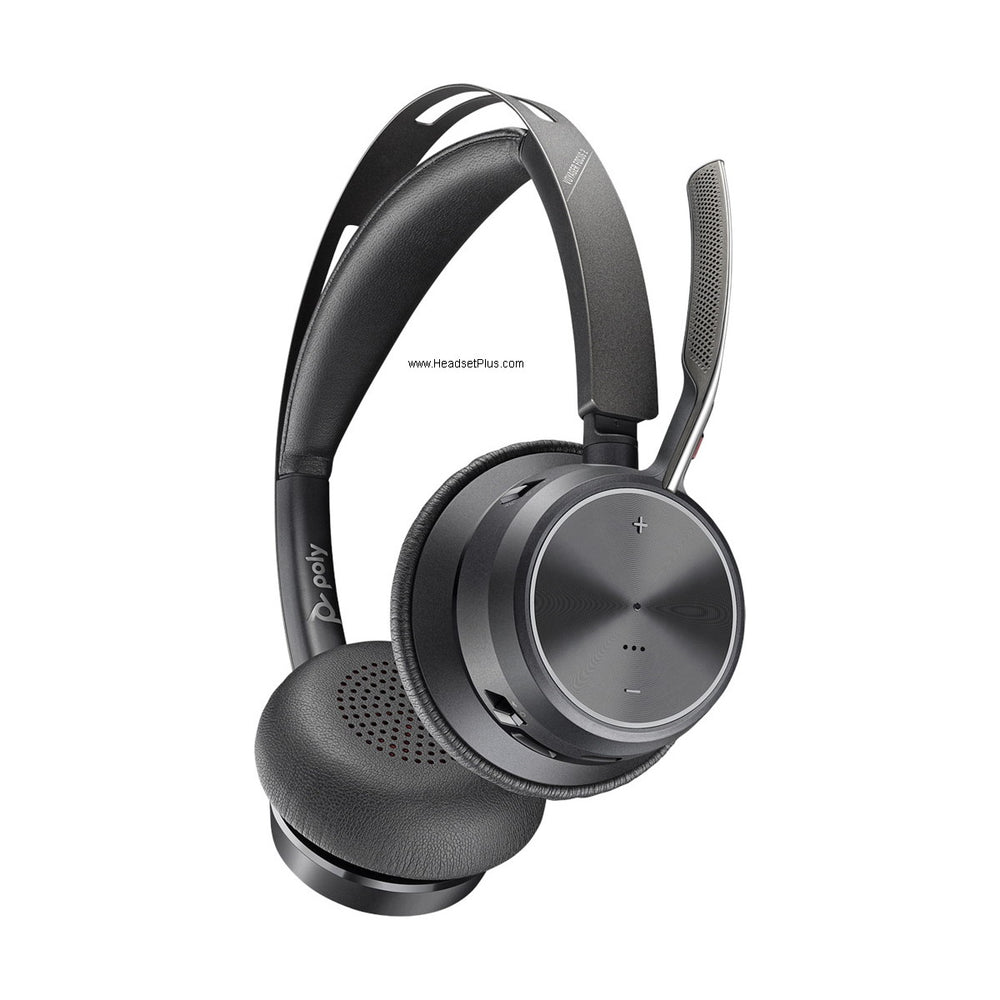










































EHS Cables
Find the EHS cable for your headset and phone
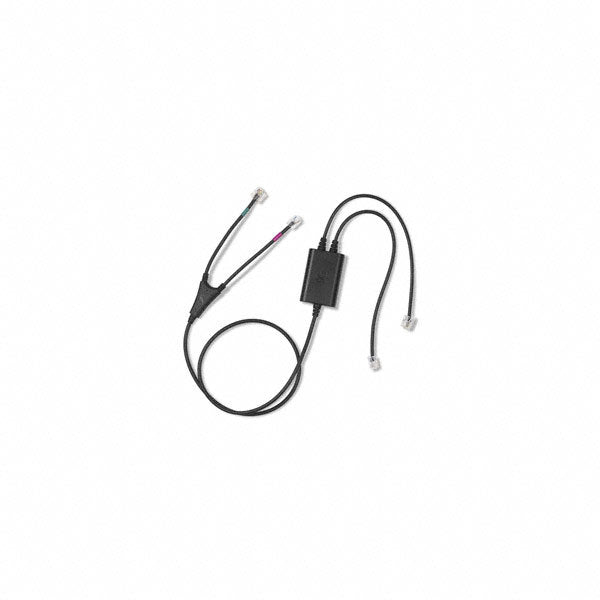
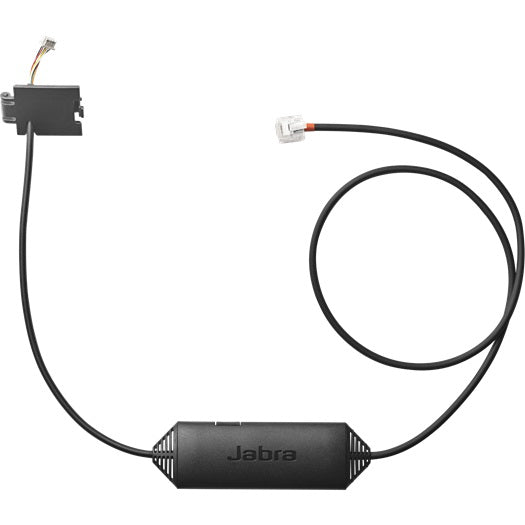
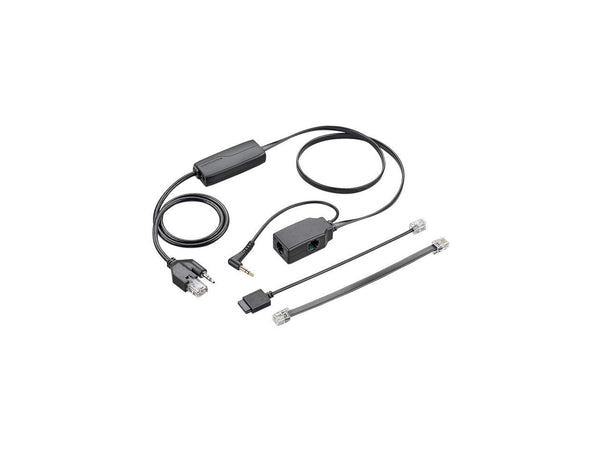
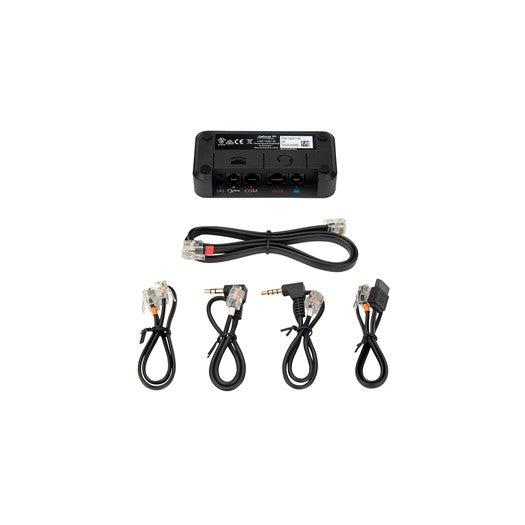
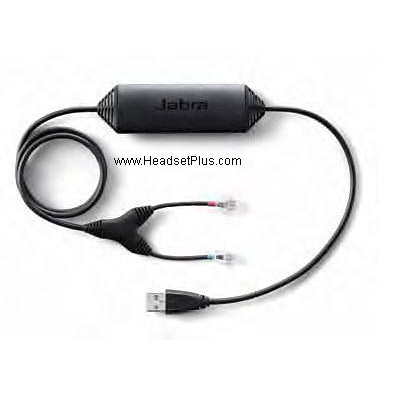
An EHS cable lets a wireless headset answer and end desk phone calls from its own button, and the one you need depends on your headset brand and your phone model.
Start with the headset: Poly (Plantronics) bases take a Plantronics AP-series cable, Jabra bases take a Jabra Link, and EPOS or Sennheiser bases take a CEHS cable. Then find your phone in the table below.
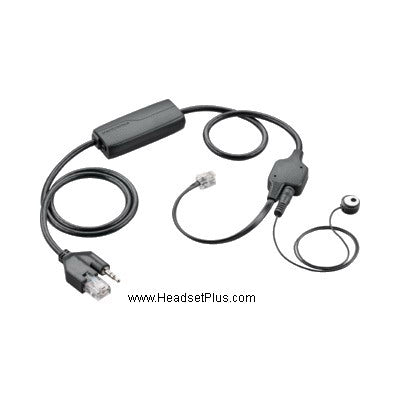
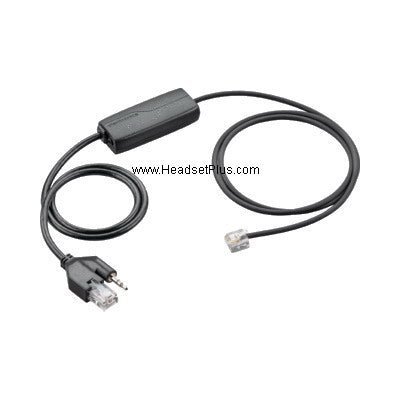

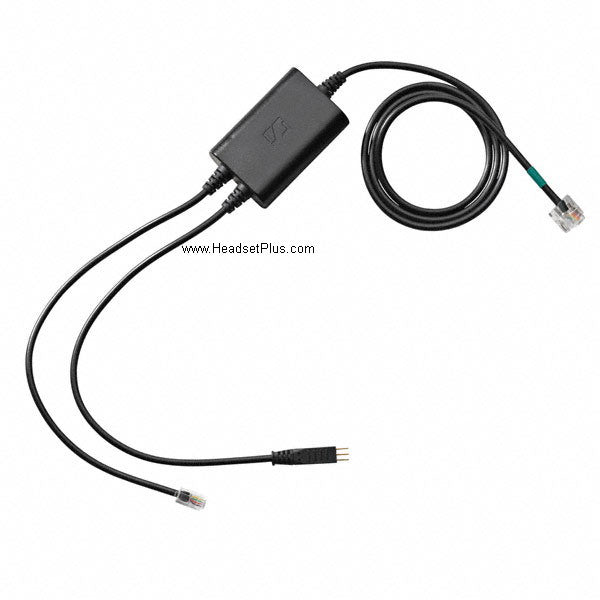
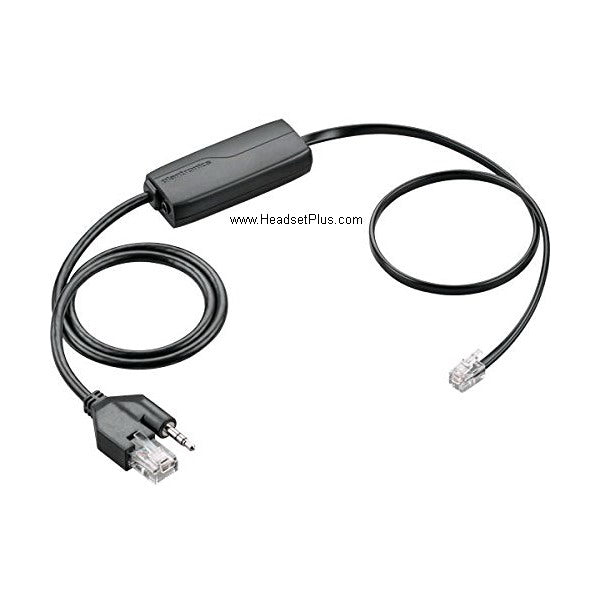
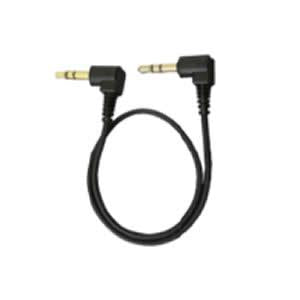
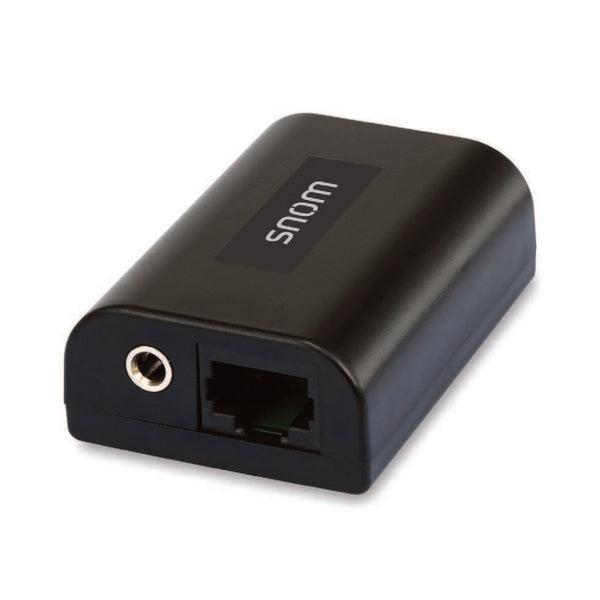
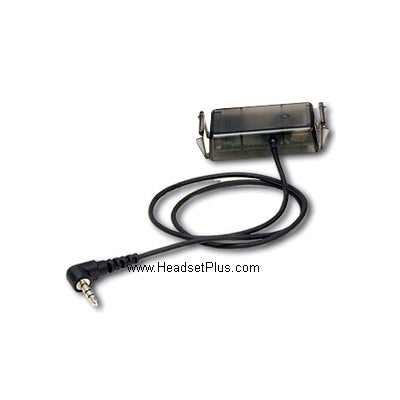
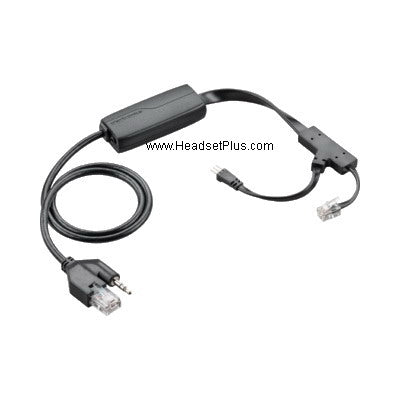
Plantronics APP-51 Savi/CS500 EHS Hookswitch Polycom/Digium



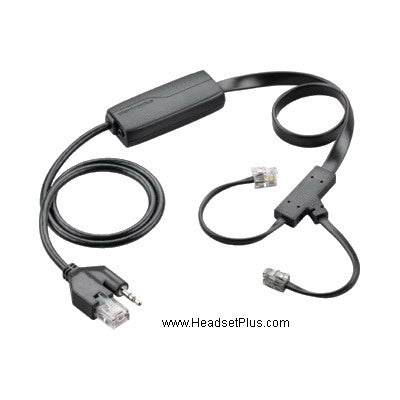
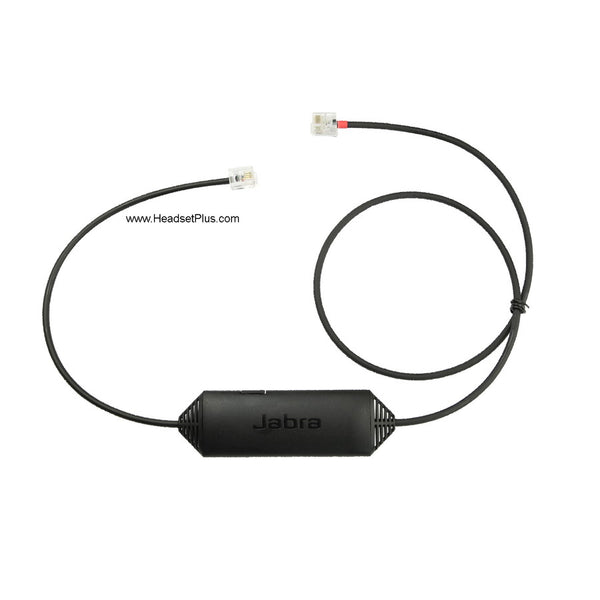
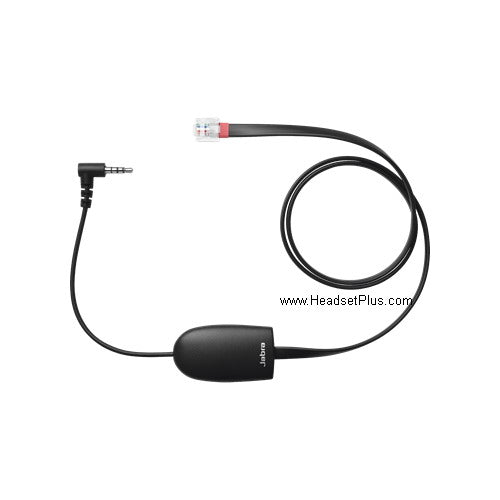
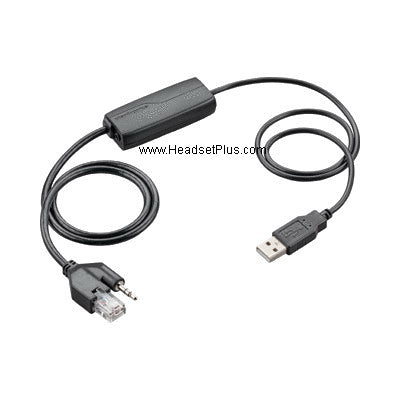
No products match “” in EHS Cables.
Which EHS cable fits your phone
Each electronic hook switch cable here is made by the headset maker for its own bases and one family of phones, so the headset brand picks the column and your phone picks the row. Read the phone model off the label on the back of the phone rather than going by the series name, because two phones in the same series can take different cables.
| Your phone | Poly / Plantronics headset | Jabra headset | EPOS / Sennheiser headset |
|---|---|---|---|
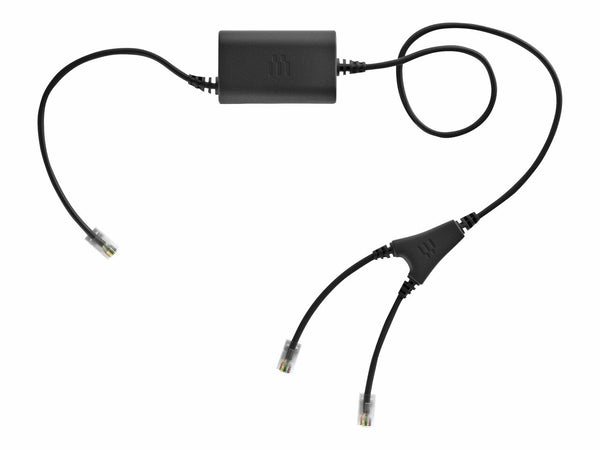
| Cisco 7800, 7900, 8800 | APC-43 | Link 43 or Link 16 | CEHS-CI 01 (CEHS-CI 02 over USB on 8800) |
| Cisco 8941, 8945 | APC-82 | Link 41 | CEHS-CI 04 |
| Cisco SPA 512G, 514G, 525G | APC-45 | Not stocked | Not stocked |
| Avaya 1400, 1600, 9400, 9600, J100 | APV-63 | Link 33 (1400, 9400, 9600) or Link 35 (1600, 9600, J100) | CEHS-AV 03 (1400, 1600, 9400) |
| Polycom IP phones | APP-51 | Link 17 | CEHS-PO 01 |
| NEC DT330, DT730, DT750 | APN-91 | Link 31 or Link 44 | Not stocked |
| Alcatel-Lucent | APA-23 or APA-24 | Link 36 or Link 45 | Not stocked |
| Panasonic | 84757-01 | Link 40 | Not stocked |
| Mitel, Aastra | APS-11 | Link 10 | Not stocked |
| Grandstream, ShoreTel, Allworx | APD-80 | Link 20 | Not stocked |
Jabra is the one brand where the headset's age matters too. On Cisco, the Link 43 is for current bases like the Engage and Pro 9400, while the Link 16 is for the older GN9120 and GN9300. Check which one your base is before ordering.
EHS adapters for Yealink and Snom phones
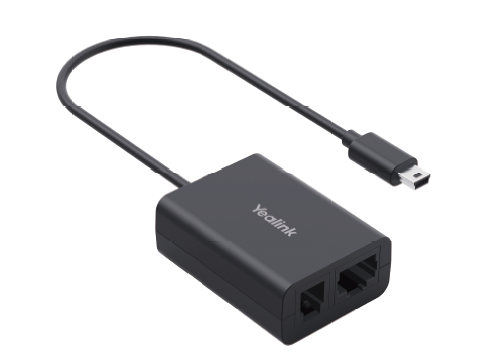
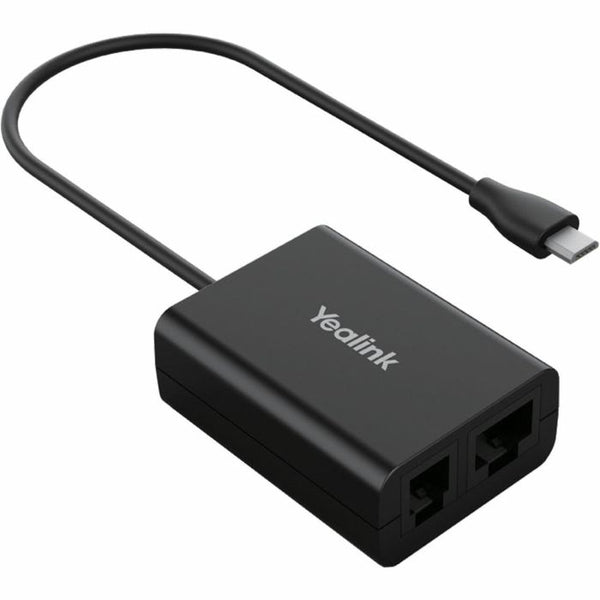
On a Yealink phone, the EHS adapter comes from Yealink, and one adapter covers Jabra, Plantronics and Sennheiser bases. The EHS36 fits the G and P models, such as the T46G and T48G. The EHS40 fits the U models and the T5 series, such as the T46U and T54W, and plugs into the phone's USB port. On an S model like the T46S, either adapter works.
The Yealink EHS60 and EHS62 work the other way round. They connect a Yealink wireless headset to another brand's phone, such as Cisco, Avaya or Poly, so buy one of those only if the headset is the Yealink. Snom and NEC DSX phones also use their own maker's adapter, the Snom EHS Advanced and the NEC wireless headset adapter.
Setting up an EHS cable
The EHS cable adds a second connection; it does not replace the audio cable. On a Cisco phone, Jabra's setup guide has the usual telephone cable running from the base to the phone's headset port, and the EHS cable running from the AUX socket on the base to the AUX port on the phone. Most phones then need hookswitch control switched on in the phone's own settings before the headset button answers anything, and some bases need their EHS mode set to match.
If your phone has no AUX or EHS port at all, no cable will add one. A handset lifter does the same job mechanically: it lifts the handset off the cradle when you press the headset button.
FAQ
Frequently Asked Questions
Hookswitch mode is the Polycom VVX setting that tells the phone an EHS cable is connected, so the headset button can answer and end calls. On a VVX it sits under Settings, Basic, Preferences, Headset, labeled Hookswitch Mode or Electronic Hookswitch depending on the firmware, and the Polycom phone asks to reboot after the change. Pick the option that matches your headset brand.