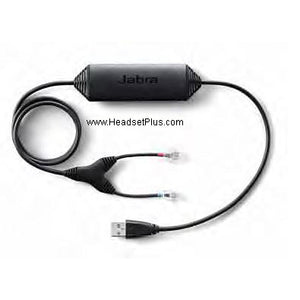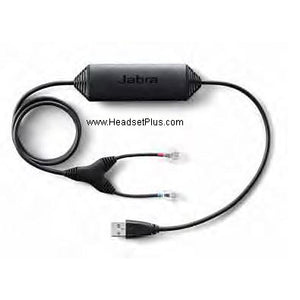














































Jabra Link 43 for Jabra 920, 9400 Cisco EHS Cable
Description
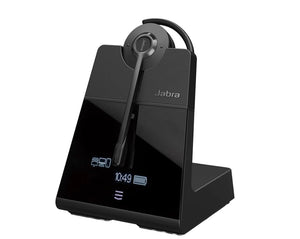
Jabra Link 14201-43 is a Cisco EHS Cable that allows remote Headset Hookswitch Control (EHS) with Jabra Pro series wireless headsets (Jabra Pro 900 series, Jabra Pro 9400 series, Jabra Motion Office). The EHS cable allows users to roam the office and multitask while on a call. The wireless mobility improves work efficiency and ergonomics throughout the day. The Jabra Link 14201-43 EHS Adapter is a plug-and-play solution that converts from the HHC standard used in Cisco phones to the DHSG standard used in Jabra headsets.
Jabra Link 14201-43 EHS Adapter is compatible with these Cisco IP Phones: Cisco 6945, 7821, 7841, 7861, 7942G, 7945G, 7962G, 7965G, 7975G, 8811, 8841, 8851, 8961. Cisco Unified IP Phone release 8.3(3) will enable the EHS functionality.
Installation Instructions:
Set the Jabra wireless headset in "IQ mode" - the is very important, otherwise, the EHS will not work.
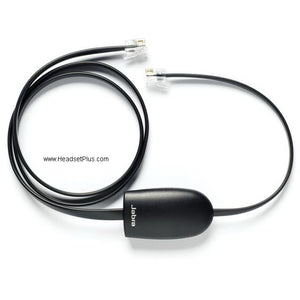
Attach the Jabra Link 14201-43 shown in the picture. The RJ-9 phone cable is provided by the deskphone or the Jabra wireless headset.
Set the dial tone switch to the B position on the wireless headset base.
Goes With It
You May Also Like