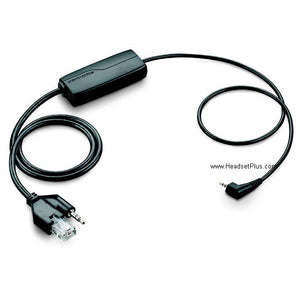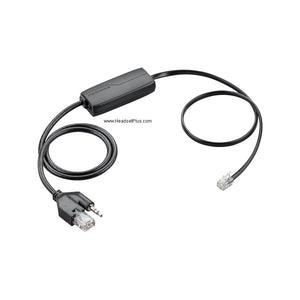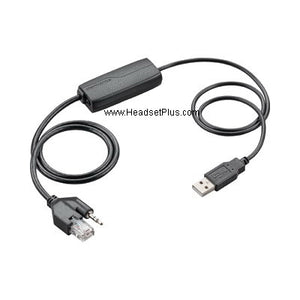












































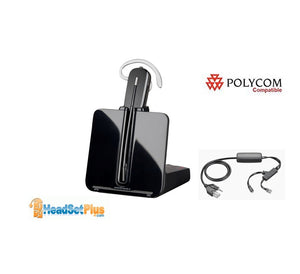
Plantronics APC-43 Wireless Headset EHS Cable Cisco IP Phone
Description
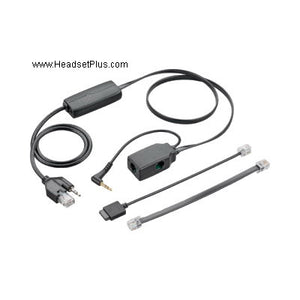
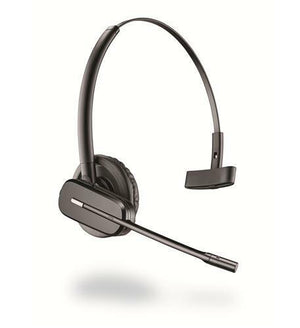
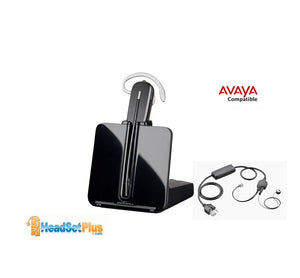
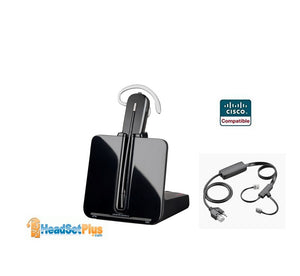
This is the Plantronics APC-43 EHS (replaces APC-42) Electronic Hookswitch (EHS) cable for Cisco IP Phones. The Plantronics APC-43 is compatible with these Plantronics wireless headset models:
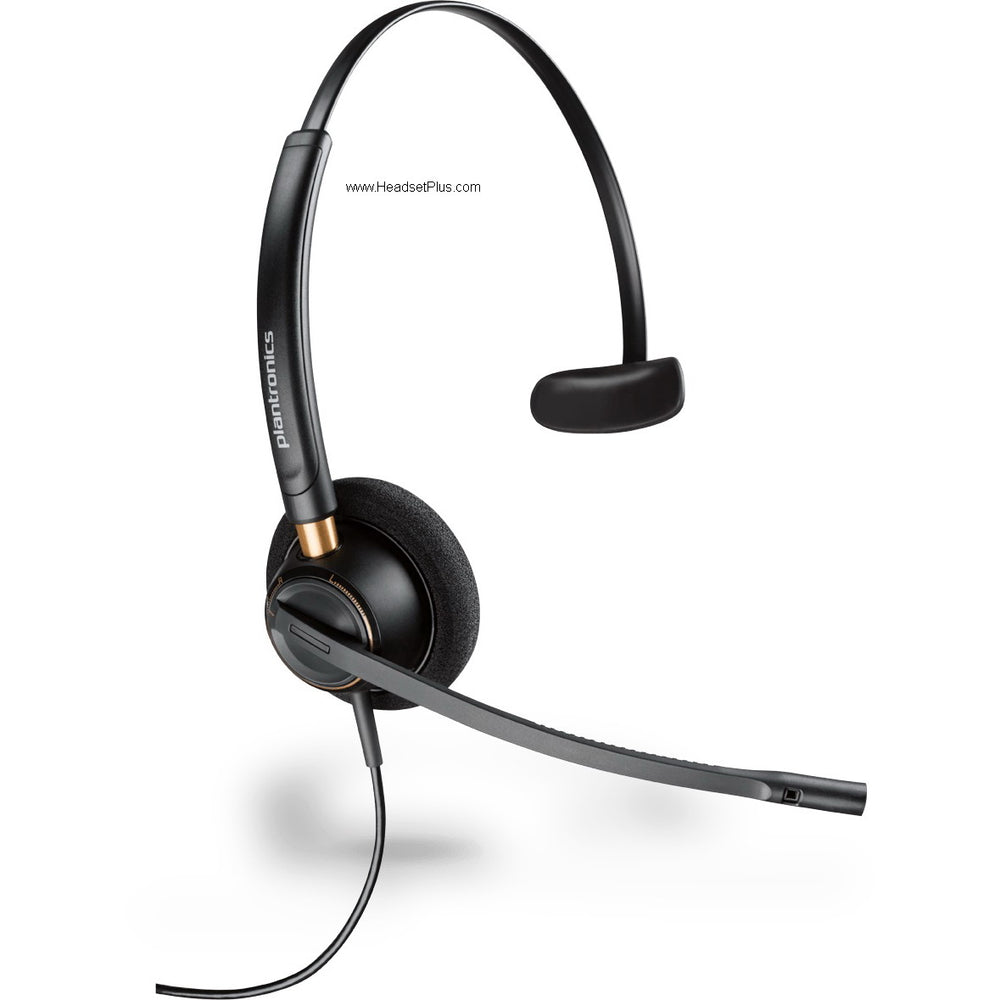
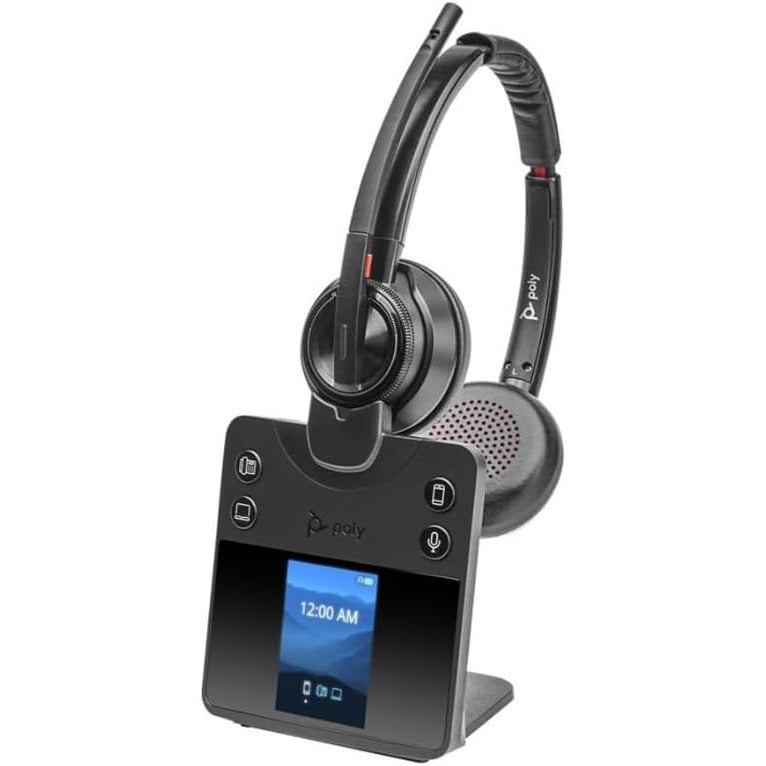
Plantronics CS540, CS510, CS520 Plantronics Savi W740, Plantronics Savi W710 , Plantronics Savi W720 , Plantronics Savi W730 , Plantronics Savi W745, Plantronics Legend CS
Plantronics APC-43 is exactly the same as previous APC-42. except it has a few minor bug fixes and additional compatibility with more Cisco phones. old part# 38350-01, 38350-11, and 38350-12
This EHS adapter only works with the following Cisco IP phones:
Cisco phone model 6945, 7821, 7841, 7861, 7942G, 7945G, 7962G, 7965G, 7975G, 8811, 8841, 8851, 8961, 8961, 9951, 9971
Also compatible with Panasonic KX-UTG300/200 phone
Old Poly part # 38350-13
New HP part # 85Q55AA
Cisco IP 8961 9951 9971, you need the APU-72 instead
If you have Cisco 8941, 8945, 8945G use Plantronics APC-82 instead
Note: Do not order this part if you don't have the listed Cisco phone models
Cisco phone setup:
- The phone must be set for “Wireless Headset Hookswitch Control” = Enabled
- Press the settings button on the phone (Checkbox Icon). Select “Device Configuration” >> Select “Media Configuration”
- If “Wireless Headset Hookswitch Control” is “Disabled”, follow the instructions below
Enabling Cisco wireless headset EHS hookswitch control:
Access the Cisco server administrator with a browser. Select Device>Phone through the drop down menus. Click "Find" with no selection criteria to obtain a list of all phones
Open the desired phone. Scroll down to "Wireless Headset Hookswitch Control" Set to "Enabled" Click "Apply". Wait for the dialog box to appear, then reset the phone by clicking the reset button.
If your Cisco phone is equipped with the Cisco 7914, 7915, 7916 expansion module:
- Plug the expansion module into the telephone AUX connector.
- Connect the APC-43 into the expansion module.
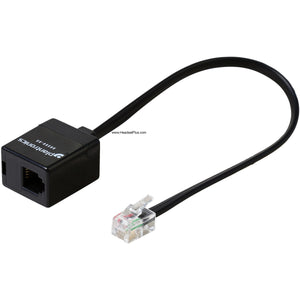
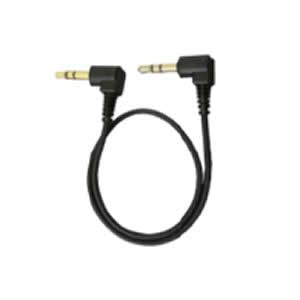
- Use 85638-01 (formerly 40287-05) adapter to extend the APC-43 audio input to reach the headset jack on the phone. See below:
Goes With It

You May Also Like