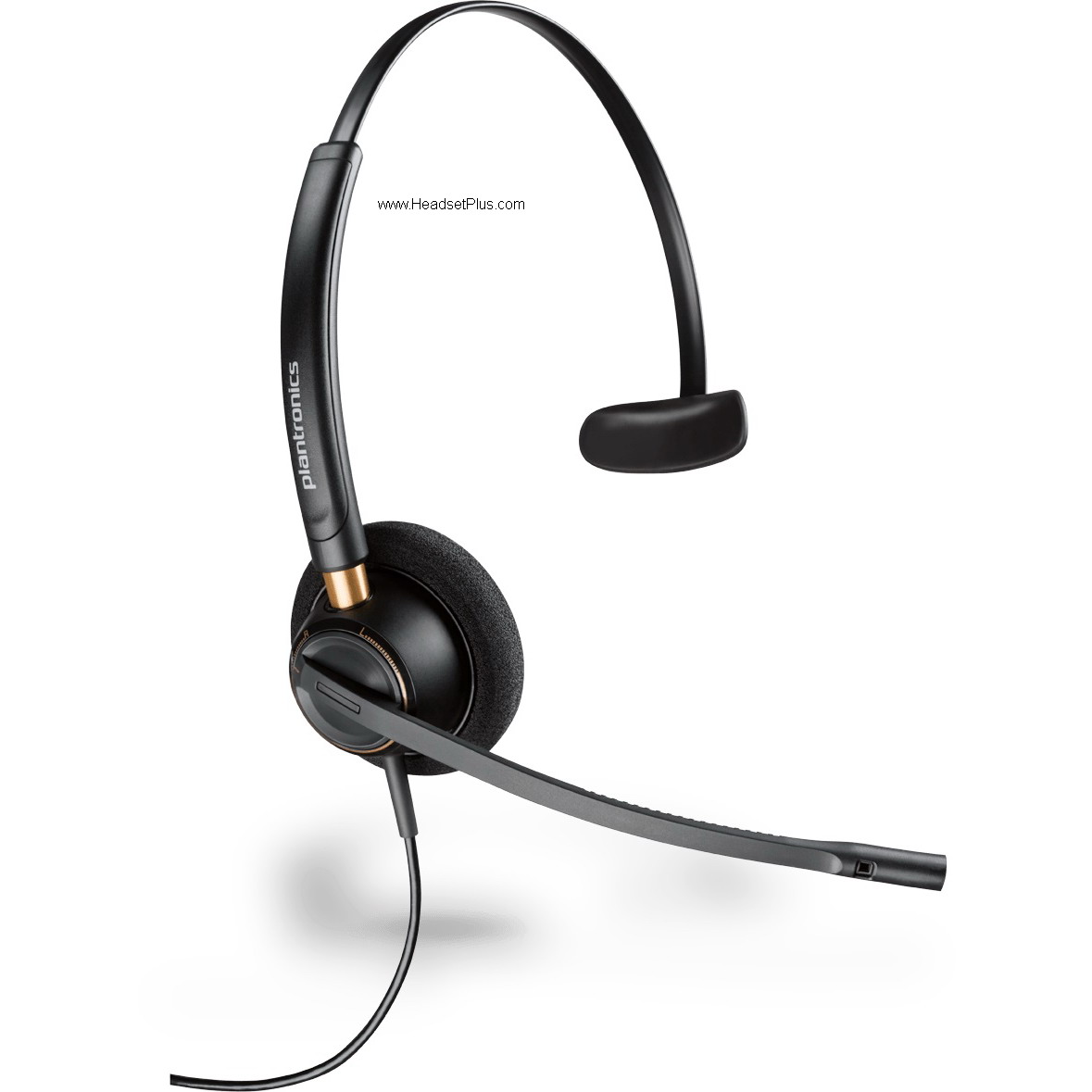
Jabra Multiuse headsets are a family of Bluetooth headsets that can be used simultaneously with two Bluetooth enabled devices – e.g. mobile phone and desk phone (via Jabra A7010 Bluetooth hub) or mobile phone and PC softphone (via the Jabra A330 Bluetooth adapter).
What can the Jabra Bluetooth hub do?
• The Jabra Bluetooth hub is a Bluetooth enabler for corded desktop telephones.
• Once the Bluetooth hub is connected, the Jabra Multiuse headset can be used with both a corded desk phone and a Bluetooth mobile phone.
What can the Jabra Bluetooth adapter do?
• The Jabra Bluetooth adapter is a Bluetooth enabler for PC based softphones (VoIP).
• Once the Bluetooth adapter is connected to the PC, the Jabra Multiuse headset can be used with both a PC softphone and a Bluetooth mobile phone.
Do Jabra Multi use headsets with Bluetooth hub support remote answering?
• Yes! To activate this function you need to add a remote handset lifter (Accessory GN 1000 lifter) to the solution. This allows you to answer calls with your Jabra Multiuse headset without returning to your desk or lifting the handset from the telephone. When a call comes in, the remote answerer sends a tone to the headset. When the headset is activated, the lifter raises the phone handset off the hook automatically.
What can be done if the person on the other end has difficulty hearing me?
• Make sure you have positioned the dial tone switch in the Bluetooth hub correctly.
• See “adjusting settings with a test call from your desk phone” in the user manual (resides on the CD included in the package). Also make sure that the microphone volume is set correctly.
• If the person on the other end can’t hear you at all, it is probably the dial tone switch. If your voice is very low for the person on the other end, it is probably due to incorrect setting of the microphone volume. The microphone volume can be adjusted on the Bluetooth hub. See section “Adjusting settings with a test call from your desk phone” in the user manual (on the CD included in the package) or quick set-up guide.
What can be done if I have difficulty hearing the person on the other end?
• Adjust the volume in the headset using the volume up/down button on the headset. If this is not enough, your desk phone / mobile phone / softphone might have a volume function that needs to be adjusted.
I can hear myself when I talk on the desk phone
using the headset
• The first time you use the Bluetooth hub, it automatically adjusts the volume.
• If you continue to hear yourself – your microphone volume level is probably too high. The microphone volume can be adjusted in the Bluetooth hub. See section “Adjusting settings with a test call from your desk phone” in the user manual (On the CD included in the package) or quick setup guide.
I cannot hear any thing in my headset when using the mobile phone
• Ensure that the headset is paired with the mobile phone.
• Increase the volume on the headset (or phone).
• The volume level needed might be different on your deskphone and mobile phone, so it might be best to adjust the level on the phones, rather than through the hub.
• Use the headset volume level adjustments for general adjustments.
• Make sure that the phone is connected to the headset – if it does not connect either from the phone’s Bluetooth menu or by tapping the answer/end button, follow the pairing procedure (see “Pairing your headset with your mobile phone” in the user manual).
I hear crackling noises when using my headset and mobile phone
• For the best audio quality, always wear your headset on the same side of the body as your mobile phone.
The headset is not working with my desk phone/softphone
• Make sure the headset is charged. When you charge your headset the visual indicator on the headset turns green when fully charged.
• Make sure you are within range of the Bluetooth hub/adapter (up to 33 feet)
• The Bluetooth hub/adapter and the Multiuse headset may have lost its pairing. Your Jabra Multiuse headset needs to be paired to the Bluetooth hub/adapter (see “How to pair your Jabra Bluetooth hub/adapter and headset” in the user manual). You need to pair your Jabra Multiuse headset with the mobile phone again after pairing with the Bluetooth hub/adapter if you would like to use the Voice Dial feature on the mobile phone
I have changed desks/computers at work. Is it possible to use my headset with another Bluetooth
hub/adapter?
•Yes, this is possible. Your Jabra Multiuse headset only needs to be paired to the new Bluetooth hub/adapter. Follow the procedure as described in “How to pair your Jabra Bluetooth hub/adapter and headset” in the user manual. You need to pair your Jabra Multiuse headset with the mobile phone again after pairing with the Bluetooth hub/adapter if you would like to use the Voice Dial feature on the mobile phone.
Will the Jabra Multi use headset work with other Bluetooth equipment?
• Jabra Multiuse headsets are designed for MultiPoint connections, and can hold up to 8 pairings.
• Two connections can work simultaneously – Desk phone via Jabra Bluetooth hub and a Bluetooth mobile phone. Softphone via Jabra Bluetooth adapter (or built in Bluetooth) and a Bluetooth mobile phone. Two Bluetooth mobile phones. Jabra Bluetooth hub (softphone) and Jabra Bluetooth hub (desk phone). They work with other Bluetooth devices that are compliant with Bluetooth version 1.1 or higher and support a headset and/or hands-free profile.
Do Jabra Multiuse solutions protect users against noise?
• Yes. The Jabra Bluetooth hub/adapter protects against loud sounds (e.g. the high-pitched squeals of a fax machine that may be harmful). Many acoustic experts define acoustic shock as exposure to levels in excess of 135 dB SPL, but even lower can damage the ears. Therefore, Jabra Multiuse solutions cut off sounds at 118 dB SPL (RMS).
Can Wi -Fi and the Jabra Bluetooth hub coexist in the same location?
• Yes, the Jabra Bluetooth hub uses adaptive frequency hopping, so that channels that are blocked by Wi-Fi, etc… will not be used – only the free channels are used to ensure good sound quality.
Is radiation from a wireless headset dangerous?
• Jabra Multiuse solutions employ radio signals in the 2.4 GHz frequency band using the Bluetooth protocol for transmission. The radio wave exposure from the Jabra BT530 with Bluetooth hub/adapter is 2.5 mW and well below national standards.
What is DSP (Digital Signal Processing) ?
• A digital processor enhances the incoming voice/audio signal and removes sound impurities from noisy environments, mobile phones, etc. All Jabra Multiuse headsets as well as the Jabra Bluetooth hub are using DSP.
Also see Jabra Multiuse Portfolio datasheet