







































USB Headsets
USB headsets that plug into any PC, Mac, or laptop
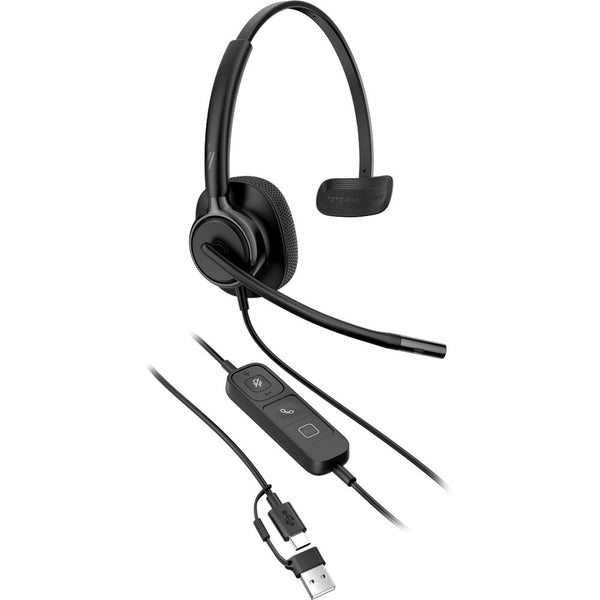
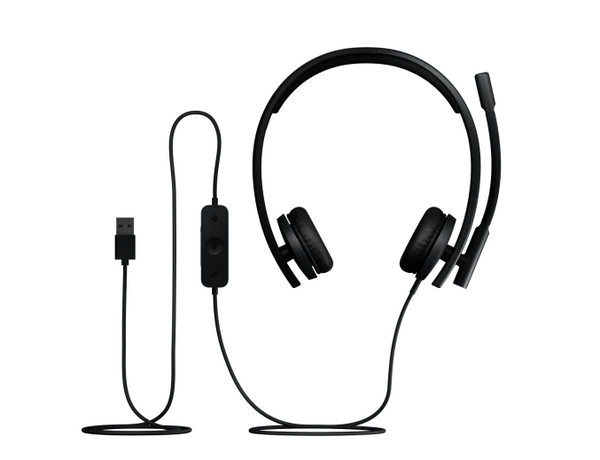
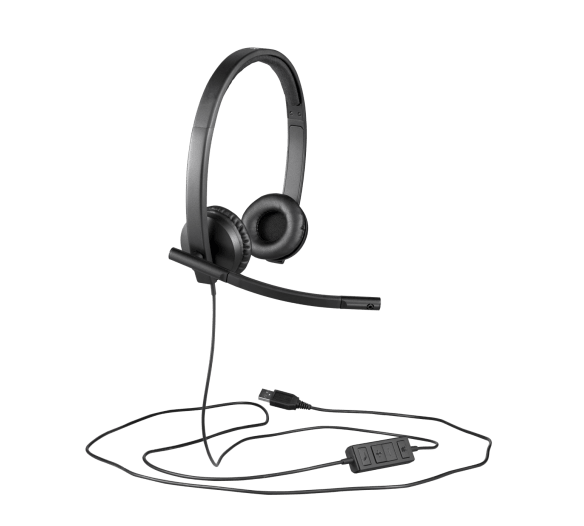
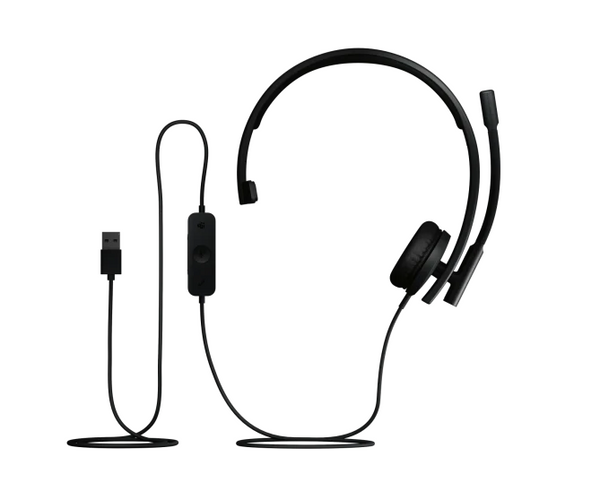
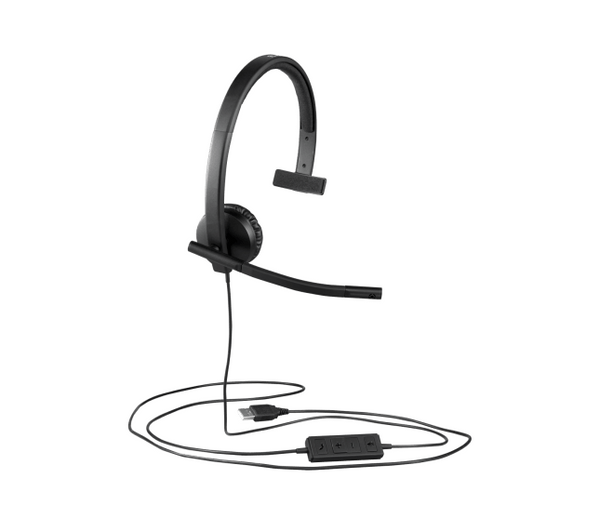
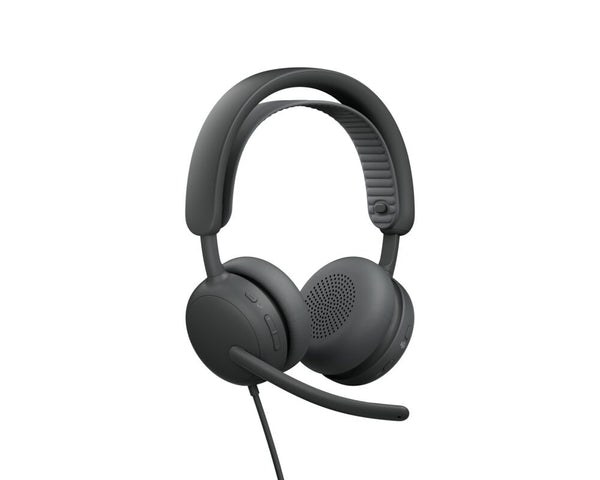
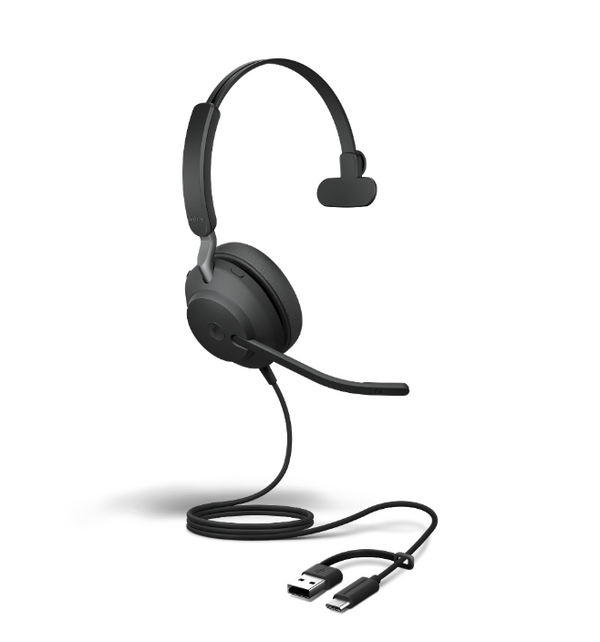
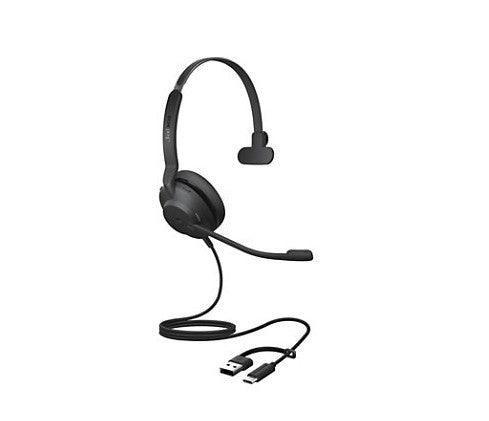
These are our USB headsets — the single-cable, driver-free way to get clean call audio on a computer. Plug one into any open USB port and it works in seconds: no pairing, no charging, nothing to install.
Everything here uses a USB-A plug. If your laptop only has the smaller oval ports, head to our USB-C Headsets collection instead — the same headsets with a different end.
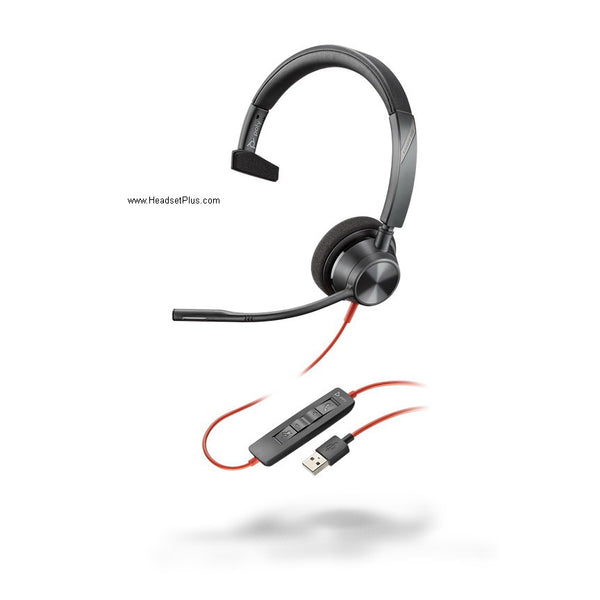
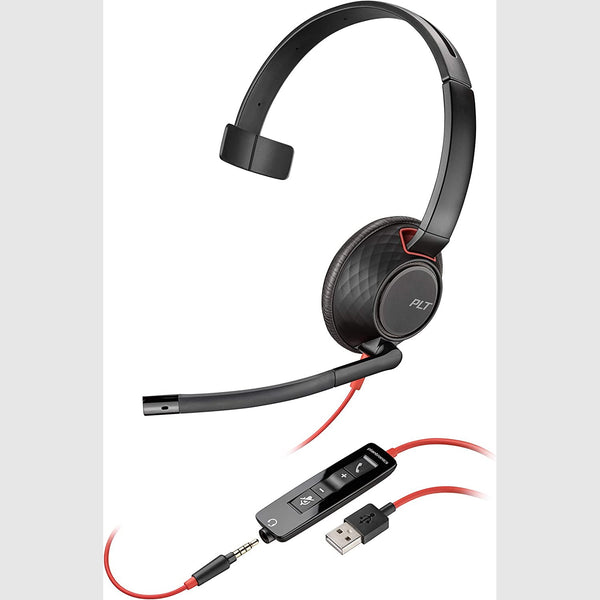
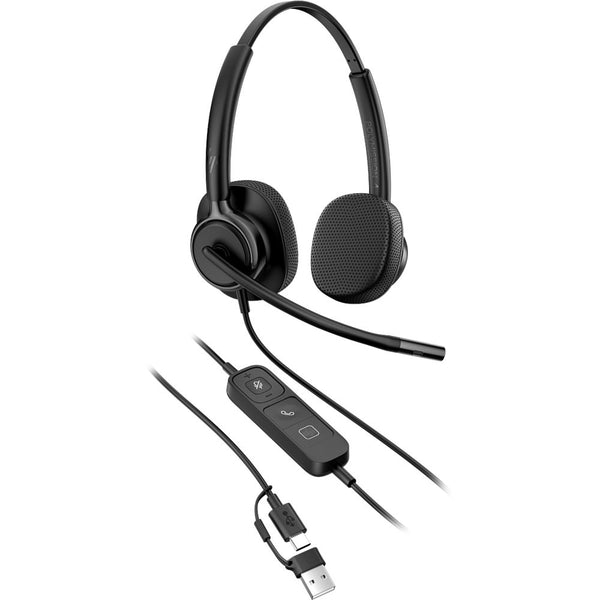
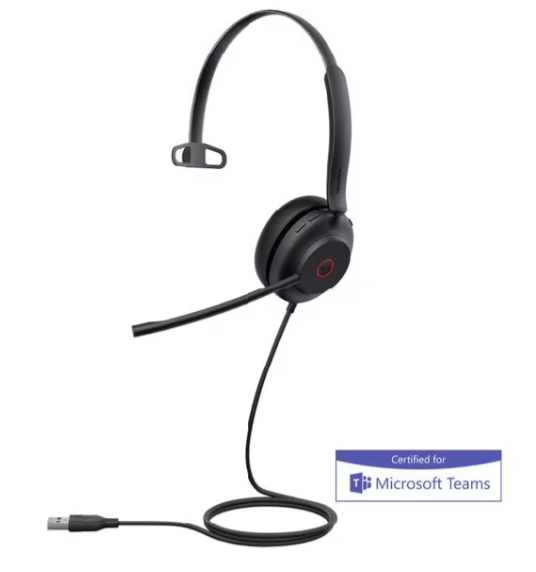
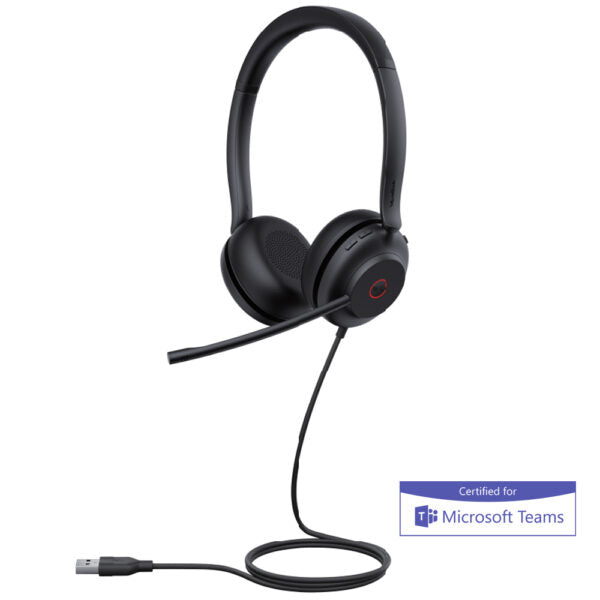
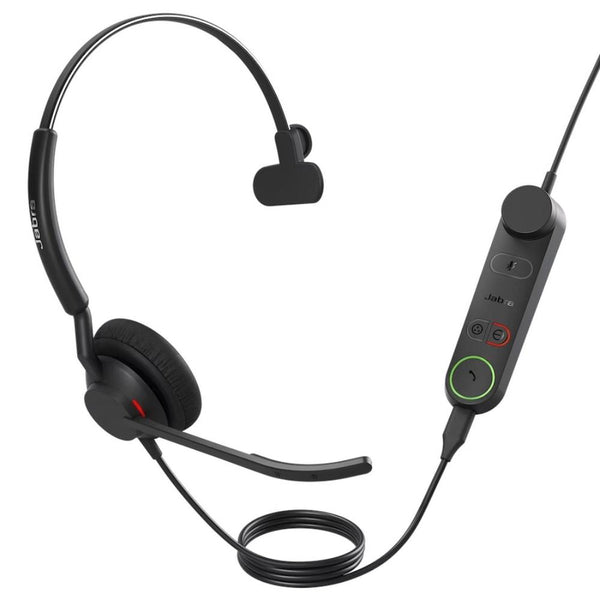
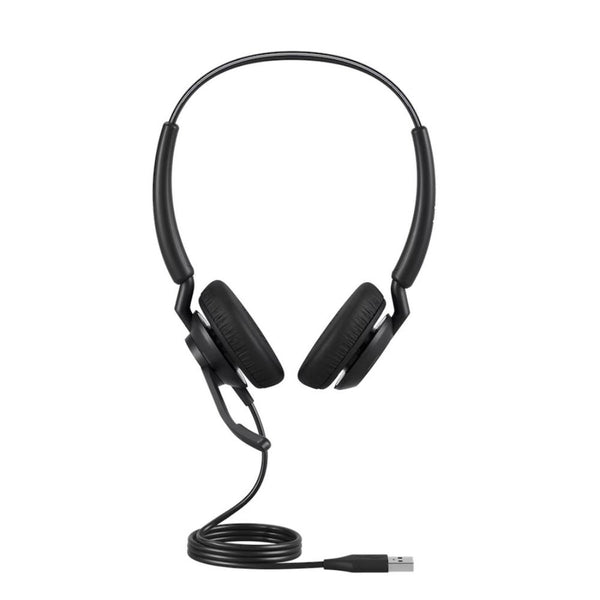
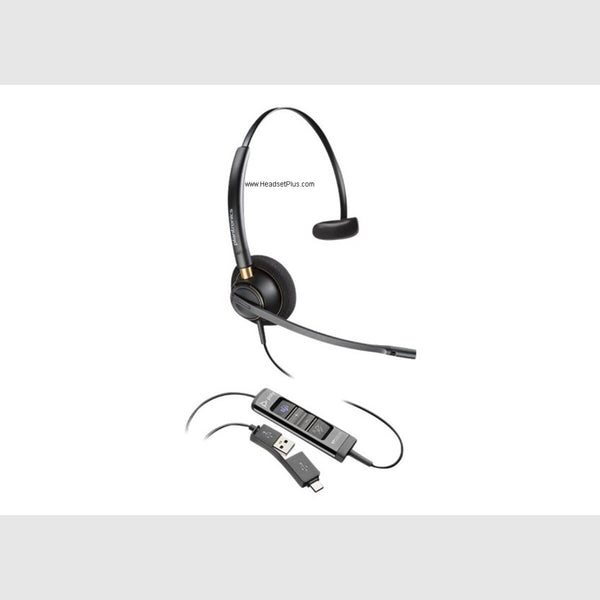
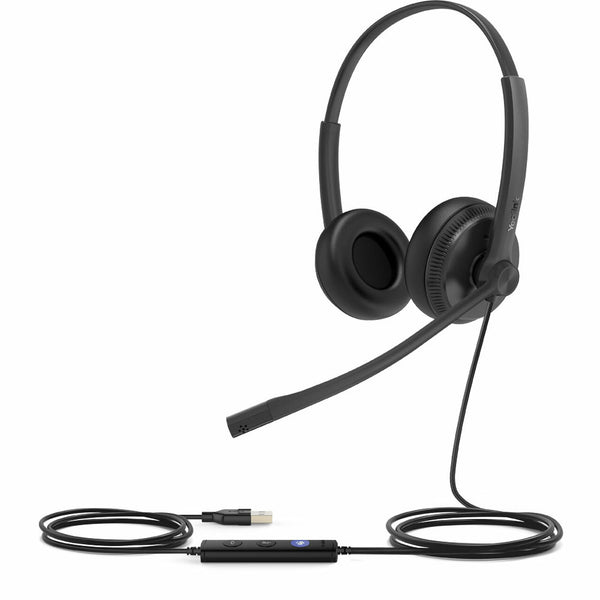
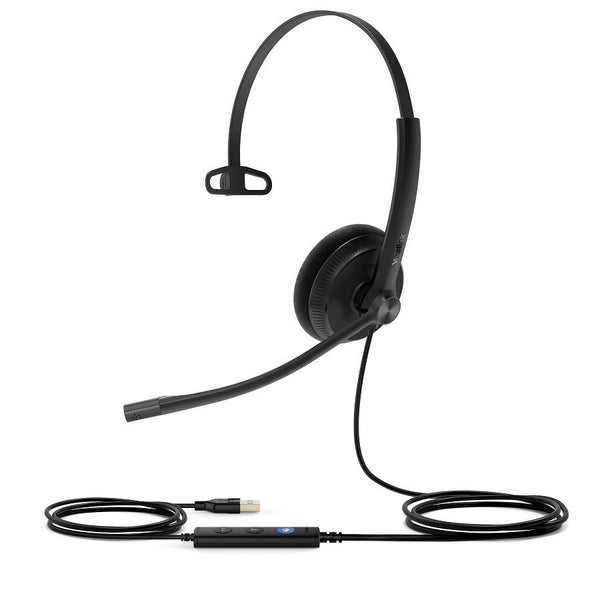
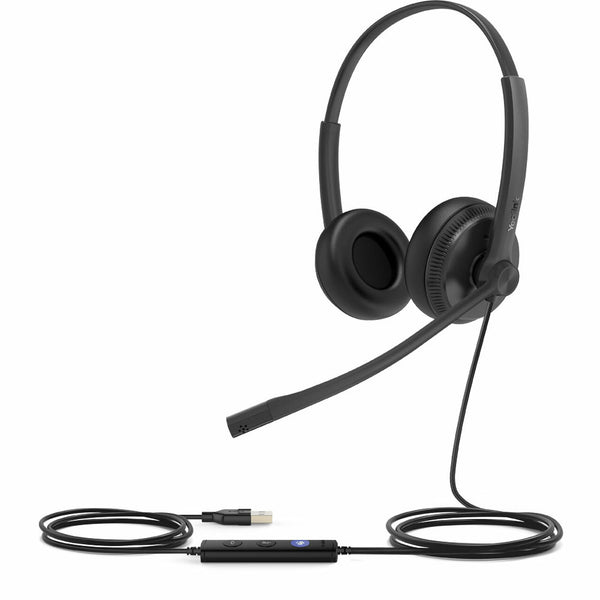
Why a USB headset sounds the same on every computer
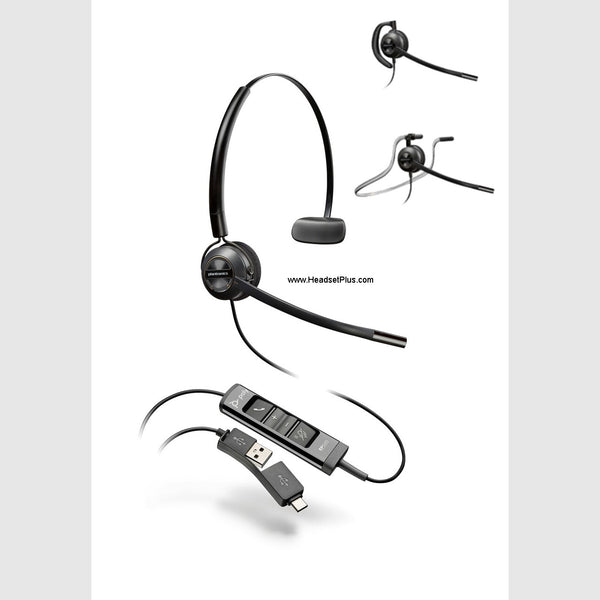
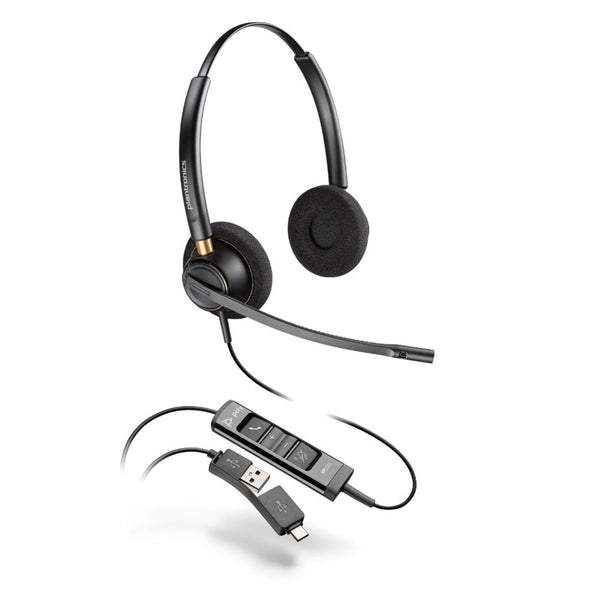
A USB headset carries its own soundcard, so your call quality doesn't depend on the machine it's plugged into. Inside the inline controller sits a dedicated digital-to-analog converter and a DSP audio chip doing the work your computer's sound card would otherwise handle — which is why a USB wired headset on a $400 laptop sounds the same as one on a $4,000 workstation.
That design quietly fixes a problem most people don't know they have. A 3.5mm headset leans on whatever audio hardware the computer ships with — often a cramped, noisy chip that adds a faint hiss to every call. A USB connection skips it entirely. As Turtle Beach lays out in its own 3.5mm-versus-USB comparison, on a budget laptop with a weak built-in converter, USB audio is noticeably cleaner because the headset brings its own. Windows and macOS even treat the headset as a separate device, so you can send calls to it while music keeps playing through your speakers.
What a noise-cancelling USB headset actually blocks
A noise-cancelling USB headset cleans up your background for the person on the call — a directional boom mic rejects keyboard clatter and nearby chatter so your voice lands clear on their end. On a USB headset that processing runs onboard, in the headset's own chip, so it behaves the same on every computer rather than depending on your machine's software. Two different jobs hide under the word "noise," and a USB headset noise cancelling mic only does the first:
Beneath both sits passive noise cancellation: the plain seal of leatherette ear cushions against your ears, no electronics involved. If your goal is to sound clear on calls, a USB noise cancelling headset with a good boom mic is the spend that matters — save active cancellation for genuinely loud rooms.
What Microsoft Teams certification changes on a USB headset
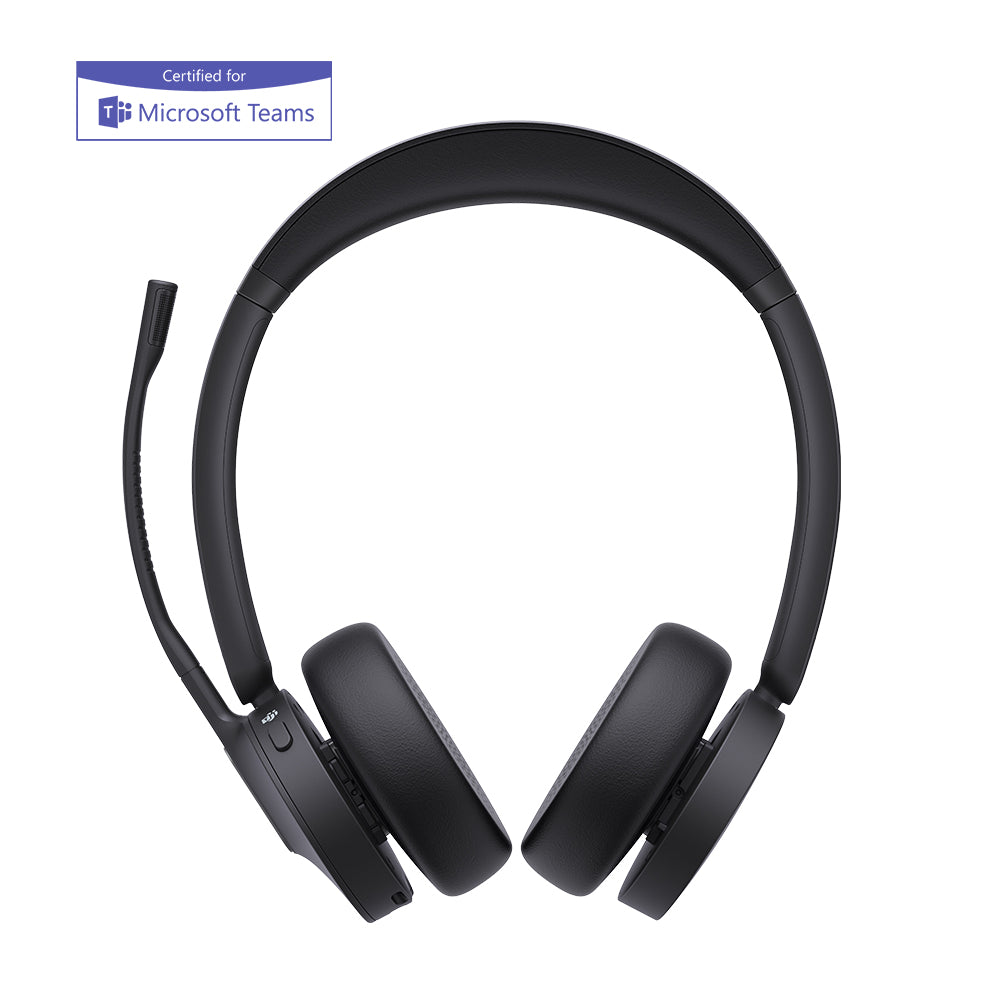
Certification means the headset's buttons work natively inside the app — you answer, mute, and end Teams or Zoom calls from the inline control instead of reaching for the mouse. Microsoft requires every Teams-certified USB headset to carry a dedicated Teams button with a status LED, so one press launches the app or picks up a call. That's a real test requirement, not marketing: per IP Phone Warehouse's breakdown of the certification, the lit button is part of what Microsoft actually checks for — a change from the older Skype for Business era, which didn't mandate it.
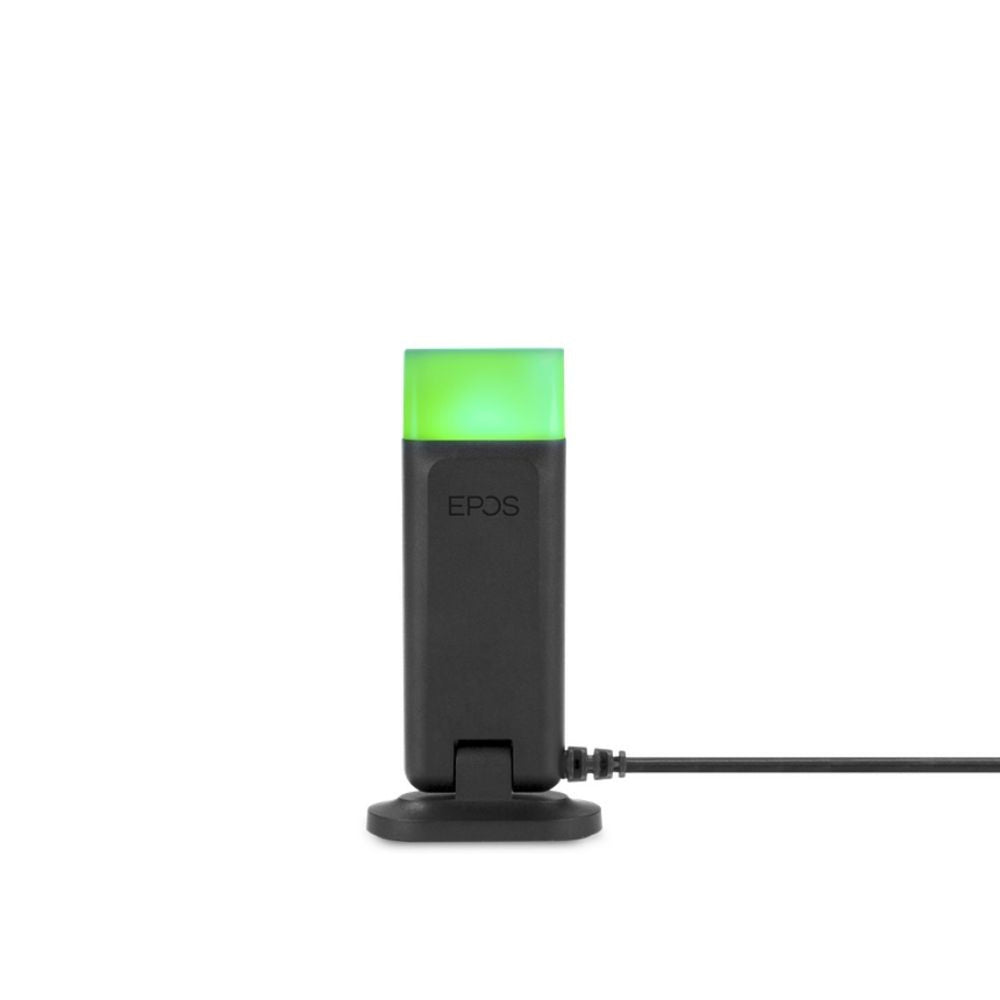
The busylight is the other piece worth understanding. When a call connects, the headset's presence indicator turns red — green when you're free — so colleagues see at a glance not to interrupt. Flip the boom arm up on many models and the mic auto-mutes, with an LED mute indicator confirming it. These USB headsets stay driver-free across Windows, macOS, and Chromebook, and the certified ones are tuned for Microsoft Teams, Zoom, and the major UC platforms.
- A single USB-A connection — no dongle, no charging, no drivers to install
- A rotatable noise-cancelling boom mic with HD voice / wideband audio
- Inline call control — answer, end, mute button, and volume on the cable
- An LED mute indicator and 360° busylight presence indicator on most models
- An adjustable headband and leatherette ear cushions, in monaural or binaural
- Microsoft Teams certified and UC-ready variants, with Zoom certification common
For a fixed desk and a computer you're on all day, a wired USB headset with microphone is the simplest clean-audio upgrade there is — start with the grid above. Only have USB-C ports? The USB-C Headsets collection carries the same models with the newer plug. Need to leave your desk mid-call? The Wireless Office Headsets collection covers DECT and Bluetooth.
FAQ
Frequently Asked Questions
Yes — USB headsets work with virtually any PC, laptop, Mac, or Chromebook that has a USB port, with no drivers to install. Because the headset carries its own soundcard, it registers as an audio device the moment you plug it in. The only thing to check is the port shape: the models here use USB-A, while machines with only the oval ports need a USB-C headset.
For calls, USB headsets are usually the better pick. A USB headset processes audio in its own onboard chip and bypasses the computer's sound card, giving consistent, hiss-free voice even on budget laptops with weak audio hardware. A 3.5mm headset can match it on a machine with a high-quality built-in converter — but it's at the mercy of whatever that converter happens to be.
Most do. The majority of USB headsets here use a noise-cancelling boom mic that strips out keyboard noise and background chatter so your caller hears your voice clearly. A USB headset with microphone noise cancelling handles the outbound side of the call; if you also want the room quieted in your own ears, look specifically for a model that lists active noise cancellation.
Many are. A large share of these USB headsets carry Microsoft Teams certification, Zoom certification, or both, with the rest UC-ready for any softphone. Certification means the inline buttons — answer, mute, the dedicated Teams button — work natively inside the app, and that the headset is guaranteed driver-free, not merely that audio passes through.
Only the plug. A USB-A and a USB-C headset carry the same digital audio and the same onboard processing — USB-C is simply the smaller, reversible connector on newer laptops and Chromebooks. The headsets on this page use USB-A; if your machine only has USB-C ports, our USB-C Headsets collection has the equivalent models.
The busylight is a presence indicator that turns red when you're on a call and green when you're free, so people nearby know not to interrupt. On a certified USB headset it syncs automatically with your status in Microsoft Teams or Zoom, and on many models a 360° light makes it visible from any direction. It's the small feature open-plan offices end up valuing most.