













































USB Headsets
USB headsets that plug straight in
For most desks, the USB headset to get is the Jabra Evolve2 40 SE or the Poly Blackwire 3320. Plug it into a USB port and it works with Teams, Zoom or your softphone, with no battery to charge.
Every model here is corded. Laptop with only USB-C ports? Start with the Blackwire 3220 or the Blackwire 8225. Want a second plug for your cell phone? Pick one with a 3.5mm jack, like the Blackwire 5220.
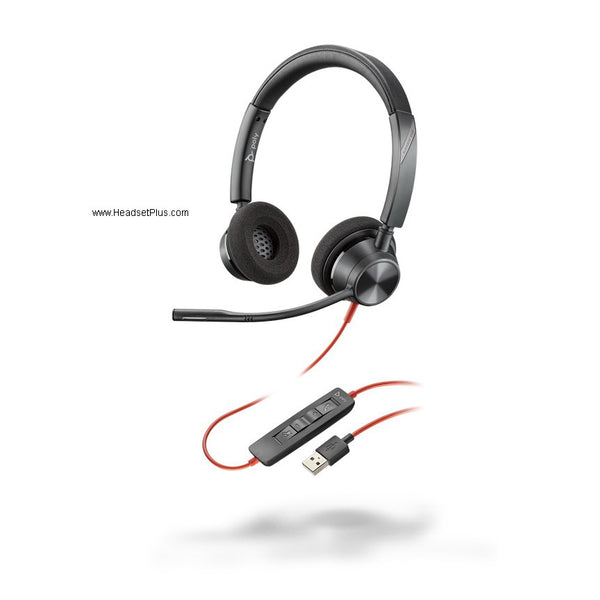
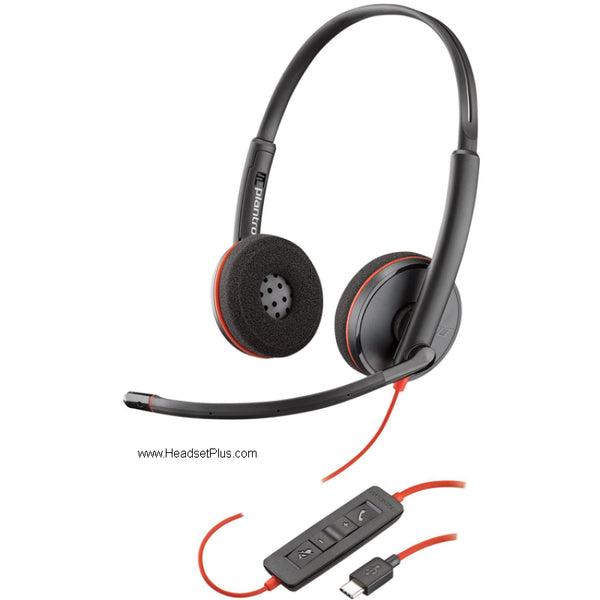
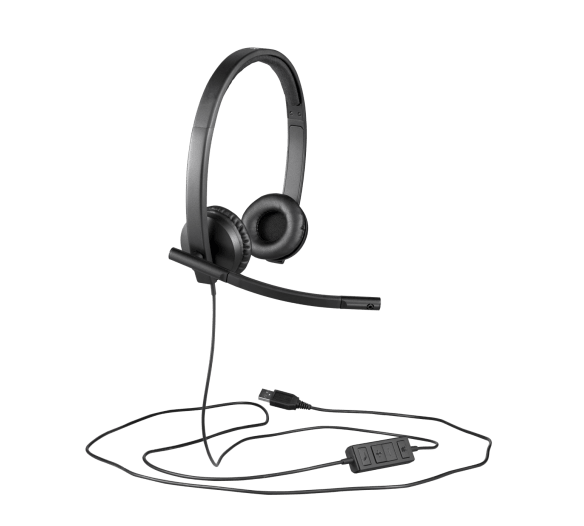
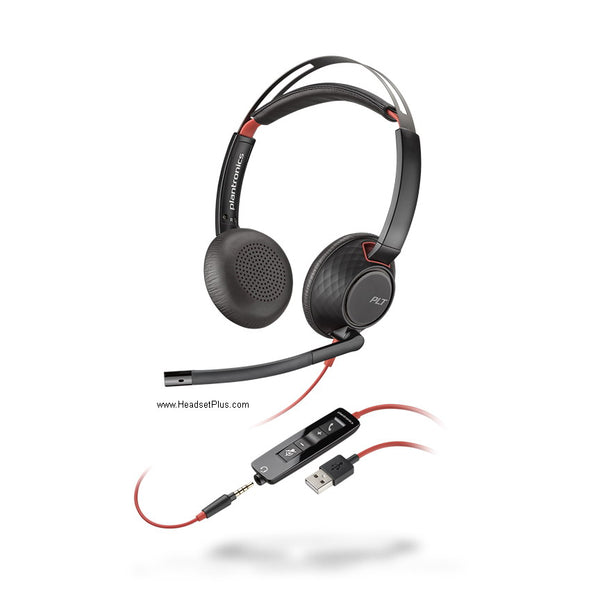
Plantronics Blackwire 5220 Stereo Headset – USB & 3.5mm (Teams Certified)
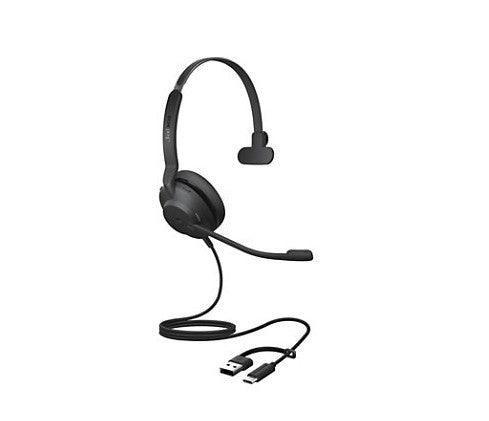
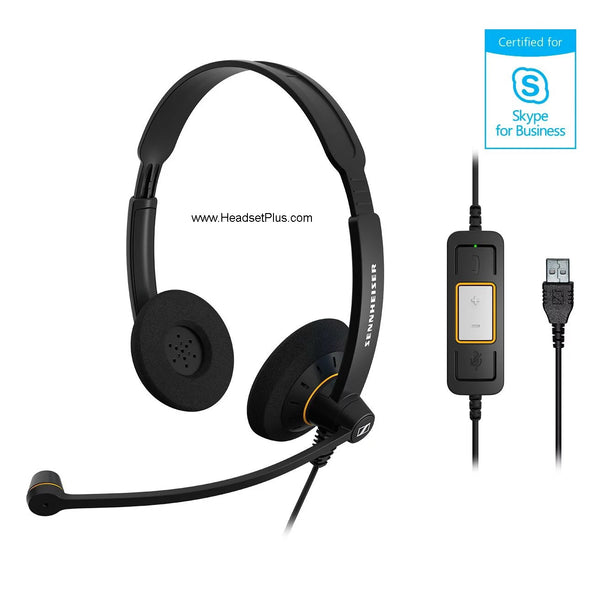
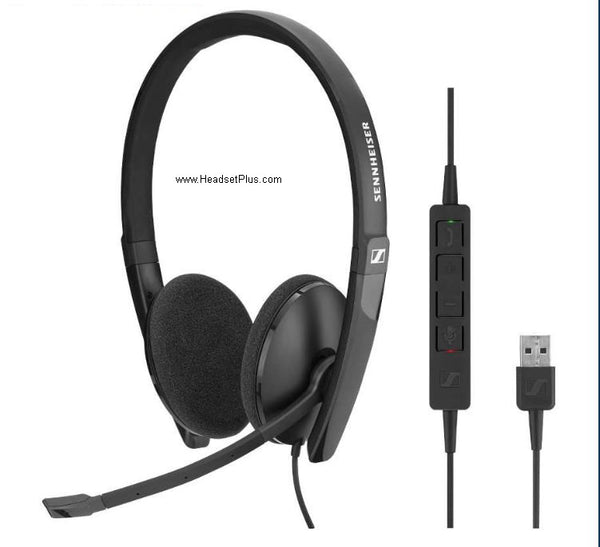
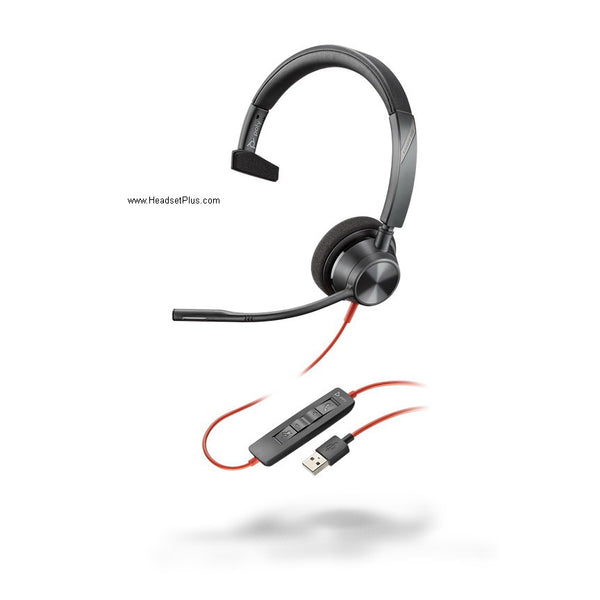
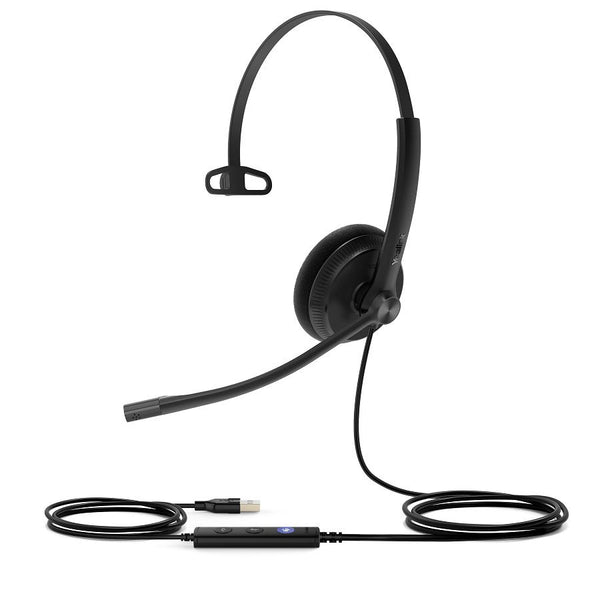
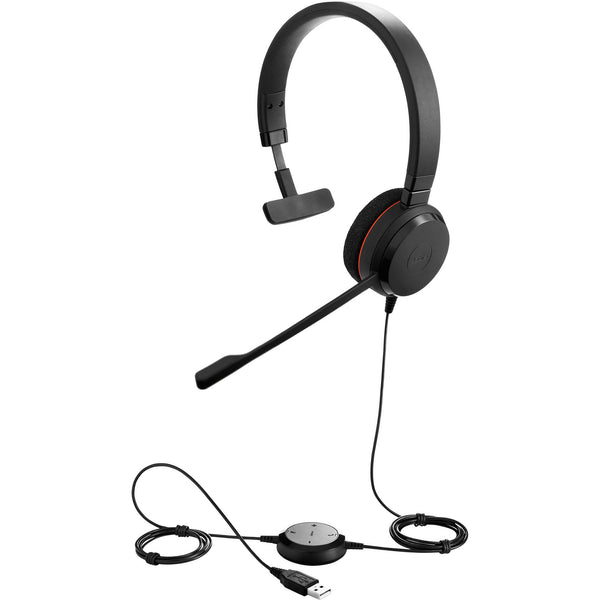
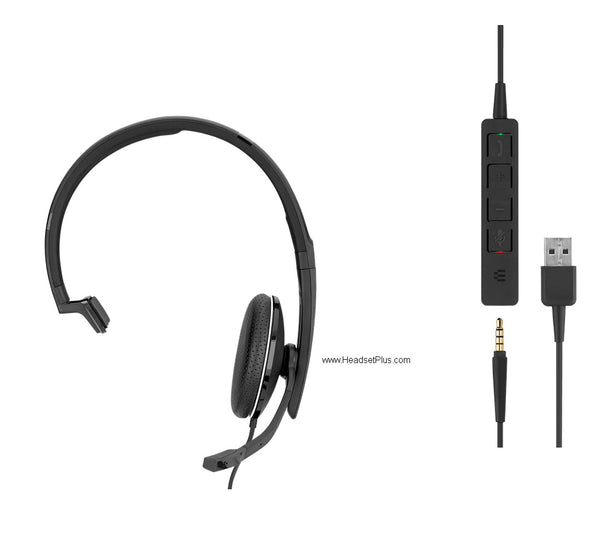
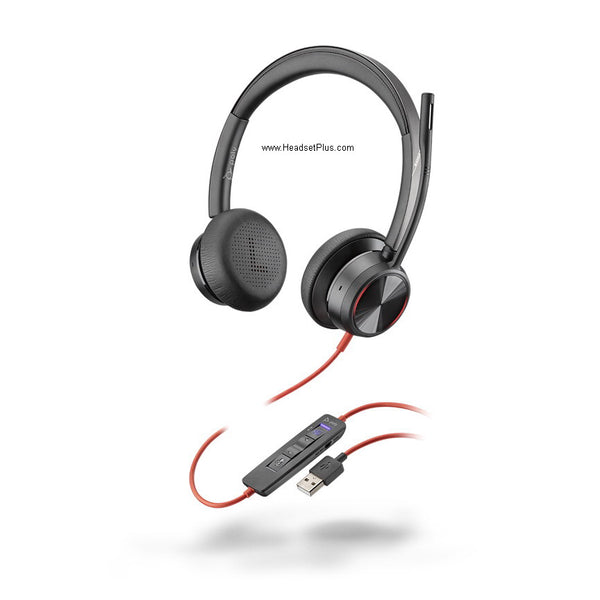
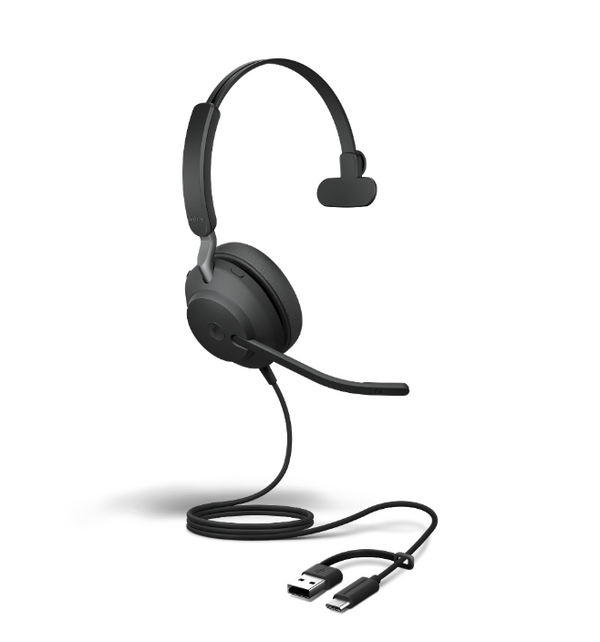
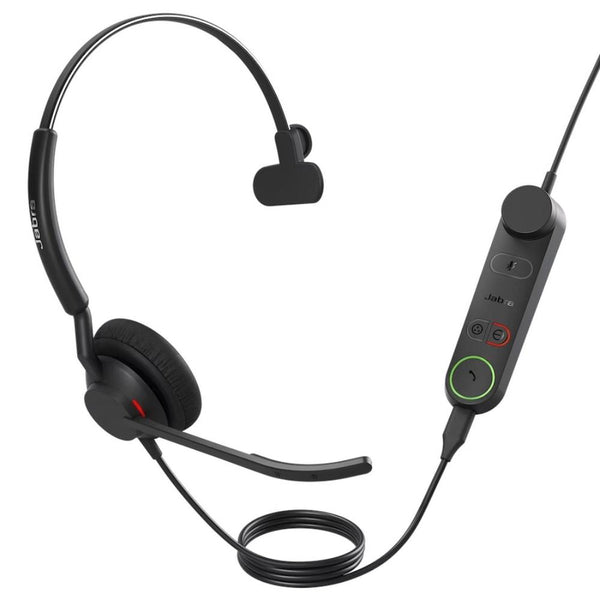
Jabra Evolve2 40 SE – Professional Wired USB Office Headset
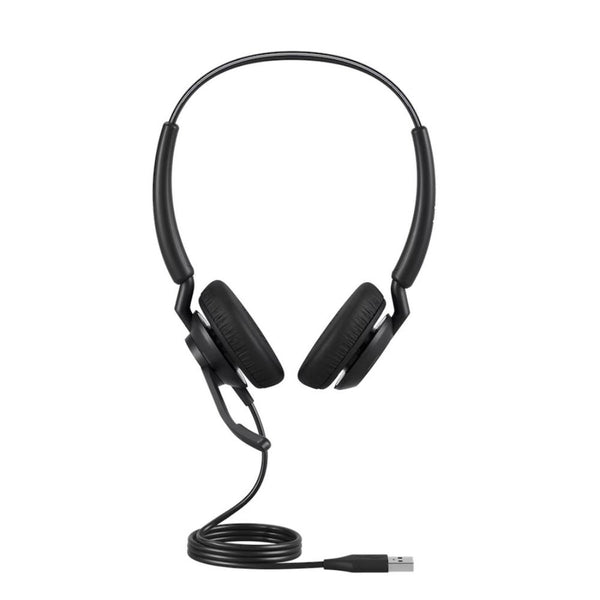
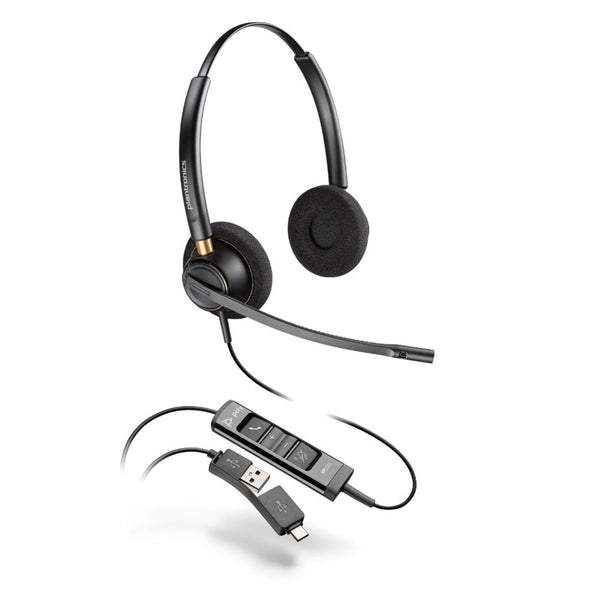
Jabra Engage 40 – Professional Wired Noise-Cancelling Headset (Mono or Stereo)
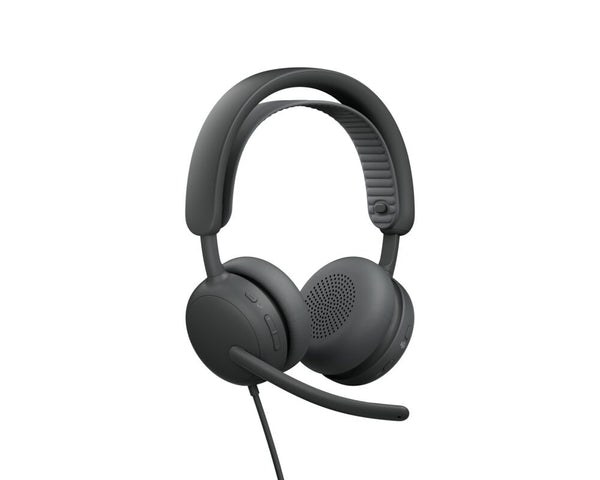
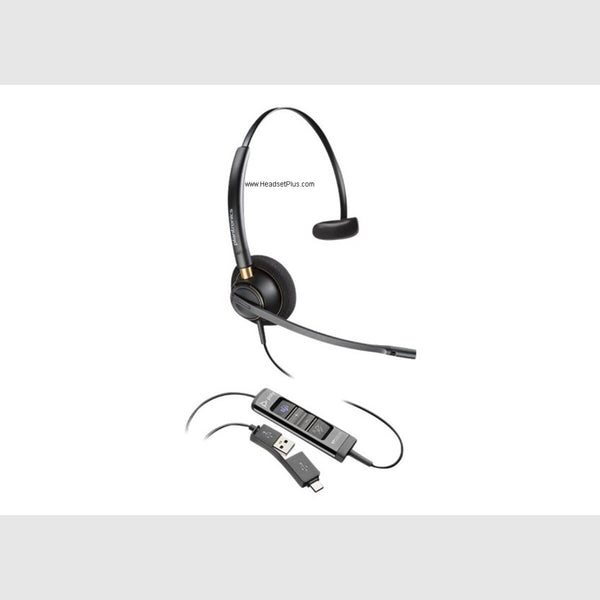
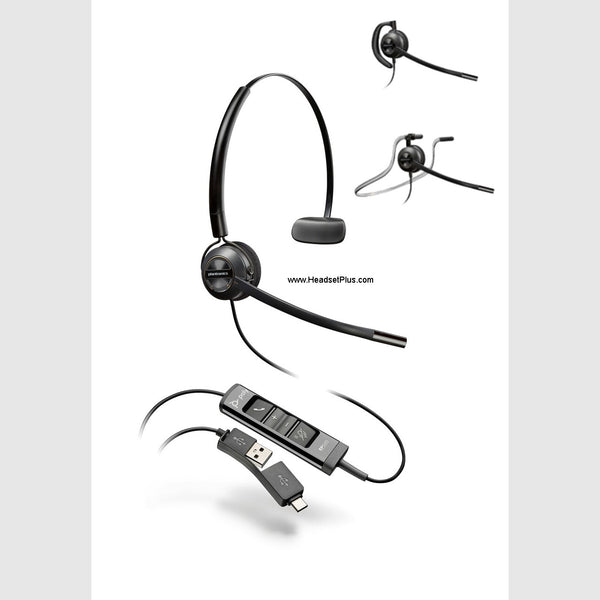
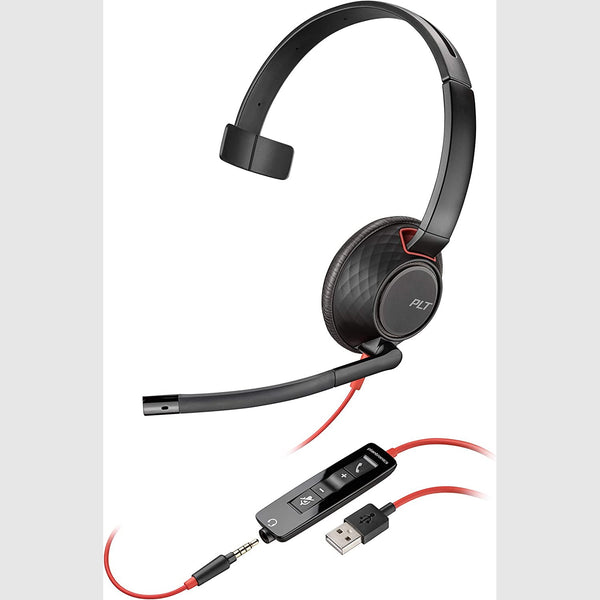
Plantronics Blackwire 5210 Mono Headset – USB & 3.5mm (Teams Certified)
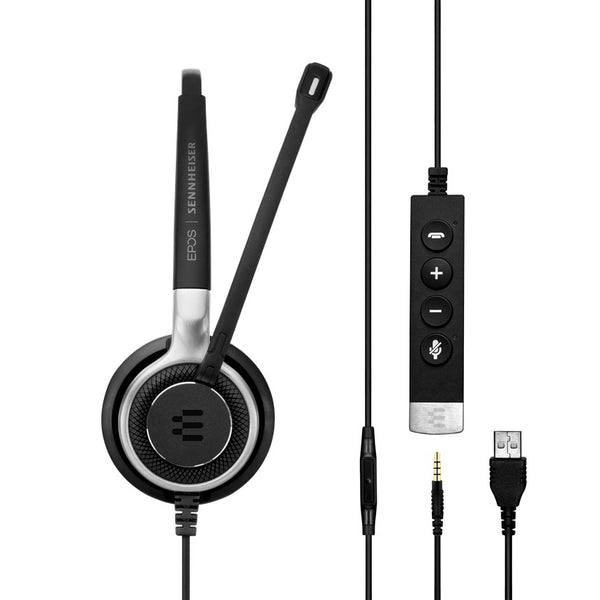
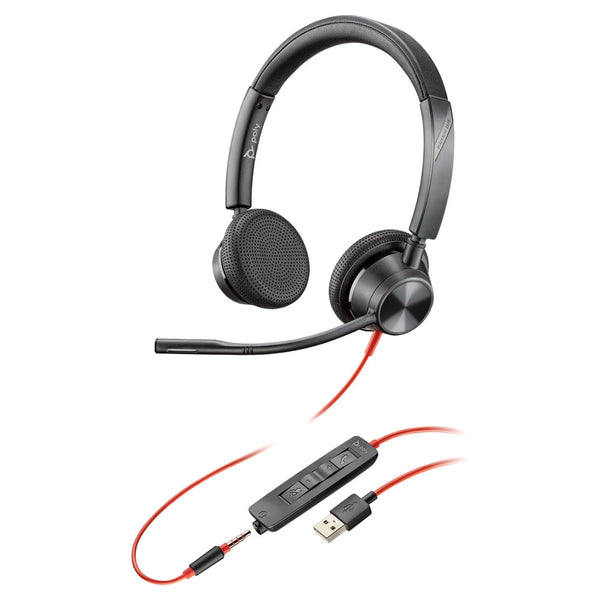
No products match “” in USB Headsets.
Best USB headset for your setup
Pick by the USB ports you have and the room you work in.
| Your setup | Start with | Why |
|---|---|---|
| A normal office or home desk | Jabra Evolve2 40 SE, Poly Blackwire 3320 | Both are on Microsoft's Teams-certified list |
| USB-C ports only | Plantronics Blackwire 3210 or 3220 USB-C, HP Poly Mission 415 or 425 | USB-C plug, so no adapter |
| USB plus a 3.5mm jack | Plantronics Blackwire 5220, EPOS SC 75, Poly Blackwire 3325 | The 3.5mm plug reaches a cell phone or tablet |
| A loud room | Poly Blackwire 8225 | Active noise canceling quiets what you hear |
| Back-to-back calls all day | Jabra Engage 40, Jabra Engage 50 II, Poly EncorePro HW725 | Noise-canceling boom mic on a corded headset |
Wired USB headset: mono or stereo?
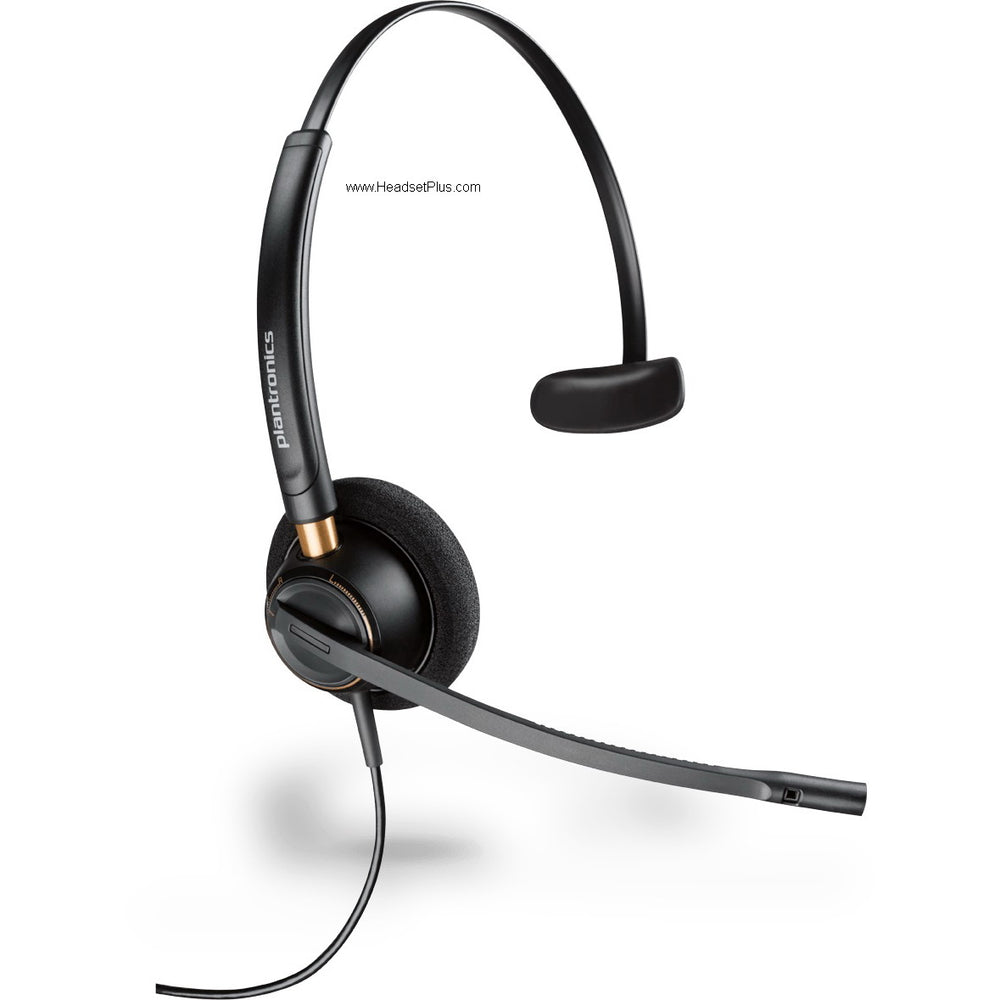
A mono headset covers one ear and leaves the other free, so you still hear a colleague or the doorbell. The Blackwire 3310 and EPOS SC 230 are mono. A stereo headset covers both ears and blocks more of the room, which helps in an open office. The Blackwire 3320 and EPOS SC 260 are stereo, and they're the closest thing here to USB headphones, with a boom mic added for calls.
Noise-canceling USB headset: the mic or the ear cups?
Two different things get called noise canceling. A noise-canceling microphone cleans up what your callers hear. Active noise canceling, like on the Blackwire 8225, quiets what you hear. If people complain about background noise on your calls, the microphone is the part to upgrade.
Buying for a team on Microsoft Teams? Microsoft says certified headsets work without setup and give you answer, hang up, mute and volume from the headset. The Jabra Evolve2 30 SE and 40 SE, Poly Blackwire 3310 and 3320, and Yealink UH34 and UH35 are on that list.
FAQ
Frequently Asked Questions
No. USB headsets register as their own audio device the moment they're plugged in, on Windows, macOS and ChromeOS. Optional manufacturer software adds control over sidetone, equalizer presets and busylight behavior, but calls and audio work without installing anything.
Only in the plug. A USB-C headset and a USB-A headset carry the same digital audio. Both appear on this page, so check the plug against your machine before ordering; a USB-A model on a USB-C-only laptop needs an adapter.
No. USB headsets on this page plug into a USB port, and a desk phone's headset port takes an RJ9 plug instead. The models with a 3.5mm plug alongside USB can reach a cell phone or tablet through that plug.
Yes, and many USB headsets here are certified for one or both. Certification means the inline buttons answer, end and mute calls inside the app rather than only adjusting volume. Uncertified models still carry audio normally; the difference is button control, not sound.