







































Wireless Headsets
Wireless headsets for the desk, the office, and the walk to the printer
Every wireless headset here frees you from the cord — to pace during a call, grab a document, or step to a colleague's desk without dropping the line. The first choice isn't the brand, though. It's the wireless technology underneath: DECT or Bluetooth, and they suit very different people.
Need it tied to a computer? Check the USB wireless options. Splitting time between desk phone, softphone, and mobile? The dual-connectivity models below cover all three.
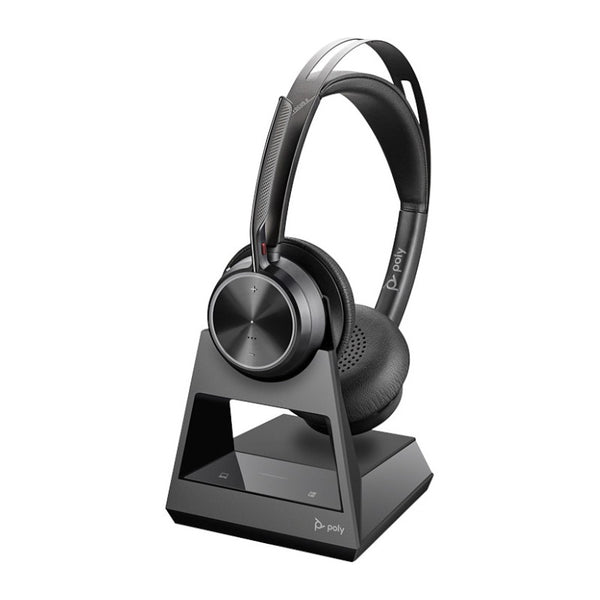
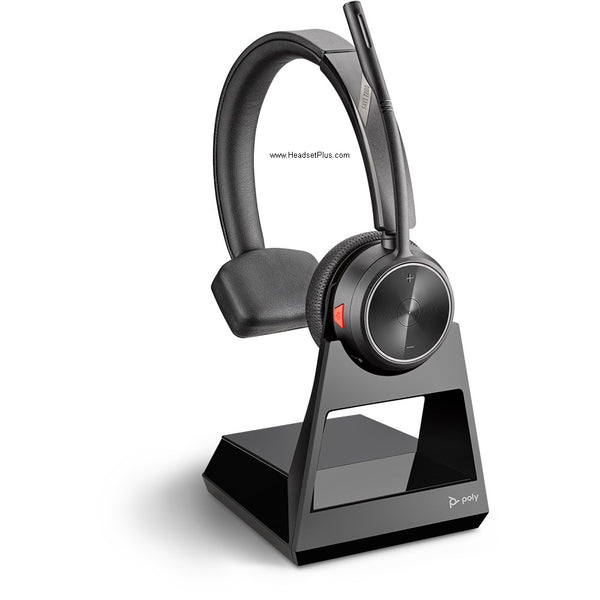
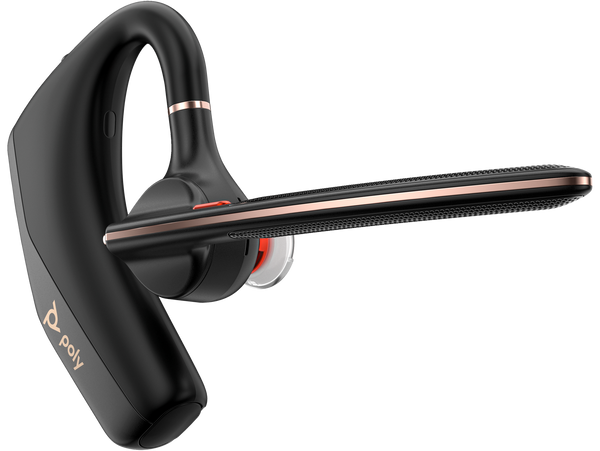
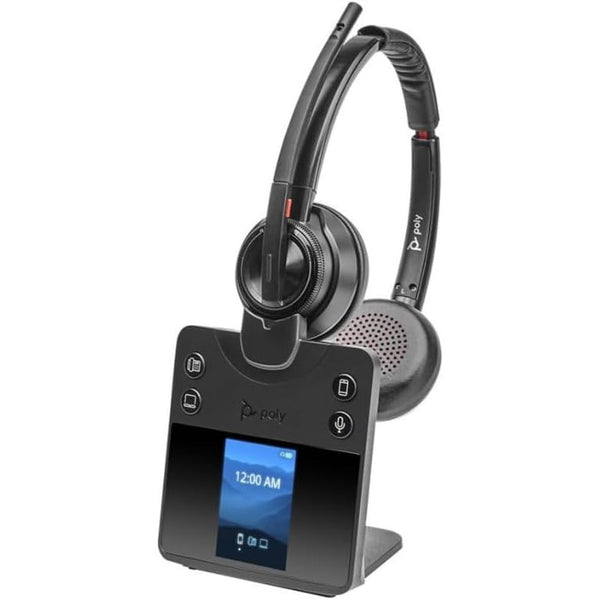
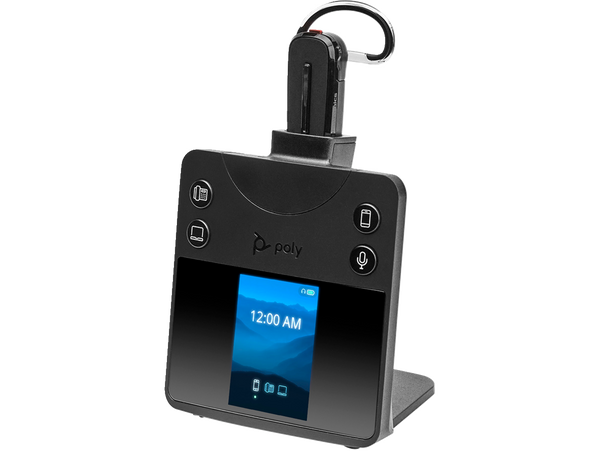
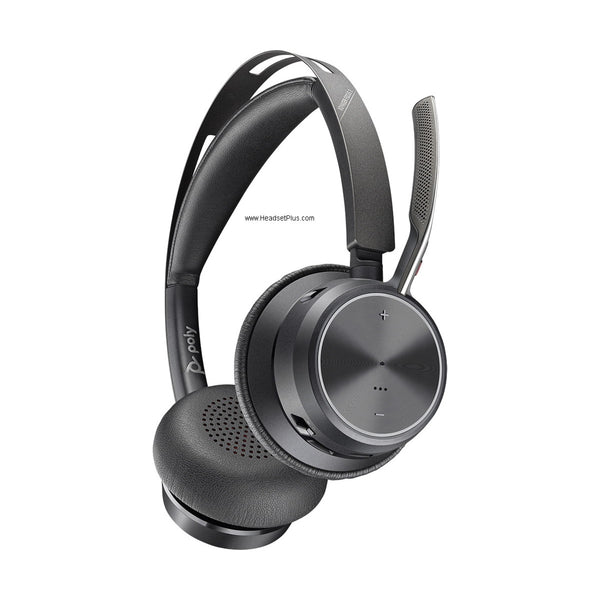
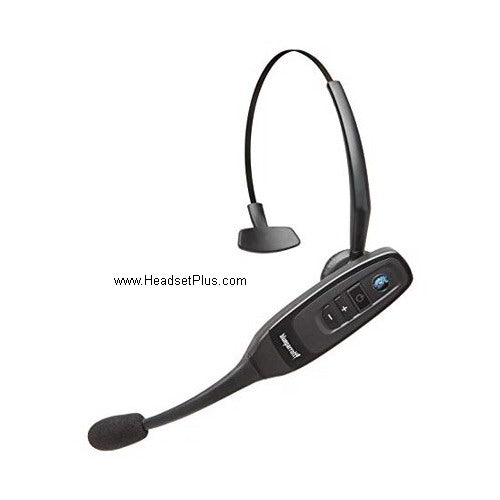
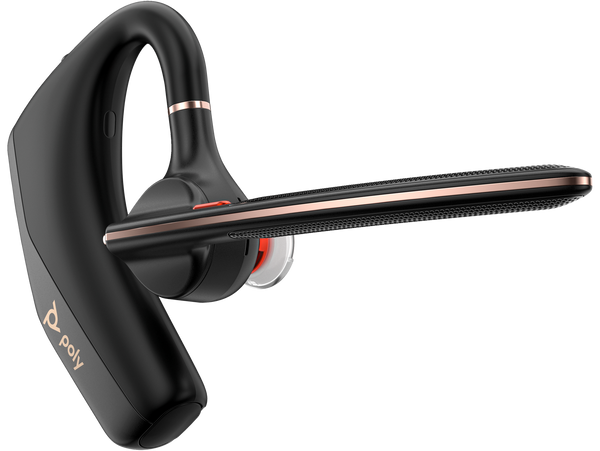
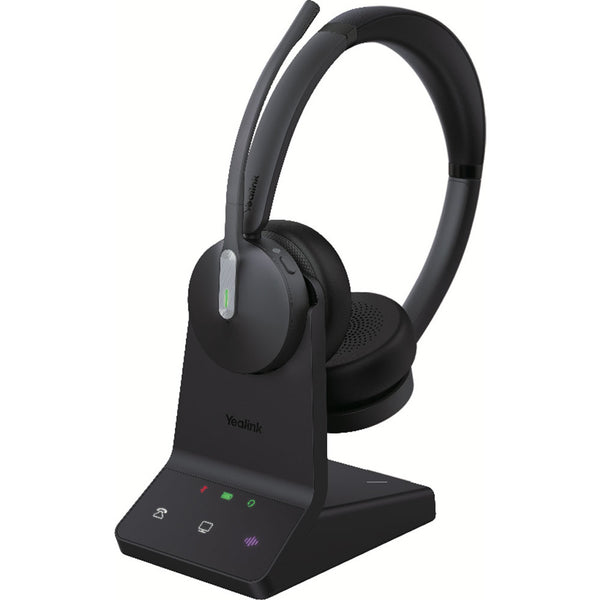
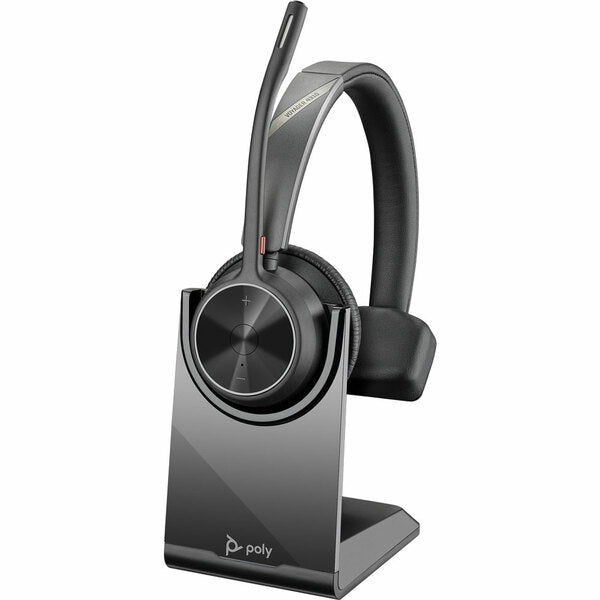
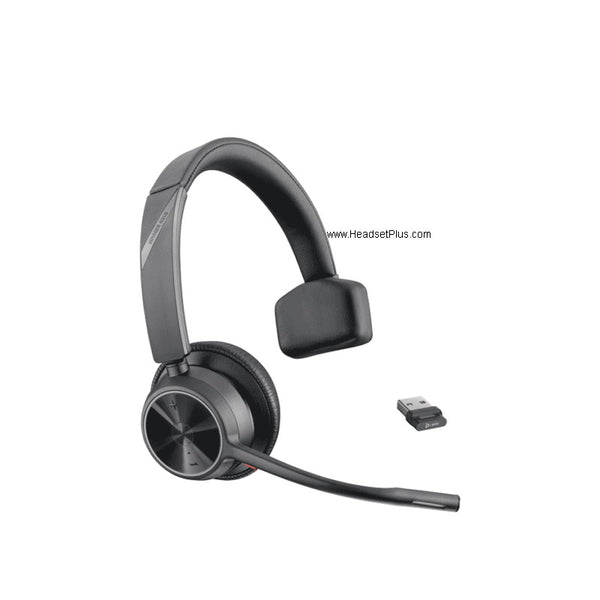

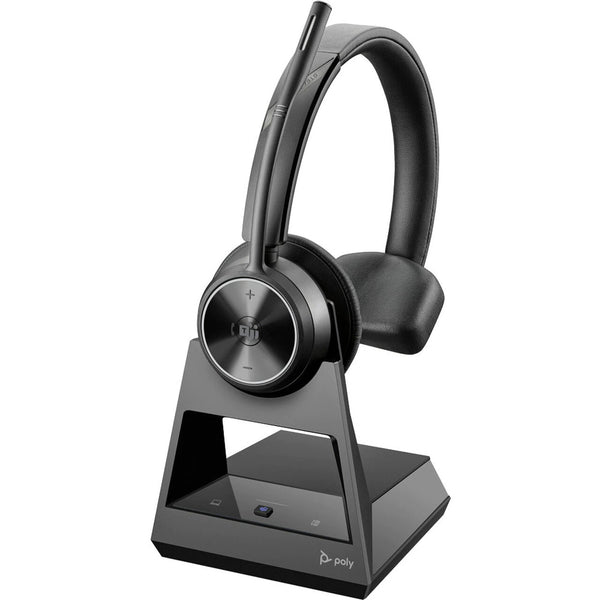
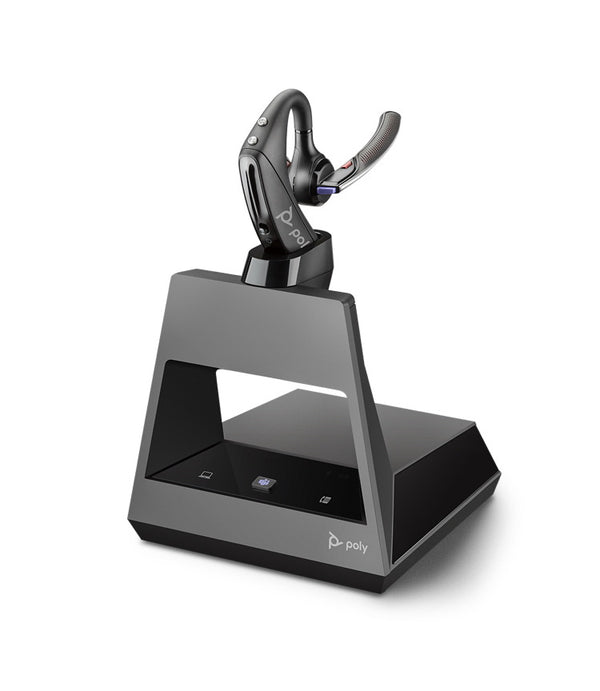
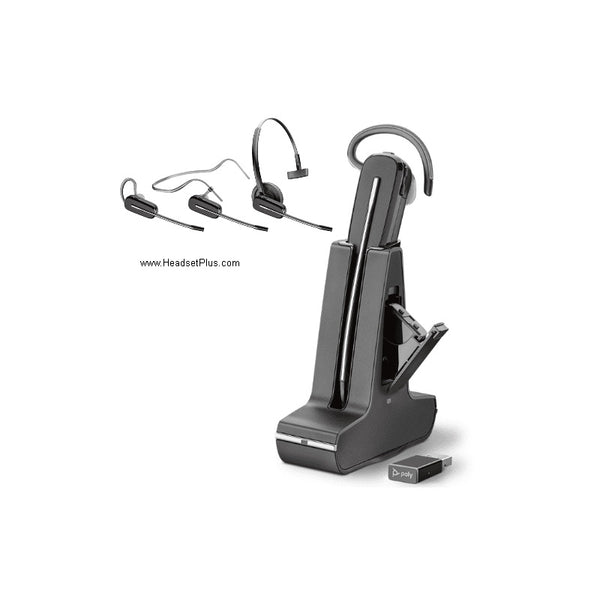
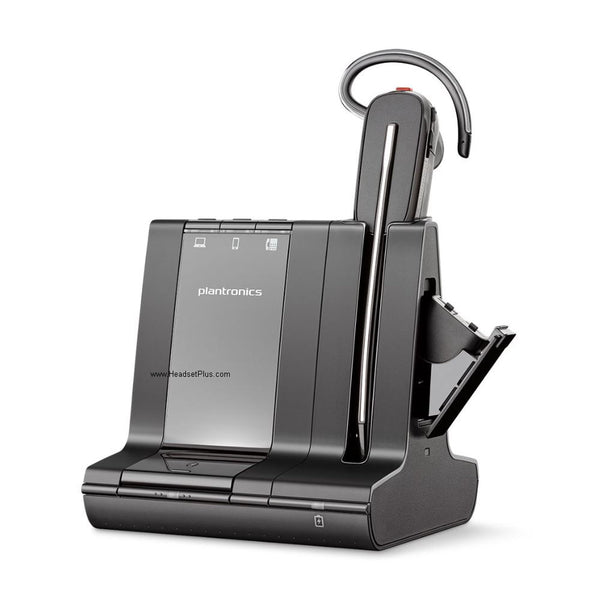
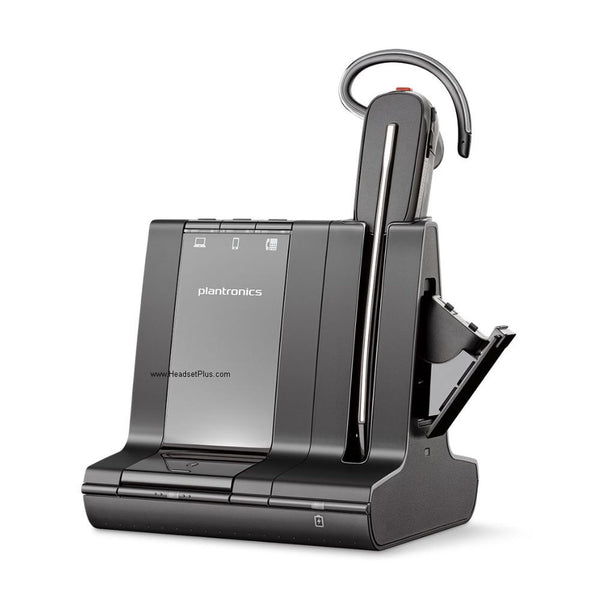
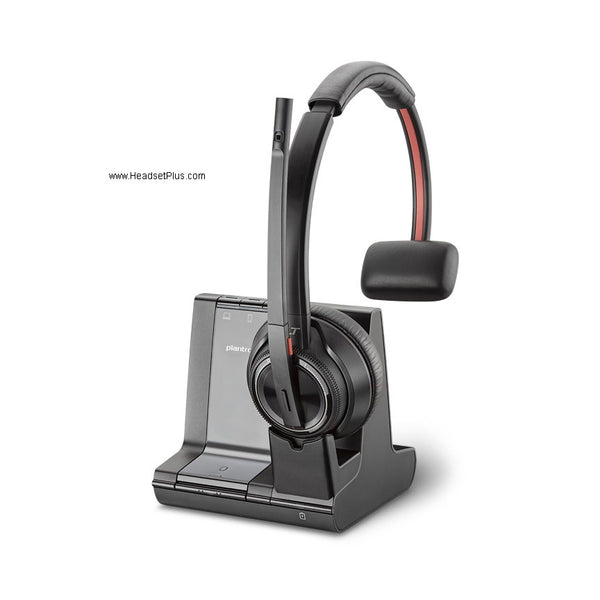
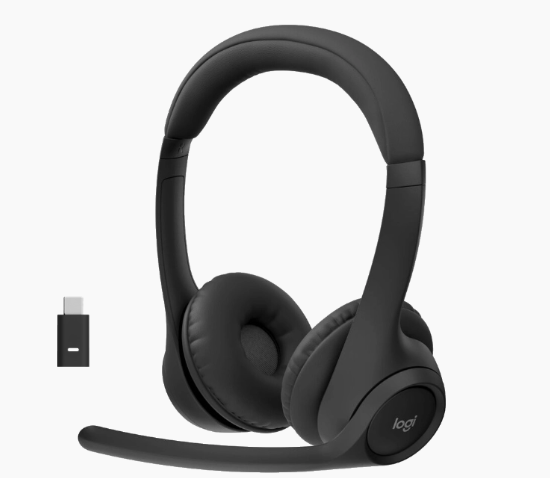
A wireless headset isn't the same as a Bluetooth headset
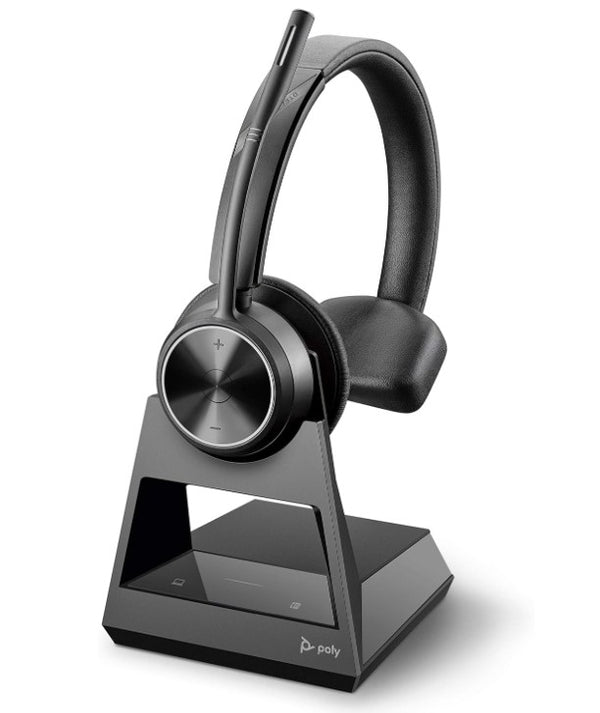
Most people shopping for a wireless headset ask for Bluetooth — but Bluetooth is only one of the two wireless technologies, and often the wrong one for a desk. DECT is the other, and the gap between them decides whether the headset fits your day. The short version: DECT is built for the office, Bluetooth for moving between devices.
As Jabra spells out in its own comparison, a DECT headset links to a single base station while one Bluetooth headset can hold connections to several devices at once — which is why the choice tracks how you work, not which brand you like. One honest caveat on the range numbers: the headline "up to 590 feet" figures are line-of-sight. EPOS puts realistic indoor DECT range closer to 180 feet once walls and furniture get involved, and a fair rule of thumb is to halve any quoted Bluetooth figure for a real office.
The wireless office headset accessory most people forget: the EHS cable
If you're pairing a desk phone and wireless headset, the headset alone won't let you answer calls from across the room — for that you need an EHS cable (electronic hook switch) or a handset lifter, sold separately. Skip it and the "wireless" freedom half-disappears: you'll hear the call ring in your ear from 200 feet away, then walk back to the desk to actually pick up.
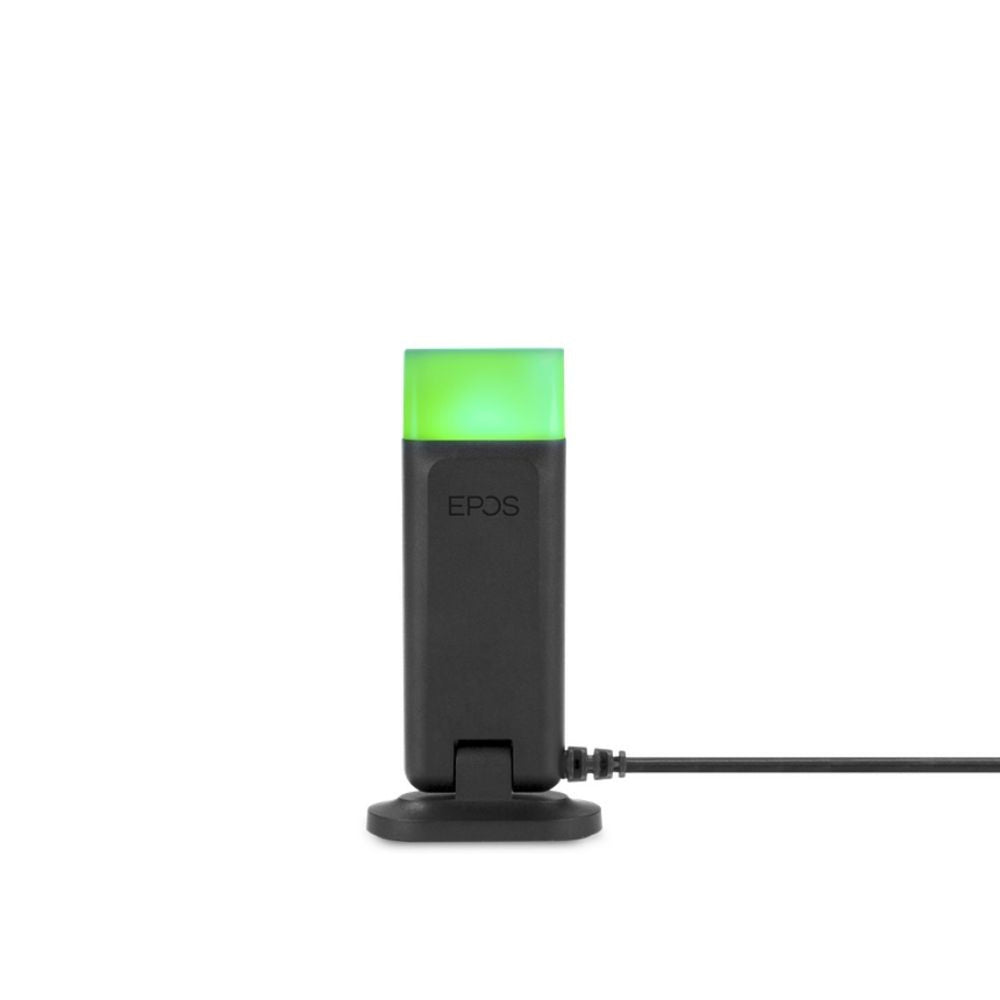
This only applies to desk phones. A wireless headset for work on a PC handles remote answering through its USB dongle and the call-control buttons built into Microsoft Teams, Zoom, or your softphone — no extra cable needed. And a side effect of going wireless that nobody warns you about: once you're not holding a handset to your ear, colleagues can't tell you're on a call. A busy light presence indicator on the base or headset puts that signal back.
Choosing the best wireless headset for your PC, phone, or both
Past the DECT-or-Bluetooth call, a few specs decide the rest. A wireless computer headset connects through a small USB or USB-C dongle, and a USB wireless headset is the simplest path for softphone-only users — no base station, just plug the dongle in. Battery and charging style matter more than the spec sheet suggests: a DECT headset drops onto its charging base every time you set it down, so it's topped up by morning, while Bluetooth models charge by cable and tend to push longer talk time — many now run 24 hours or more.
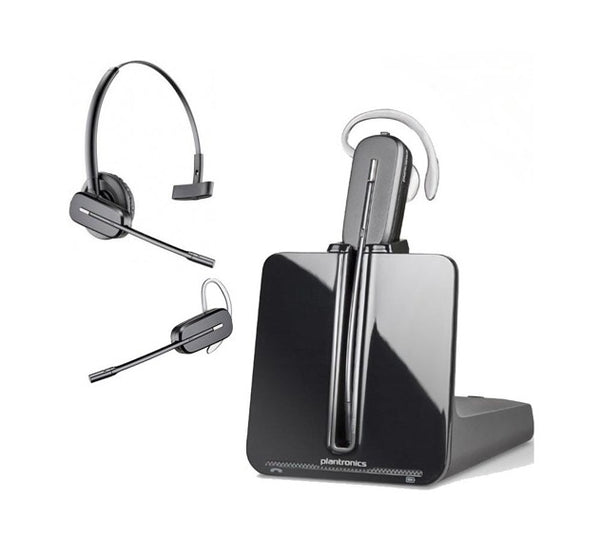
Then it's down to fit. Mono (single-ear) keeps you aware of the room; a binaural (dual-ear), wireless over-ear headset seals you into the call for focus, and an over-the-ear wireless headset with active noise cancellation goes further in a loud space. Convertible models switch between an over-the-head band, an earhook, and a neckband from the same chassis. Among the best wireless headsets here, the difference is rarely the audio — it's the microphone and the fit. Here's what a wireless headset with mic for work in this collection gives you:
- A noise-cancelling boom microphone with wideband / HD voice — a true wireless microphone headset built for calls, not earbud pickup
- DECT or Bluetooth wireless, with a USB / USB-C dongle for PC and softphone
- A charging base or stand, plus replaceable batteries on most DECT models
- Inline and on-earcup call control: answer, mute, and volume
- A busy light presence indicator on most models
- Microsoft Teams and UC / Zoom certified variants for native call control
Match the technology to your day and the EHS cable to your phone, and the best wireless headset for work is the one you stop noticing — it just lets you take calls without breaking stride. Start with the grid above, narrow straight to the USB wireless, Bluetooth, or DECT models, or reach the team if you're unsure which EHS cable your desk phone needs.
FAQ
Frequently Asked Questions
A DECT wireless headset uses a base station on its own protected frequency for long range (300+ feet) and stable office calls, connecting mainly to a desk phone or PC. A Bluetooth wireless headset pairs directly to multiple devices — laptop, phone, tablet — with shorter range (around 30–100 feet) and no base station, which suits hybrid and mobile work. Pick DECT for a fixed desk you roam from; Bluetooth for switching between devices.
The best wireless headset for working from home depends on your setup. If you're on a laptop softphone all day, a Bluetooth or USB-dongle model with a noise-cancelling mic and long battery life is usually ideal, since there's no desk phone to tie into. If your home office runs through a desk phone, a DECT headset gives you the range to step away from it. Either way, prioritize the microphone and all-day comfort over extra features.
Yes — many wireless headsets connect to desk phones through a base station, and DECT models are built specifically for this. To answer and end those calls away from your desk, you'll also need an EHS cable or handset lifter matched to your phone, sold separately. Without one, the wireless headset still works; you just press answer on the phone itself.
You need an EHS cable (or handset lifter) only if you want to answer desk-phone calls remotely, away from your desk — it's what lets the headset's answer button pick up the line. It's specific to your phone's make and model, so check compatibility before buying. If you're using a wireless headset purely with a PC softphone, you don't need one; the USB dongle handles call control.
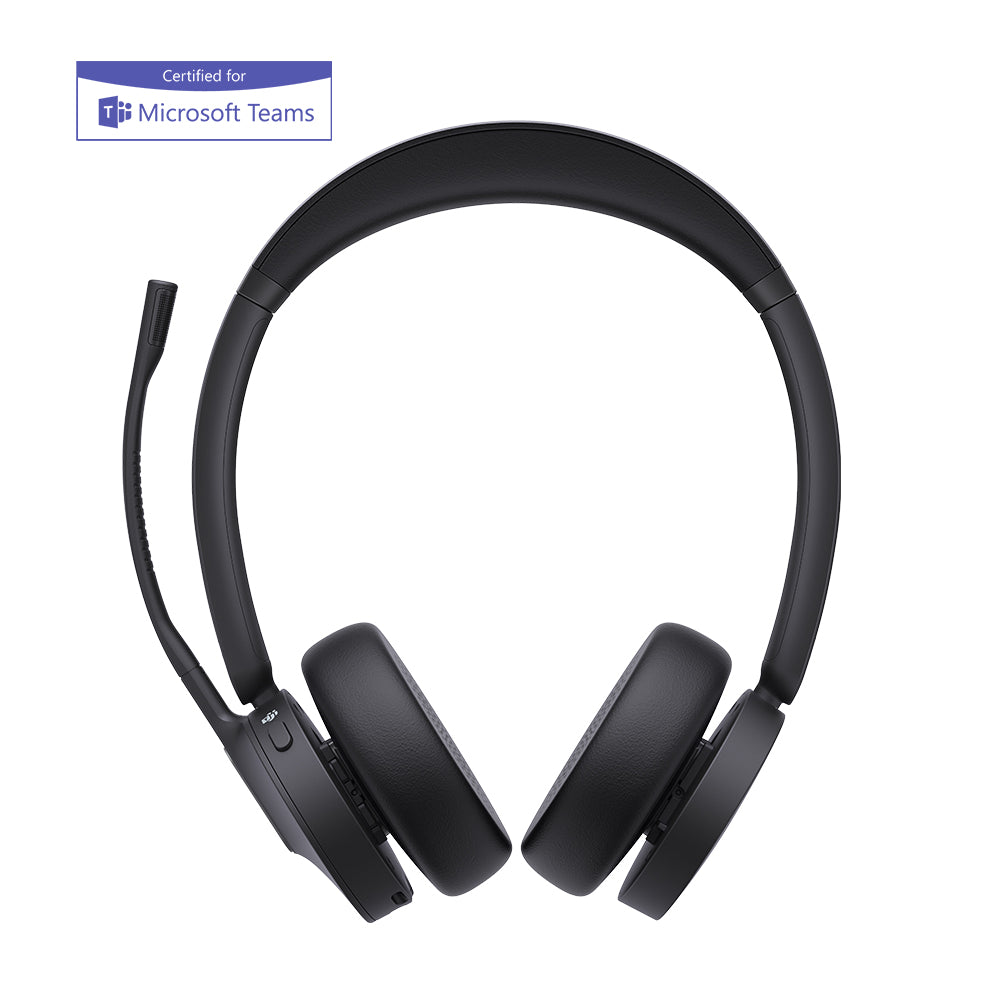
The best wireless headset for a PC connects through a USB or USB-C dongle and is certified for your platform — Microsoft Teams, Zoom, or your softphone — so the answer, mute, and volume buttons work natively. A wireless computer headset like this needs no base station; plug the dongle into a USB port and it pairs instantly. Look for a noise-cancelling boom mic and the battery life to clear your meeting-heavy days.
Most wireless headsets deliver 8 to 16 hours of talk time, with many Bluetooth models now reaching 24 hours or more on a charge. DECT headsets sit on a charging base whenever you're not wearing them, so they're rarely low, and most use replaceable batteries you can swap when one wears out. For back-to-back call days, look for talk time that comfortably clears a full shift.