


















Jabra Evolve3 85 – Premium Over-Ear Boomless Wireless Headset
The Evolve3 85 Doesn't Look Like Work
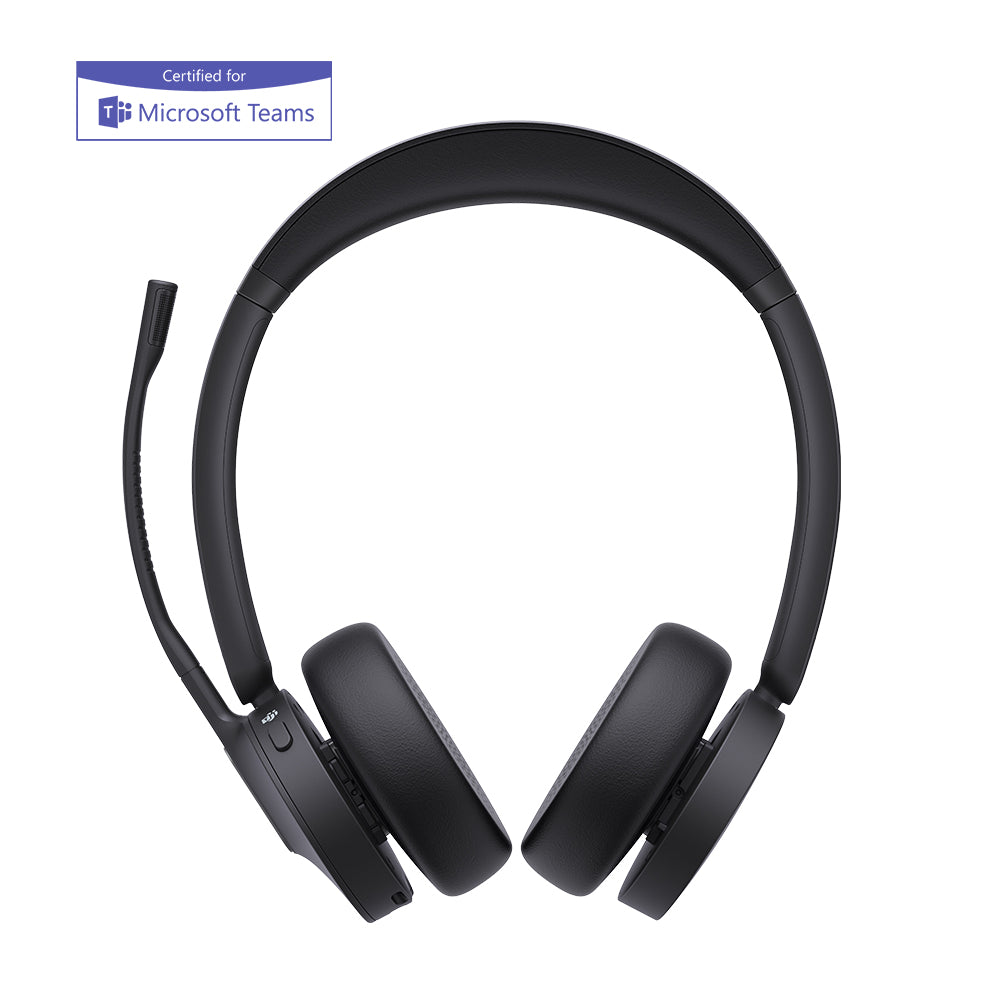
Most conference headsets announce themselves — the boom arm across your cheek, the chunky earcups that tell every room you spend your day on calls. The Jabra Evolve3 85 headset throws that out: no mic arm, six hidden microphones and Jabra's ClearVoice AI doing the work instead, and a profile closer to a pair of travel headphones than a piece of office kit.
That swap changes more than the look. This is Jabra's most advanced noise cancellation to date wrapped in a 220-gram foldable shell — light enough to forget through a morning of meetings, quiet enough that the open office disappears when you need to think. One headset for the 9 a.m. standup and the commute home.
Build the exact Jabra Evolve3 85 for your setup
Three choices, then you're done. You're matching the headset to your meeting platform, your computer's ports, and how you'd rather charge it.
Platform certification — which meeting software your day actually runs on.
- MS (Microsoft Teams). Native Teams certification and a dedicated Teams button that takes you straight to the app. Pick this if your company lives in Teams all day.
- UC (Universal). Tuned for mixed shops — Zoom, Google Meet, Webex, whatever's on the calendar that hour. One tap to join, no lock-in to a single platform.
Adapter type — the Jabra Link 390 dongle that connects the headset to your computer.
- USB-A. For desktops, docks, and the many laptops still carrying full-size ports.
- USB-C. Straight into a modern laptop with nothing else in the way — no dongle stack on your desk.
Wireless charging pad — how it tops up between calls.
- With charging pad. Set the headset down on the pad when you're between meetings and it charges itself. No cable to find, nothing to plug in.
- Without pad. Charge over the included USB-C cable instead. Pick this if you travel light or your desk already has enough cables.
Microphone and call clarity on the Evolve3 85
The whole reason the mic arm is gone: six MEMS microphones and Jabra ClearVoice do its job from inside the earcups. ClearVoice runs on a deep-learning model trained on 60 million real sentences, so it knows the difference between your voice and the coffee grinder, the keyboard two desks over, the dog that picks the worst moment. Your client hears you. They don't hear the room.
The same accuracy pays off when you talk to software, not people — voice pickup lands over 90% of spoken words in AI assistant prompts, so a command to Copilot works the first time instead of the third.
Quiet you can actually work in
Noise control here works in two layers, and they're different things. The over-ear cushions physically seal around your ears first — that's passive isolation, and it's why chatter drops the moment they're on. Then Jabra Advanced ANC goes after what the seal can't catch: the low-frequency drone of air conditioning, a plane engine, the server-room hum you stopped noticing but your brain hasn't. It's adaptive, adjusting to your fit and your surroundings in real time, and it stays on during calls — not just between them. Need to hear the room without taking the headset off? HearThrough pipes it back in for the person at your desk or the gate announcement.
Battery life on the Evolve3 85 — 120 hours, and a 10-minute rescue
Charge it Monday and a normal week of calls won't catch up to it. The headline numbers are big, but the one that saves you is the fast charge: ten minutes plugged in while you grab coffee buys back roughly ten hours of music.
Light enough to forget, built to outlast the warranty
At about 220 grams — roughly the weight of an apple — the Evolve3 85 sits light enough that you stop registering it somewhere in the second meeting. The breathable fabric cushions are the reason it survives a full day rather than turning into a sweaty clamp by 3 p.m., and the whole thing folds flat into the carry case for the bag.
Two details the spec sheet undersells. It's about 35% slimmer than the Evolve2 generation it replaces, which is most of why it passes as ordinary headphones. And the battery, ear cushions, and headband are all user-replaceable, on top of recycled materials in the build — so when a cushion wears out in year three, you swap the cushion instead of the headset. If you're already on an Evolve2 75 or 85, the upgrade is really about the boomless design and the AI mic, not call quality you've been missing.
The 360° busylight nobody has to ask about
The 360° Busylight
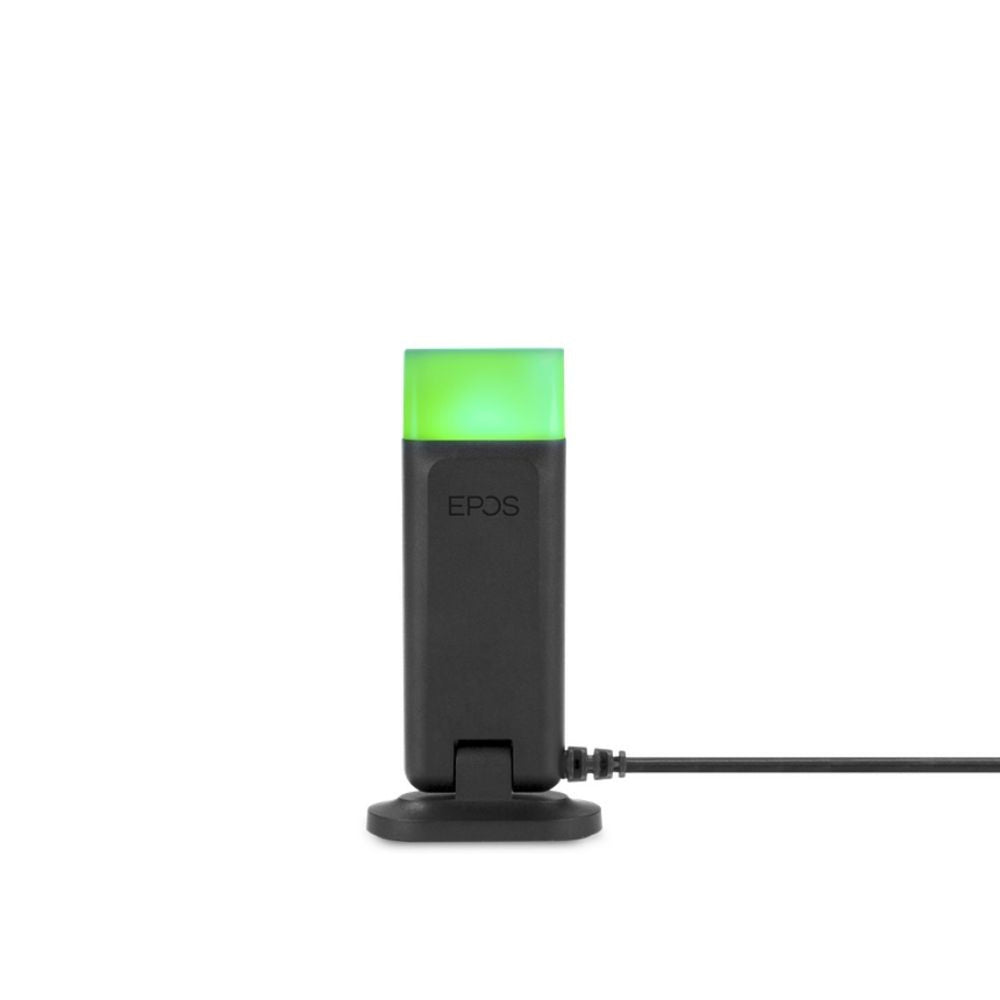
A ring of light around the earcups switches on the second you're in a call and shows from every angle — front, side, behind. In an open office that's the difference between a colleague seeing you're busy and a colleague tapping your shoulder mid-sentence. It's a small thing that quietly removes a dozen interruptions a day, and you can override it manually when you want to signal "do not disturb" without being on a call at all.
It's a real pair of headphones, not a call tool that tolerates music
Plenty of work headsets treat music as an afterthought. This one doesn't. The over-ear drivers hold up on the commute, and Enhanced Spatial Sound places voices in front of you rather than piping them flat into the middle of your head — which sounds like a gimmick until your fourth video call of the day ends and you're not as fried as usual. You can shape the EQ to your taste in the Jabra Plus app, so it can lean flat for calls and warmer for the train home.
The software that keeps making it better
The Evolve3 85 works the moment you pair it. The Jabra Plus app is where it bends to you: set how aggressively ANC runs, dial sidetone up or down so your own voice sounds natural, remap the buttons, tune the sound. For an individual that means the headset adapts to your ears instead of the other way round.
For whoever signs off on a fleet of these, the IT story matters as much as the audio. Jabra Plus Management and Jabra Xpress let an admin push firmware and settings to one headset or several hundred without walking to a single desk, and Jabra Direct covers individual setup. Firmware updates keep arriving after purchase, and because the voice processing is AI-driven, the mic genuinely gets sharper over time — the headset you deploy this quarter isn't the ceiling of what it does next year.
What you're buying is one device covering two jobs: the headset that keeps you sharp through a wall of calls, and the headphones you reach for on the flight home. The replaceable battery and cushions mean it doesn't quietly die in two years like most wireless gear, and the firmware keeps adding to it after you've paid. For a heavy call schedule, it earns its place on your head every day rather than depreciating in a drawer.
Built for Teams, ready for everything else — Evolve3 85 compatibility
If your day is Microsoft Teams, the MS variant is certified for it and gives you a dedicated Teams button that drops you straight into the app — so yes, it's a strong pick for a Teams-first office. If your week bounces between Zoom, Google Meet, and Webex, the UC variant is built for exactly that. Either way it pairs to your phone over Bluetooth and to your computer through the Jabra Link 390 adapter at the same time, so a call ringing on your laptop and a call on your phone both land in the same headset.
- Microsoft Teams certified (MS variant) with a dedicated Teams button
- Zoom, Google Meet, and Cisco Webex — works across all leading UC platforms (UC variant)
- Apple MFi and Find My, plus Google Fast Pair and Find Hub
- Windows and Mac via the Jabra Link 390 adapter; Android and iOS over Bluetooth
- Jabra Evolve3 85 over-ear headset
- Jabra Link 390 Bluetooth adapter (USB-A or USB-C — matches the variant you choose)
- Carry case
- USB-C to USB-C cable
- 3.5 mm audio cable
- Wireless charging pad — included only with "with Charging Pad" variants
- Warranty and warning leaflet
| Specification | Detail |
|---|---|
| Design | Over-ear, stereo (binaural), boomless, foldable |
| Weight | Approx. 220 g |
| Microphones | 6 digital MEMS microphones |
| Voice technology | Jabra ClearVoice (AI deep neural network, trained on 60 million sentences) with wind-noise reduction |
| Noise cancellation | Jabra Advanced ANC (active, adaptive) with HearThrough; passive over-ear isolation |
| Audio | Enhanced Spatial Sound; sidetone (works alongside ANC) |
| Talk time | Up to 25 hrs (ANC/busylight off) · up to 21 hrs (ANC/busylight on) |
| Music time | Up to 120 hrs (ANC off) · up to 55 hrs (ANC on) |
| Charging time | Up to 180 min for a full charge; 10-min fast charge ≈ 10 hrs music |
| Battery | Rechargeable lithium-ion, user-replaceable |
| Charging | USB-C; wireless charging pad (included on select variants) |
| Bluetooth | Version 5.3, with Bluetooth LE Audio and Fast Pair |
| Multipoint | Yes — 2 simultaneous connections, up to 8 paired devices |
| Wireless range | Up to 30 m / 100 ft |
| Adapter | Jabra Link 390 (USB-A or USB-C, variant dependent) |
| Wired option | 3.5 mm audio cable |
| Busylight | 360° visibility |
| Sensors | Wearing detection — auto-pause/auto-play, auto answer on don/doff |
| Sustainability | Replaceable battery, headband, and ear cushions; recycled materials |
| Operating temperature | -10°C to 45°C (14°F to 113°F) |
| Color | Black |
| Warranty | 2-year limited warranty (Jabra standard); extended warranty available |
Software. Out of the box the headset is ready to use. End users tune it in the Jabra Plus Mobile App (and the Jabra Plus Desktop App as it rolls out) — EQ, ANC level, sidetone, and button mapping. IT teams deploy and manage it at scale through Jabra Plus Management and Jabra Xpress, with Jabra Direct for individual configuration. Firmware updates arrive continuously, and because voice processing is AI-driven, microphone performance improves over the life of the device.
Hardware. Connects over Bluetooth 5.3 with LE Audio and Fast Pair, and supports multipoint — 2 active connections at once and up to 8 paired devices — with wireless range up to 30 m / 100 ft. The included Jabra Link 390 USB adapter (USB-A or USB-C per variant) connects to Windows and Mac computers; a 3.5 mm audio cable provides a wired option. Works with Android and iOS phones and tablets, plus PC and Mac.
Platforms. The MS variant is certified for Microsoft Teams with a dedicated Teams button; the UC variant works across all leading unified-communications platforms including Zoom, Google Meet, and Cisco Webex, plus Microsoft Open Office, Alcatel-Lucent, and Unify. Apple MFi, Apple Find My, Google Fast Pair, and Find Hub are supported.
FAQ