


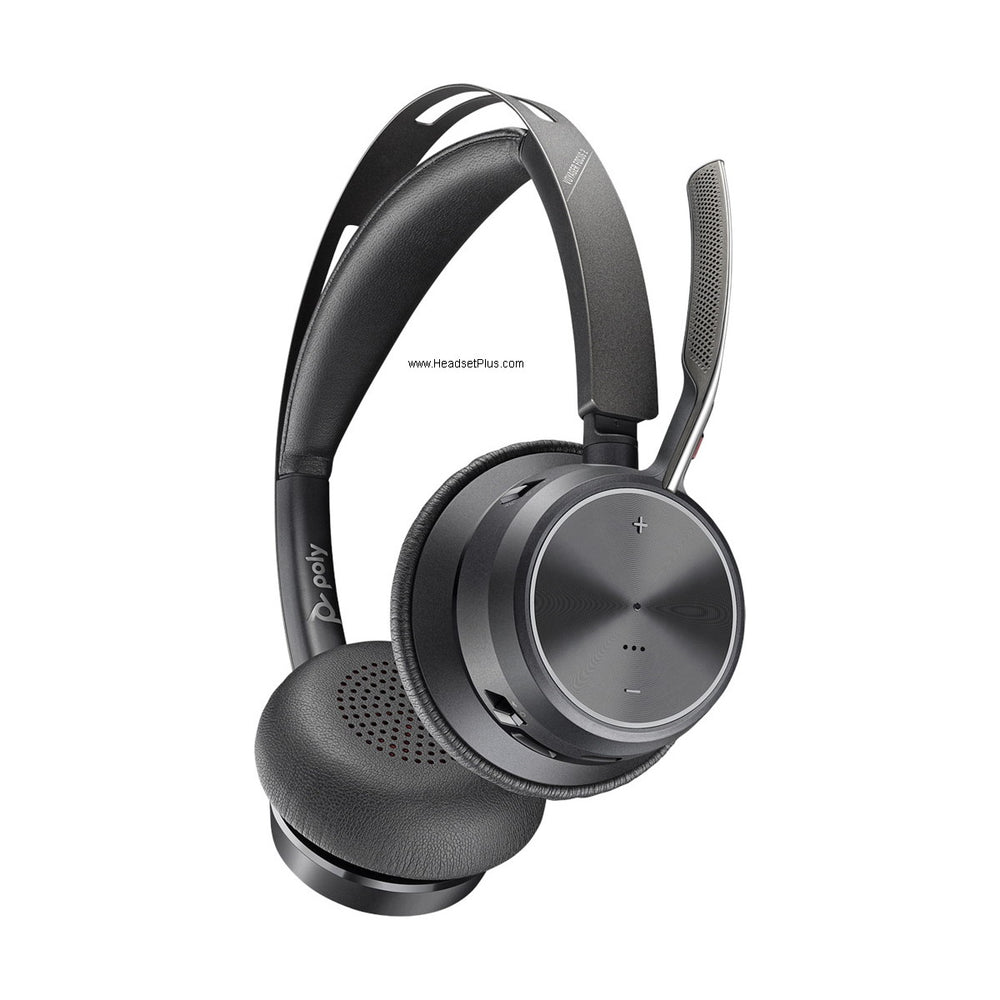












































Most telephones don't provide enough power to properly drive a corded headset on their own — that's the whole reason amplifiers exist. This is the complete reference for both the legacy Plantronics M22 and the current Poly MDA524 and MDA526, including the specific dial settings, the cable-equivalent chart, and the conference-merge feature most guides miss entirely.
Key takeaways
- Most telephones need an amplifier to properly power a headset — check your specific phone's compatibility page to confirm.
- The Poly MDA524 is the current amplifier, connecting a headset to a desk phone and computer with independent volume for each.
- A genuinely useful hidden feature: hold the PC and desk phone connect buttons for 2 seconds during an active call to merge them into a conference.
- The MDA526 is a step up for "D" Digital EncorePro headsets (6-pin QD), adding fleet monitoring via Plantronics Manager Pro.
- The legacy M22 amplifier is discontinued; its dial settings and cable-position chart are preserved here for anyone still running one.
Do you need an amplifier?
Most telephones don't supply enough power through the headset or handset port to properly drive a corded headset — an amplifier bridges that gap, adding independent volume control (incoming and outgoing) and mute. Some phones with a dedicated headset port don't need one at all; check our headset compatibility guide to confirm whether your specific phone requires an amplifier.
Poly MDA524: the current corded amplifier
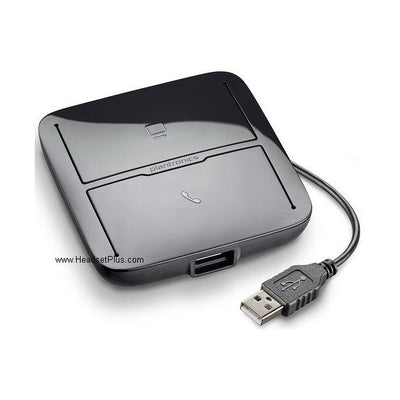
The Poly MDA524 connects a Plantronics H-series headset to both a desk phone and a computer, with two independent volume dials so you can adjust the desk phone and computer audio separately. It supports remote answering via an EHS adapter or the Poly HL10 mechanical lifter, and is powered through the computer's USB port — which also enables call recording when used with a computer.
Myth
The MDA524 can only connect a headset to one device at a time.Reality
It can actually merge two calls into a conference. Press and hold both the PC and desk phone connect buttons together for 2 seconds while on an active call, and the MDA524 merges the desk phone and computer calls into a single conference — a genuinely useful feature most guides on this device don't mention.Poly MDA526: the digital amplifier for "D" EncorePro headsets
The Poly MDA526 is a digital amplifier built specifically for the "D" Digital EncorePro headset line — these use a 6-pin QD connector rather than the standard 4-pin QD on regular EncorePro headsets, and are designed for larger deployments. The MDA526 works with Plantronics Manager Pro software to monitor headset usage and supervise call quality across a fleet, making it the right choice for IT-managed environments rather than a single desk.
Setting your MDA524/526 to match your desk phone's cable
Both the MDA524 and MDA526 share the same configuration dial, and each position corresponds to the same bottom cable you'd otherwise need for your specific desk phone:
| Dial setting | Equivalent cable | Desk phone |
|---|---|---|
| A | U10 | Cisco |
| B | A-10 | Avaya / Nortel |
| C | U10P | Polycom |
| D | HIS | Avaya J100 |
| E | U10P-S | Yealink / SNOM |
| F | HIC | Avaya / AT&T |
For best volume, set both dials on the bottom of the unit (master volume and master microphone) to position 2 first, then fine-tune from the front controls.
Powering the MDA524/526 without a USB port
Neither the MDA524 nor MDA526 use standard batteries — both are powered through the computer's USB port. If a USB port isn't available, an AC/DC wall adapter (referenced in some listings as the MDA220, also associated with the Savi 8210/8220 series) can power the unit instead. If you're sourcing this adapter separately, confirm the exact part with our team, since "MDA220" has also been used elsewhere to describe a Bluetooth-to-desk-phone switch — the naming isn't fully consistent across older product listings.
Legacy: the Plantronics M22
The Plantronics Vista M22 is the discontinued predecessor to the MDA524, connecting Plantronics H-series headsets to most single- or multi-line office phones with the same ergonomic volume, headset/handset, and mute controls. If you're still running one, here's the reference.
M22 installation
- Leave the line cord from the wall in your telephone — don't touch it.
- Unplug the handset (receiver) cable from the base of your telephone and connect it to the back of the M22, at the port marked with a picture of just a hand receiver.
- Take the short cable included with the M22 and plug one end into the back of the M22 at the port marked with a picture of a full telephone, and the other end into where the hand receiver used to connect on your phone.
M22 switch settings
| Position | Setting |
|---|---|
| 1 | Carbon |
| 2 & 3 | Phone-specific, such as AT&T Merlin |
| 4 | Electret test setting (not fully functional) |
| 5 | Electret with batteries installed |
M22 battery access
The battery compartment is on the left side of the unit, with a U-shaped door. Apply pressure while pushing down to release it — the door slides off.
M22 specifications
- Uses 2x AA batteries, or the optional Plantronics M12/M22 AC adapter
- Compatible with most modular phones; installs in the telephone handset jack
- Supports carbon handsets (or equivalent), plus standard electronic handsets including Electret, Dynamic, and ceramic
- Mute, outgoing (Tx) volume adjust, and receive (Rx) volume adjust
- 6-position configuration switch, plus a Handset/Headset switch
- AC adapter spec (M10/M12/M22): 7.5–12 volts, 200 milliamps, DC center positive
If your M22 finally fails and genuine replacement parts aren't available, the current Poly MDA524 is the direct successor, using the same cable-position dial concept but with USB power, dual desk-phone-and-computer connectivity, and the conference-merge feature the M22 never had.
What amplifier replaced the Plantronics M22?
The Poly MDA524 is the current replacement for the discontinued M22, using the same cable-position dial concept but adding dual desk-phone-and-computer connectivity, USB power, and a conference-merge feature the M22 didn't have.
What's the difference between the MDA524 and MDA526?
The MDA524 works with standard 4-pin QD Plantronics/Poly headsets and connects a desk phone and computer. The MDA526 is built specifically for "D" Digital EncorePro headsets, which use a 6-pin QD connector, and adds fleet monitoring through Plantronics Manager Pro software for larger deployments.
Can the MDA524 merge a desk phone call and a computer call?
Yes. Press and hold both the PC and desk phone connect buttons together for 2 seconds while on an active call, and the MDA524 merges both into a single conference call.
Which cable does the MDA524/526 dial setting replace?
Position A replaces the U10 (Cisco), B replaces the A-10 (Avaya/Nortel), C replaces the U10P (Polycom), D replaces the HIS (Avaya J100), E replaces the U10P-S (Yealink/SNOM), and F replaces the HIC (Avaya/AT&T).
How do I power the MDA524 or MDA526 without a USB port?
An AC/DC wall adapter can power the unit instead of USB. Confirm the exact part with our team, since the naming for this adapter isn't fully consistent across older product listings.
Whether you're troubleshooting a legacy M22 or setting up a current MDA524 or MDA526, matching the dial position to your desk phone is the whole trick — and if you're on the MDA524, the conference-merge feature is worth trying even if you never needed it before. Call our team at 877-999-3838 with your exact phone model if you're not sure which setting to use.

Comments (0)