


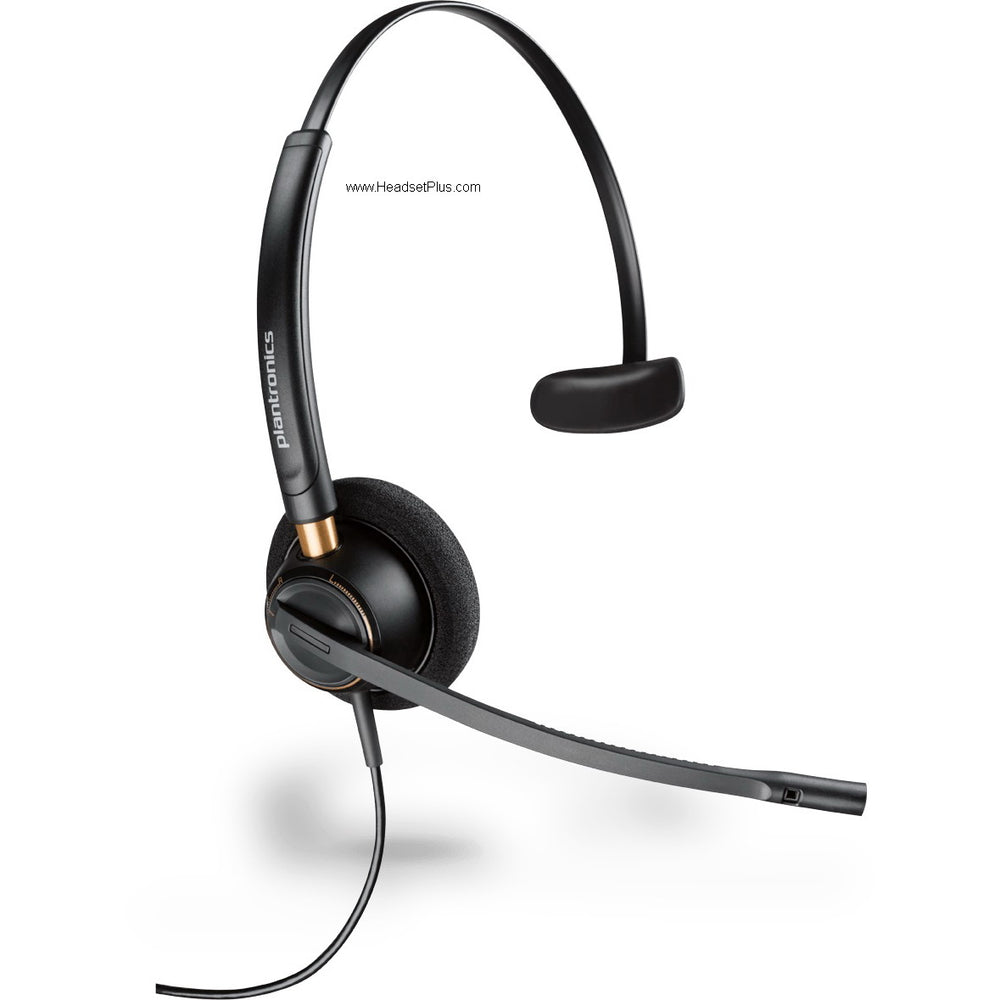


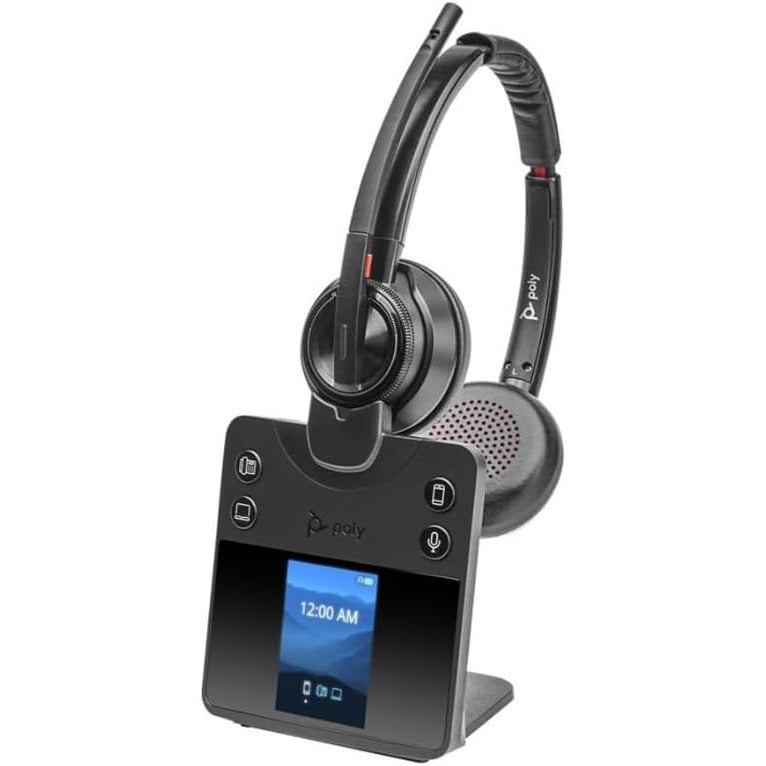









































Computer Headsets
Computer and PC headsets: which one to get
The computer headset most people should get is a corded USB one, like the Jabra Evolve2 40 SE or Poly Blackwire 3320. Plug it in and there's nothing to charge.
Get up during calls? The Poly Voyager Focus 2 and Jabra Evolve2 65 connect through their own USB dongle. Answer a desk phone too? A DECT headset like the Poly Savi 8240 or EPOS SDW 5036 runs both from one base.
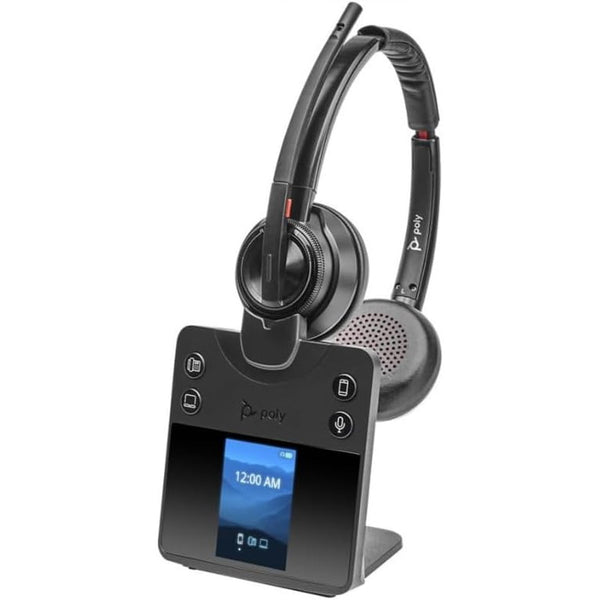
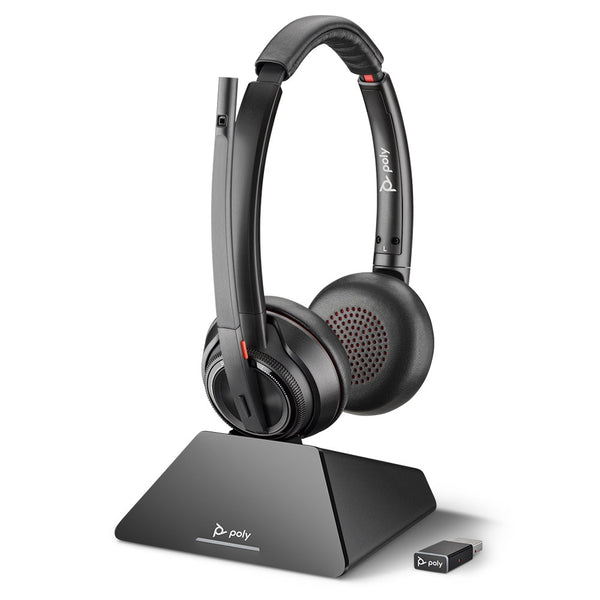
Poly Savi 8420 DECT Wireless Stereo Headset with ANC (EHS Remote Answer Options)
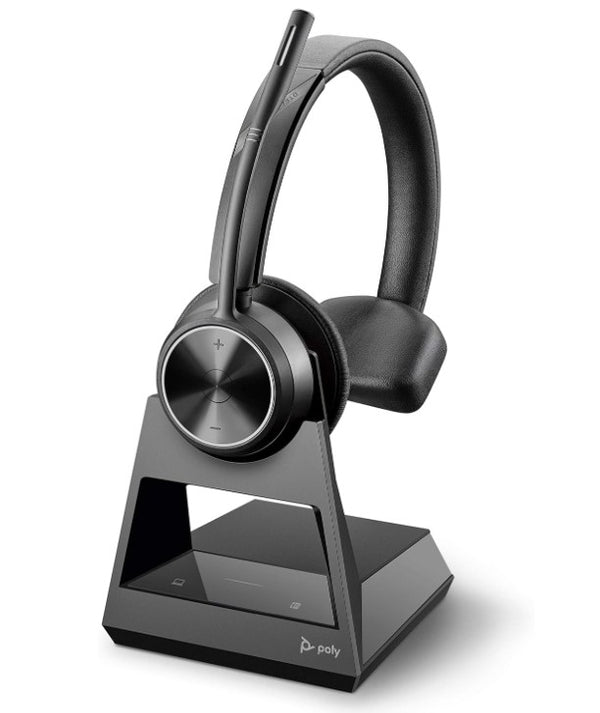
Poly Savi 7310 Mono Office Wireless Headset (EHS Options)
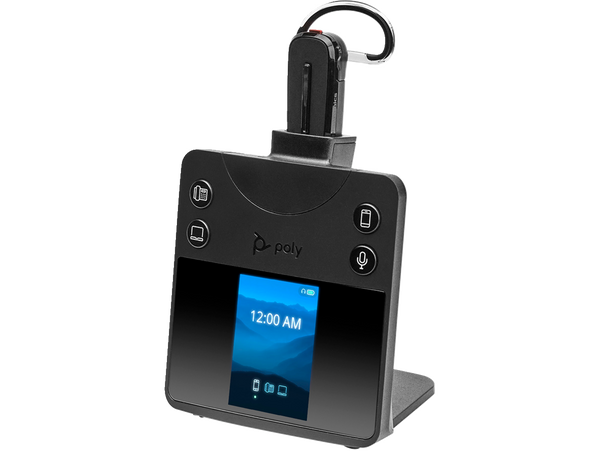
Poly Savi 8445 Office Convertible Wireless Headset
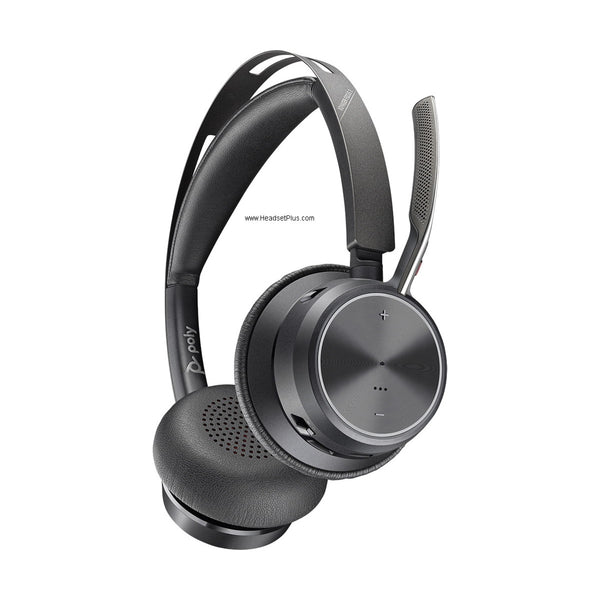
Poly Voyager Focus 2 UC and Teams Wireless Headset (Charging Stand Optional)
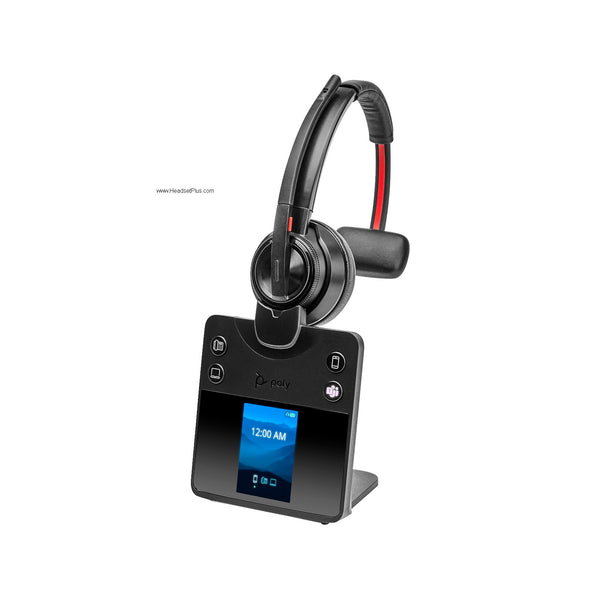
Poly Savi 8410 DECT Wireless Mono Bluetooth Headset
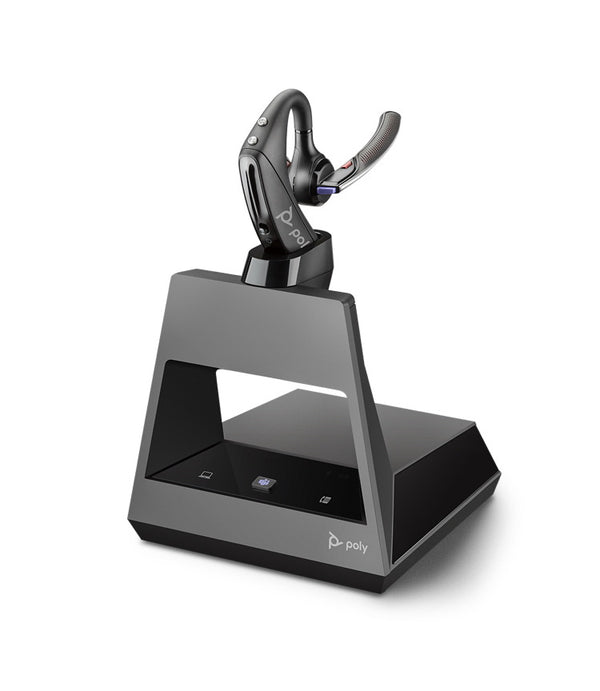
Plantronics Voyager 5200 Office Wireless Headset (2-Way Base)
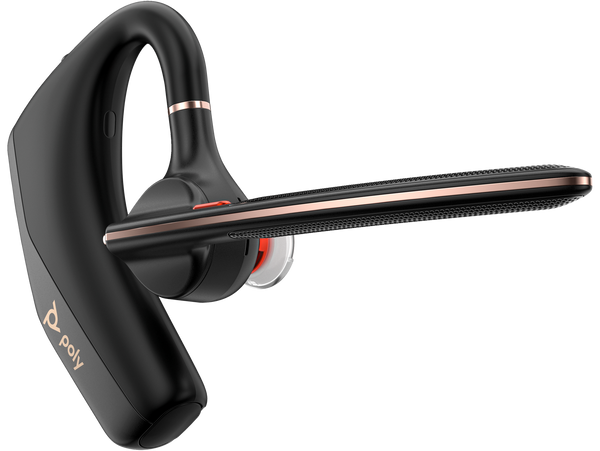
Poly Voyager Legend 50 Mono Wireless Headset
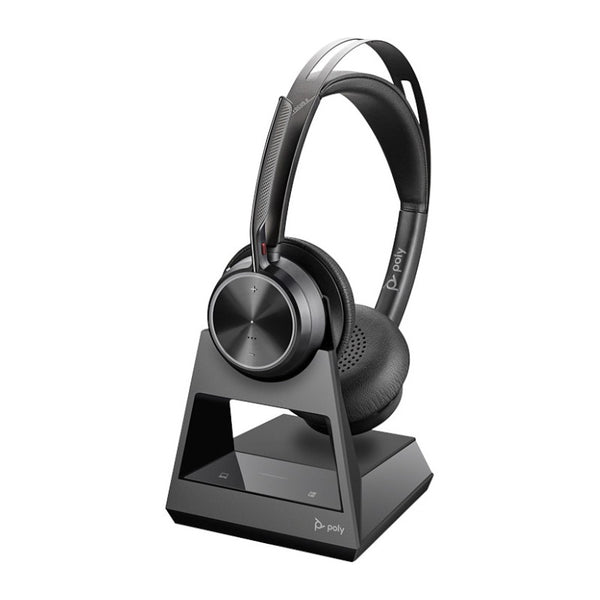
Poly Voyager Focus 2 Office Headset with Desk Phone Base (EHS Options)
Poly Focus 6 Wireless Headset (Fold and Charging Stand Options)
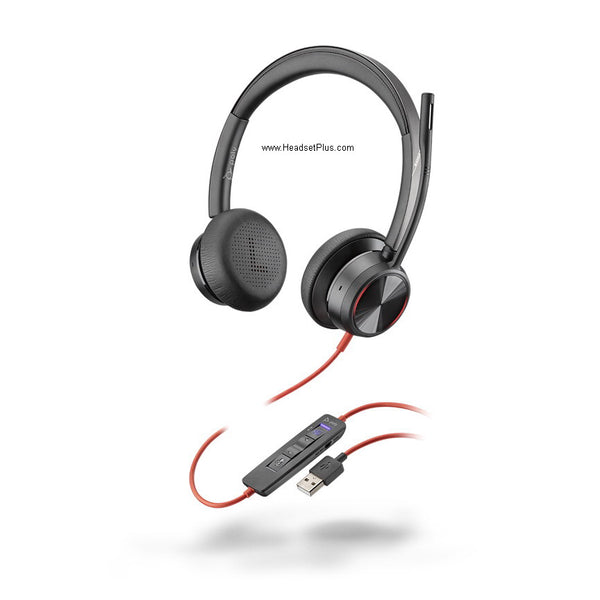
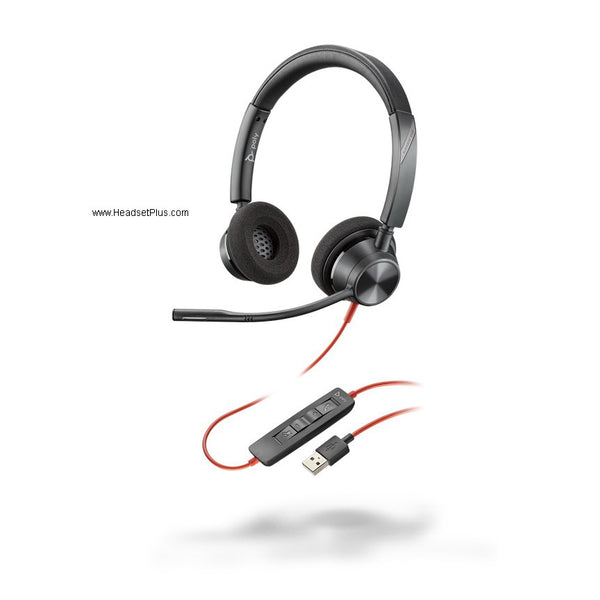
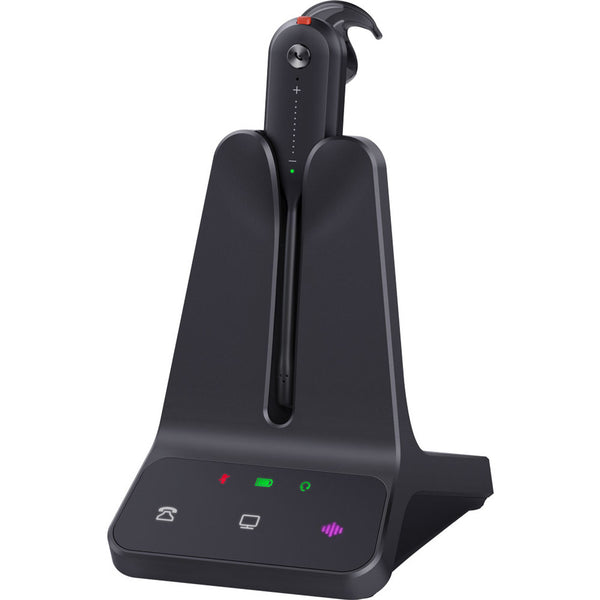
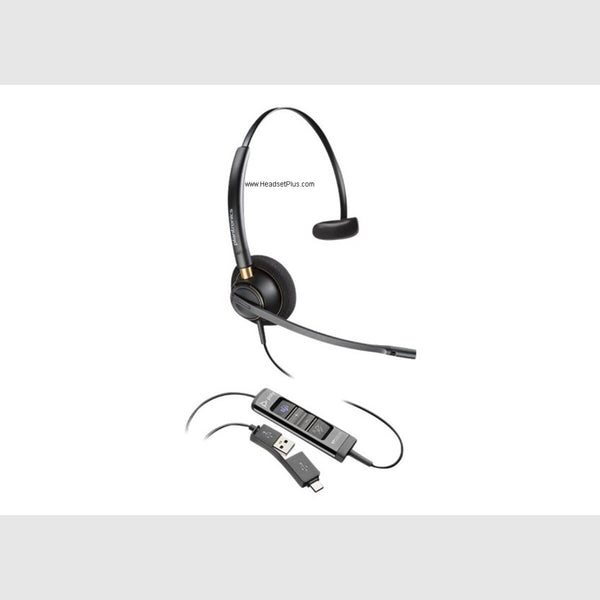
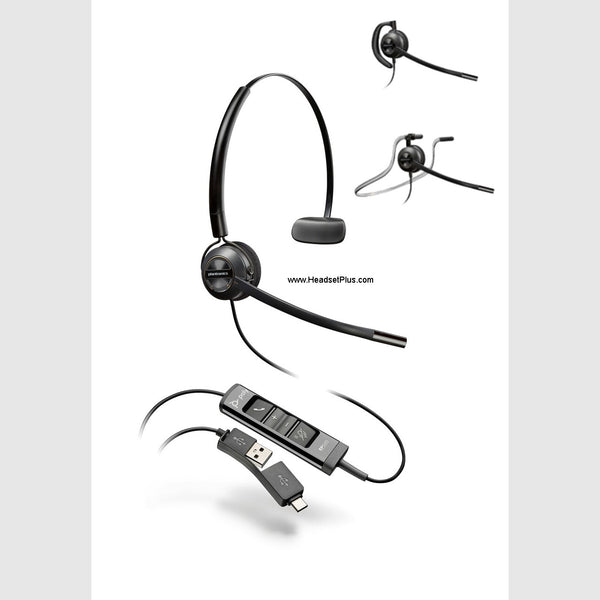
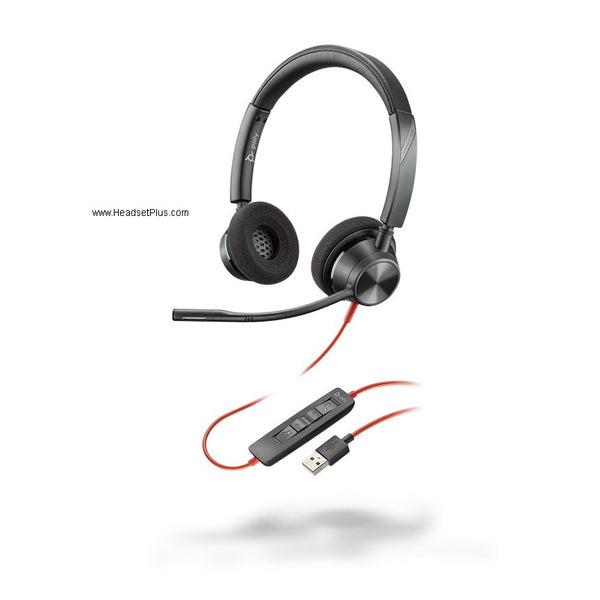
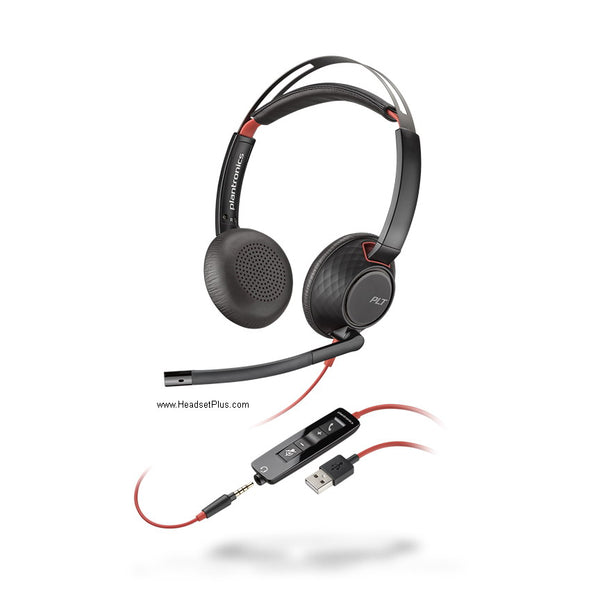
Poly Blackwire 5220 Stereo USB Headset (Teams Certified)
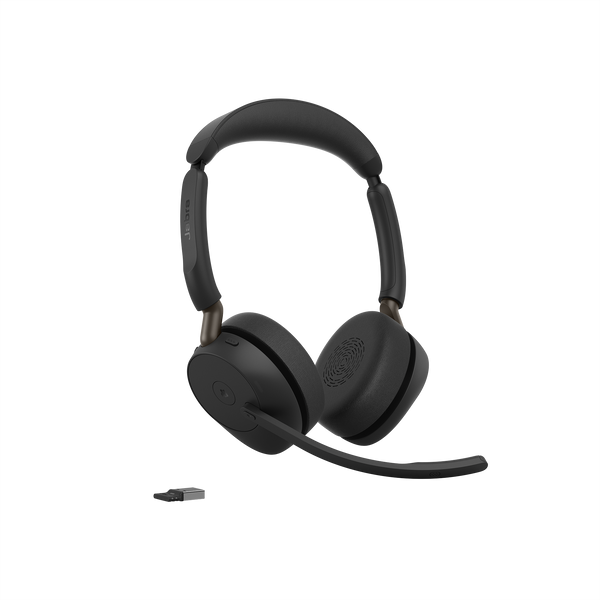
Jabra Evolve3 65 Wireless Headset
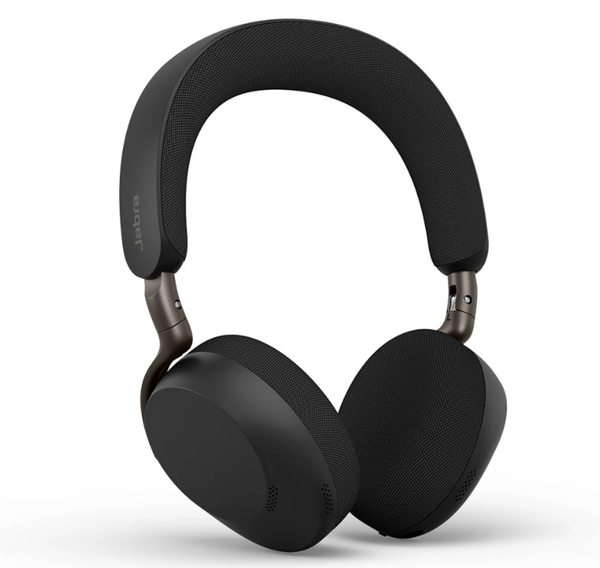
Jabra Evolve3 75 Wireless Headset (Charging Pad Optional)
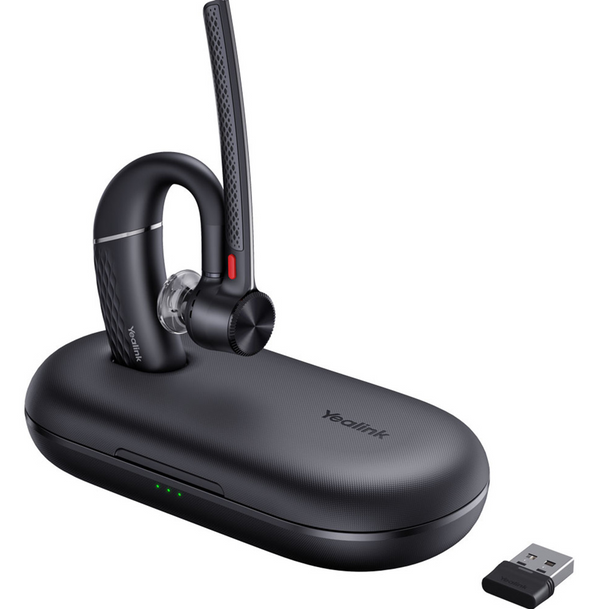
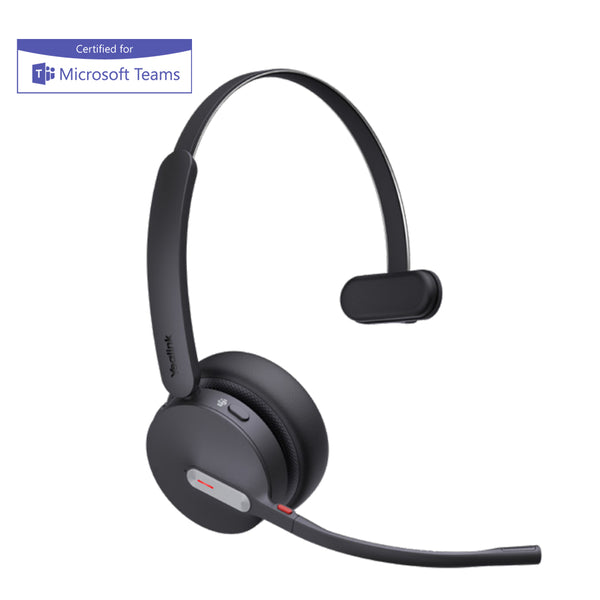
Yealink BH70 Bluetooth Headset (Mono or Dual, Teams Certified)
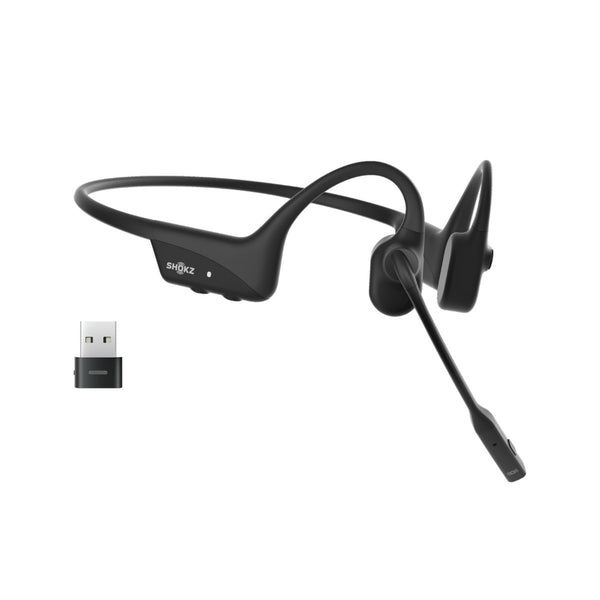
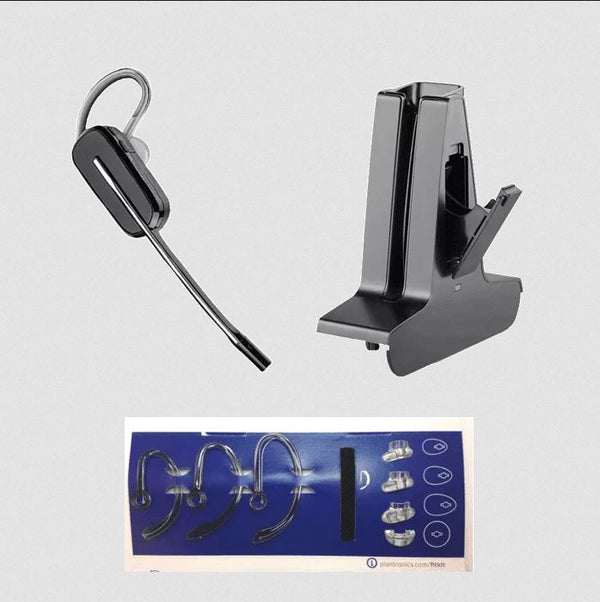
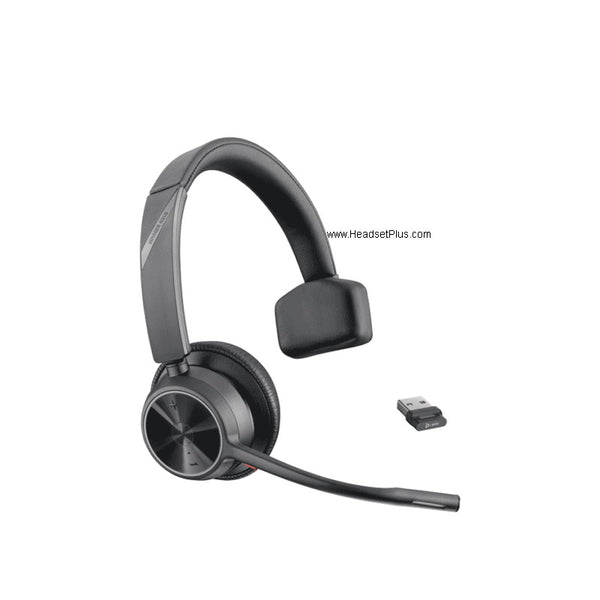
Poly Voyager 4310 Mono Wireless Headset
No products match “” in Computer Headsets.
Wired or wireless computer headset: pick by how far you walk
Choose the connection first. It's the one thing about a computer headset you can't change once it arrives.
| Connection | How far you can walk | Charging | Pick it when |
|---|---|---|---|
| Corded USB or 3.5mm | The length of the cable | Never | You work at one computer all day |
| Bluetooth with a USB dongle | Around your desk and nearby | Between shifts | You step away but stay in earshot |
| DECT with a base station | Across the office | Between shifts | You take calls away from the desk, or on a desk phone too |
A wired PC headset has no battery to wear out and nothing to pair, which is why it's the default for a computer you sit at all day.
Computer phone headset: one headset for every phone on your desk
Every headset here takes calls on your computer, in Teams, Zoom or a softphone. What decides the pick is the other phone you want it for.
- Your cell phone. Bluetooth models with a dongle, like the Voyager Focus 2, Evolve2 65 and Yealink BH70, pair with your mobile as well as the computer.
- Your desk phone. DECT headsets with a base, like the Poly Savi 7310, Jabra Engage 65 SE and EPOS SDW 5035, connect to the desk phone's headset port and the computer's USB at the same time.
- All three. The Poly Savi 8240, Poly Voyager 5200 Office and EPOS SDW 5036 add your mobile on top of the desk phone and computer.
To answer desk phone calls from the headset instead of lifting the handset, the base also needs an EHS cable or a handset lifter made for your phone model.
The microphone and the plug
A computer headset with a microphone on a boom puts the mic about an inch from your mouth, while a laptop's built-in mic sits behind the keyboard you're typing on. Most models here use a noise-canceling boom, so callers hear you and not the room.
Buying a headset for a laptop, check the ports first. Many recent laptops only have USB-C, so pick a USB-C model like the Blackwire 3220, a wireless one with a USB-C dongle like the Voyager Focus 2, or plan on an adapter.
FAQ
Frequently Asked Questions
Yes. Computer headsets on this page register as their own audio device on Windows, macOS and ChromeOS, with no drivers to install. Pick the headset in your system sound settings and in your calling app separately, because most softphones keep their own device setting.