













































Wireless Headsets for Desk Phones
Wireless headsets for your office phone, built to answer from across the room
Every wireless headset here connects to a desk phone — Cisco, Avaya, Poly, Yealink, Mitel, and more — so you can take calls while you stand, pace, or step to the filing cabinet. Here's the part that catches people out: pairing a phone and wireless headset is the easy bit. The accessory that lets you answer away from the desk is what has to match your exact phone.
That accessory is the EHS cable, and it's specific to your phone's make and model. Find your headset below, then match the cable to your phone — or ask us and we'll confirm it.
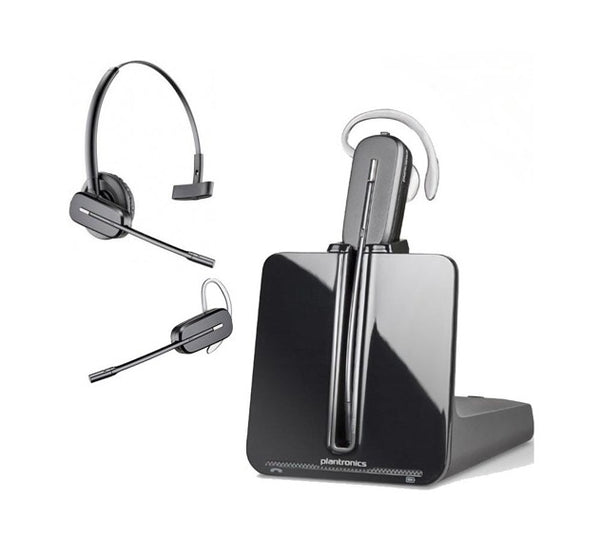
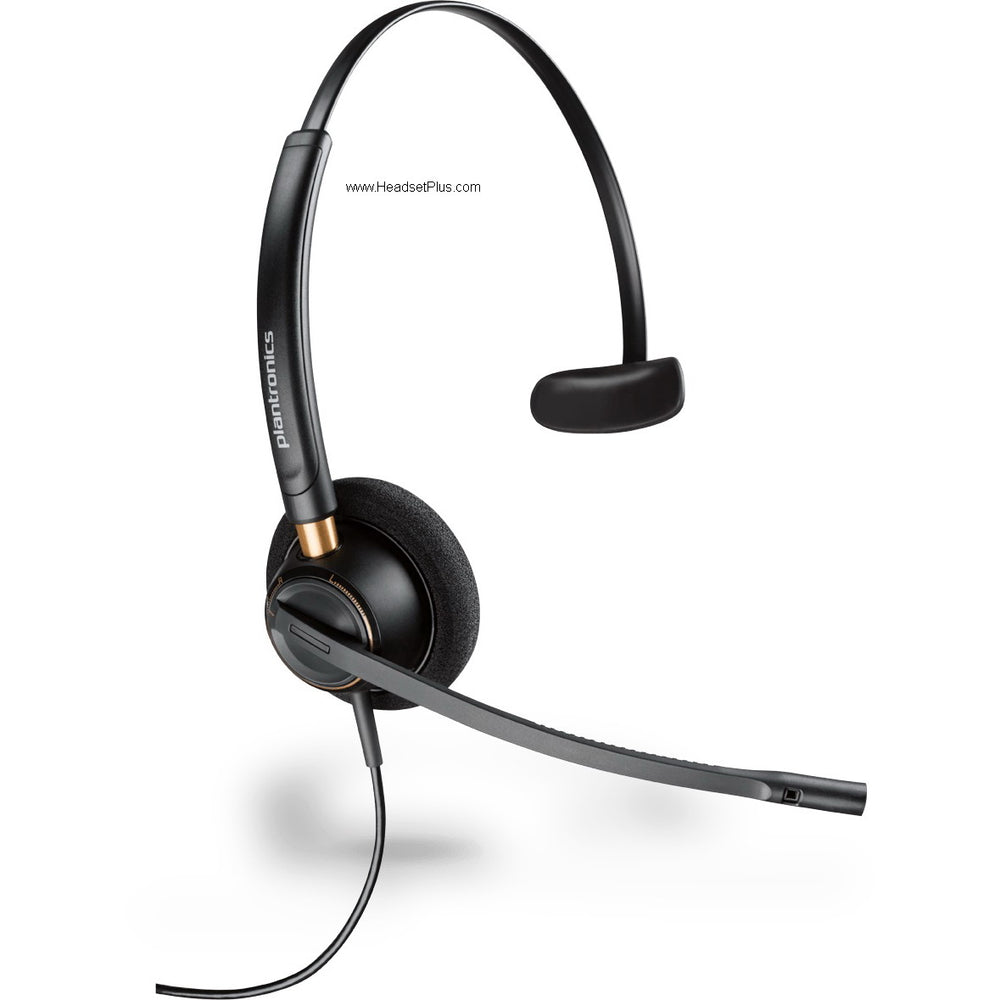
Plantronics CS540 Wireless Headset
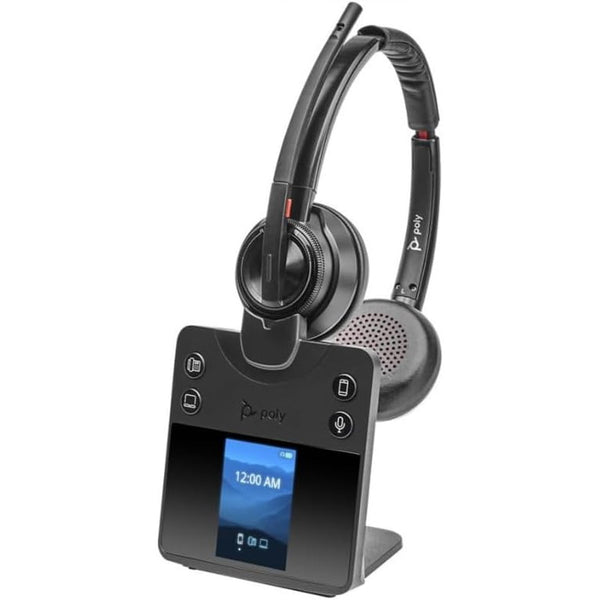
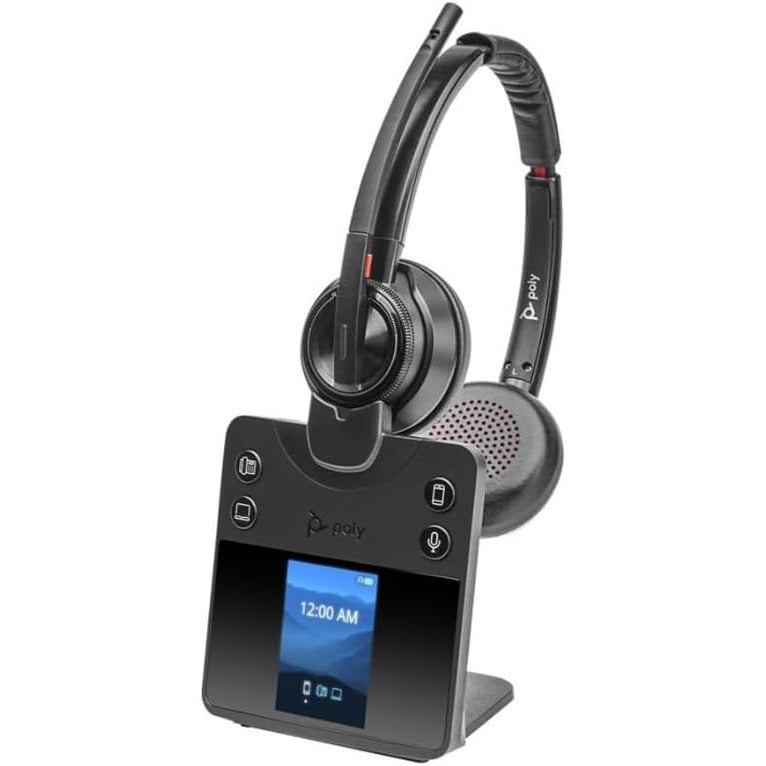
Poly Savi 8420 DECT Wireless Stereo Headset with ANC (EHS Remote Answer Options)
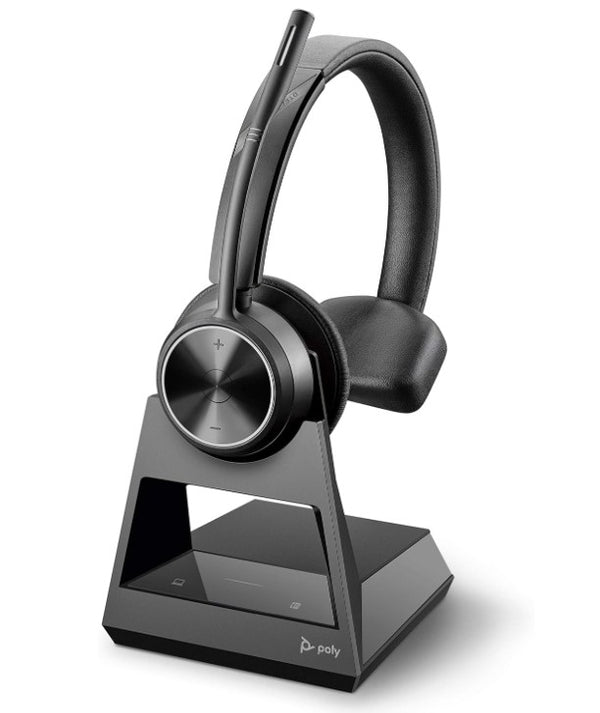
Poly Savi 7310 Mono Office Wireless Headset (EHS Options)
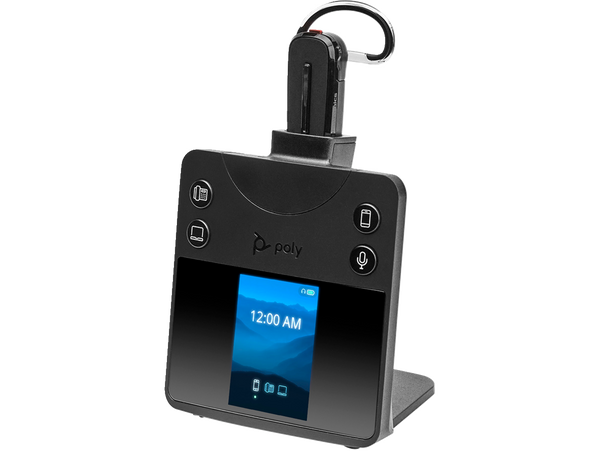
Poly Savi 8445 Office Convertible Wireless Headset
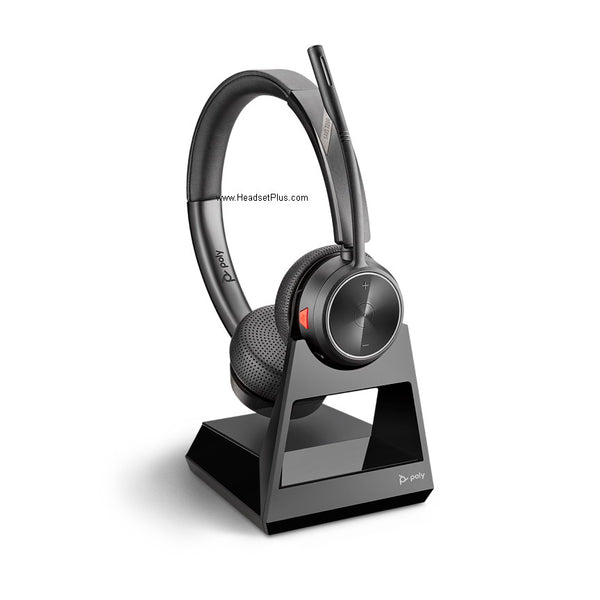
Poly Savi 7220 Stereo Office Wireless Headset (EHS Options)
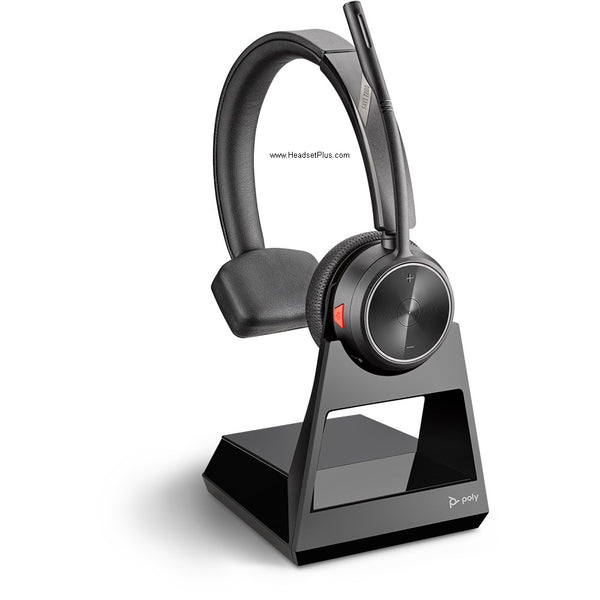
Poly Savi 7210 Mono Wireless Headset (EHS Options)
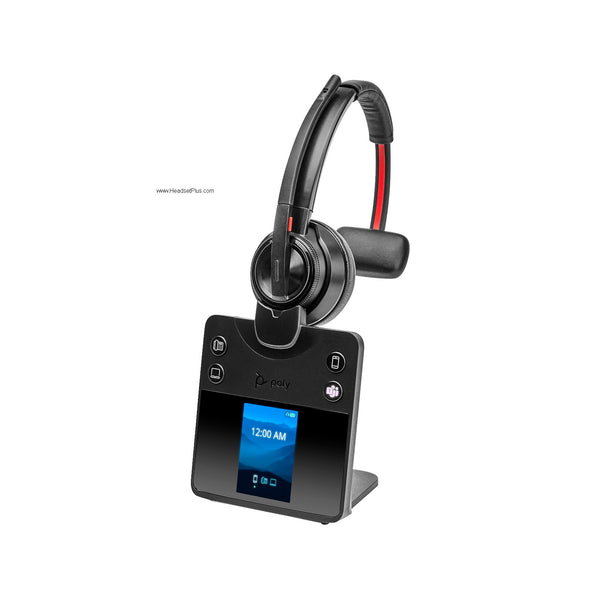
Poly Savi 8410 DECT Wireless Mono Bluetooth Headset
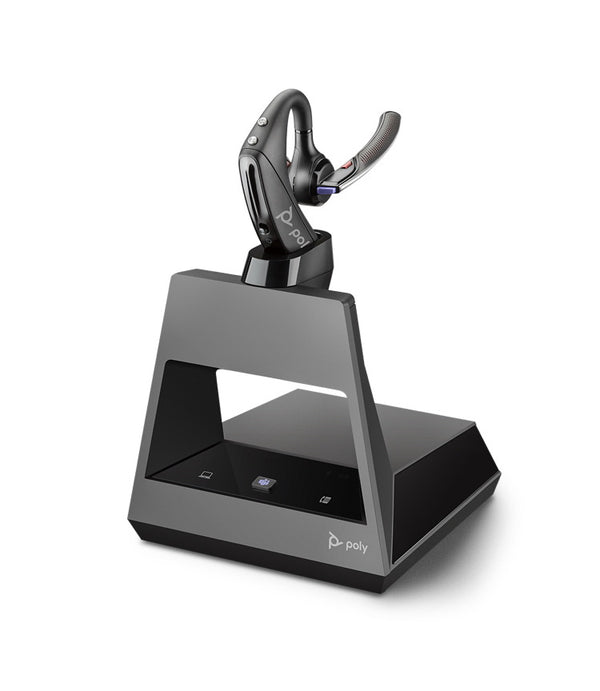
Plantronics Voyager 5200 Office Wireless Headset (2-Way Base)
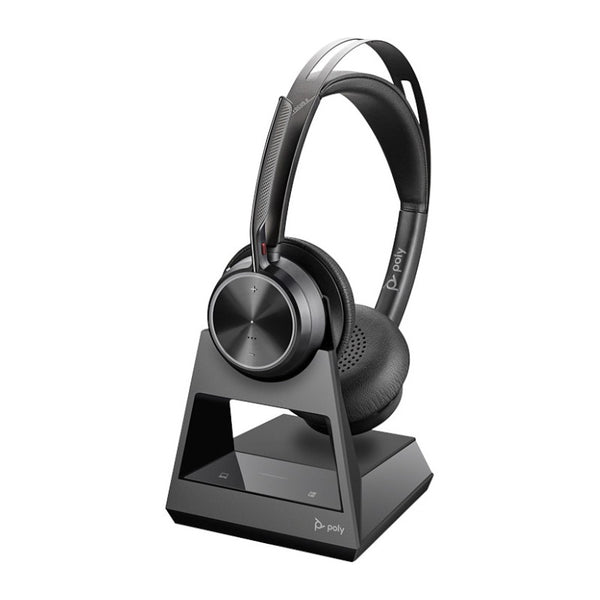
Poly Voyager Focus 2 Office Headset with Desk Phone Base (EHS Options)
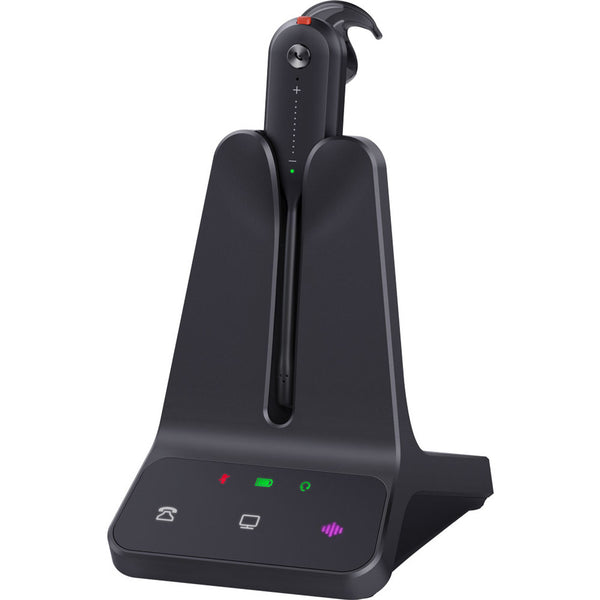
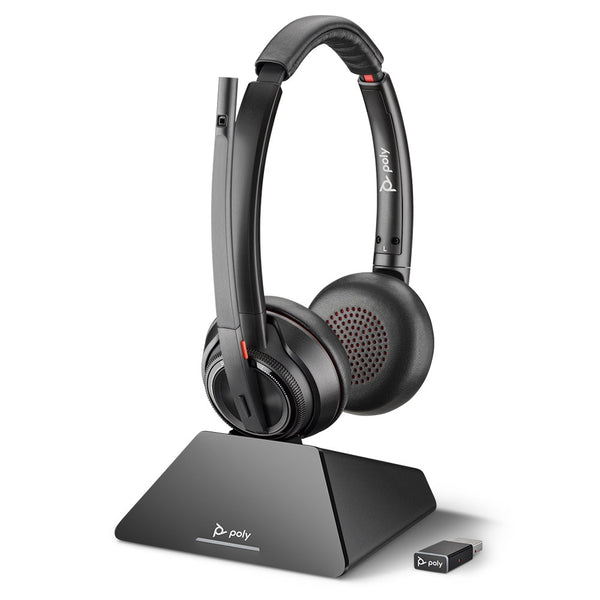
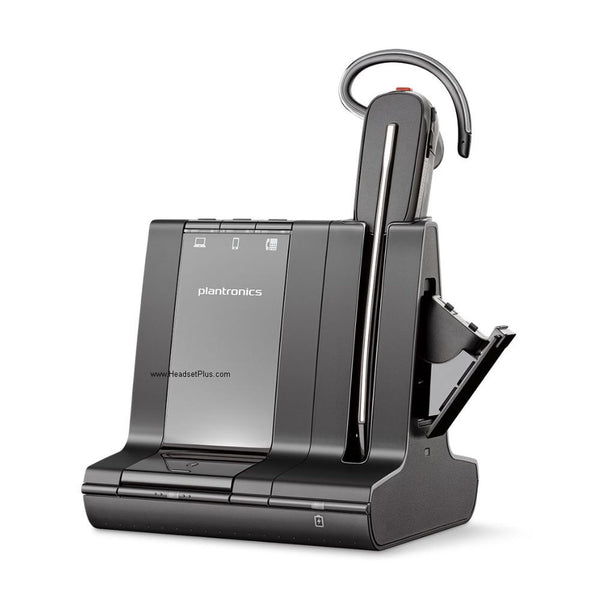

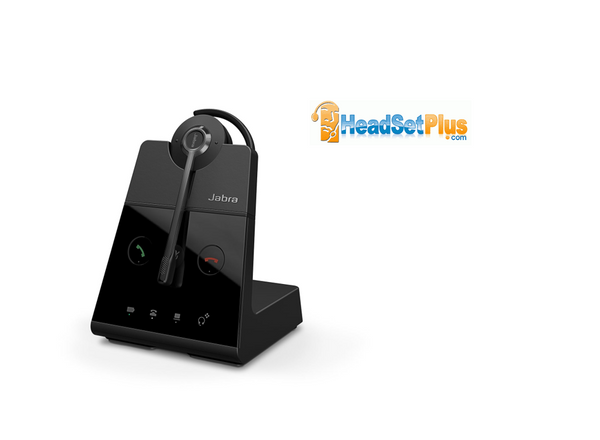
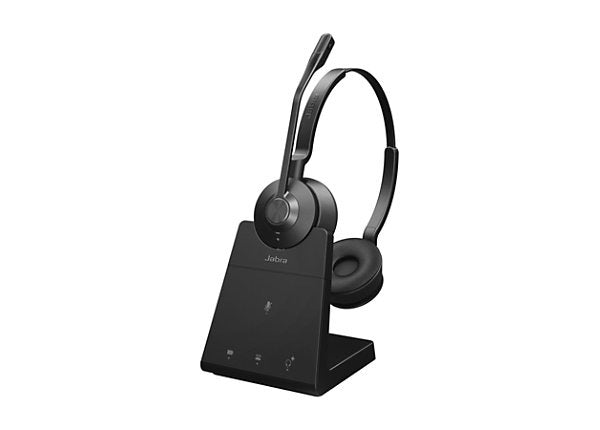
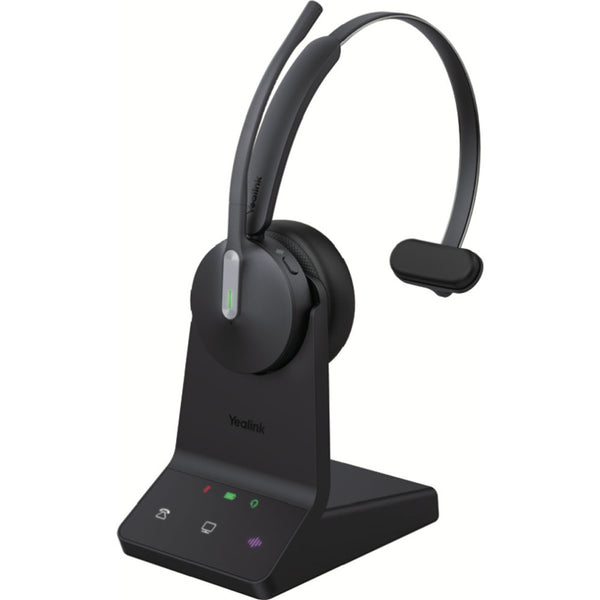
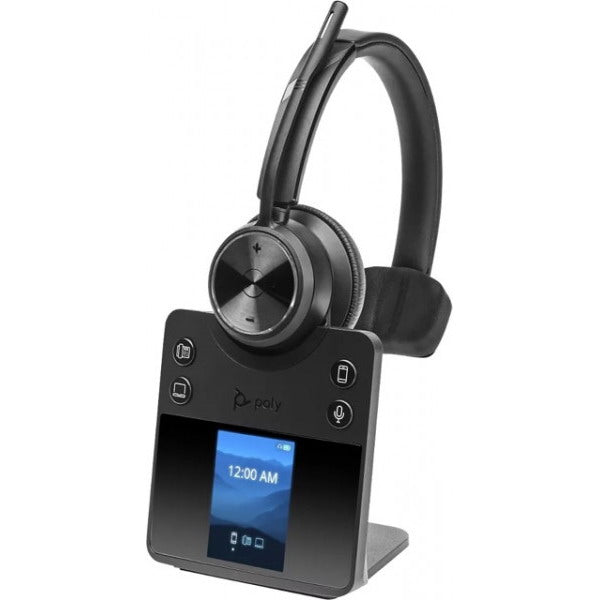
Poly Savi 7410 Mono Wireless Headset
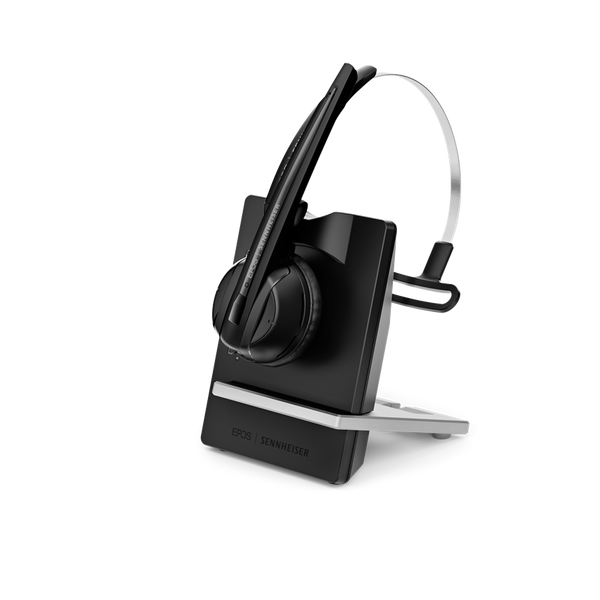
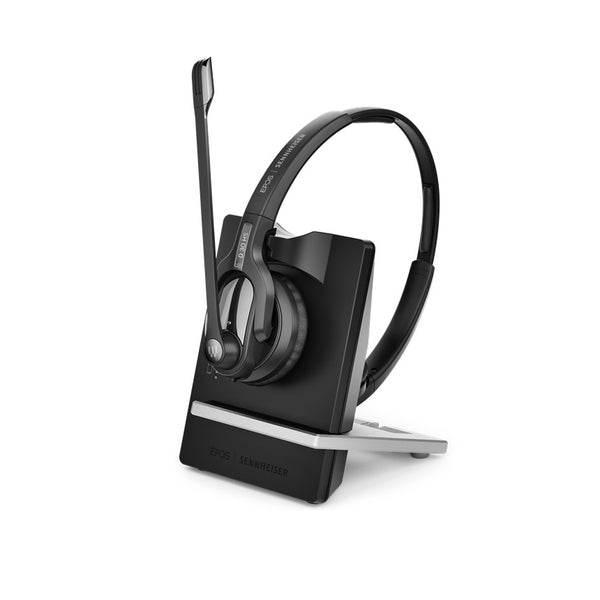

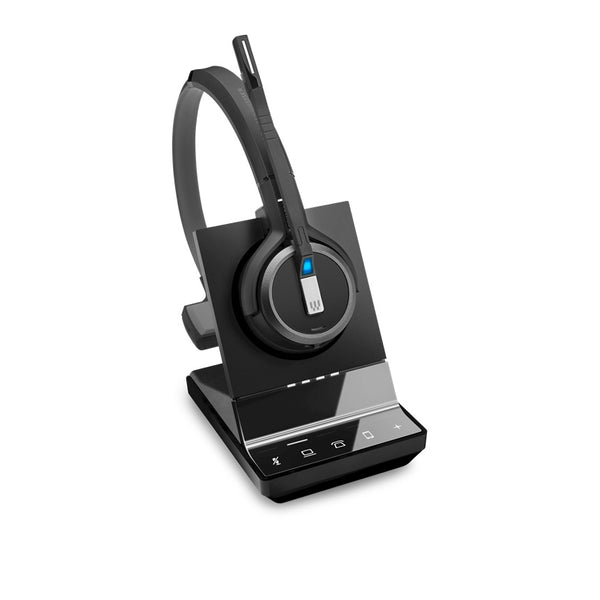
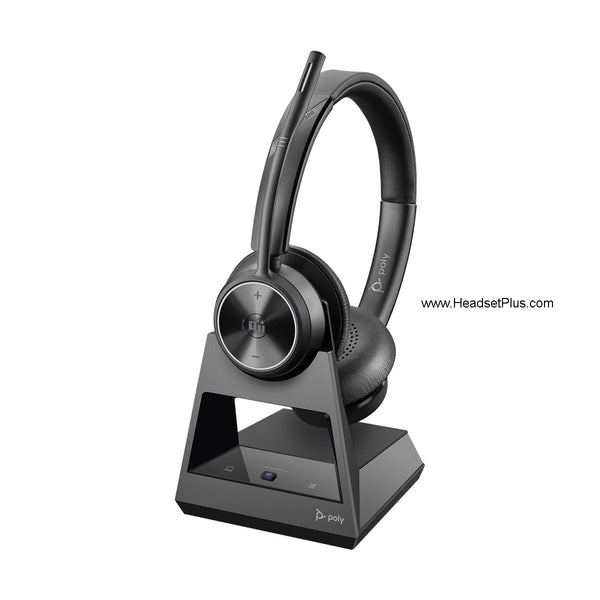
Poly Savi 7320 Stereo Wireless Headset (EHS Options)
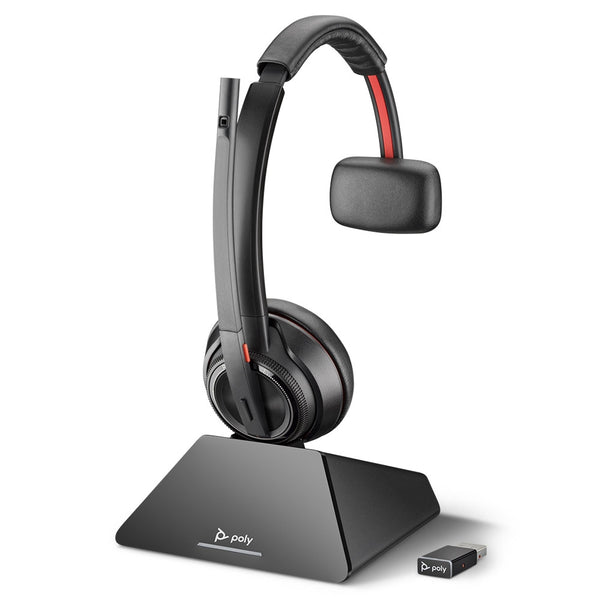
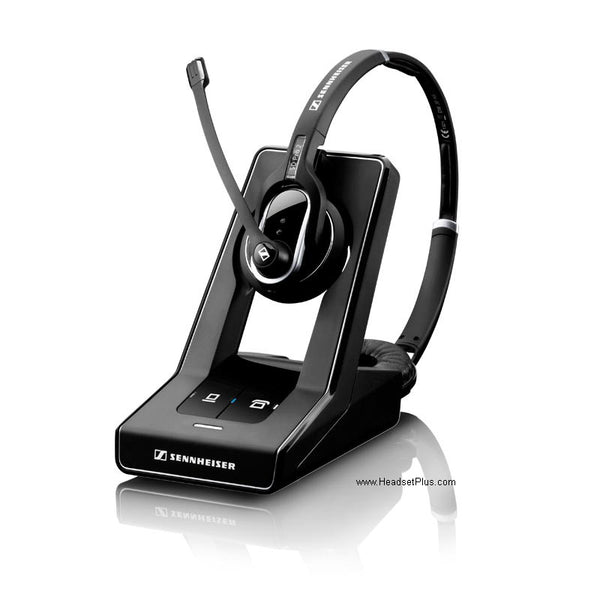
No products match “” in Wireless Headsets for Desk Phones.
The headset isn't the hard part — the EHS cable is
Almost any modern wireless headset works with almost any desk phone, because the audio runs through the phone's standard RJ9 headset port. What actually varies from phone to phone — and what buyers get wrong — is remote answering. A cordless telephone headset answers and ends calls from across the room only when a second connection, the EHS cable (electronic hook switch), tells the phone to pick up. That's a separate cable from the audio, and it's cut for your specific phone model.
This is where "compatible" gets slippery. A wireless headset for Cisco phones is real, but "Cisco" isn't one connector — a Cisco 8861 answers through one EHS adapter, an older SPA-series Cisco through another, and a Cisco with a USB port through a third. Order the headset and the wrong cable, and you'll have audio but no remote answer. The same holds across Avaya, Poly, and Yealink. Match the EHS adapter to the model number on your phone, not just the brand on the box.
Wireless headsets for Cisco, Avaya, Yealink, Poly and other phone systems
The wireless headset itself comes from a handful of makers — chiefly Poly (Plantronics), Jabra, Yealink, and EPOS — and most pair with most phone systems once the right adapter is in place. Here's the quick map of what connects to what:
| Your desk phone | Popular wireless headsets | Remote answer via |
|---|---|---|
| Cisco IP (78xx, 88xx, SPA) | Poly Savi 7310 / 8245, Jabra Engage 65 / 75 | Model-specific EHS adapter or built-in USB |
| Avaya (J100, 9600, 1600) | Poly Savi, Plantronics CS540, Jabra Engage | EHS adapter (e.g. APV-66) or Jabra Link |
| Poly / Polycom (VVX, SoundPoint) | Poly Savi 7210 / 8210, Jabra Engage | Native EHS (enable in settings) or adapter |
| Yealink (T-series) | Yealink WH62 / WH63, Poly Savi, Jabra | Yealink EHS60 / EHS61 adapter |
| Mitel, NEC, Grandstream | Poly Savi, Jabra Engage | Brand EHS adapter or HL10 lifter |
A few notes that save returns. A Yealink compatible wireless headset is no longer Yealink-only — the EHS60 and EHS61 adapters opened the WH62 and WH63 up to Cisco, Avaya, Poly, and Grandstream from their 2023 release. Poly's own EHS line — adapters such as the APU-75, APD-80, and APV-66, each cut for a specific phone family — covers most of the rest; the APV-66, for instance, handles certain Avaya phones. A Plantronics wireless headset for an office phone often needs its base set to the correct compatibility letter for your phone (the dial on the bottom of the base). And any avaya compatible wireless headset on a phone with a sidecar may need a different cable than the same phone without one, because the sidecar takes the port the standard EHS uses. When in doubt on Polycom wireless headsets or a wireless headset for an Avaya phone, send us the model and we'll confirm.
Range, multi-device, and the best wireless headset for an office phone
Past compatibility, three things separate a good desk-phone headset from the right one. Range comes first: most run on DECT, the office wireless standard, with a roaming range up to around 400 feet line-of-sight — enough to keep a call from your desk to the printer and back, though walls cut that to roughly half in practice. Then there's reach across devices: newer systems like the Poly Savi 8245 and Jabra Engage 75 connect to your desk phone, your computer, and your mobile at the same time, so as your office shifts from the desk phone toward a Teams or Zoom softphone, the same headset bridges both.
The rest is fit and awareness. A busy light on the base or headset replaces the visual cue you lose when you're not holding a handset, so colleagues can see you're on a call. Mono (single-ear) keeps you aware of the room; binaural seals you in for focus. A wireless telephone headset for the office that you wear all day also lives on its mic — a noise-cancelling boom with HD voice keeps the open-plan hum off your callers. And if you wear a hearing aid, look for HAC (hearing-aid-compatible) models. Here's what a wireless office phone headset in this collection includes:
- A DECT charging base or cradle that connects to your desk phone's RJ9 headset jack
- A noise-cancelling microphone with HD voice / wideband audio
- One-touch remote answer when paired with the matching EHS cable or HL10 lifter
- Roaming range up to ~400 ft line-of-sight, with replaceable batteries on most models
- A busy light presence indicator on most bases
- Optional desk phone + PC + mobile connectivity on multi-device models
Find your phone's make and model, match the EHS cable, and a wireless headset turns your office phone into something you answer without breaking stride. Browse the grid above, and reach the team if you want us to confirm the exact cable for your desk phone — it's the one detail worth getting right the first time.
FAQ
Frequently Asked Questions
Most wireless headsets work with most office desk phones, because the audio connects through the standard RJ9 headset port found on Cisco, Avaya, Poly, Yealink, Mitel, and other IP phones. The variable is remote answering: to answer and end calls away from the desk, you need an EHS cable or handset lifter matched to your specific phone model. Without one, the headset still works — you just press answer on the phone itself.
The best wireless headset for an office phone depends on your phone and how you work. Poly Savi and Jabra Engage models are the long-standing favorites — DECT range to roam the office, noise-cancelling mics, and multi-device versions that also connect your PC and mobile. Whichever you choose, the deciding detail is matching the EHS cable to your exact desk phone, since that's what enables one-touch remote answer.
You need an EHS cable only if you want to answer desk-phone calls away from your desk — it's the connection that lets the headset's button pick up the line. It's specific to your phone's make and model, so confirm compatibility before buying. If your phone doesn't support EHS, an HL10 handset lifter does the same job mechanically on almost any phone with a handset.
Poly Savi, Plantronics CS540, and Jabra Engage headsets all work with Cisco and Avaya phones — the headset is rarely the limiting factor. What matters is the adapter: a Cisco compatible wireless headset and an Avaya wireless headset each need an EHS cable cut for that exact phone model (an Avaya phone often uses the APV-66, for example). Check your phone's model number against the cable, or ask us to confirm.
Yes — multi-device wireless headsets like the Poly Savi 8245 and Jabra Engage 75 connect to your desk phone, computer, and mobile at the same time, letting you answer a call from any of them on the same headset. It's the practical pick for offices moving from desk phones toward Teams or Zoom softphones, since one headset covers both worlds without re-pairing.
Yes — a wireless headset works with a landline office phone as long as the phone has an RJ9 headset jack or a handset to connect through. A wireless headset for a landline phone connects its charging base to that jack, and remote answering is added with an EHS cable or HL10 lifter. The best wireless headset for a landline phone is one whose base matches your phone's port; for an older home telephone with no headset jack, the handset lifter is the route to a wireless setup.