







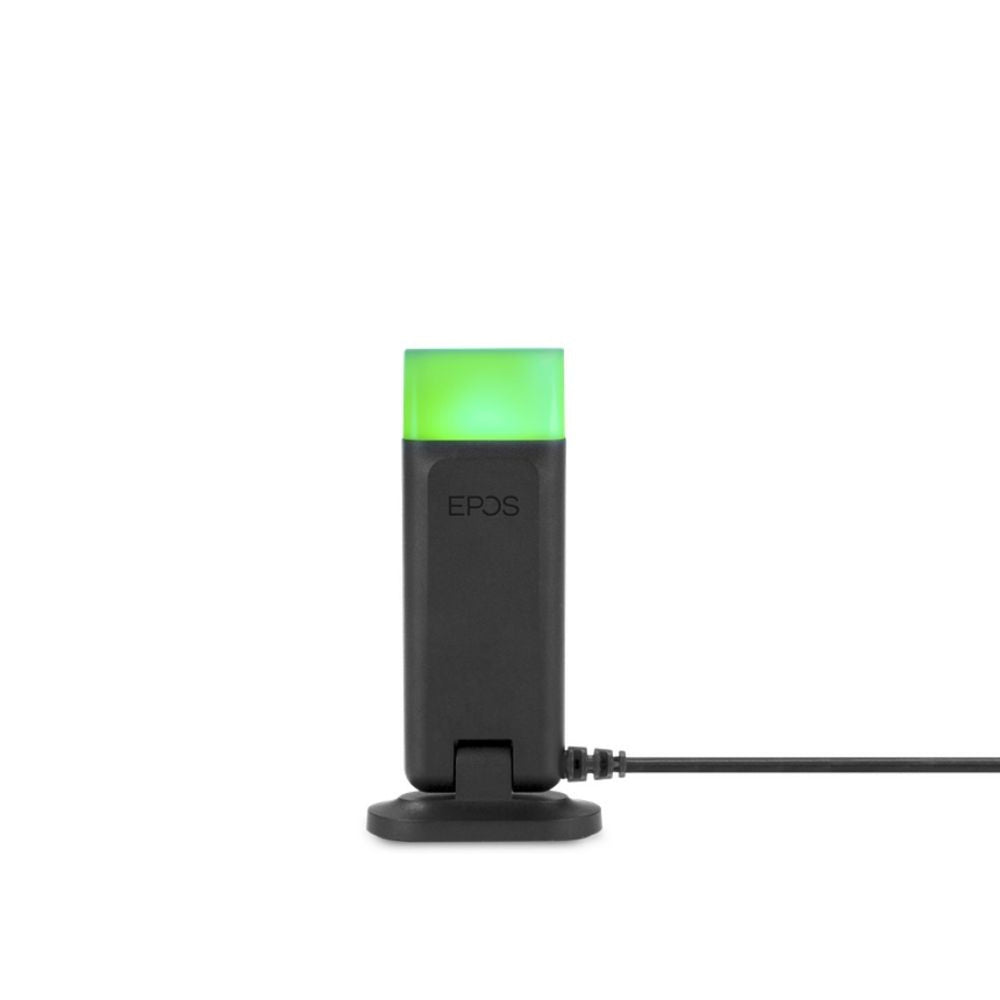











Plantronics CA12CD replacement PTT remote *DISCONTINUED*
$0.00
Skip to product information


Plantronics CA12CD replacement PTT remote *DISCONTINUED*
$0.00
Model:
Same Day Shipping*Same-day shipping applies to in-stock orders placed on a business day before our shipping cutoff. Weekends, holidays, and back-ordered items are excluded.Most orders ship same day
30-Day Money BackHassle-free guarantee
No Sales TaxExcept select states
Description
*Discontinued*, no replacement available. Must switch to the new CA12CD-S system
This is the Plantronics CA12CD System Replacement/Spare PTT remote unit only. comes with battery. part# 80323-01 (old part# 90224-0)
CA12CD base unit and the remote unit come already paired with each other in the factory by a process called subscription. If you purchase a new remote unit, or if your remote unit loses its subscription (this is shown by a rapidly flashing On-Off indicator), you can perform the subscription process as follows.
CA12CD remote Re-subscription Instructions:
- Hold down both of the talk volume controls located on the top of the base unit. The base power indicator should begin blinking.
- Hold the remote unit’s listen volume control in either the up or down position.
- The remote unit’s On-Off indicator will turn on (no flashing).
- The remote unit will subscribe (or re-subscribe) to the base unit, after which the base power indicator will go from blinking to solid, and the remote unit’s On-Off indicator will turn off.
- Unplug the AC adapter from the base unit and then plug it back in.
- Press the remote unit’s On-Off button to allow the link. You will now be able to use the CA12CD.
Important Note: This remote is not compatible with the new Plantronics CA12CD-S