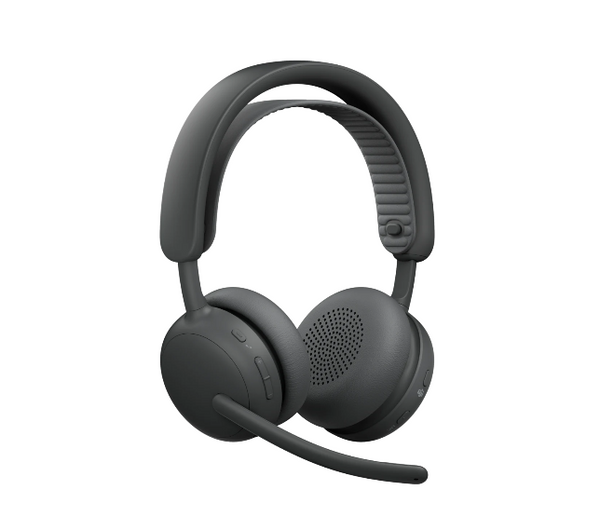
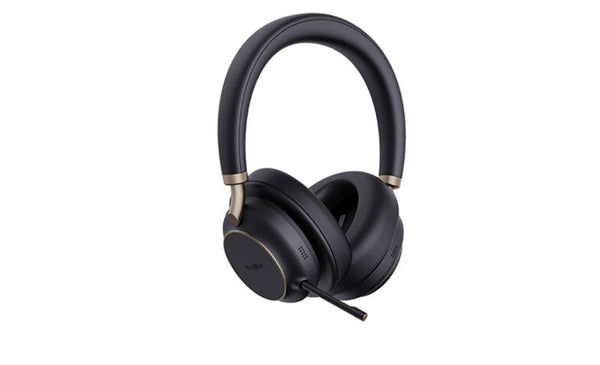
Best Headset for Working From Home (Landline & Computer)

Best Headset for Working From Home (Landline & Computer)

Working from home changes one thing about headsets that's easy to overlook: your phone line. Office VoIP desk phones and home analog landlines connect completely differently, so a setup that works at the office won't necessarily work at home — and vice versa. Here's how to connect a proper headset either way, plus the current computer USB and Bluetooth picks if you're working entirely off your PC or laptop.

Quick answer

For a home landline, a corded setup uses the Poly MDA524 amplifier with a Poly EncorePro HW510 headset, connecting through the phone's handset jack. For a wireless setup on a landline, the Poly CS540 pairs with a TR-11 analog adapter cable for remote answering without touching the phone. If you work entirely from a computer, the Jabra Evolve2 40 (corded) or Evolve2 65 (wireless) are the current standout picks, with the Evolve2 75 and 85 as premium ANC options.

Last updated July 2026

Connecting a headset to a home landline

A home landline is analog, unlike the VoIP system most offices run — so the headset setup is different too. There are two solid options, corded and wireless.

If a headset works with my office VoIP desk phone, it'll work the same way on my home landline.
Not directly. Office VoIP phones and residential analog landlines handle audio differently, so a headset that plugs straight into your office desk phone generally needs an amplifier (corded) or an adapter cable (wireless) to work properly on a home analog line. The good news is both are inexpensive, well-established solutions — you don't need a new phone system, just the right adapter.

Corded: amplifier + headset

The Poly MDA524 amplifier connects to virtually any home phone with a corded handset, and a Poly EncorePro HW510 headset plugs into the amplifier. The MDA524 handles volume and mute, and runs on batteries or an optional AC/DC adapter — no wiring changes to your phone required. This is a straightforward, no-frills option for a home office that doesn't need wireless mobility.

Wireless: TR-11 adapter + CS540

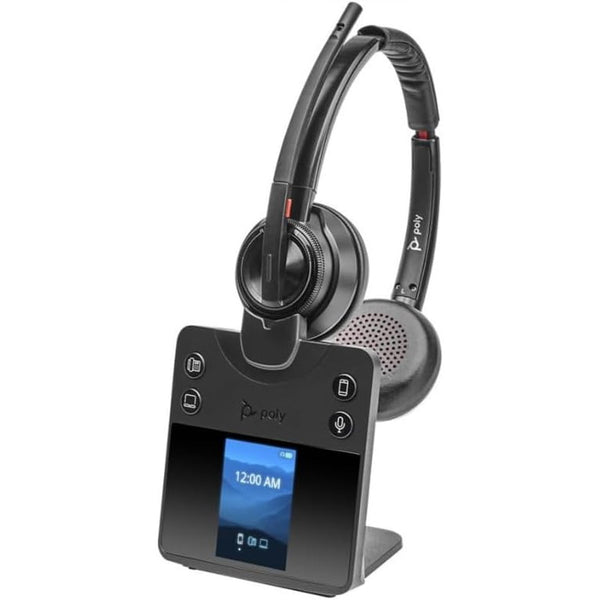
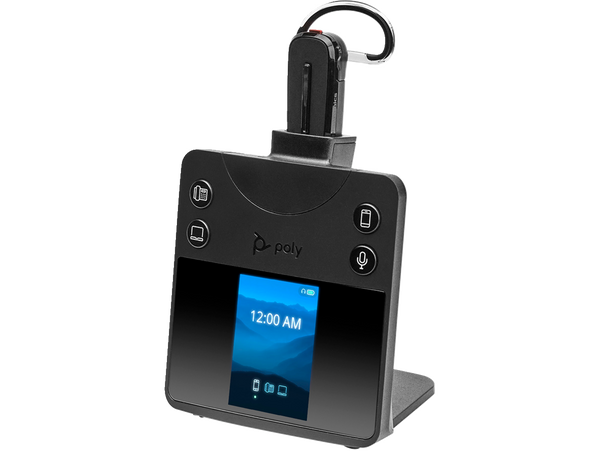
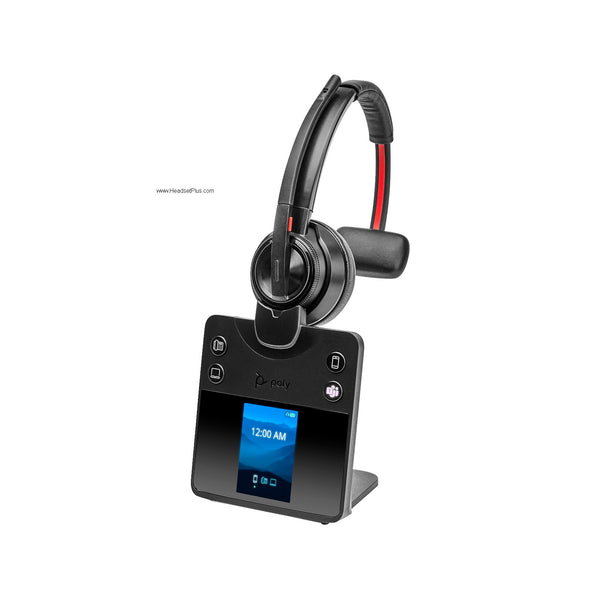
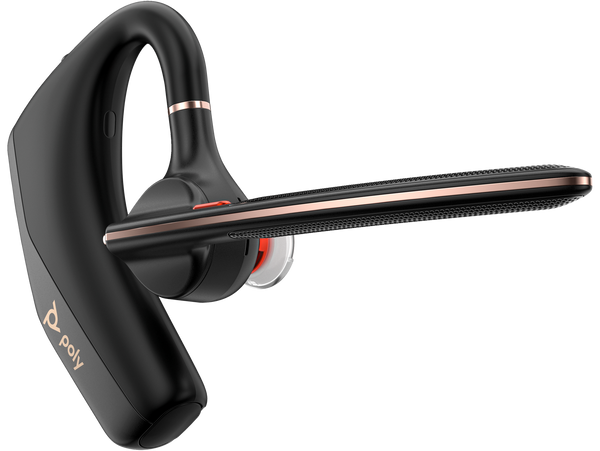
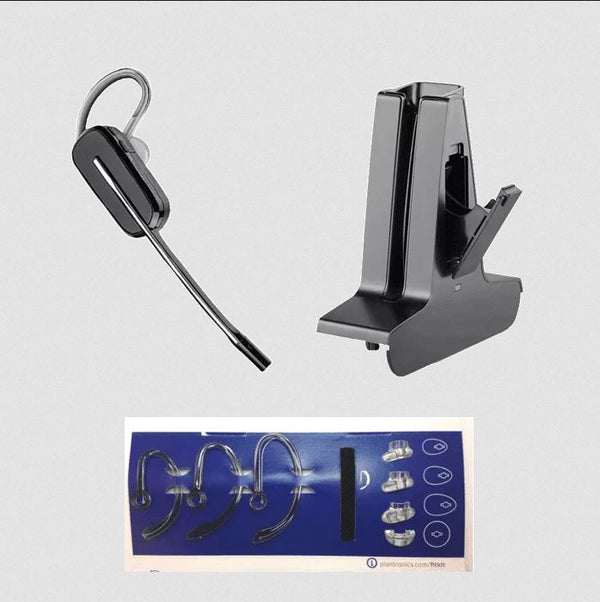
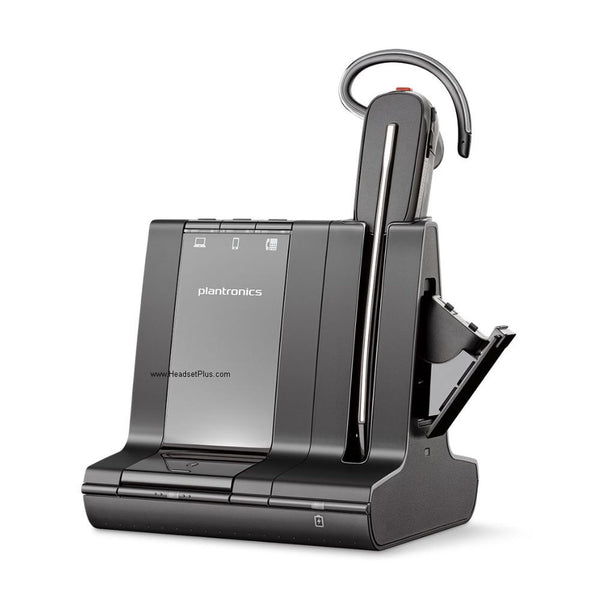
For a wireless setup, the TR-11 analog adapter cable lets a Poly wireless headset like the Poly CS540 connect to a standard home analog phone line — including remote answering from the headset itself, without touching the handset or a cordless phone's keypad. If you have a cordless phone sharing that line, a line splitter is required alongside the TR-11. The CS540 gives up to 350 feet of DECT range and, since it runs on a dedicated wireless frequency, doesn't interfere with nearby microwaves, cell phones, or other electronics — or get interfered with by them.

Computer USB headsets for working from home

If your calls run entirely through your computer or laptop — Teams, Zoom, Webex — the phone-line question doesn't apply, and it comes down to corded vs. wireless and budget vs. features.

Corded USB: budget to premium

Best budget corded

Jabra Evolve 20SE

An affordable, no-frills USB headset with a noise-cancelling microphone, leatherette ear cushions, and in-line volume control. Available in mono or stereo, USB-A. A solid, dependable entry point for anyone who just needs a reliable headset for daily calls.
See Jabra Evolve 20SE
Best value corded

Jabra Evolve2 40

A noticeable step up — a 3-mic noise-cancelling boom that mutes when flipped up, memory-foam cushions, an adjustable cushioned headband, and a busylight. Available in USB-A or USB-C, mono or stereo, UC or Teams-certified. The comfort and audio quality make it worth the small premium over the Evolve 20SE for daily all-day use.
See Jabra Evolve2 40
Best dual-connection corded

Poly Blackwire 3320

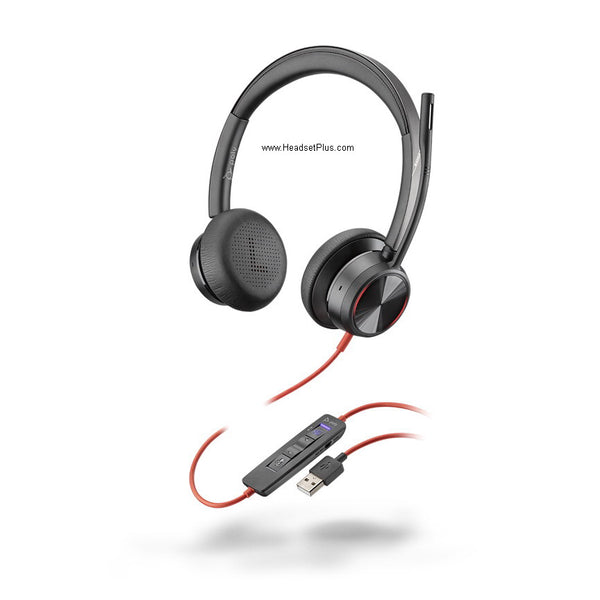
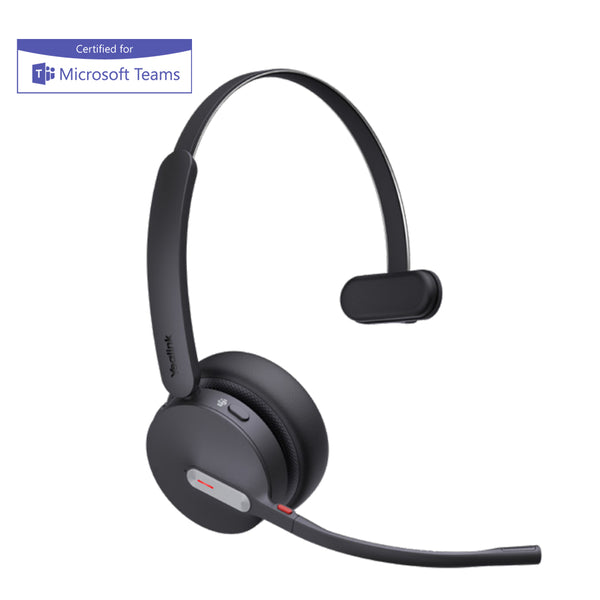
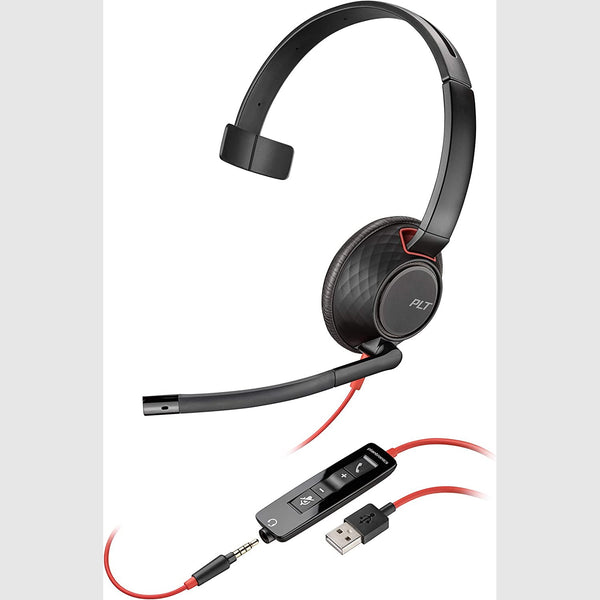
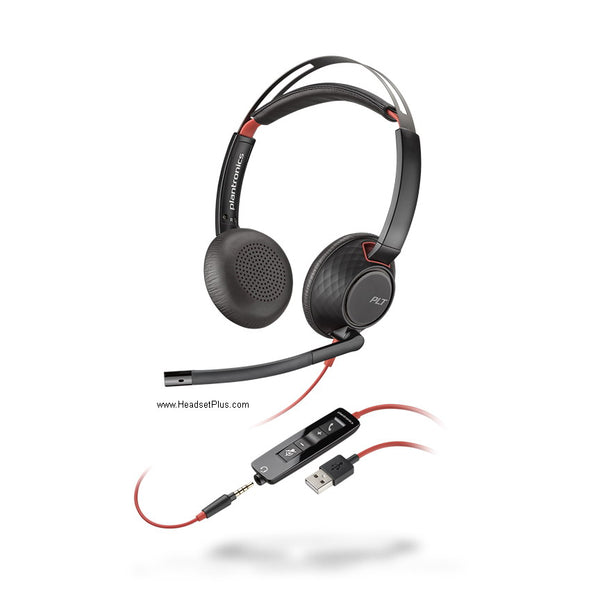
A versatile stereo headset that works as both a USB-A device and a 3.5mm-jack headset, so it connects to a computer, tablet, or smartphone as needed. In-line controls handle answering, volume, and mute. Certified for Microsoft Teams. A good pick if you split calls between a computer and a phone or tablet.
See Poly Blackwire 3320

Wireless / Bluetooth: budget to premium

Best all-day wireless

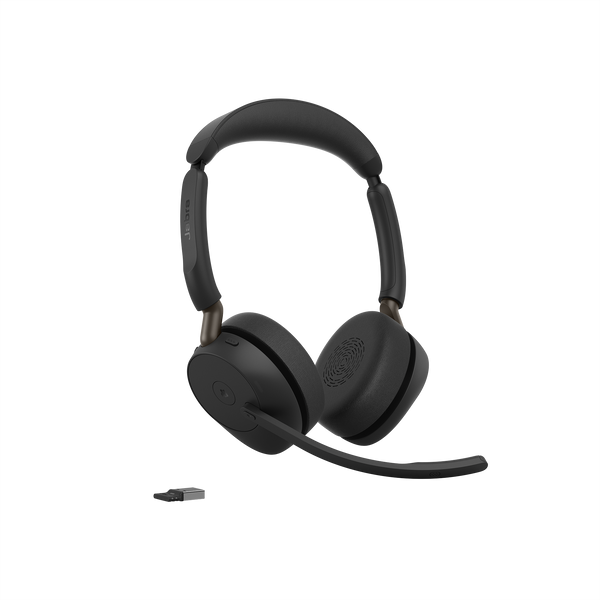
Jabra Evolve2 65

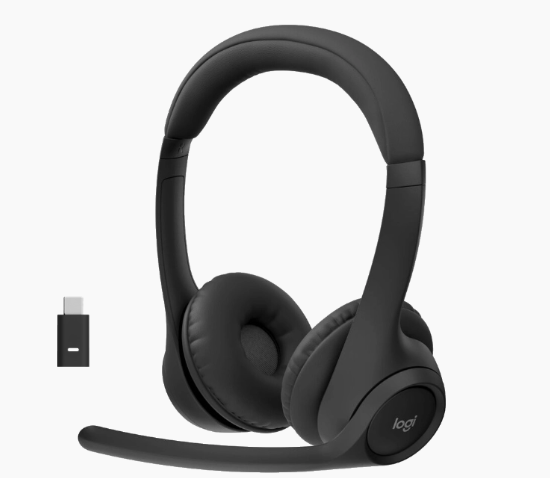
Up to 37 hours of battery on a single charge — among the longest in its class — with fast charging, 40mm memory-foam speakers, a busylight, and multi-device pairing so the headset stays connected to your computer and phone simultaneously. Mute by flipping the boom up. Available in UC or Teams-certified variants.
See Jabra Evolve2 65
Best mid-range wireless

Jabra Evolve2 55

An advanced chipset and microphone array that separates your voice from background noise — useful for a home office with kids, pets, or a noisy household during calls. A lightweight headband for all-day comfort and a built-in busylight round it out.
See Jabra Evolve2 55
Best ANC wireless

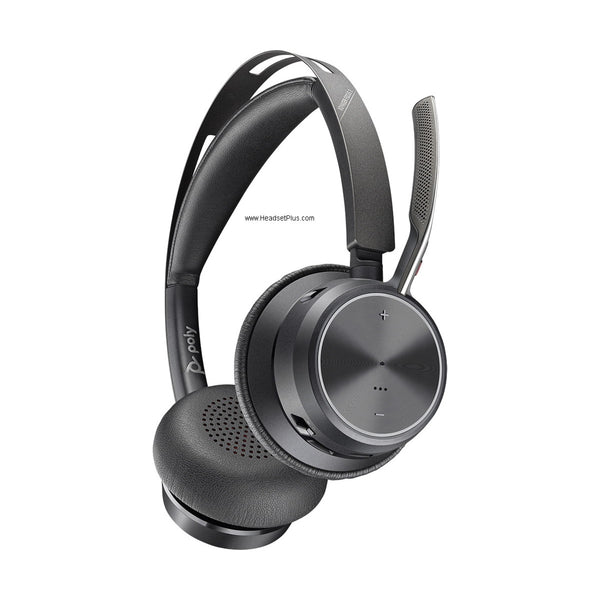
Poly Voyager Focus 2

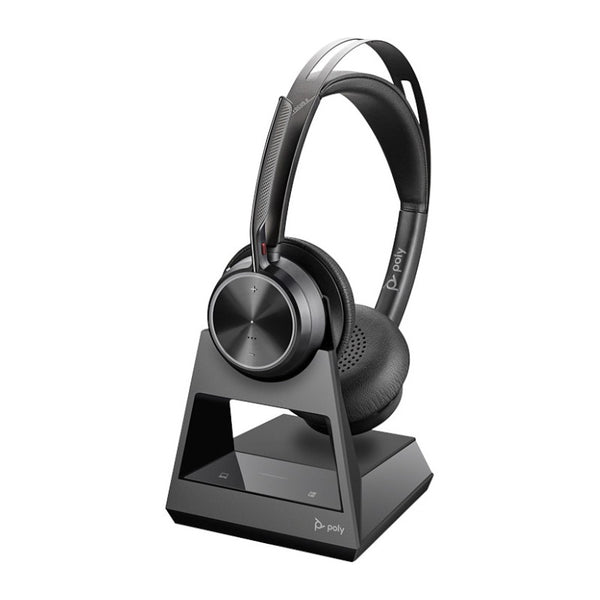
Adjustable active noise cancellation, leatherette cushions, and smart sensors that answer a call the moment you put the headset on (and pause music or mute when you take it off). Voice alerts confirm mute status, and in-line controls handle volume and track skipping. Up to 150 feet of range.
See Poly Voyager Focus 2
Best premium ANC boom

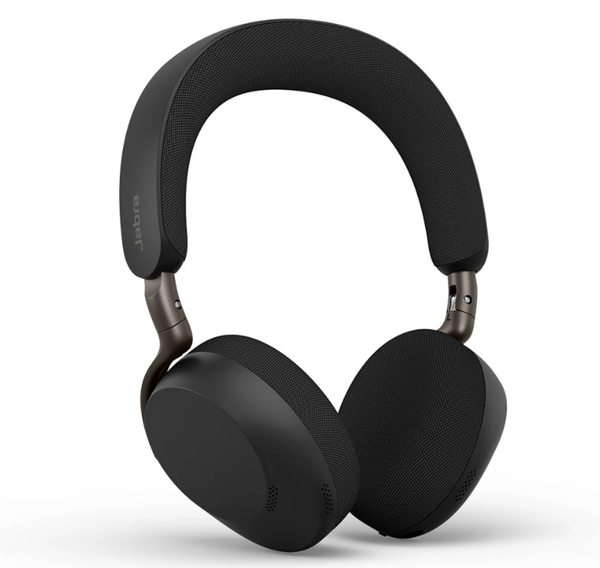
Jabra Evolve2 75

Eight microphones and 11 adjustable ANC levels, a hide-away boom arm, dual memory-foam cushions, and HearThrough ambient-sound mode. Up to 36 hours of battery. Read our full hands-on Evolve2 75 review for the complete picture.
See Jabra Evolve2 75
Best boomless ANC

Jabra Evolve2 85

A boomless design with 10 microphones and active noise cancellation built into the earcups, 37 hours of battery, fast charging (15 minutes = 90 minutes of talk time), and a foldable design with a carrying case. The microphone boom tucks away inside the headset when not needed. Includes a 3.5mm cable for corded use.
See Jabra Evolve2 85

What's the best headset for a home office with a landline?

For a corded setup, the Poly MDA524 amplifier paired with a Poly EncorePro HW510 headset connects to most home phones with a handset. For wireless, the Poly CS540 with a TR-11 analog adapter cable allows remote answering without touching the phone. Both are designed for residential analog lines, which connect differently than office VoIP systems.

Do I need a special adapter to use an office headset on my home landline?

Yes, in most cases. Office headsets are typically designed for VoIP desk phones or amplifiers built for office phone systems. For a home analog landline, a corded setup needs an amplifier like the Poly MDA524, and a wireless setup needs an analog adapter cable like the TR-11, to properly connect and enable features like remote answering.

What's the best USB headset for working from home?

For a budget corded option, the Jabra Evolve 20SE is reliable and affordable. For better comfort and audio, the Jabra Evolve2 40 is worth the step up. For wireless, the Jabra Evolve2 65 offers the longest battery life at this price point, while the Poly Voyager Focus 2 or Jabra Evolve2 75 add active noise cancellation for a noisier home environment.

Do these headsets work with Microsoft Teams?

Yes. All the current picks above are available in Microsoft Teams-certified variants, with call controls pre-configured for the Teams app, as well as UC variants that work with Zoom, Webex, and other platforms. Teams has replaced Skype for Business and Lync as Microsoft's current platform.

Whether your home office runs a landline or entirely through your computer, there's a current, well-supported setup for it. Match the connection type to your phone line first, then pick the tier that fits your budget and noise level. Browse the full range on the USB headsets and wireless headsets collections, or call our team at 877-999-3838 for help matching a setup to your home office.

Comments (0)

Leave a comment