

Poly, Jabra and EPOS Compatible Wireless Headsets for Cisco Unified IP desk phones, including SPA models all the way to the newest models including the 7900s and 8900s families.
(To see the complete list of compatible Cisco headsets GO HERE)
Plantronics, Jabra and EPOS Wireless headsets are design to be installed into the “handset” jack (not the headset jack) of your Cisco IP phone. It does not work properly if you plug it into the headset jack. The headset jack is design for regular “wired” headsets. Please also see our Direct connect Cisco headset page to see some other recommended wireless headsets.

Poly (Plantronics) Cisco Compatible Wireless Headsets: The following Plantronics wireless models are compatible:
Plantronics CS540-CIS Cisco IP Phone Compatible Wireless Headset.
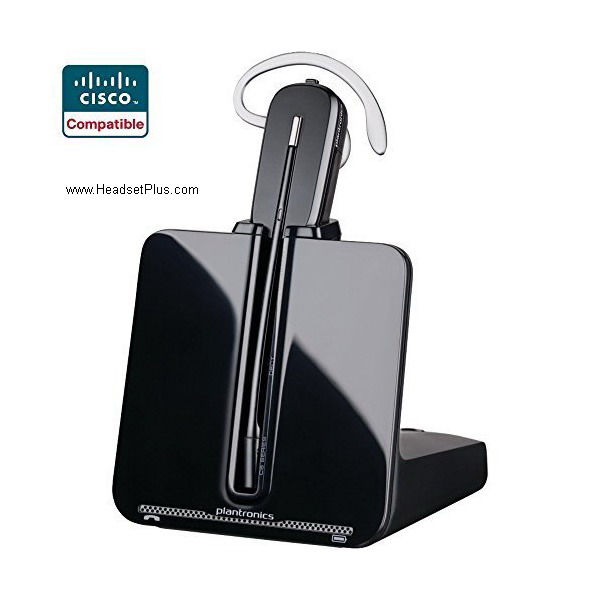
This particular unit is fully compatible with any Cisco IP desk phone and the integration would be using the telephone interface cable (included on this) with your Cisco desk phone, answering from the phone directly. The flowing steps would be used on all the Poly (Plantronics) wireless headset systems. This allows the user to have a wireless headset, however in order to answer/end calls the user needs to be next to the phone.
If NOT using the HL10 handset Lifter or Hook Switch, you can use the headset button to answer the phone:
1. Install the headset remote base unit into the “headset port” on the Cisco phone. Do not unplug the phones handset.
2. Switch the compatibility dial on the left side of the base unit to position 4 and the Tx switch to position “A”.
3. Switch the “Intellistand” setting on the right side of the remote base unit to the down position. (The “=” sign)
4. Answer/End calls by lifting the headset out of the base and press the headset button on the phone.
For users with the need of remote answer (the capability of answering or ending calls from the distance) using your headset, the following wireless bundles from Poly will come with the respective remote answer adapter. Depending on the model of Cisco you will need different adapters/solution and is advised to speak with a knowledgeable person in order to get the proper solution for your office Cisco desk phone.
Plantronics CS540+HL10 Wireless Headset Bundle
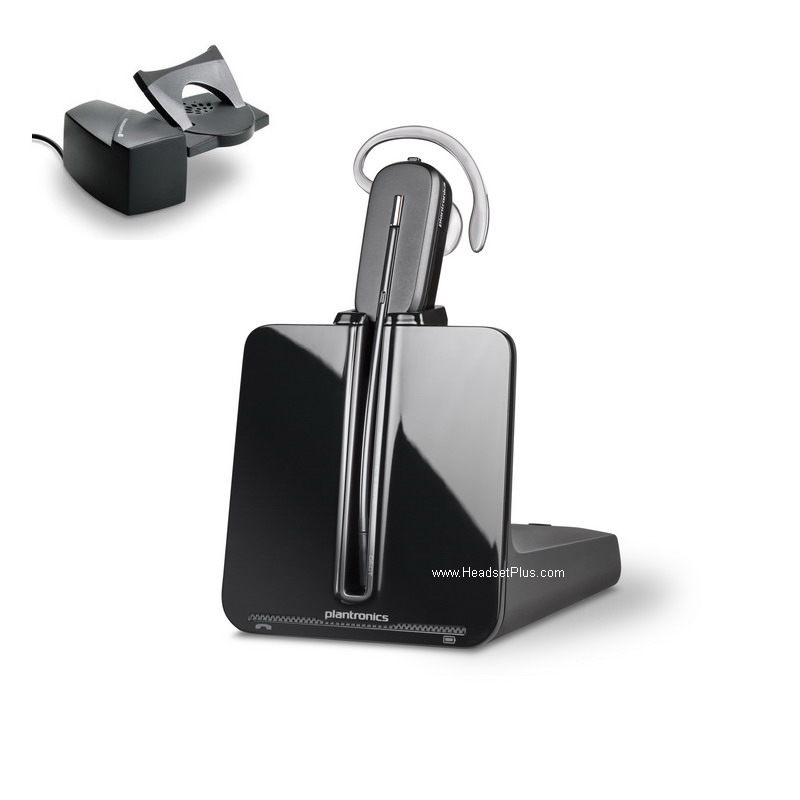
This particular model is fully compatible for old Cisco desk phones and in the need of the remote answer. The included models for this unit are: SPA 303, SPA501G, SPA502G, SPA504G, SPA508G, SPA509G, SPA921, SPA922, SPA941, SPA942, SPA962.
Plantronics CS540+EHS Remote Answer Bundle for Cisco Phones
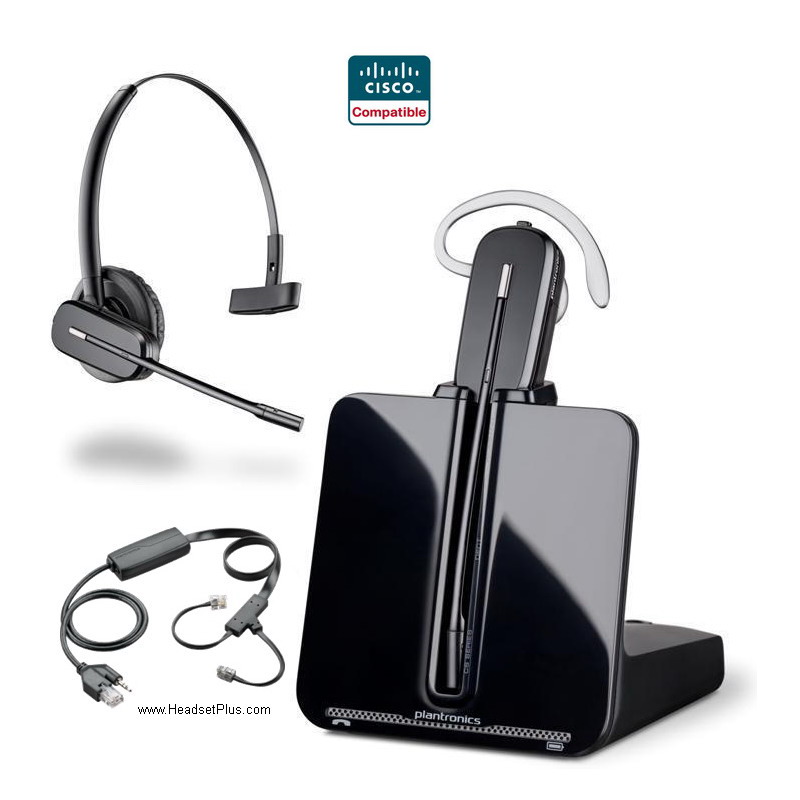
This bundle replaces the lifter for the Cisco desk phone as the next models have the built in Electronic Hook Switch (EHS) capability, this makes the remote answer more accurate and faster than with a mechanical solution. The EHS capability must be enable before attaching the adapter so the phone can reset and be plug and ply ready for the adapter/headset. Models included: Cisco Phone 6945, 7821, 7841, 7861, 7942G, 7945G, 7962G, 7965G, 7975G, 8811, 8811, 8841, 8845, 8851, 8861, 8865
Poly Savi 7220 + EHS Remote Answer Bundle for Cisco IP Phones
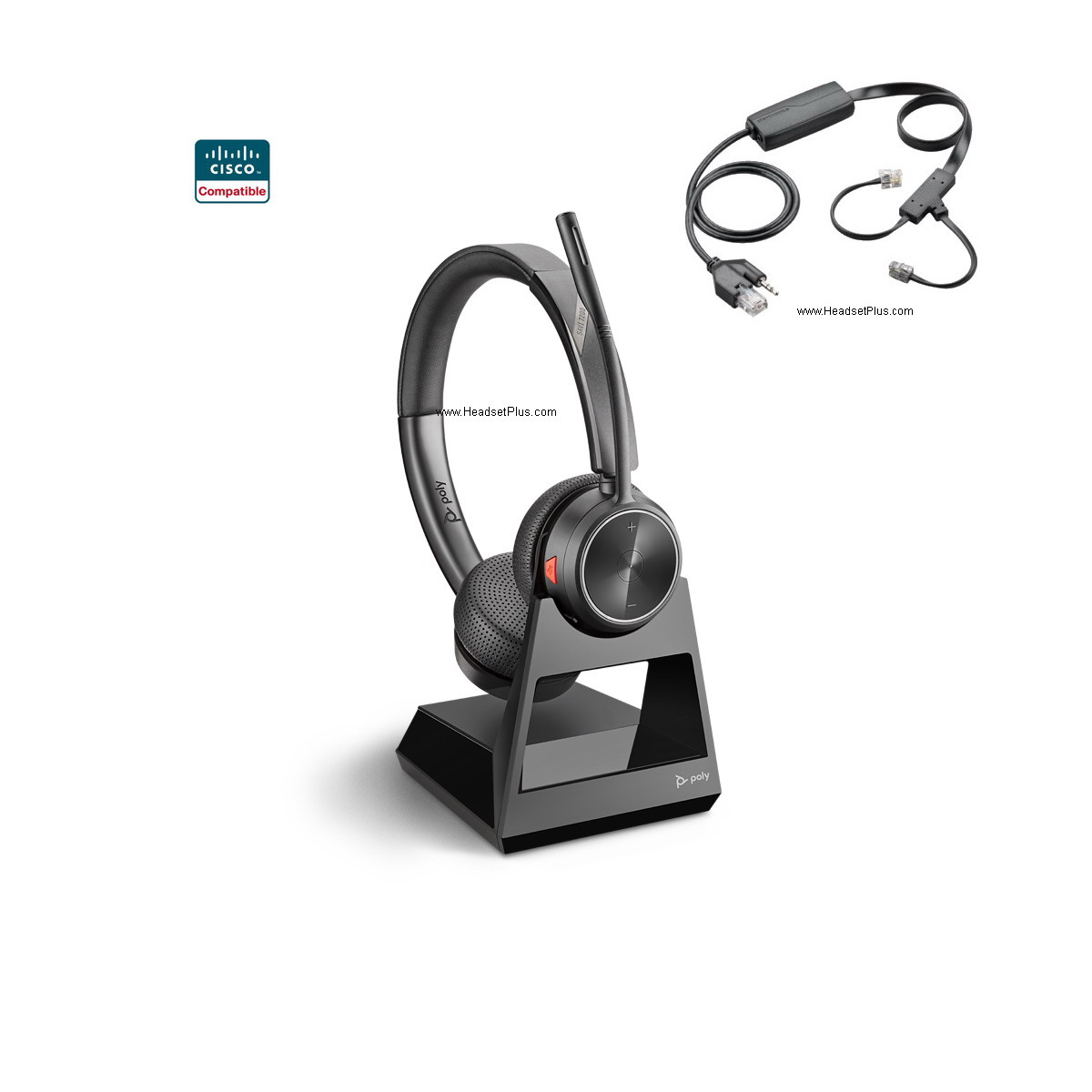
For louder workplaces the Savi 7220 covers both ears with a Stereo sound quality and bigger ear cups and a further range of up to 400 feet in line of sight. This unit comes with the cables/adapters for the Cisco desk phone, this unit is Telecoil Hearing Aid (HAC) compatible. Models included: Cisco Phone 6945, 7821, 7841, 7861, 7942G, 7945G, 7962G, 7965G, 7975G, 8811, 8811, 8841, 8845, 8851, 8861, 8865
Plantronics Savi 8240 Office + EHS Remote Answer Bundle Cisco
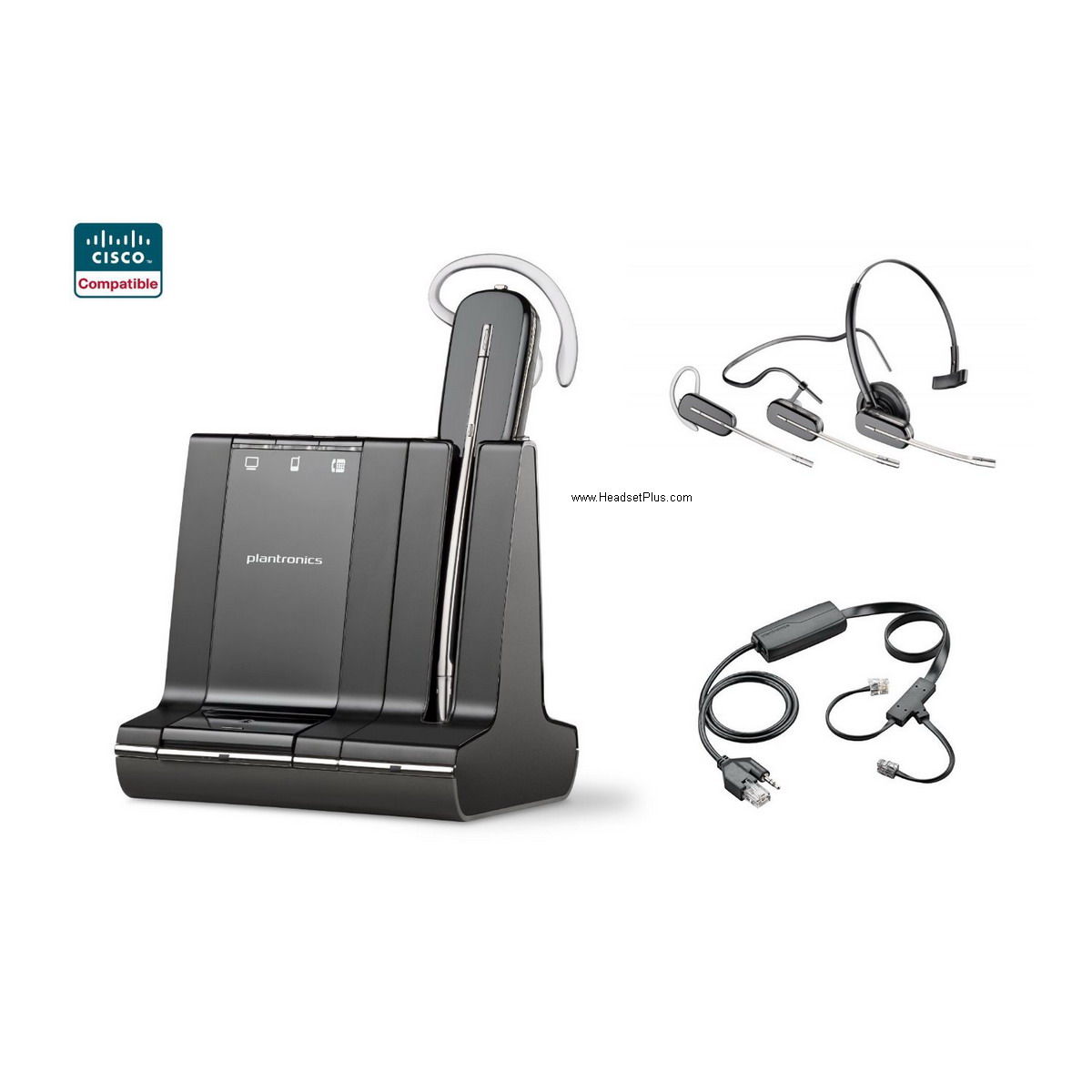
This Savi 8240, allows the use of the wireless headset with the desk phone, the computer and a Bluetooth enable device at the same time. This unit comes with the proper cables to plug to the desk phone and the computer. The base has built in Bluetooth so can pair to a smart phone for example and answer calls from the headset with the smart phone next to the base. Models included: Cisco Phone 6945, 7821, 7841, 7861, 7942G, 7945G, 7962G, 7965G, 7975G, 8811, 8811, 8841, 8845, 8851, 8861, 8865
Plantronics Savi 8220 + EHS Remote Answer Bundle for Cisco Phone
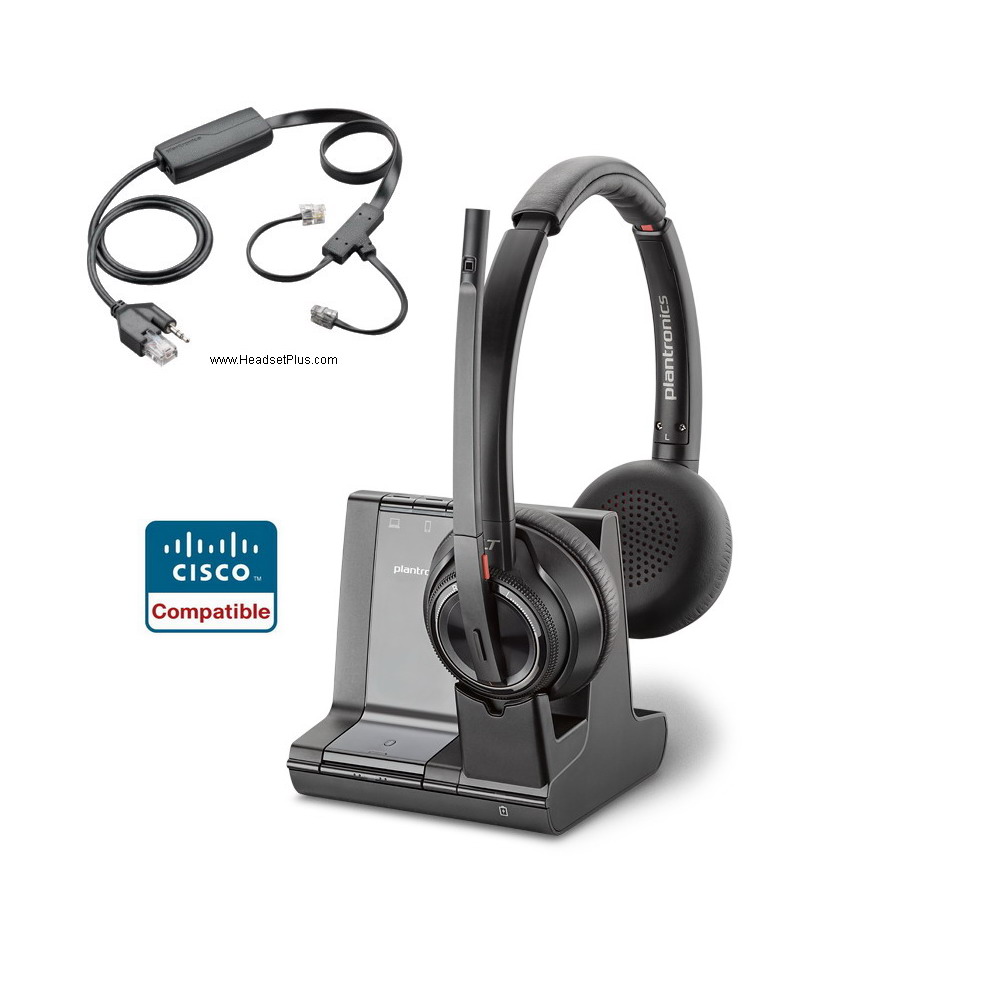
This would be the stereo sound quality Savi headset for use with the desk phone, computer and Bluetooth enable devices while in the office. The Savi 8220 has a bigger earcups and Active Noise Canceling (ANC), designed for louder workplaces, giving the user the option to turn on the feature and to focus on the sound coming from the headset speakers. Noise Cancelation microphone with close conversation limiting can be found on the boom arm. Models included: Cisco Phone 6945, 7821, 7841, 7861, 7942G, 7945G, 7962G, 7965G, 7975G, 8811, 8811, 8841, 8845, 8851, 8861, 8865
Poly Voyager Focus 2 Office + EHS Remote Answer Cisco IP Phones
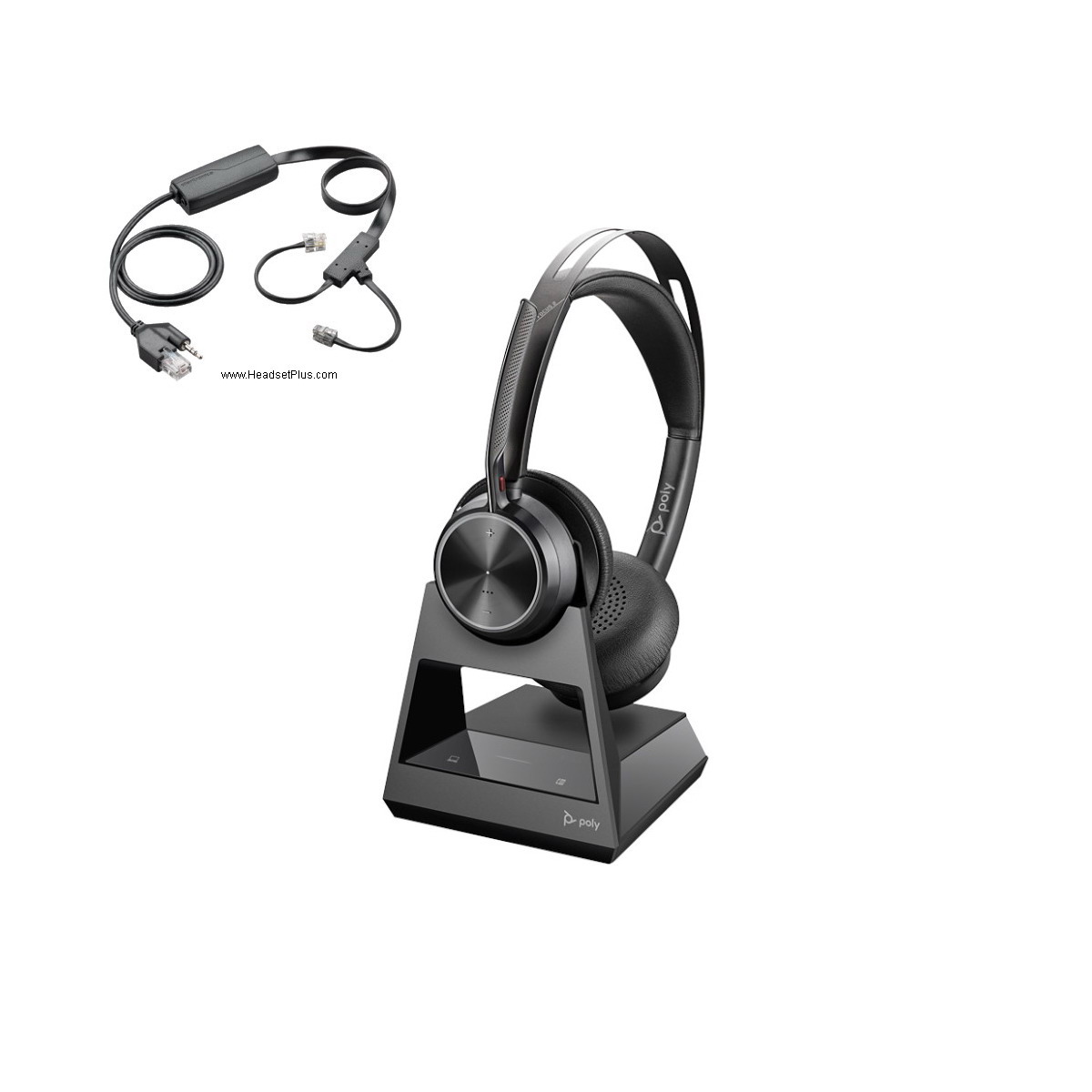
This new unit from Poly offers the advantage of being able to use it with your Cisco desk phone, computer and Bluetooth device at the same time, but you can keep the headset out of the office and use it with your smart phone for example, as this unit is a Bluetooth Class 1 headset, so the pairing is directly between headset and cell phone. Advanced Digital Hybrid ANC now can be found and with Acoustic Fence technology in the discrete boom arm. Models included: Cisco Phone 6945, 7821, 7841, 7861, 7942G, 7945G, 7962G, 7965G, 7975G, 8811, 8811, 8841, 8845, 8851, 8861, 8865
For Cisco SPA512G, SPA514G, SPA-525G, SPA525G, SPA525G2 Phones and Poly (Plantronics wireless headsets): These models offer EHS capability, however they require a different model to work. This will be the Plantronics APC-45 EHS as this adapter will plug into the 2.5mm jack headset on the phone and the other end on the base of the Poly wireless headset.
For Cisco IP 8961, 9951, 9971 Phones and Poly wireless headsets: These model of phones use the APU-72 EHS adapter as they have a built in USB port, making it easier to plug your Poly wireless headset and have remote answer capability.
For Cisco 8941, 8945, 8945G Phones: You will require a different adapter for the remote answer function, this will be the APC-82 and will be plugged in the headset port on the back of the phone and the other end on the base of the Poly wireless headset.
Also see our EHS cross reference table on THIS PAGE.
Expansion Modules (or sidecar). If the phone is equipped with a model 7914 expansion module: The Expansion module will be plugged into the telephone AUX connector Connect the APC-43 control connection into the expansion module Use a 40287-05 adapter to extend the 43 audio input to reach the headset jack on the phone.
Do you have an echo or side tone problem with your Cisco IP phone using Poly wireless headset? The echo problem can be fixed by toggling the Handset/Headset monitor variable in Cisco Call Manager for this phone to ‘Disabled’. This will only route the call to the headset when the headset is used.

Jabra Cisco Compatible Wireless Headsets: These wireless headsets are design to be installed into the “handset” port of your Cisco phone, even if you have a built-in headset port.
Jabra Pro 920 Wireless Headset System
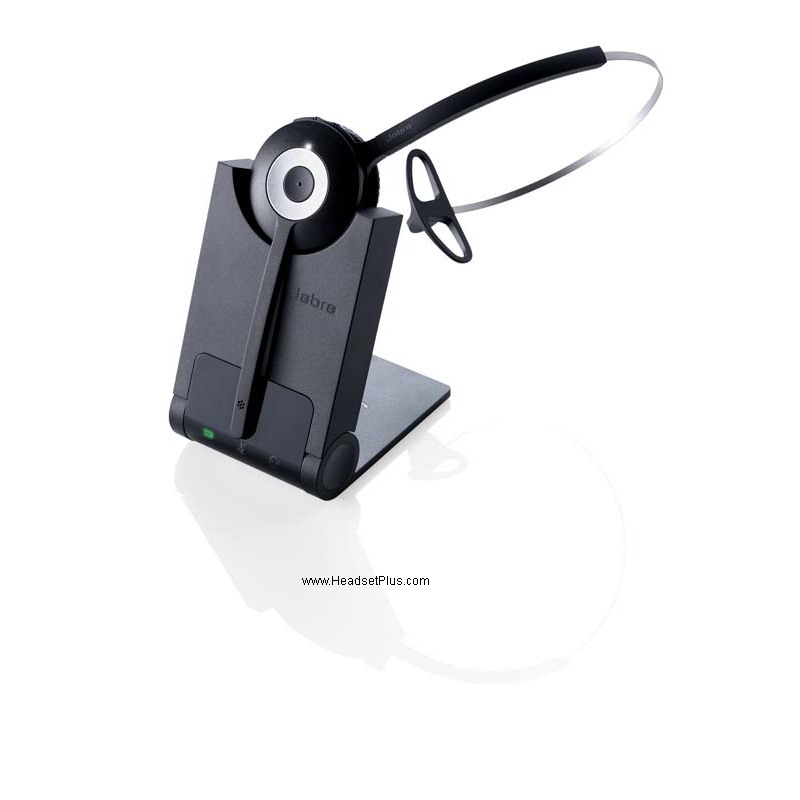
This would be your most affordable option from Jabra on a wireless headset. This unit will let the user to be hands free while on a call, however, the answer/end call functions would be done from the phone itself.
Jabra Pro 925 Dual Connectivity Bluetooth Wireless Headset
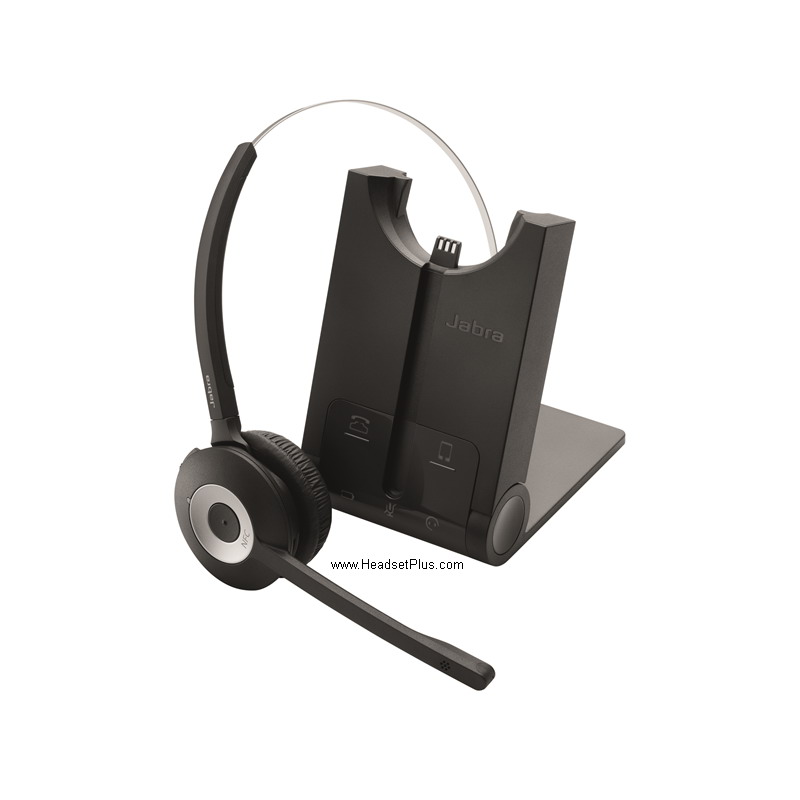
The Jabra Pro 925 offers the discrete design of the Pro 920 sibling, but this unit can be used with the Cisco desk phone and with a Bluetooth enable device such as a smart phone. For the same reason, the user can take the headset out of the office and keep using it with the cell phone for example, down the road. Offering NFC connectivity, making it faster to pair with Near Field Communications enable devices.
Jabra Pro 920+ GN1000 Wireless Headset Bundle Package
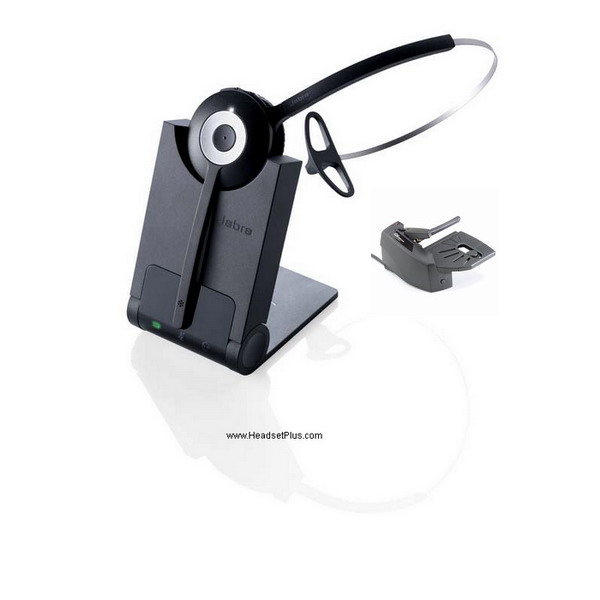
This bundle will allow the remote answer for the Cisco desk phone, letting the user to roam around the office without worrying of missing a call as the GN100 lifter using its ring sensor capability will alert the user that a call is coming in and let him/her to answer the call by pressing the answer/end key on the headset. No need to go back to the desk or even touch the phone. The models compatible for this unit are: Cisco SPA 303, SPA501G, SPA502G, SPA504G, SPA508G, SPA509G, SPA512G, SPA514G, SPA525G, SPA525G2. SPA921, SPA922, SPA941, SPA942, SPA962
Jabra Engage 65 Mono+GN1000 Wireless Headset with Remote Answering
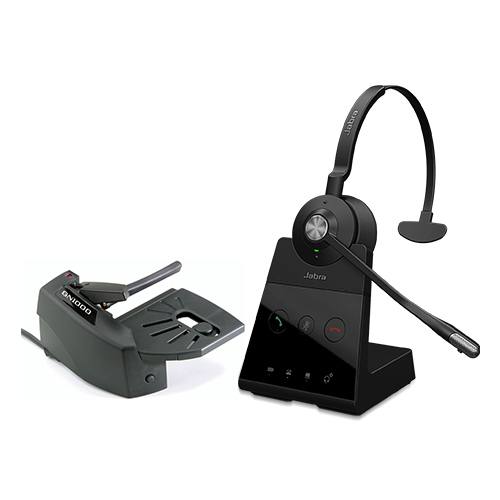
Jabra offers the Engage 65 headset with a higher encryption chipset, making it one of the most secure wireless headsets on the market. Designed to be used with the desk phone and the computer as the cords are included with this bundle and giving a further range of up to 490 feet on line of sight. Model compatible with this unit include: Cisco SPA 303, SPA501G, SPA502G, SPA504G, SPA508G, SPA509G, SPA512G, SPA514G, SPA525G, SPA525G2. SPA921, SPA922, SPA941, SPA942, SPA962
The following models of Cisco desk phones have the built in EHS capability, replacing the lifter by the proper cable/adapter. This can be a little tricky or overwhelming as the same adapter doesn’t always works with the same phone. For further assistance is advised to speak with a trained person. Cisco Unified IP Phone 69xx, 79xx, 88xx series IP Phones: 6821, 6841, 6851, 6921, 6941, 6945, 6961, 7821, 7841, 7861, 7931G, 7940, 7940G, 7941, 7941G, 7942G, 7945, 7945G, 7960, 7960G, 7961, 7961G, 7962G, 7965G, 7970, 7970G, 8811, 8841, 8845, 8851, 8861, 8865, 8961, 9951 and 9971
Jabra Engage 65 Mono+EHS Cisco Certified Wireless Headset bundle
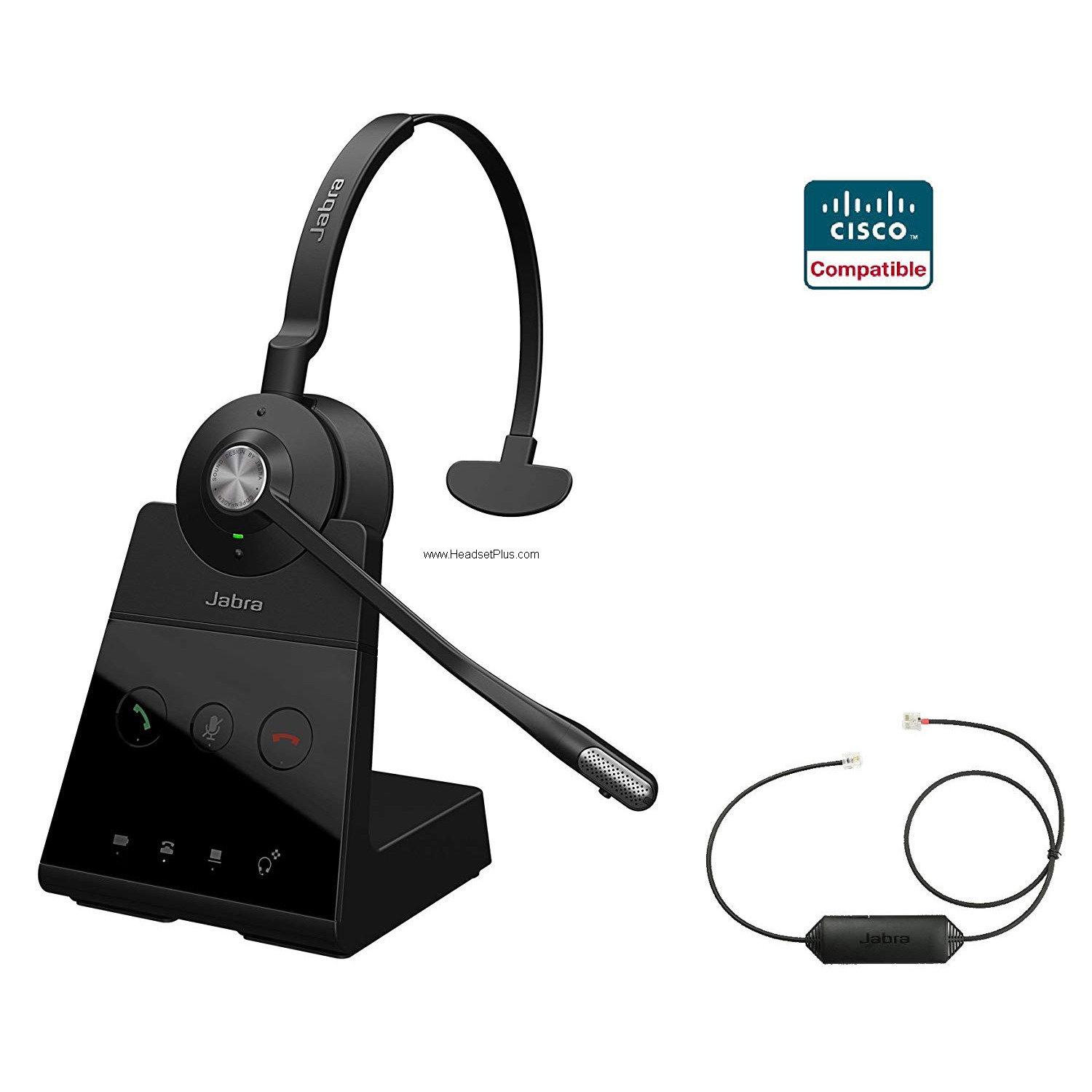
Thanks to its higher encryption chipset, it allows to have the double of the same model of headset in a small working space without any interruption or confliction between headset while on use. The Engage headband is one of the lightest and more comfortable in the market, allowing to be worn all day without bothering the user all day long. Remote answer capability for your Cisco desk phone and compatible with Microsoft Teams and Zoom calls.
Jabra Engage 75 Stereo + EHS Wireless Headset, Cisco Certified
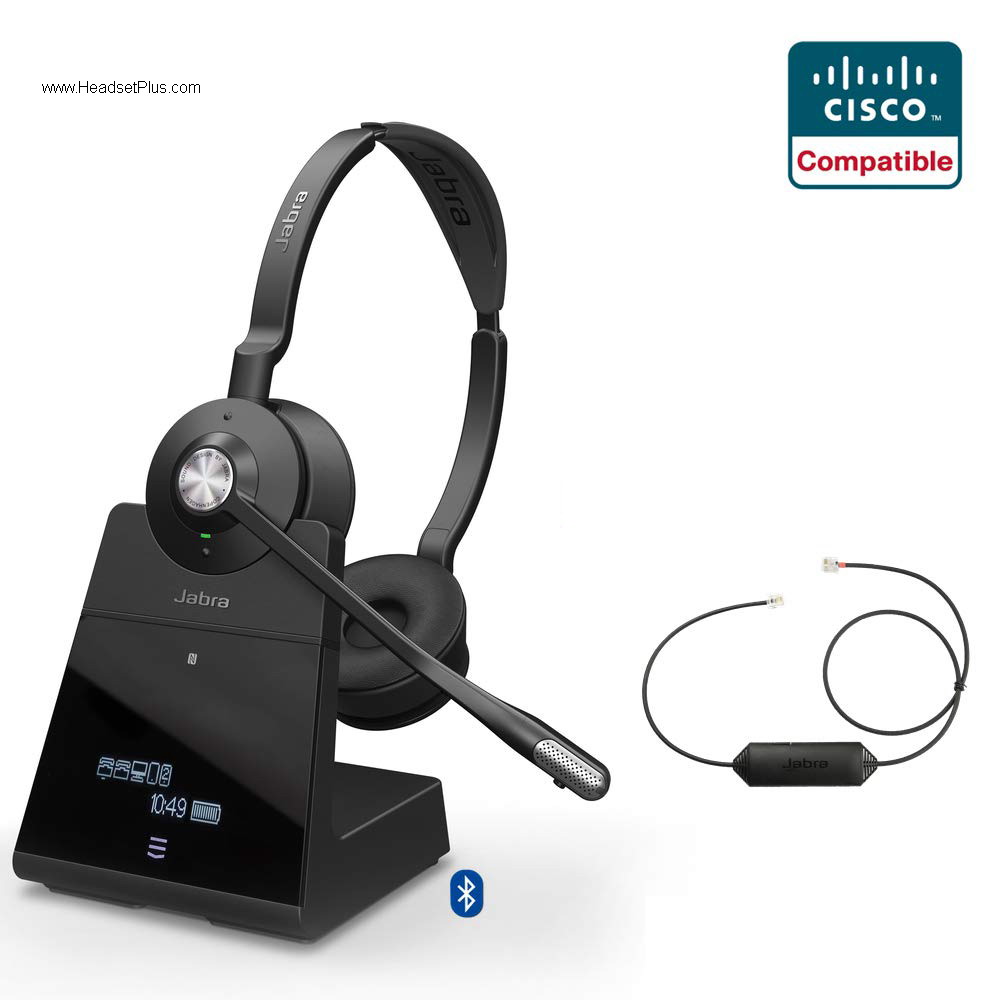
For those wanting the best of the best, Jabra offers the Engage 75 as its jewel crown. This unit allows to be used with the Cisco desk phone, including the remote answer capability, two USB computers, thanks to its included cords and two Bluetooth enable devices at the same time while in the office. Stereo sound quality can be found in the comfortable headband and ear cushions for a whole day of use.
Phone setup The phone must be set for “Wireless Headset Hookswitch Control” = Enabled Press the settings button on the phone (Checkbox Icon). Select “Device Configuration” >> Select “Media Configuration ”If “Wireless Headset Hookswitch Control” is “Disabled”, contact your telephone administrator.
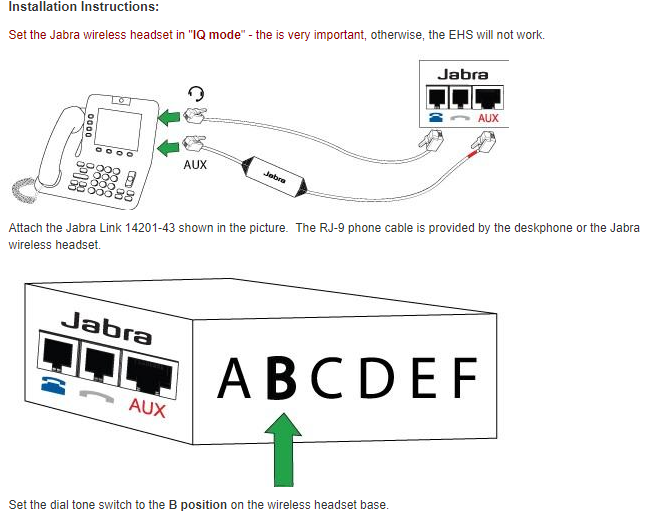
For Cisco 8941, 8945, 8945G Phones: You will require a different adapter for the remote answer function, this will be the Jabra Link 41 and will be plugged in the headset port on the back of the phone and the other end on the base of the Jabra wireless headset.
For Cisco DX650, DX70, DX80: These phones will have a USB port located on the side of the phone, depending on the model will be one or two. For remote answer capability, you will need the Jabra Link 30 adapter.
See the EHS table on our dedicated Cisco Headset Page

EPOS Cisco Compatible Wireless Headsets: These wireless headsets are design to be installed into the “handset” port of your Cisco phone, even if you have a built-in headset port, similar setup as the Jabra case.
EPOS Impact D10 II Phone Wireless Headset
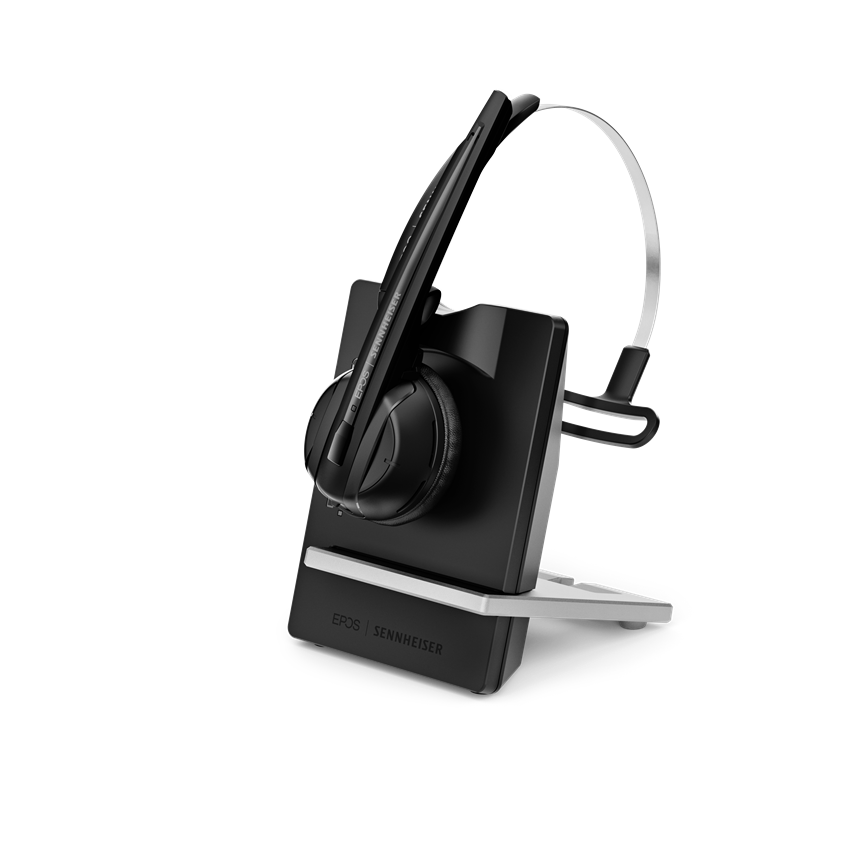
EPOS, formerly known as Sennheiser offers the second generation of its IMPACT wireless headset. The D10 II now offers a very discrete design in a convertible wearing style as it comes with the ear hook to be worn over the ear or the headband. With a range of up to 500 feet on line of sight and a magnetic base that allows the fast charging of the headset to stay in place all day.
EPOS SDW 5065 Binaural Dual Connect Wireless Headset
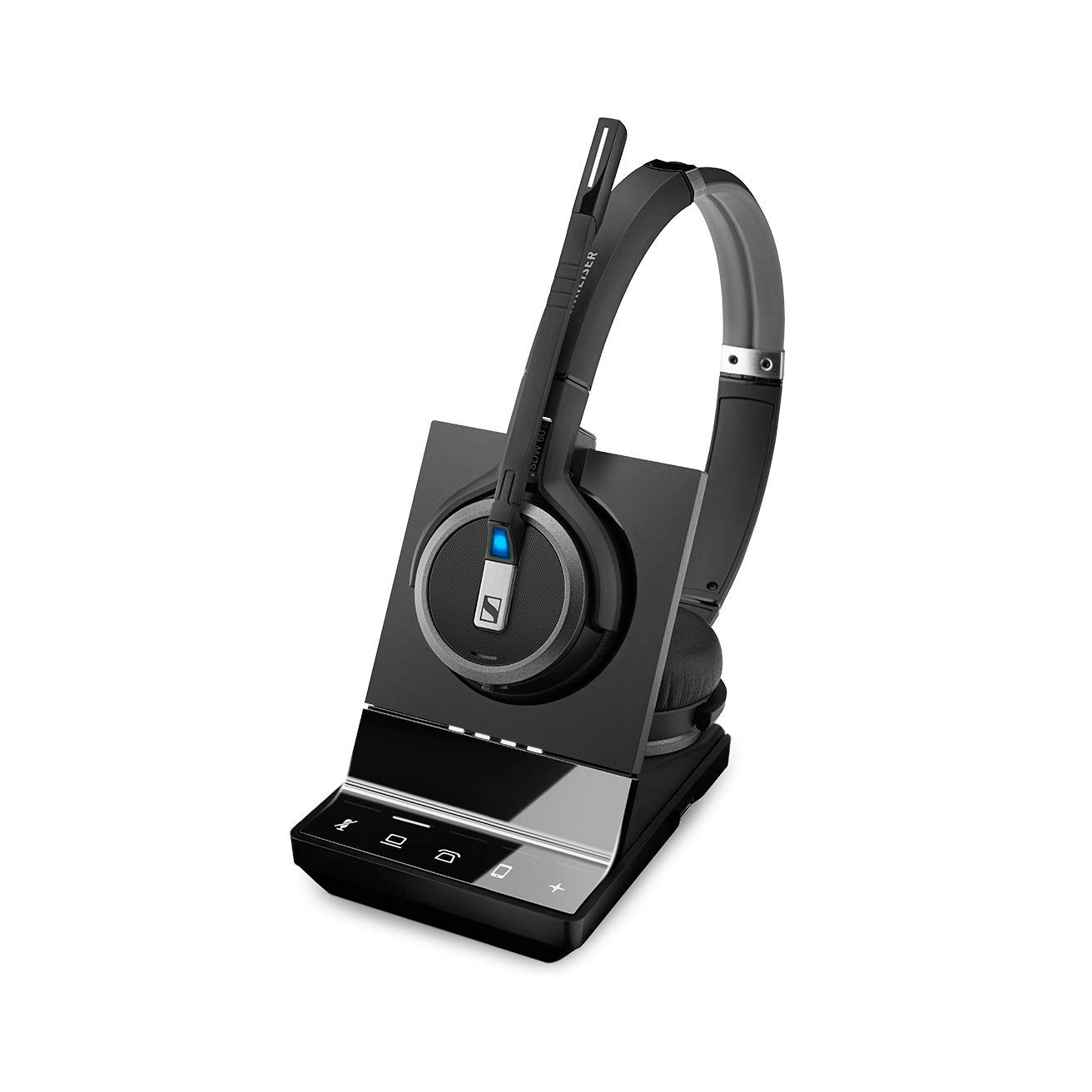
The SDW 5065 offers dual connectivity, so can be used with the Cisco desk phone and the computer at the same time. With a bigger earcups cover the ear and a rich stereo sound quality. The base has a magnetic field where the headset stays on place and the fast charging gets uninterrupted. The base allows to select the device you want to be on, either on the computer or desk phone and gives visible warnings when the headset is on mute as well.
EPOS SDW 5016 Convertible Triple Connect Wireless Headset
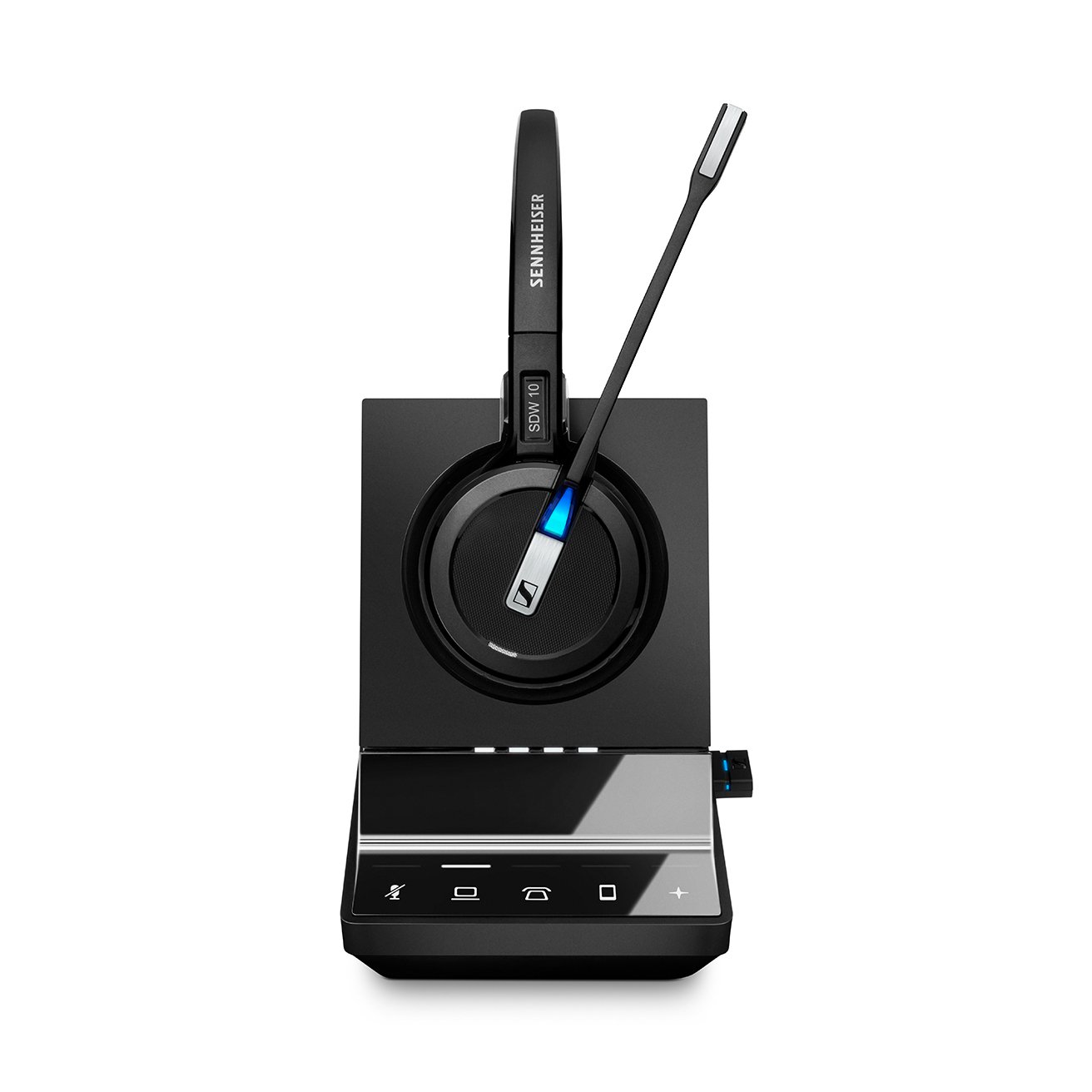
The EPOS SDW 5016 is a convertible style headset that can be worn either over the head, the ear or the head with the included accessories. The base allows to have triple connectivity, meaning that can be used with the desk phone, the computer and a Bluetooth enable device all at the same time. The discrete microphone boom arm comes with one of the best noise cancelation microphones on the market and had a built in busy light which let the user know when on a call or charging state of the headset.
These EPOS model will be fully compatible with all the Cisco desk phones, however for the remote answer you will need to get the proper adapter/solution for each desk phone.
For Cisco SPA 303, SPA501G, SPA502G, SPA504G, SPA508G, SPA509G, SPA512G, SPA514G, SPA525G, SPA525G2. SPA921, SPA922, SPA941, SPA942, SPA962: These models don’t have the built in EHS capability from EPOS, and for the same reason you will need the HSL10 II lifter for the remote answer of your desk phone.
For Cisco 8941, 8945, 8945G Phones: These models have the EHS feature and you will need the CEHS-CI 04 for the remote answer, this cable will be plugged into the headset port and the other end to the base of the EPOS wireless headset.
For Cisco IP Phone 69xx, 79xx, 88xx series IP Phones: 6821, 6841, 6851, 6921, 6941, 6945, 6961, 7821, 7841, 7861, 7931G, 7940, 7940G, 7941, 7941G, 7942G, 7945, 7945G, 7960, 7960G, 7961, 7961G, 7962G, 7965G, 7970, 7970G, 8811, 8841, 8845, 8851, 8861, and 8865: Your remote answer adapter for your EPOS wireless headset will be the CEHS-CI 01, as this will be plugged in the headset port and the AUX port of the Cisco desk phone and the other end into the base of the EPOS wireless headset.
For Cisco: 8800 series, 9900 series and 8961: These models will have a USB port on the side and for the same the CEHS-CI 02 will be the proper adapter to be used with EPOS headsets for the remote answer.
For Cisco DX650, DX70, DX80: According to manufacturer, there are 2 ways to get the remote answer for these Cisco desk phones. One of them would be using the HSL 10 II lifter (mainly for Impact D10 headsets or SDW if you are using it with desk phone and computer at the same time), or to just use the SDW headset un plug the base directly to the USB port of these phones.
For more detail information see Cisco Headset Installation Guide.



