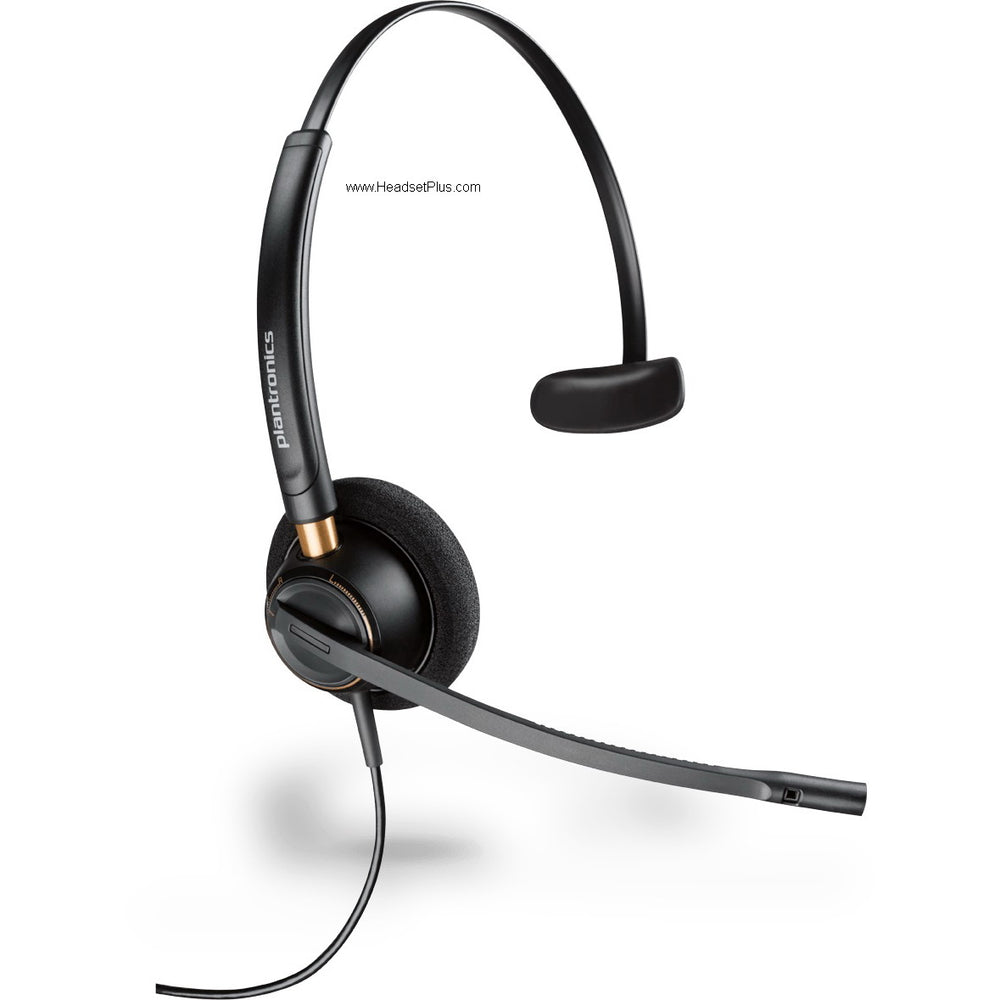











































Jabra Evolve2 40 SE – Professional Wired USB Office Headset
Wired, focused, visible. Jabra Evolve2 40 SE.
There's something to be said for a headset that doesn't need to be charged, paired, or remembered at the end of the day. The Jabra Evolve2 40 SE is exactly that — a wired USB office headset designed for the desk you actually sit at, on the platform your company actually uses, in the kind of room you actually work in.
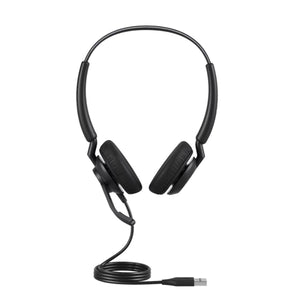
It's the version Jabra built for shared workspaces and open-plan offices. Three boom-arm microphones tuned to filter out the conversation at the next desk. Memory foam cushions that quiet the room the way curtains quiet a window. A busylight visible from every angle so the colleague walking toward your desk sees it before they open their mouth. The whole thing weighs less than a paperback and plugs into USB-C or USB-A without an extra dongle in your bag.
Build the exact Jabra Evolve2 40 SE for your setup
Two choices, then you're done. You're matching the headset to how much of the room you want to hear and to the software your team opens every morning. Every variant ships with a USB-C cable plus a USB-A adapter built in, so it lands on either port without buying anything extra.
Wearing style — how much of the room you want to hear while you work.
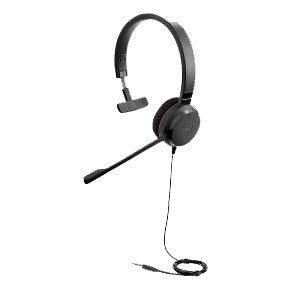
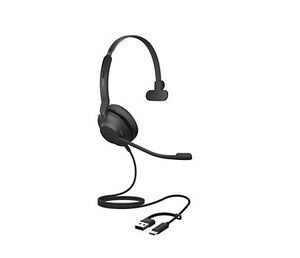
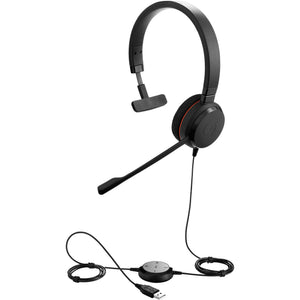
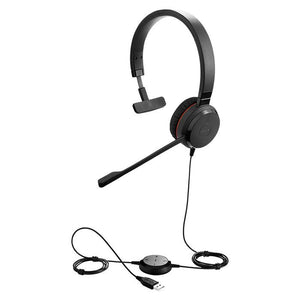
- Mono. One ear covered, one open. The right pick for managers, supervisors, reception desks, or anyone who needs to take a call and still catch what's happening in the room. 113g with the cable — noticeably lighter on the head over a full day.
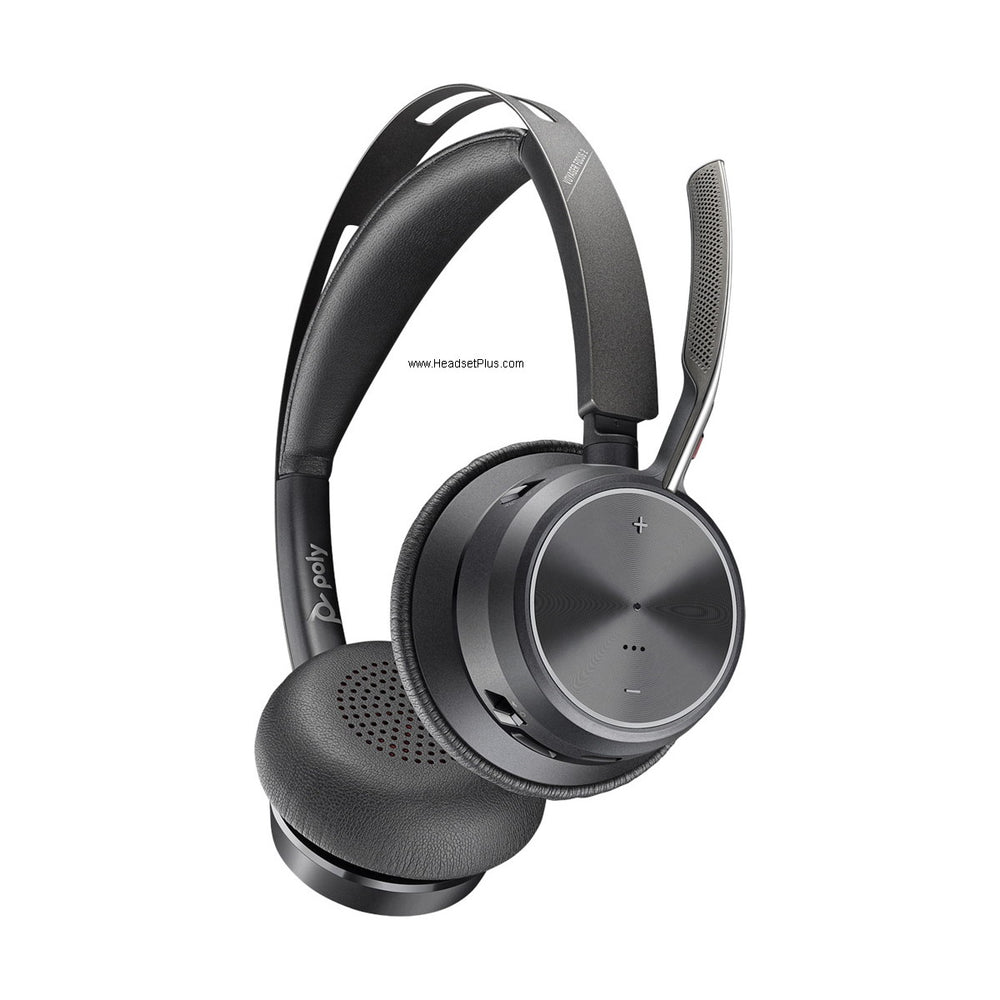
- Stereo. Both ears covered. The right pick for focus work and noisy open offices. The angled earcup design and leatherette cushions create a sealed pocket that quiets the room without any electronics. 188g — still light by full-size headset standards.
Platform certification — match it to the meeting app your team lives in.
- MS Teams variant. Microsoft Teams certified with a dedicated Teams button on the earcup that launches Teams, joins meetings, and answers calls without touching the laptop. Also meets the stricter Microsoft Teams Open Office spec for microphone noise rejection — the certification most other headsets in this price range don't carry.
- UC variant. Certified for Zoom, Google Meet, Cisco, Amazon Chime, Avaya, Alcatel-Lucent, Mitel, and Unify. The right pick if your team runs across multiple meeting platforms or isn't Teams-first.
Microphone and call clarity on the Jabra Evolve2 40 SE
Open-office calls are where most headsets fall apart. This is the section the 40 SE was specifically engineered for. Three digital MEMS microphones sit on the boom arm and run through Jabra's noise-suppression algorithm — tuned for the specific problem of open-office conversation, not generic background hum.
The boom flips up to mute. No mouse-click, no fumbling for a button. Push it up when someone walks in. Push it down when you're back. One honest note: the boom only wears on the right side. If you prefer the boom on your left, this won't suit.
Passive noise isolation, without the battery anxiety
The 40 SE uses passive noise isolation — not active noise cancellation. The angled earcup design and memory foam leatherette cushions form a physical seal around the ear that quiets the room. No electronics involved, no battery to drain, no firmware to update. Jabra measures 48% more noise reduction than the original Evolve2 40 design, and most of that gain comes from the geometry, not the foam.
The busylight, explained
The red LED on the earcup activates the moment a call connects and is visible from every direction — not just front-facing. The SE version brightened and widened the busylight specifically for open offices and shared workspaces, where the colleague approaching your desk might come from any angle. It's the silent signal that stops the tap on the shoulder before it happens. In a home office, it's what tells your partner or your kids that you're not actually free to talk.
Comfort for the all-day desk
The headband cushion is ultra-soft foam wrapped in silicone — soft on contact, doesn't slide. The earcushions are leatherette over memory foam that molds to the shape of your ear over the first few wearings. The slider arm is aluminium, which matters more than it sounds: plastic adjusters develop wobble after a few months of daily use, and aluminium doesn't. By the third hour of a long stretch, most reviewers describe forgetting it's on.
Jabra Direct, when you want it
On Windows or Mac, the free Jabra Direct app handles firmware updates, button customization, sidetone preferences, and a dashboard for IT teams managing fleets. None of it is required — the headset works fully without installing anything, which matters on locked-down corporate machines where you can't add software. Note that this is a wired headset, so Jabra Sound+ (the mobile app) doesn't apply here.
Compatibility — Microsoft Teams, Zoom, and everything else
Every Jabra Evolve2 40 SE ships with a 1.5m USB-C cable and a USB-A adapter built in. Modern laptops with USB-C ports, traditional desktops with USB-A — both work without buying anything extra. No drivers to install, no software to configure: plug it in, the operating system sees a USB audio device, the meeting app finds it.
MS variants are Microsoft Teams certified and meet the stricter Microsoft Teams Open Office requirements. UC variants are certified for Zoom, Google Meet, Cisco Webex, Mitel, Avaya, Unify, Amazon Chime, and Alcatel-Lucent. If you've heard of the platform, the 40 SE works with it.
For the money, you get Jabra's three-microphone array tuned for the noisiest part of open-office life, a busylight loud enough to stop the interrupter mid-stride, and a build quality that survives daily use without going wobbly. The trade-offs — wired only, on-ear instead of over-ear, passive isolation rather than ANC — are the right ones for desk-bound professionals who'd rather plug in once a day than charge anything.
- Jabra Evolve2 40 SE headset with attached USB-C cable (Mono or Stereo, per variant selected)
- USB-A adapter
- Soft felt carrying pouch
- Quick start guide
- Warranty and safety documentation
| Specification | Detail |
|---|---|
| Speaker drivers | 40mm leak-tolerant dynamic |
| Speaker frequency range | 20 Hz – 20 kHz (music mode); 100 Hz – 14 kHz (speak mode) |
| Speaker sensitivity | 117 dB @ 1mW / 1kHz |
| Speaker max input power | 30 mW |
| Microphones | 3 digital MEMS, boom-arm mounted |
| Microphone frequency range | 100 Hz – 14 kHz |
| Microphone sensitivity | -26 dBFS/Pa |
| Noise control | Passive noise isolation (no ANC) |
| Busylight | 360-degree integrated LED, automatic on-call activation |
| Boom-arm mute | Flip up to mute, flip down to talk |
| Hearing protection | Jabra SafeTone (PeakStop acoustic shock protection) |
| Connection | USB-C cable with included USB-A adapter |
| Cable length | 1.5 m / 4.9 ft |
| Weight – Stereo (with cable) | 188 g / 6.63 oz |
| Weight – Mono (with cable) | 113 g / 3.98 oz |
| Ear coupling | On-ear (supra-aural) |
| Headband cushion | Ultra-soft foam covered in silicone |
| Ear cushion | Soft foam covered in leatherette |
| Slider arm | Aluminium |
| Boom orientation | Right side only |
| Operating temperature | -10°C to +55°C / 14°F to 131°F |
| Certifications (MS variants) | Microsoft Teams, Microsoft Teams Open Office |
| Certifications (UC variants) | Zoom, Google Meet, Cisco, Mitel, Avaya, Unify, Amazon Chime, Alcatel-Lucent |
| Warranty | 2-year limited manufacturer warranty |
Software. Jabra Direct (Windows and Mac) handles firmware updates, EQ adjustments, sidetone preferences, button customization, and a configuration dashboard for IT teams managing multiple headsets. The app is free and optional — the headset is fully functional without it, which matters on managed corporate machines where adding software isn't allowed. Jabra Sound+ (mobile) does not apply to this wired model.
Hardware. Connects to any computer via the integrated USB-C cable. The included USB-A adapter covers traditional desktops, docking stations, and older laptops. USB-C and USB-A both work without drivers — the operating system recognizes the headset as a standard USB audio device.
Platforms. MS variants are Microsoft Teams certified with a dedicated Teams button on the earcup, and meet the stricter Microsoft Teams Open Office requirements for microphone noise rejection. UC variants are certified for Zoom, Google Meet, Cisco Webex, Mitel, Avaya, Unify, Amazon Chime, and Alcatel-Lucent, and work with every other major Unified Communications platform.
All 4 models
Jabra Evolve2 40 SE – Professional Wired USB Office Headset — every configuration, part number and price.
| Style | Platform | Part number | Price |
|---|---|---|---|
| Mono | UC | 24189-889-799-01 | $182.95 |
| Mono | MS Teams | 24189-899-799-01 | $182.95 |
| Stereo | UC | 24189-989-799-01 | $185.95 |
| Stereo | MS Teams | 24189-999-799-01 | $196.95 |
FAQ
Frequently Asked Questions
Goes With It
You May Also Like