







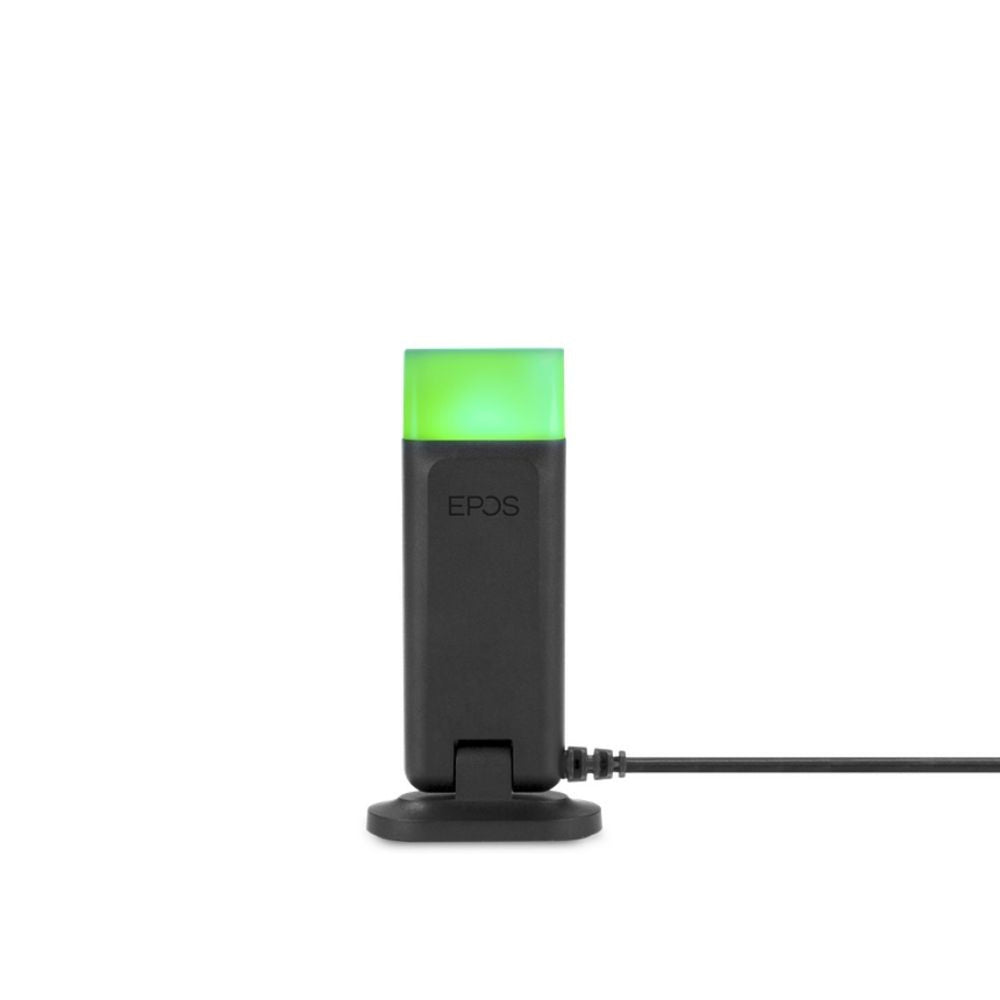



































Jabra Link 22 EHS Adapter for Cisco 7900 Phones *DISCONTINUED*
Description
*Discontinued* Replaced by Jabra Link 43 for Jabra Cisco EHS Cable
Jabra/GN Cisco EHs Adapter enables remote Headset Hookswitch Control (EHS) with Jabra 9400 series: Jabra 6470, Jabra Pro 9450, Jabra Pro 9460, Jabra Pro 9465, Jabra Pro 9470, with the Cisco 79xx, 88xx (7942G, 7945G, 7962G, 7965G, 7975G, 8811, 8841, 8851, 8861) Unified IP phones. This means that users can answer and end calls up to 300 ft. away from their desks. The seamless integration of handset and headset allows users to benefit from enhanced mobility and the ability to multitask while on a call. The wireless freedom improves work efficiency and ergonomics throughout the day. Jabra EHS Adapter is a plug-and-play solution that converts from the EHS standard used in Cisco IP phones to the DHSG standard used in Jabra headsets – and vice versa. Handset-Headset compatibility
GN/Jabra EHs Adapter is compatible with these Cisco IP Phones: 7942G, 7945G, 7962G, 7965G and 7975G. Cisco Unified IP Phone release 8.3(3) will enable the EHS functionality.
Note: Not compatible with Jabra Pro 920 series wireless headsets, use Jabra Link-43 instead
Installation Instructions:
- Set the phone set-up switch to position "B" on the Jabra Pro 9400 base
- Insert the RJ9 connection cable supplied with the Jabra PRO 9400 wireless headset into the "headset interface" on your Cisco phone and the other end into the socket marked with a “phone” symbol on the 9400 base
- Connect the Jabra Cisco EHS adapter with the "AUX" socket on your Cisco phone and the "AUX" interface on your base.
- Automatic configuration - ask someone call this phone and wait at least 10 seconds before taking the call. The appropriate EHS mode should now be installed.