







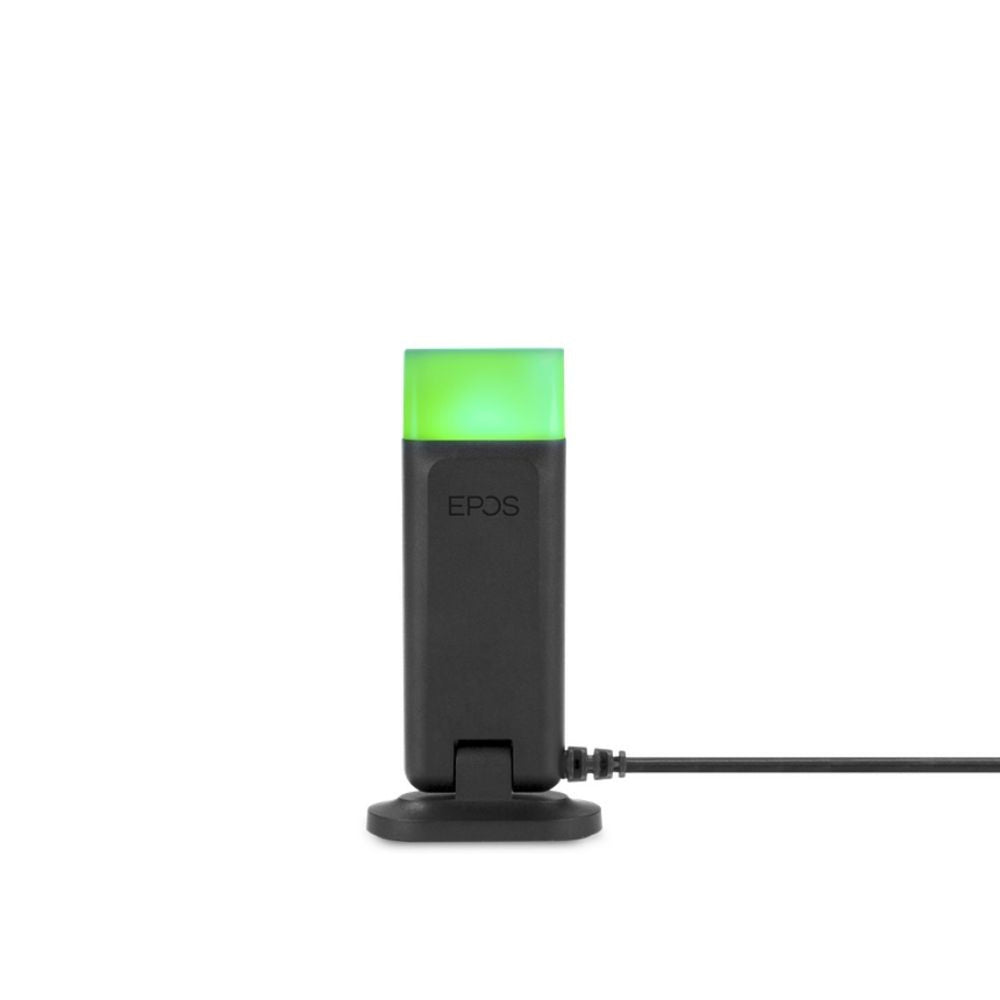



































Jabra Link 40 EHS for Panasonic Phone 14201-40
Description
Jabra LINK 40, 14201-40 is a remote Electronic Hook Switch Control (EHS) cable provides remote answering for Jabra wireless headsets and the Panasonic KX-NT553 KX-NT556 KX-DT543 KX-DT546, KX-UTG300 phones. Jabra Link 14201-40 is compatible Jabra PRO wireless headset models (Jabra Pro 920, Jabra Pro 925, Jabra Pro 9450, Jabra Pro 9460, Jabra Pro 9465, Jabra Pro 9470) with EHS functionality boost productivity as they provide the user with the ability to answer and end a call, while away from their desk.
Key Features:
-
Hear ring tones
-
Answer and end calls remotely
- Mute the microphone
Setup Instructions:
1) Connect the cables between the Jabra wireless headset’s base and the Panasonic phone as picture below:
2) Connect the RJ45 plug on the Jabra 14201-40 EHS adapter to the AUX port on the Jabra headset base, and the 3.5 mm jack connector to the 3.5 mm EHS port on the Panasonic phone. (A)
3) Connect the phone's handset cable to the port marked with a handset on the headset base. (B)
4) Connect the Jabra phone cable (supplied with the Jabra wireless headset) into the port marked with a phone on the headset base, and the port marked with a handset on the Panasonic phone. (C)
5) Set the Jabra headset adapter type to "IQ".
6) Set the Jabra headset phone setup switch to position "A".