










































Every multi-device wireless headset has forced the same compromise: pick DECT for long range at your desk, or Bluetooth so the headset can travel with you — but not both. The Yealink WH64 is the first headset we've tested that refuses to choose. It puts both radios in the headset itself, and after putting it through its paces, we think that's a bigger deal than the modest price suggests.
Here's our hands-on review — what the hybrid design actually does, how it performed against the WH63 we tested earlier, and the handful of quirks worth knowing before you buy.
Quick answer
Last updated July 2026
What makes the Yealink WH64 a "hybrid" headset?
The WH64 is a hybrid because it carries both a DECT chipset and a Bluetooth chipset inside the headset itself — the first headset to do this. That solves a compromise every other multi-device headset makes you accept, so it's worth understanding exactly what it fixes.
On a standard DECT headset, the Bluetooth radio lives in the base. Your mobile phone connects fine while it sits near the base, but walk away and the mobile call drops, because the phone falls out of the base's range. On a Class 1 Bluetooth headset, the radio is in the earpiece so it travels with you — but you sacrifice the longer, rock-steady DECT range for your desk phone and computer. It's a genuine either/or, and it's the whole subject of our guide to multi-device wireless headsets for desk phone, computer and cell phone.
Myth
You have to choose between DECT range and Bluetooth mobility in a multi-device headset.Reality
Not with the WH64. Because both radios sit in the headset, it runs DECT with your desk phone and computer while you're at the desk, then hands off to Bluetooth for your mobile call as you get up and walk out — no dropped call, no leaving your phone parked by the base. In our testing the switch was seamless, with no battery hit or overheating from running both.Yealink WH64 specs at a glance
| Feature | Yealink WH64 |
|---|---|
| Wireless | Hybrid DECT + Bluetooth (both in the headset) |
| DECT range | Up to 492 ft (150 m) line of sight |
| Bluetooth range | Up to 164 ft (50 m) line of sight |
| Talk time | Up to 32 hours |
| Microphones | 3-mic array, Acoustic Shield 2.0 |
| Wearing styles | Mono or Dual, over-the-head |
| Variants | UC or Microsoft Teams |
| Desk phone support | VoIP/IP phones, via optional EHS62 adapter |
How the Yealink WH64 performed in testing
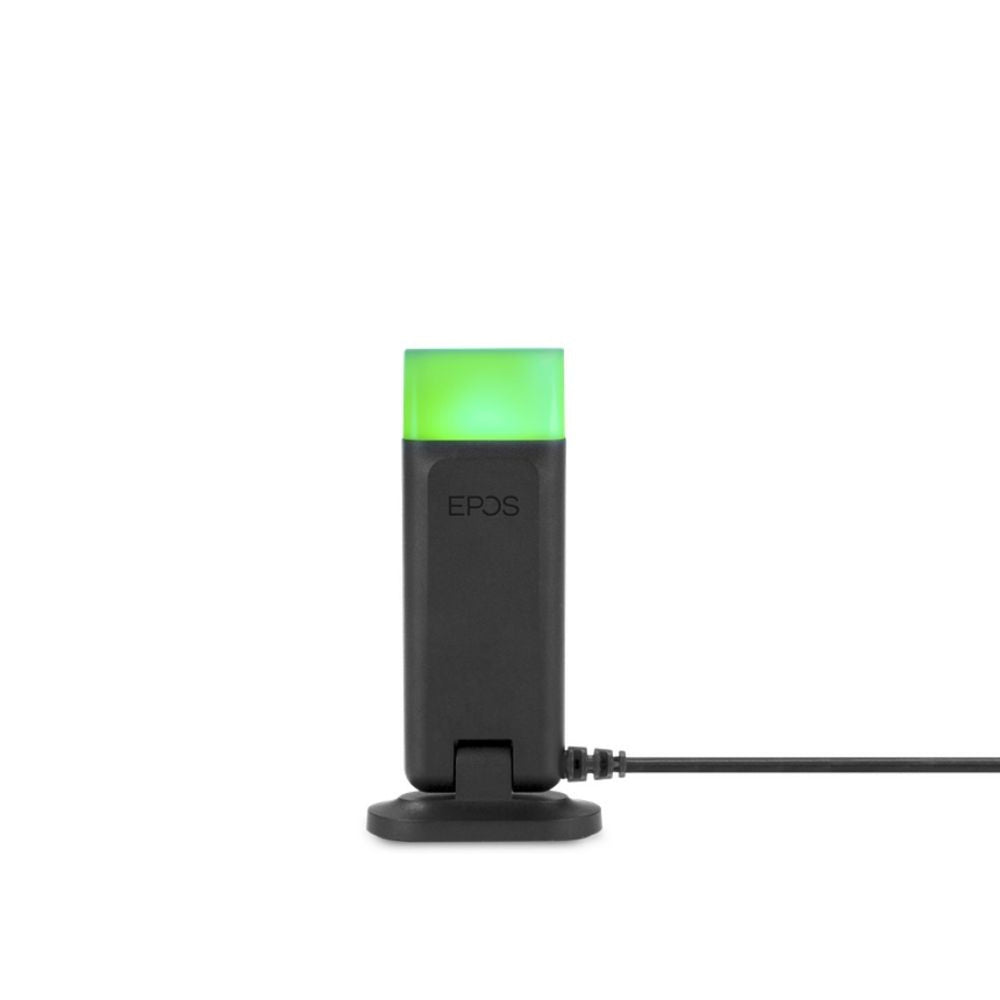
The headset feels deceptively simple at first, and that's a misread. The best example is the mute: you lift the boom arm to mute and lower it to unmute — a feature usually reserved for pricier headsets, and one we found genuinely faster than hunting for a mute button mid-call. A built-in busylight makes it clear from across the room when you're on a call.
The 3-microphone Acoustic Shield 2.0 array is the standout. Most headsets in this price range use one or two mics; the WH64's three do a noticeably better job stripping background noise out of a loud room, which is exactly where cheaper headsets fall down. The larger earcup and cushion held up comfortably across a full day of wear. We tested the Mono and enjoyed it — our space wasn't loud enough to need both ears sealed, and even without the extra padding the Dual's headband carries, the Mono stayed comfortable all day. On sound, the bigger speaker gives it a clear edge over the WH63 we reviewed earlier, whether on a call or streaming.
One quirk worth flagging from our bench time: unlike the WH63, the WH64's base isn't recognized by a computer over the micro-USB cable — only over USB-C — and it doesn't offer the WH63's conference mode. Both come down to the new hybrid chipset, which carries a few first-generation limitations. You configure the rest — ringer volume per device, boom-arm side, voice guidance, firmware — through the Yealink USB Connect software.
The good and the not-so-good
After living with it, here's the honest ledger:
Pros
What we likedCons
What could be betterOn the plus side: genuinely affordable multi-connectivity, the pioneering hybrid design, the 3-mic Acoustic Shield array, seamless DECT-to-Bluetooth handoff with no battery penalty, boom-arm mute and mobile call answer, a comfortable headband on both Mono and Dual, and an optional external busylight port on the base.
The honest downsides: it works with IP/VoIP desk phones only, so confirm your phone before ordering; the base cabling is fiddly if you want a single cable to the computer (the micro-USB route also needs the power adapter); firmware updates only work over the USB-C cable; the boom arm lacks a magnetic tip, so it sits out at an "antenna" angle when muted; EHS compatibility can lag as new desk phones launch; it's over-the-head only; and there's no conference mode.
Which Yealink WH64 should you buy?
Choose along two axes — platform and ear coverage. For platform, pick the Microsoft Teams variant if Teams is your main calling app (you get a dedicated Teams button and native controls); pick the UC variant for Zoom, RingCentral, and everything else.
- WH64 Mono UC — one ear open for the room, for general UC platforms
- WH64 Mono Teams — the same, Teams-certified with a dedicated button
- WH64 Dual UC — both ears covered for focus, for general UC platforms
- WH64 Dual Teams — both ears, Teams-certified
For ear coverage, Mono keeps you aware of the room while Dual seals out more noise for focus — the same awareness-versus-isolation trade we cover in monaural vs binaural headsets. For remote answering on a desk phone, add the Yealink EHS62 adapter, and if you're unsure whether your VoIP phone is supported, our EHS cable guide explains how remote answering works.
What makes the Yealink WH64 different from other wireless headsets?
The Yealink WH64 is the first wireless headset to build both DECT and Bluetooth radios into the headset itself, rather than splitting them between the headset and base. That lets it run long-range DECT with a desk phone and computer at the desk, then switch to Bluetooth so you can walk away on a mobile call without dropping it. Most rivals force a choice between DECT range and Bluetooth mobility.
What is the range and battery life of the Yealink WH64?
The Yealink WH64 offers up to 492 feet (150 m) of DECT range for the desk phone and computer, and up to 164 feet (50 m) of Bluetooth range for a mobile device. Talk time reaches up to 32 hours on a single charge, and the base supports fast charging. Real-world range is shorter than line-of-sight figures once office walls and equipment are factored in.
Should I get the Yealink WH64 Mono or Dual, UC or Teams?
Choose Mono to stay aware of your surroundings or Dual to block more office noise for focus. Choose the Microsoft Teams variant if Teams is your primary calling app, since it adds a dedicated Teams button and native controls; choose the UC variant for Zoom, RingCentral, and other platforms. All four Yealink WH64 versions share the same hybrid technology and specs.
Does the Yealink WH64 work with desk phones?
Yes, the Yealink WH64 works with VoIP/IP desk phones, using the optional Yealink EHS62 adapter for remote answering so you can pick up and end calls from the headset. It does not support older analog desk phones. Because VoIP phone compatibility varies, confirm your specific phone model before ordering.
Can I use the Yealink WH64 as a wired headset?
Yes. The WH64 headset has a USB-C port with voice-over-USB, so it can be used as a corded USB headset when the base isn't available. This is handy for travel, since the headset also ships with a drawstring carrying case. Firmware updates, however, are only supported over the USB-C connection to the base.
The WH64 isn't flawless — the first-generation hybrid chipset comes with a few rough edges, and it's strictly for VoIP phones. But no one else has put both wireless standards into a single headset, and Yealink did it at a price that undercuts the DECT-only flagships. For a professional who works the desk and then walks the building without dropping a call, it's the most interesting wireless headset we've tested this year. See all four versions on the wireless headsets collection, or call our specialists to confirm it fits your desk phone.


Comments (0)