







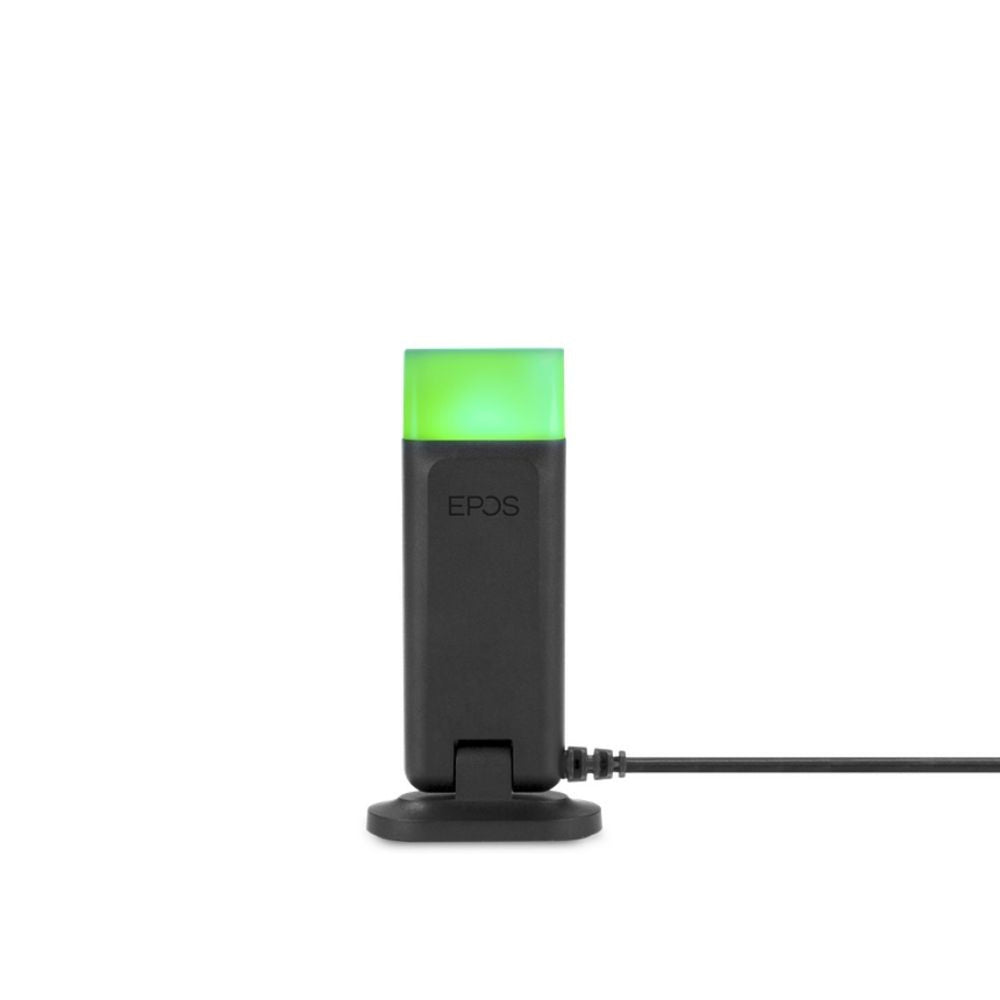








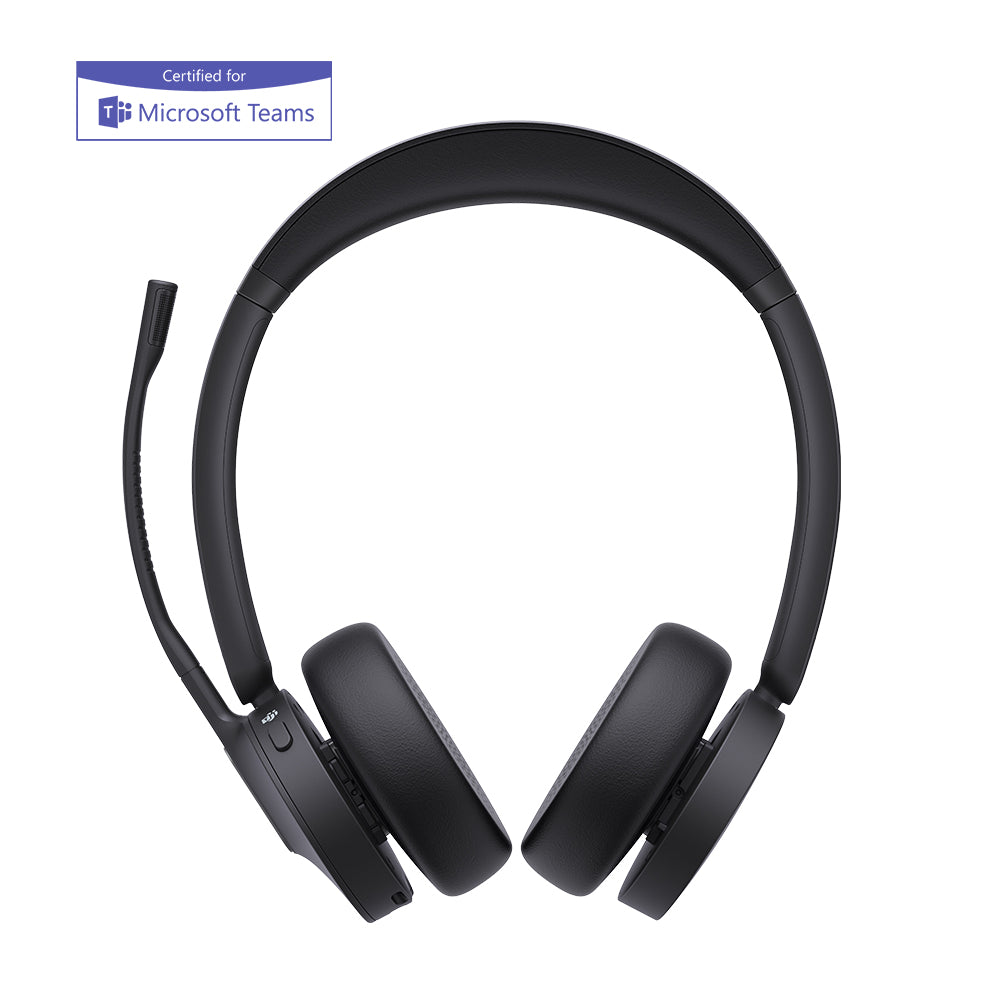



One of the biggest advantages of upgrading to a wireless office setup is the ability to answer and end calls while away from your desk. However, to unlock this feature on your Polycom IP phone, you need an ehs headset system equipped with the correct Electronic Hook Switch (EHS) cable. This specialized cord communicates directly with your phone digitally, completely eliminating the need for a clunky mechanical handset lifter. Below, we walk you through the exact steps and phone settings required to configure your remote answering. If you are missing the required adapter, browse our Electronic Hook Switch (EHS) Cables Collection to find the perfect match for your phone
Plantronics EHS:
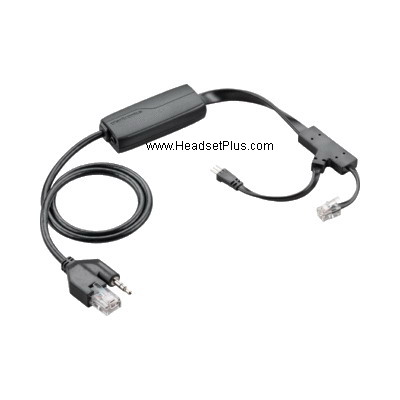
GN/Jabra EHS:
Although most Polycom phones are able to use EHS cables some aren’t in which case a handset lifter is the other option for remote answering.
Here is a checklist of three things one should know before getting and using a EHS:
1) Make sure your Polycom phone is compatible with a EHS cable, you can find that out here or here.
2) Make sure you get the right EHS cable. There are multiple different EHS cables and not all of them will work with your specific headset. (For help call Jeremy at 1 877 999 3838 or email jeremy@headsetplus.com)
3) Make sure you know how to switch your Polycom IP phone to EHS mode, by selecting:
- Menu
- Settings
- Basic preferences
- Headset
- Hook-switch Mode
- Select Specific EHS Mode
As long as you know these three things you will be able to make sure your phone is EHS compatible, pick out the correct EHS and then use it.
For aditional information and help please either call or email Jeremy at 1-877-999-3838 or jeremy@headsetplus.com


Comments (0)