















































Desk Phone Headsets
Pick a Desk Phone Headset by How You Take Calls
If you take calls sitting at the phone, the corded Plantronics EncorePro HW510 is our best-selling desk phone headset. If you get up mid-call, go wireless with the Plantronics CS540.
The HW510 connects through a QD cable matched to your phone. The CS540's base plugs into the phone, and the headset works up to 400 feet away for up to 7 hours of talk time.
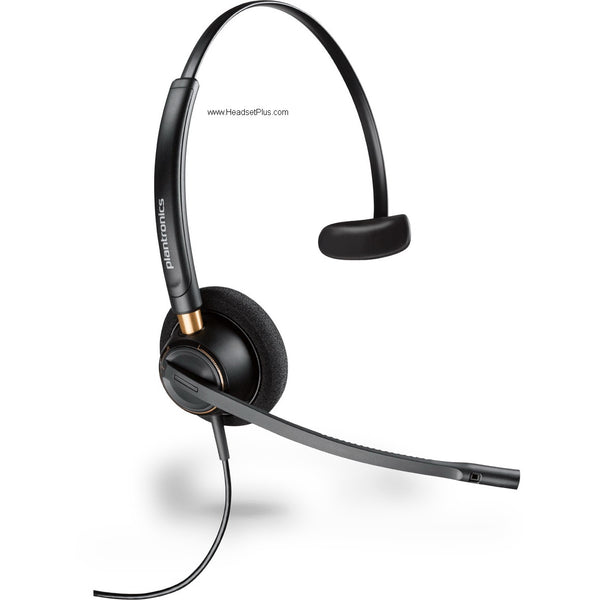
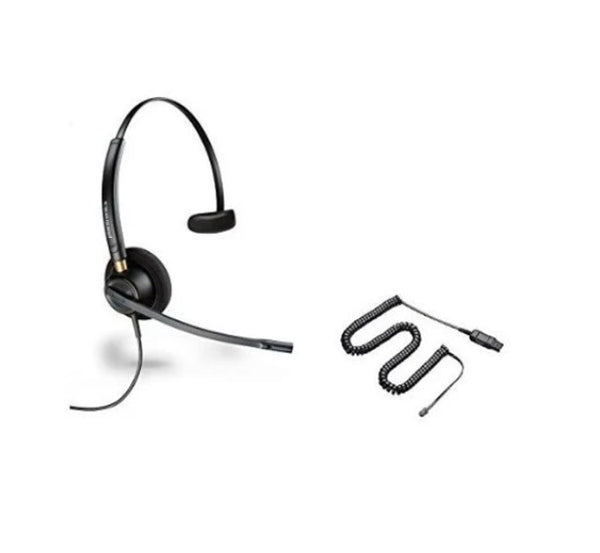
Plantronics EncorePro HW510 Mono Wired Headset (Noise-Canceling or Voice Tube)
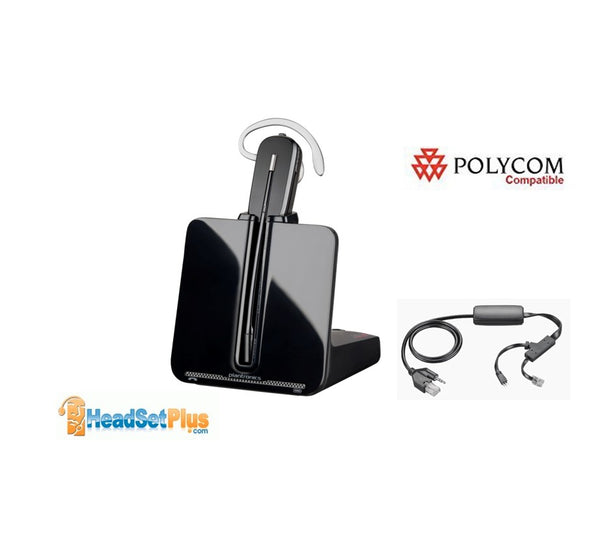
Plantronics CS540+Polycom EHS for Polycom Phones (APP-51)
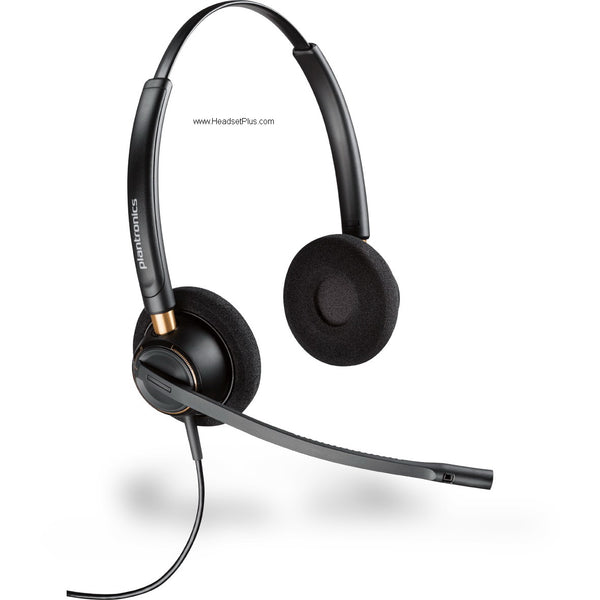
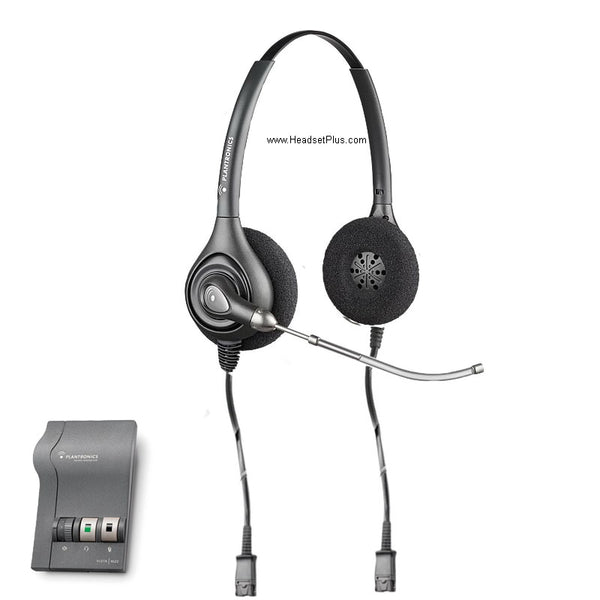
Plantronics EncorePro HW520 Binaural Wired Headset (Noise-Canceling or Voice Tube)
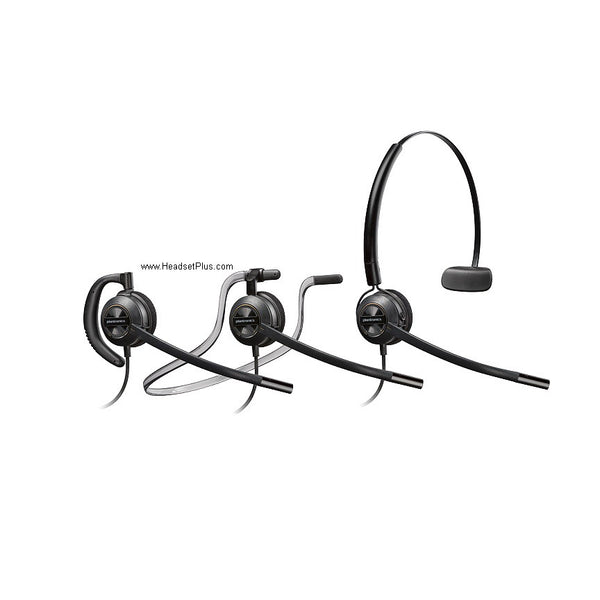
Plantronics EncorePro HW540 3-in-1 Convertible Wired Headset (QD or Phone-Specific)
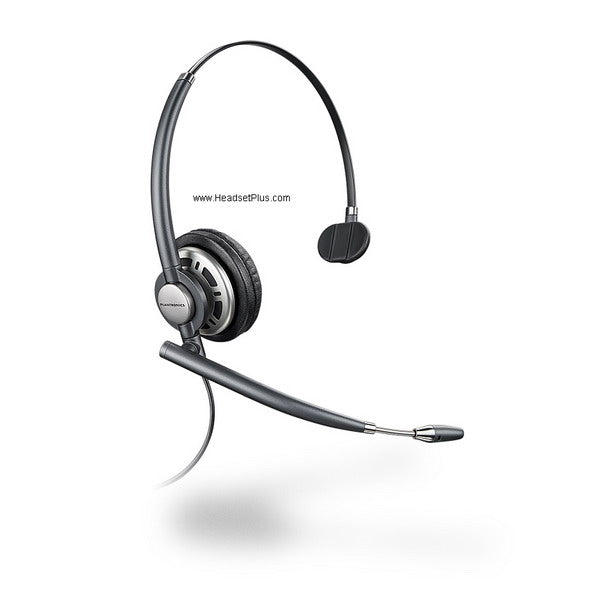
Plantronics EncorePro HW710 Mono Wired Headset (QD or Phone-Specific)
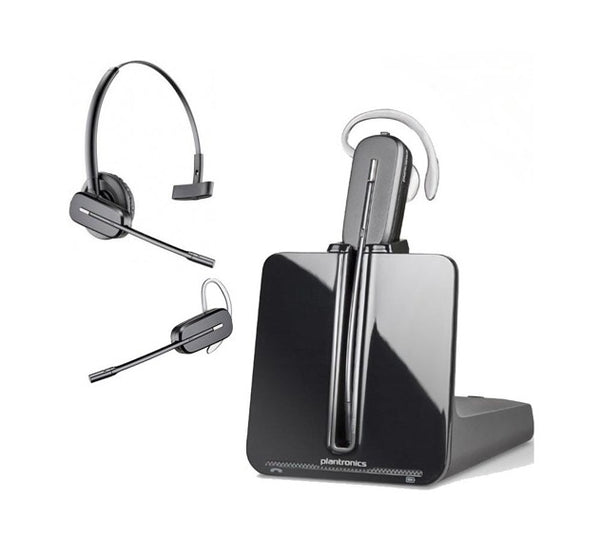
Plantronics CS540 Wireless Headset
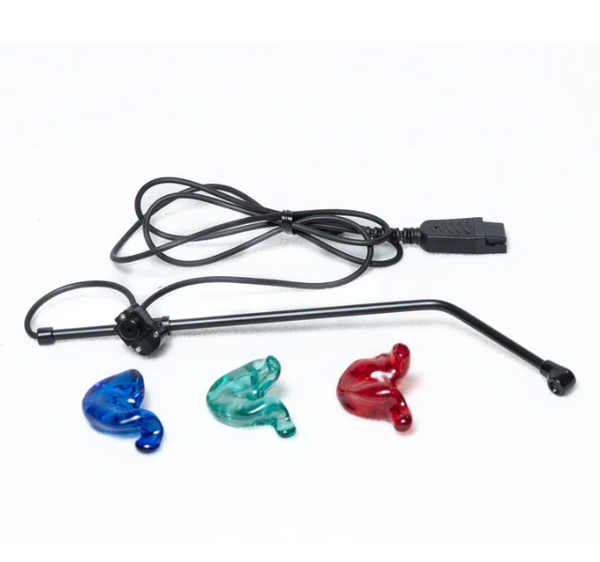
SHG S 131-PL In-Ear Headset with Non-Noise Canceling Mic
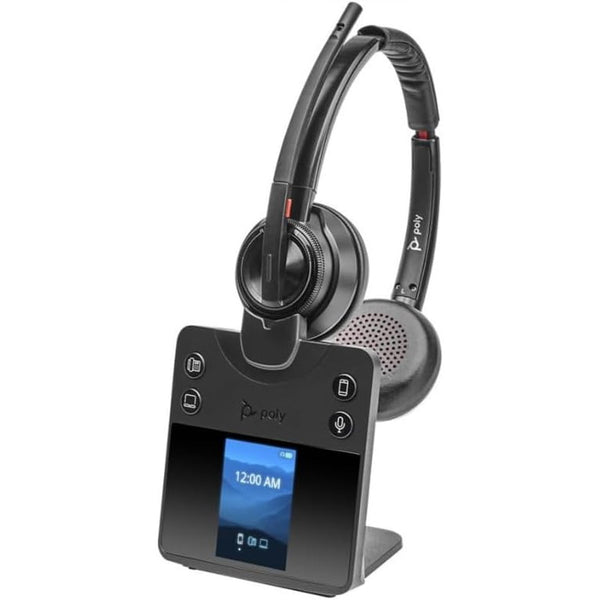
Poly Savi 8420 DECT Wireless Stereo Headset with ANC (EHS Remote Answer Options)
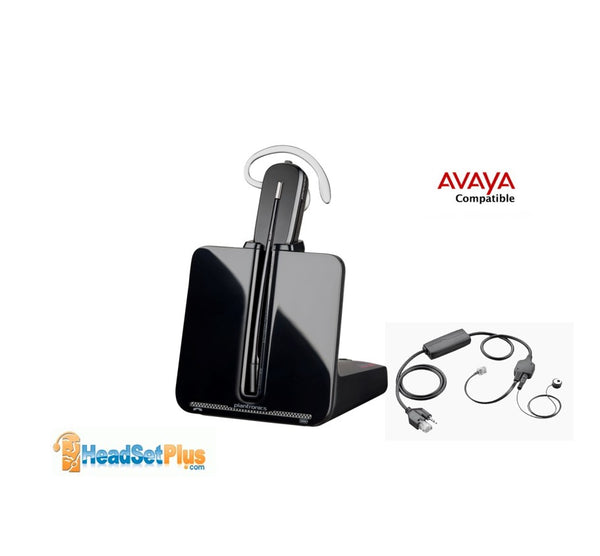
Plantronics CS540+Avaya EHS J100 1400 1600 9400 9600 (APV-63)
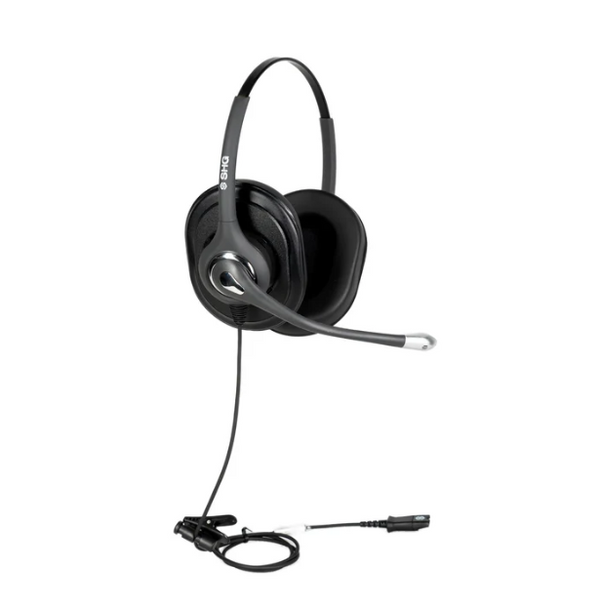
SHG S 620 NC PL Triple XL Ear Cushion Headset with Passive Noise Canceling Mic
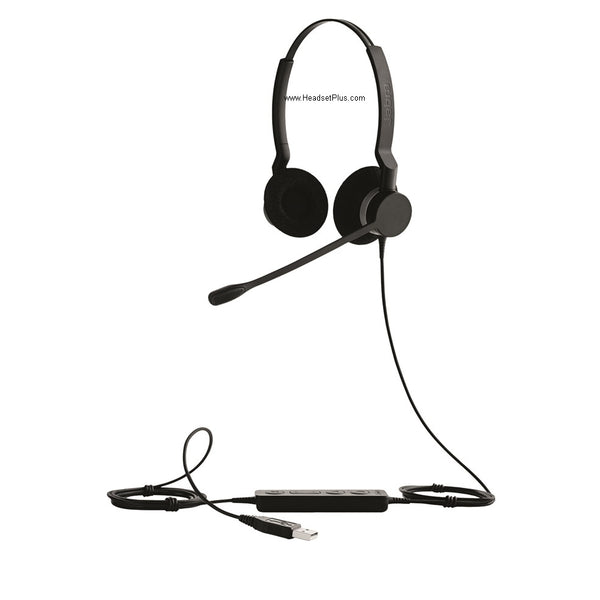
Jabra Biz 2300 Wired Headset (Mono or Duo)
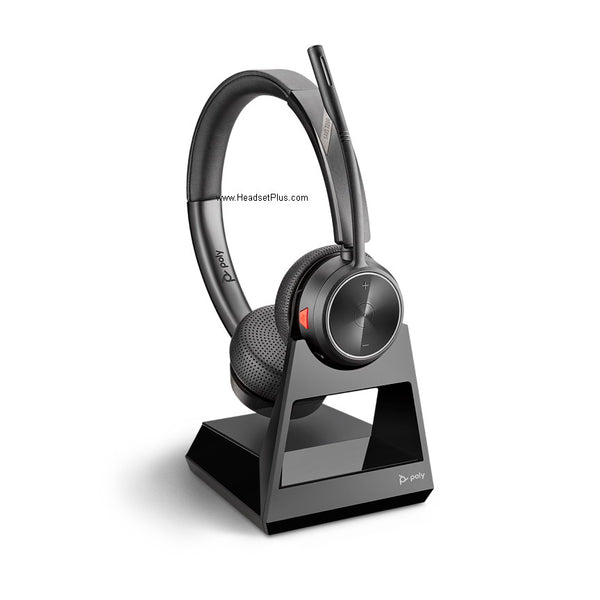
Poly Savi 7220 Stereo Office Wireless Headset (EHS Options)
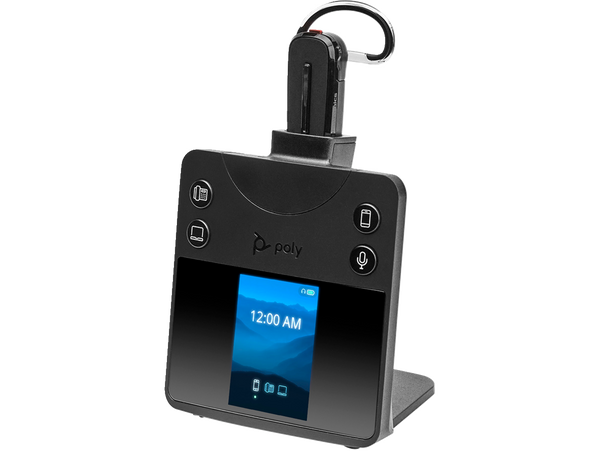
Poly Savi 8445 Office Convertible Wireless Headset
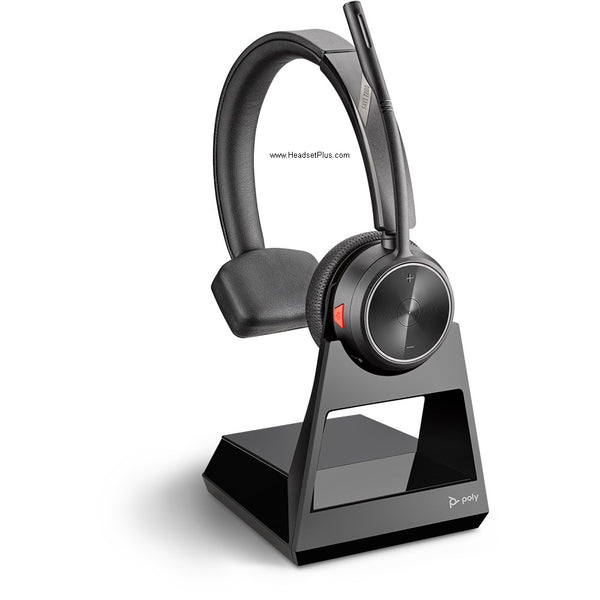
Poly Savi 7210 Mono Wireless Headset (EHS Options)
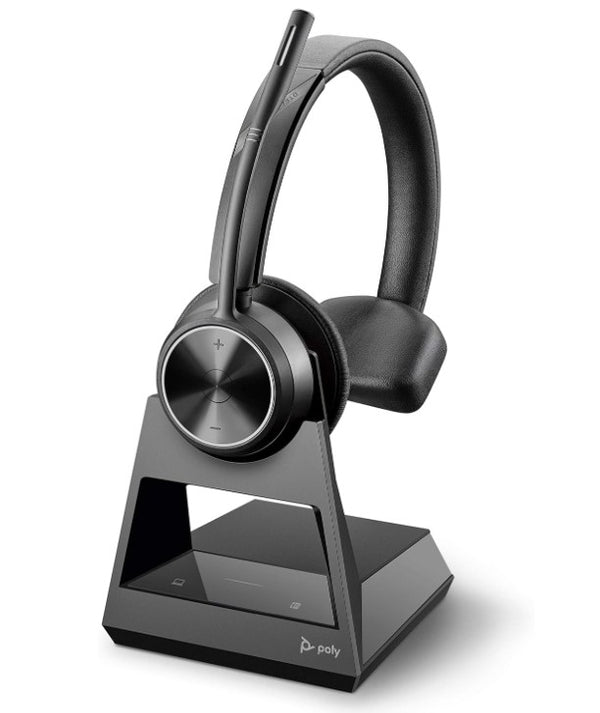
Poly Savi 7310 Mono Office Wireless Headset (EHS Options)
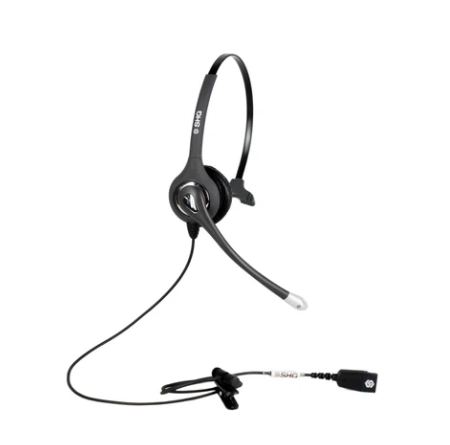
SHG S 500-PL Headset with Passive Noise Canceling Mic
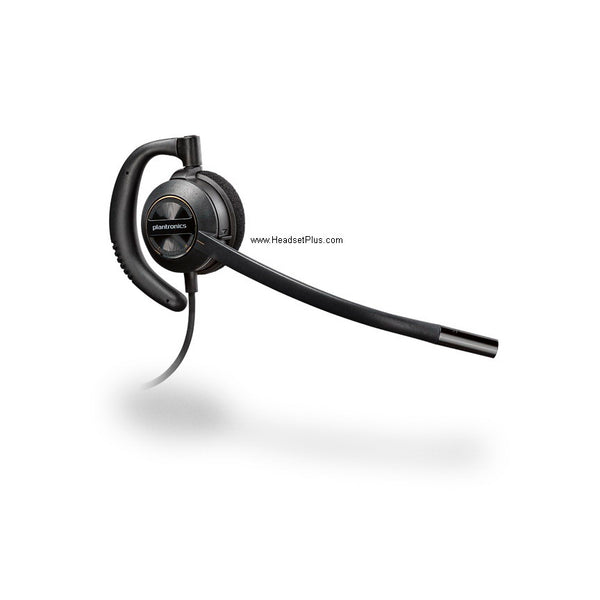
Plantronics EncorePro HW530 Wired Headset (QD or Phone-Specific)
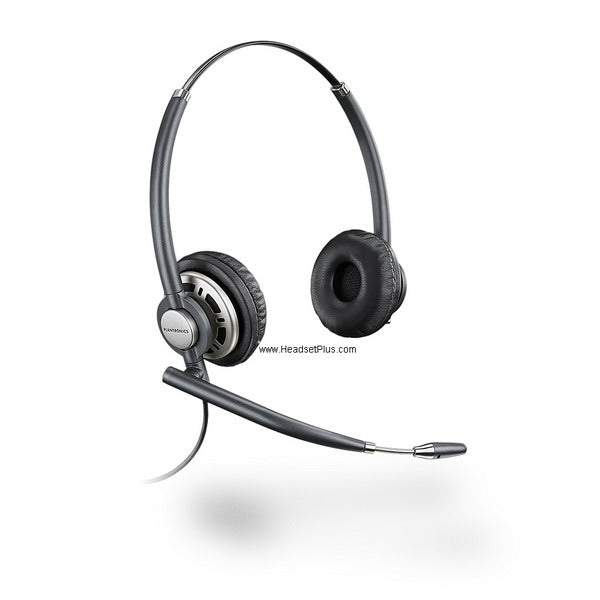
Plantronics EncorePro HW720 Binaural Wired Headset (QD or Phone-Specific)
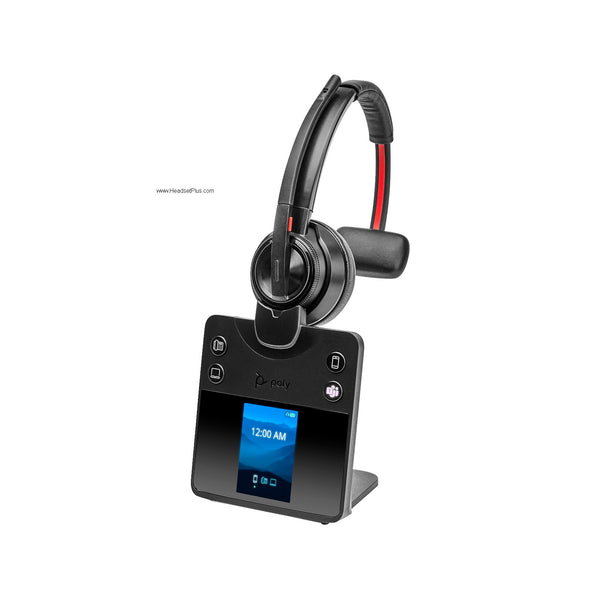
Poly Savi 8410 DECT Wireless Mono Bluetooth Headset
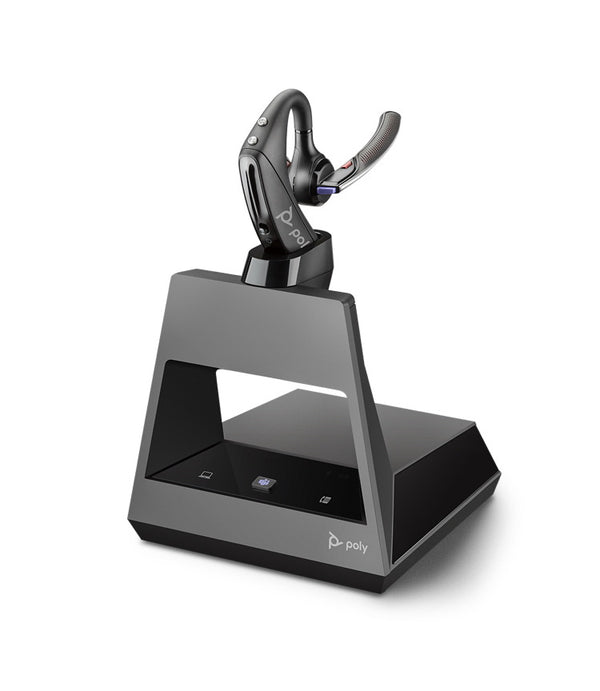
Plantronics Voyager 5200 Office Wireless Headset (2-Way Base)
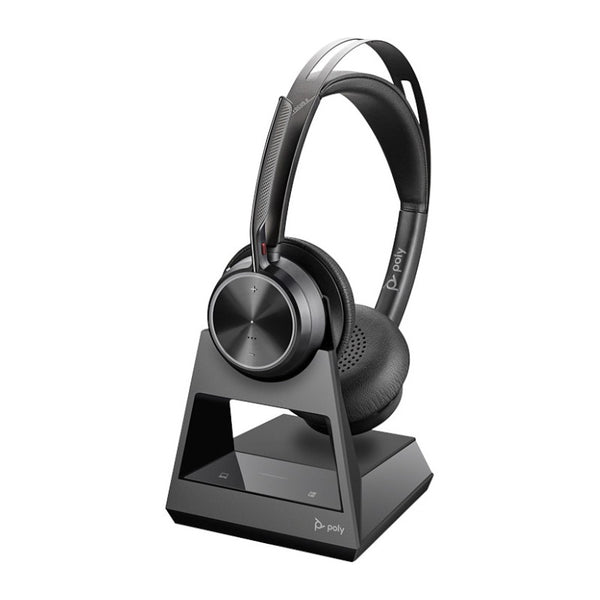
Poly Voyager Focus 2 Office Headset with Desk Phone Base (EHS Options)
No products match “” in Desk Phone Headsets.
Which Desk Phone Headset Fits Your Desk
Find your row by what's on your desk and how often you walk away from it on a call.
| Your setup | Start with | Connects through | Answer away from the desk |
|---|---|---|---|
| Corded, at the desk all day | EncorePro HW510 (one ear) or HW520 (both ears) | QD cable for your phone | No |
| Wireless, desk phone only | Plantronics CS540 | Base plugged into the phone | With an EHS cable or HL10 lifter |
| Wireless, desk phone and computer | Poly Savi 7310 or Jabra Engage 65 SE | Base with phone and USB connections | With an EHS cable |
| Wireless, desk phone, computer and cell phone | Poly Savi 8420 or Jabra Engage 75 SE | Base with phone, USB and Bluetooth | With an EHS cable |
Corded headsets for office phones are the cheaper half of this collection. With no battery to charge and no base to set up, the HW510 and HW520 are the ones to buy for a whole team at once. The HW520 covers both ears, which helps in a loud room. The HW510 leaves one ear open so you can still hear the office.
Answering Calls When You're Away From the Phone
A wireless headset carries the call once it's connected. To pick up a ringing call from across the room, the phone also needs an EHS cable or an HL10 handset lifter. The EHS cable answers and hangs up electronically. The lifter physically raises the handset off the cradle, for phones with no EHS support.
EHS cables are made for a specific phone brand, so the CS540 comes in bundles with the right cable already in the box: Polycom (APP-51), Avaya (APV-63) and Cisco (APC-43). If your phone is a different make, the CS540 with the HL10 lifter is the bundle that works without a matched cable.
Not sure which port on your phone takes the headset? Our guide to RJ9 and RJ11 phone jacks shows how to tell the two apart.
FAQ
Frequently Asked Questions
Bluetooth desk phone headsets work through a base that plugs into the phone. The Poly Voyager Focus 2 Office is the one in this collection built that way. Its base also connects to your computer, and the headset can leave the desk with your cell phone.