







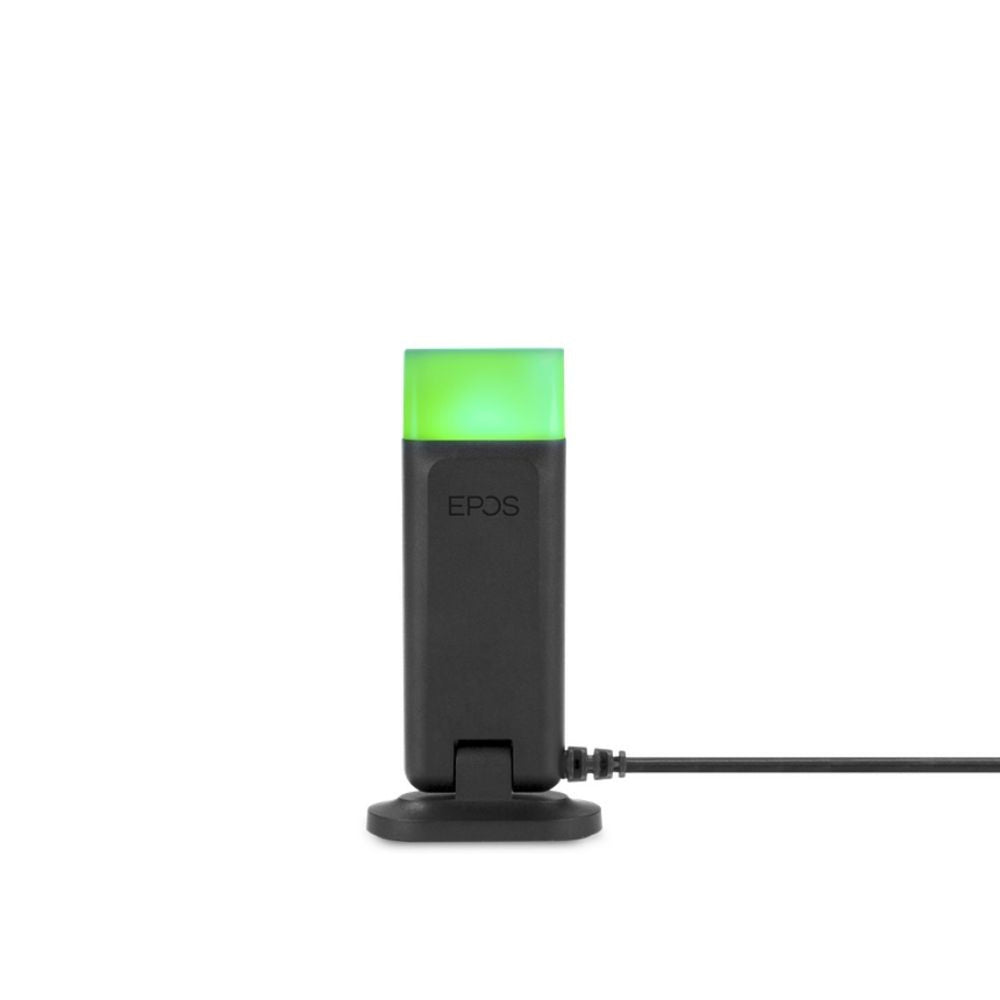



































Putting a headset on a Cisco IP phone is easier than the wall of model numbers suggests. Most modern Cisco phones have a dedicated headset port, so a corded headset connects directly. The part that trips people up isn't the headset at all — it's remote answering on a wireless headset, which needs an EHS cable matched to your exact Cisco model. Get that one detail right and everything else falls into place.
Here's the full compatibility picture — corded, wireless, and softphone — across Poly, Jabra, and EPOS, plus how to get the remote-answer cable right.
Quick answer
Last updated July 2026
How Cisco headset compatibility works
Every Cisco headset setup comes down to two questions: how the headset physically connects, and — for wireless — how it answers calls remotely. The physical connection is usually simple, because most modern Cisco phones (the 69xx, 78xx, 88xx, 89xx and 99xx series) have a dedicated RJ9 headset port. The remote-answer side is where Cisco earns its reputation for fiddliness.
Myth
A Cisco phone has an RJ9 headset port, so any RJ9 headset and cable works.Reality
The port is standard RJ9, but Cisco wires it its own way — so you need a Cisco-specific bottom cable, not a generic one. And to answer or end a call from a wireless headset while away from the desk, you need an EHS (electronic hook switch) cable matched to your exact Cisco model. The wrong EHS cable means the headset works for audio but won't answer remotely. This model-specific cable is the single most common thing people get wrong.EHS (Electronic Hook Switch) cable — A cable that lets a wireless headset's base electronically answer and end calls on the desk phone, so you can pick up from across the room. On Cisco phones the correct EHS cable depends on the specific phone series, and without it a wireless headset can't answer calls remotely.
So the three paths are: a corded headset (QD headset plus Cisco bottom cable, or an amplifier for older phones), a wireless headset (base plus the right EHS cable), or a USB headset for a softphone. The connector logic behind all of this is the same RJ9/QD system we map out in headset connector types explained.
Corded headsets for Cisco IP phones
For a Cisco phone with a headset port — most models from the 69xx series onward — a corded QD headset connects through a Cisco-specific RJ9 bottom cable. Poly's Cisco-ready headsets carry a "-CIS" part number, meaning the bottom cable is pre-configured for Cisco's wiring. Any Poly EncorePro or Jabra Biz QD headset works this way with the matching Cisco cable.
The exception is a handful of older Cisco phones without a dedicated headset port (the 7902G, 7905G, 7910G and 7912G). These connect through the handset port using a headset amplifier — and here's an important correction to older guides: the amplifier to use is the Poly MDA524, since the previously recommended M22 has been discontinued. For a full walk-through of choosing the headset itself, our wired headset buying guide covers it.
Wireless headsets for Cisco IP phones
A wireless headset connects to any Cisco phone through its base, letting you leave the desk while on a call. These are the current models worth considering, by brand.
Poly wireless for Cisco
- Poly CS540 — the most popular wireless desk-phone headset, light, convertible, and long-range DECT. The entry point for most Cisco desks.
- Poly Voyager Focus 2 — for louder rooms, adding active noise cancellation and an Acoustic Fence boom mic, plus Bluetooth so it travels with you.
Note the Poly Savi 7210 that older guides recommend has been succeeded by the Savi 7400 series, and the Voyager 5200 Office by current Voyager models.
Jabra wireless for Cisco
- Jabra Engage 65 SE — the current DECT workhorse, connecting to the desk phone and a computer at once, with long range and high headset density for busy floors. This replaces the discontinued Jabra Pro 920 and the original Engage 65 that older guides list.
- Jabra Engage 40 — a wired USB option if you only need the computer side and want a simpler, lower-cost setup.
EPOS wireless for Cisco
EPOS wireless headsets are compatible across the Cisco desk phone range. The current line is the IMPACT series — the IMPACT D10 II as the entry DECT headset, and the IMPACT 5000 series (which replaced the older SDW 5000 models) for convertible and multi-connectivity setups with ranges up to 590 feet. If you've seen the SDW 5015, 5035 or 5066 recommended, the IMPACT 5000 equivalents are the current versions.
The EHS cable: the model-specific part
This is where Cisco compatibility actually lives. A wireless headset connects to any Cisco phone, but to answer and end calls from the headset remotely, you need the right EHS cable — and Cisco uses different cables across its phone series. Match yours before ordering:
| Cisco phone series | Remote-answer approach |
|---|---|
| 6945, 78xx, 88xx (e.g. 7821, 7841, 8841, 8851) | Poly APC-43 / Jabra Link 43 / EPOS CEHS-CI 01 |
| 8941, 8945 | Jabra Link 41 / EPOS CEHS-CI 04 |
| 8961, 9951, 9971 | Poly APU-72 / EPOS CEHS-CI 02 |
| Older / SPA models | Mechanical handset lifter (HL10, GN1000 RHL, HSL10 II) |
Because these cables are phone-specific and easy to get wrong, this is the one step worth confirming with a specialist rather than guessing — the whole current Cisco-compatible range, headsets and cables together, is on the Cisco IP phone compatible headsets collection, or call and we'll match the exact cable to your model in a minute. If you're weighing wireless against a simpler corded setup for a busy floor, our wired vs wireless comparison helps decide.
Headsets for Cisco softphones (Jabber and Webex)
If you use Cisco Jabber or the Webex App on a computer rather than a desk phone, the compatibility question disappears — any USB or Bluetooth headset works, no bottom cable or EHS cable required. A USB headset carries its own audio interface and connects straight to the PC.
For softphone use, look for a headset certified for your platform so the call controls work, and a good noise-cancelling boom mic. The Poly Voyager Focus 2, Jabra Engage 40, and current EPOS IMPACT USB models all suit Jabber and Webex well. Newer Cisco phones like the 8845 and 8865 also have built-in Bluetooth, so a Bluetooth headset can pair to those directly.
What headsets are compatible with a Cisco IP phone?
Most modern Cisco IP phones (69xx, 78xx, 88xx, 89xx, 99xx series) work with a corded QD headset plus a Cisco RJ9 bottom cable, or a wireless headset through its base. Poly, Jabra and EPOS all make Cisco-compatible headsets. Older Cisco phones without a headset port need a headset amplifier, and softphones like Jabber use any USB headset.
Do I need a special cable for a wireless headset on a Cisco phone?
Yes. To answer and end calls from a wireless headset away from your Cisco desk phone, you need an EHS (electronic hook switch) cable matched to your exact Cisco model — the cable differs across Cisco's phone series. Without the correct EHS cable, the headset works for audio but can't answer calls remotely. Confirm your phone model before ordering.
What replaced the Plantronics M22 amplifier for Cisco phones?
The Plantronics M22 Vista amplifier has been discontinued, and the Poly MDA524 is its replacement for Cisco phones without a dedicated headset port. The amplifier connects a corded QD headset through the phone's handset port, providing independent volume control and acoustic protection. Cisco phones that do have a headset port need only a bottom cable, not an amplifier.
Which wireless headset is best for a Cisco IP phone?
For most Cisco desks the Poly CS540 or Jabra Engage 65 SE are the go-to wireless choices, balancing range, comfort and price. For louder environments, the Poly Voyager Focus 2 adds active noise cancellation. Each also needs the correct Cisco EHS cable for remote answering, so match that to your specific phone model.
Can I use a Bluetooth headset with a Cisco phone?
Some newer Cisco phones, such as the 8845 and 8865, have built-in Bluetooth and can pair a Bluetooth headset directly. For Cisco phones without Bluetooth, a DECT wireless headset connected through its base is the wireless option. For Cisco Jabber or Webex softphones on a computer, any Bluetooth or USB headset works.
Cisco compatibility comes down to three moves: confirm your phone has a headset port (most do), pick a corded or wireless headset, and — for wireless — match the EHS cable to your exact Cisco model. That last step is the one to get right, and it's the one we're happy to confirm for you. Start on the Cisco compatible headsets collection, or call our team at 877-999-3838 with your Cisco model and we'll match the whole setup.
Comments (0)