















































Quick Disconnect Headsets
Quick disconnect headsets and the cord your phone needs
A quick disconnect headset is two parts: the headset you wear, and a bottom cord chosen for the phone on your desk. Pick the headset first, then the cord.
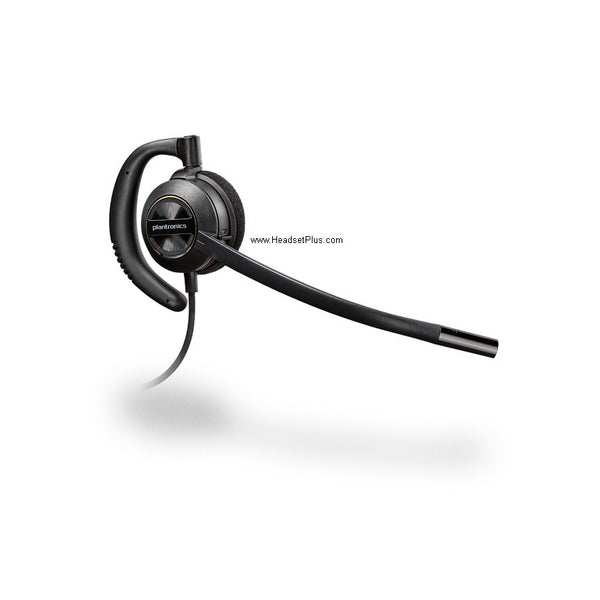
Replacing a Plantronics QD headset? The EncorePro HW510 (one ear) and HW520 (both ears) take the Poly QD cords you already own. On Jabra, the Biz 2300 takes Jabra cords only.
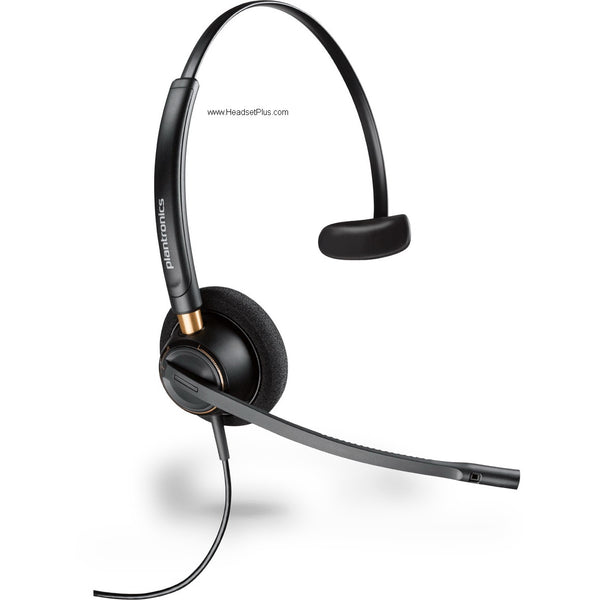
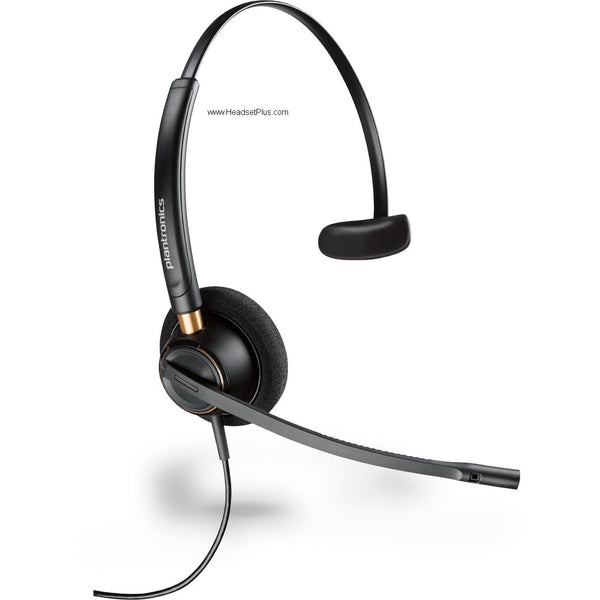
Plantronics EncorePro HW510 Mono Wired Headset (Noise-Canceling or Voice Tube)
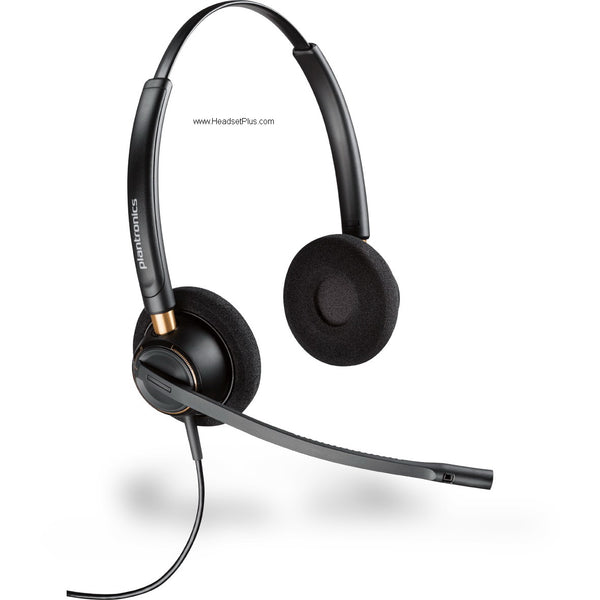
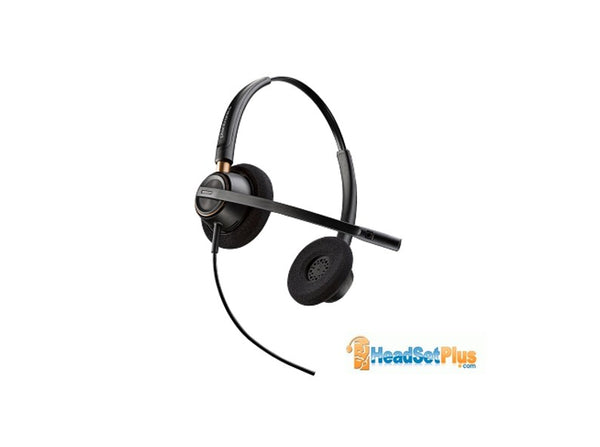
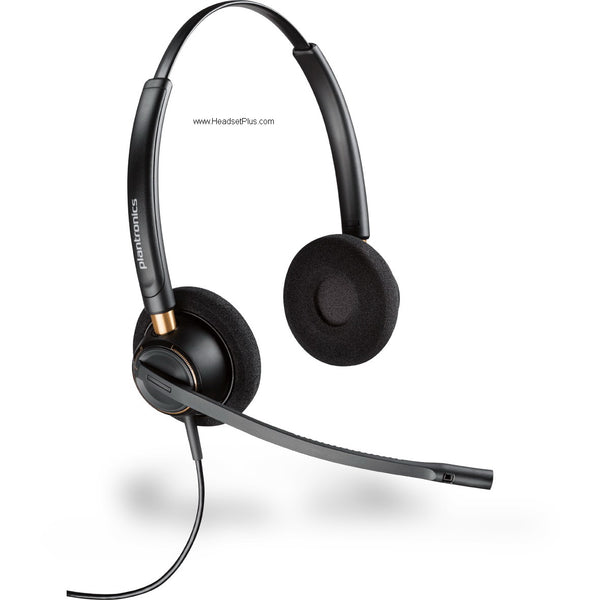
Plantronics EncorePro HW520 Binaural Wired Headset (Noise-Canceling or Voice Tube)
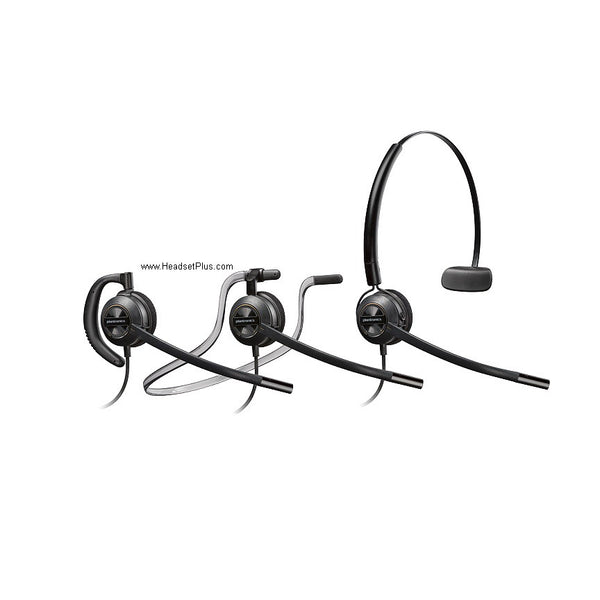
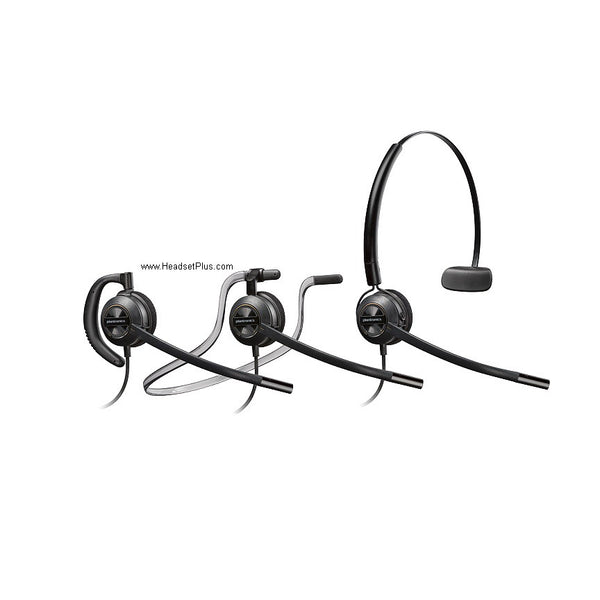
Plantronics EncorePro HW540 3-in-1 Convertible Wired Headset (QD or Phone-Specific)
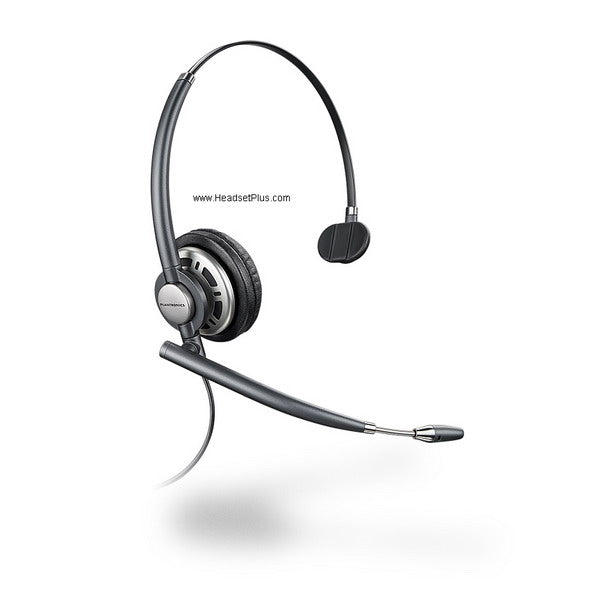
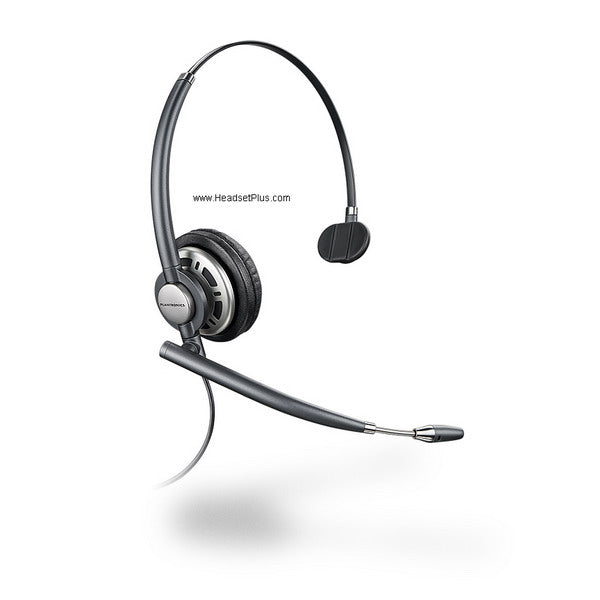
Plantronics EncorePro HW710 Mono Wired Headset (QD or Phone-Specific)
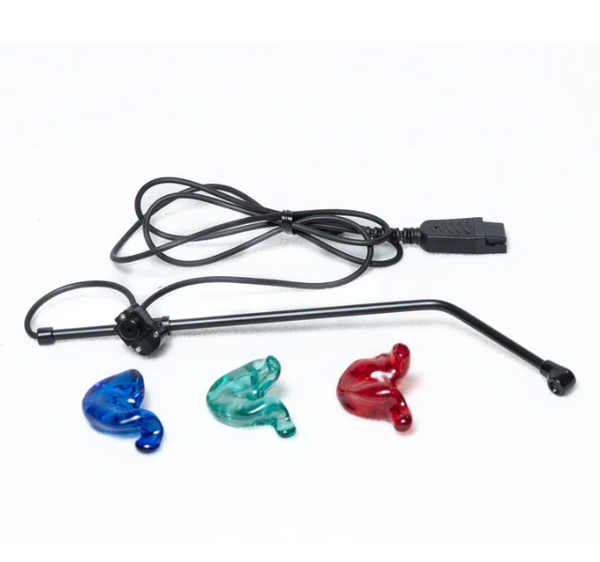
SHG S 131-PL In-Ear Headset with Non-Noise Canceling Mic
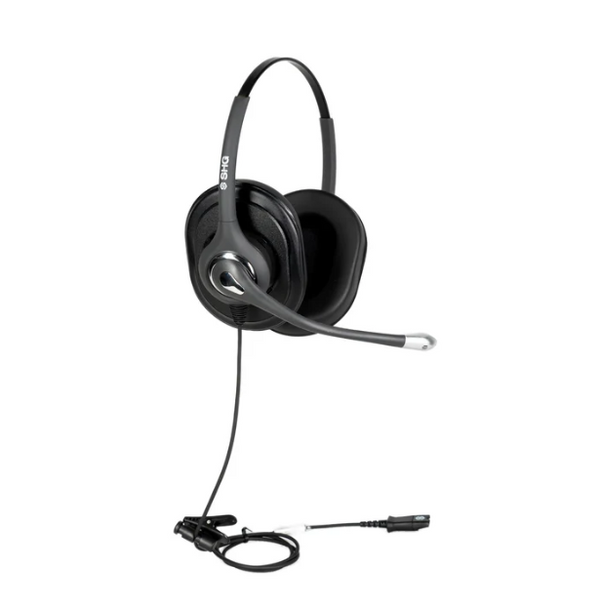
SHG S 620 NC PL Triple XL Ear Cushion Headset with Passive Noise Canceling Mic
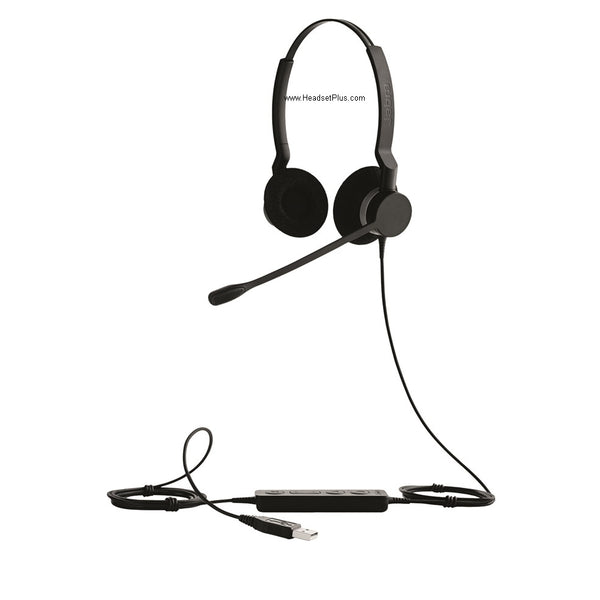
Jabra Biz 2300 Wired Headset (Mono or Duo)
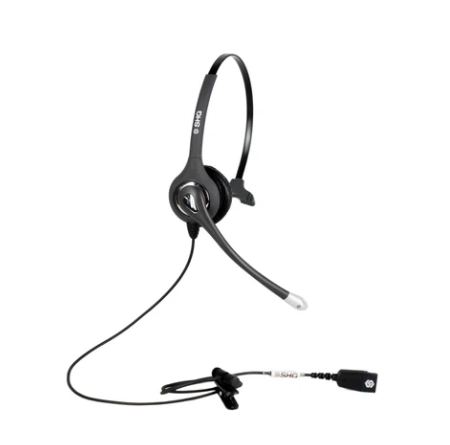
SHG S 500-PL Headset with Passive Noise Canceling Mic
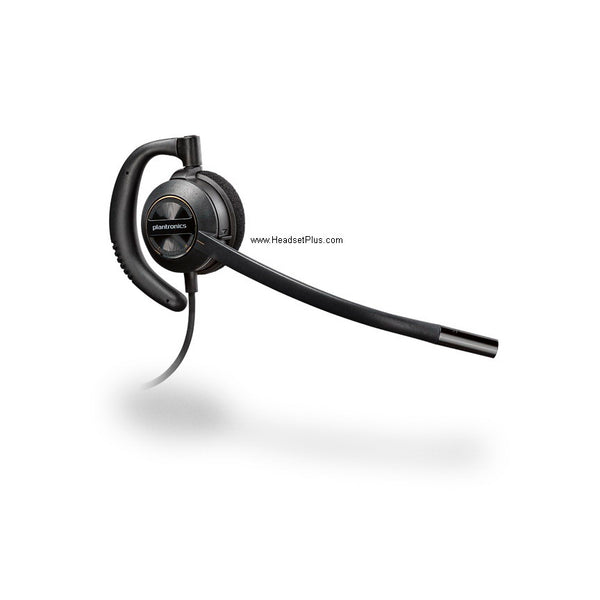
Plantronics EncorePro HW530 Wired Headset (QD or Phone-Specific)
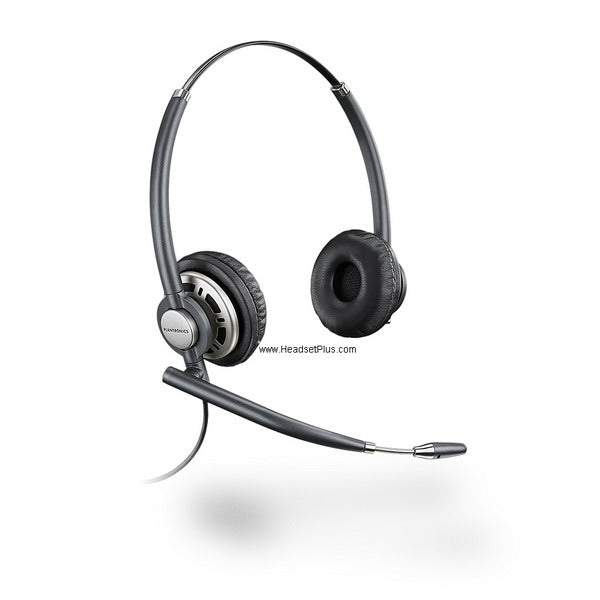
Plantronics EncorePro HW720 Binaural Wired Headset (QD or Phone-Specific)
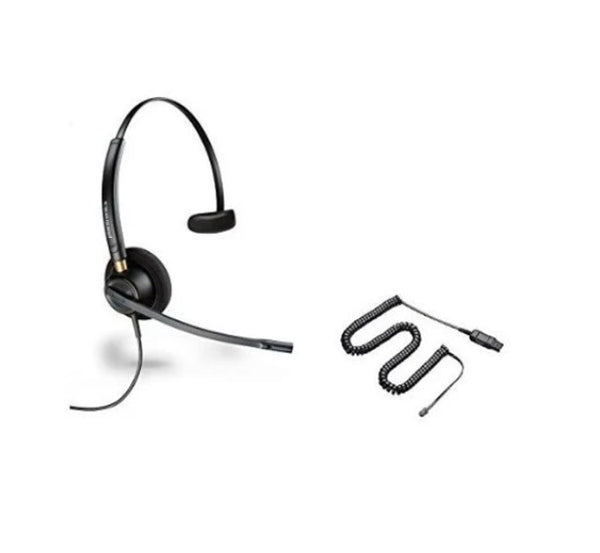
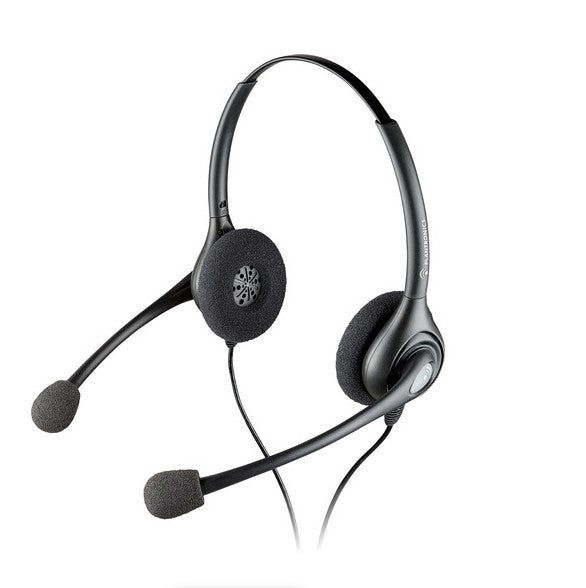
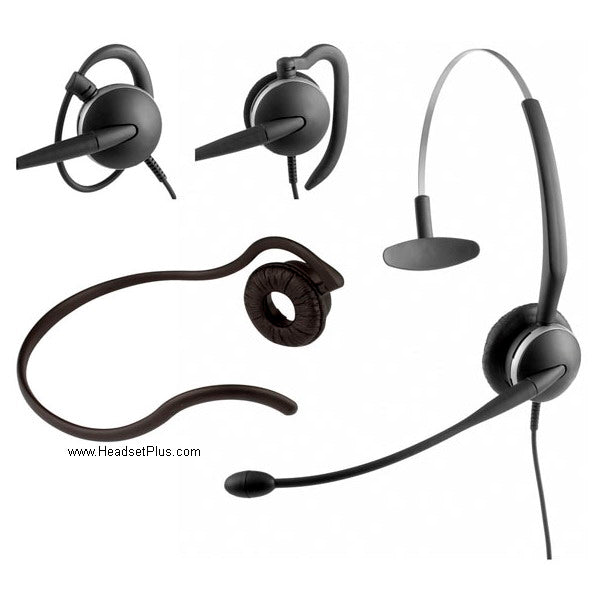
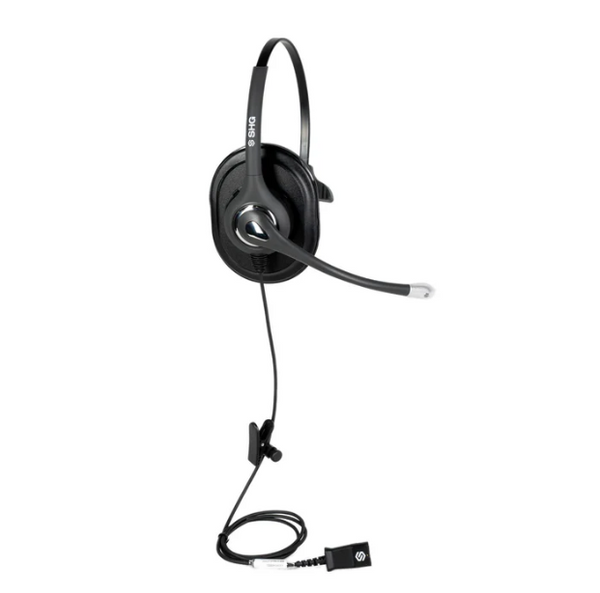
SHG S 520 NC PL Triple XL Ear Cushion Headset with Passive Noise Canceling Mic
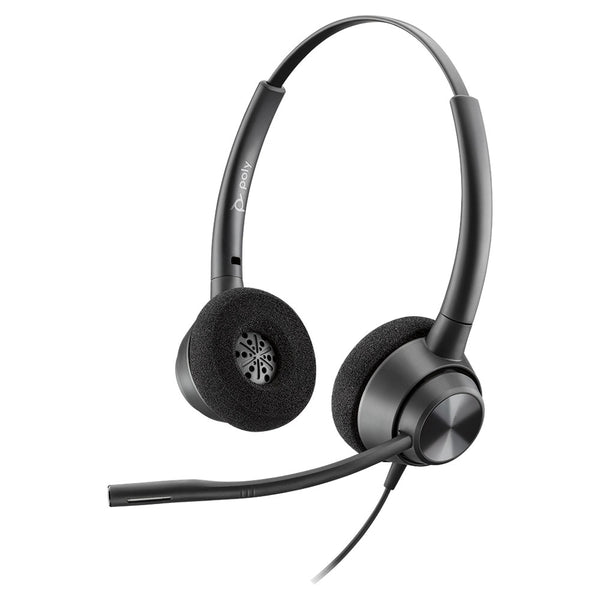
Poly EncorePro 320 Stereo Wired Headset
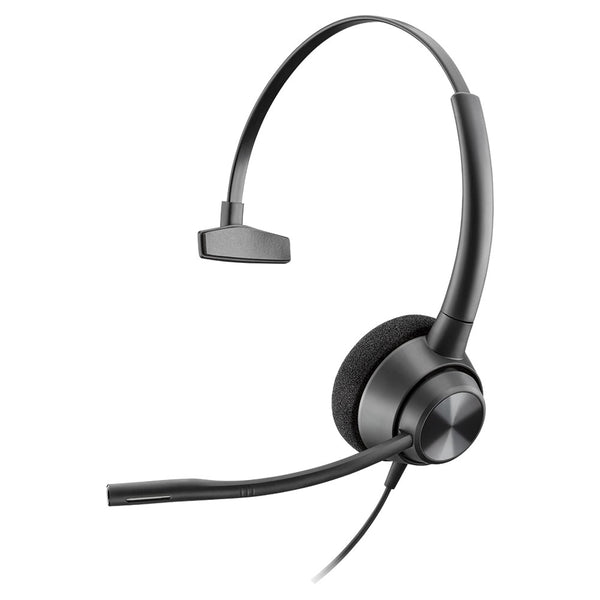
Poly EncorePro 310 Mono Wired Headset
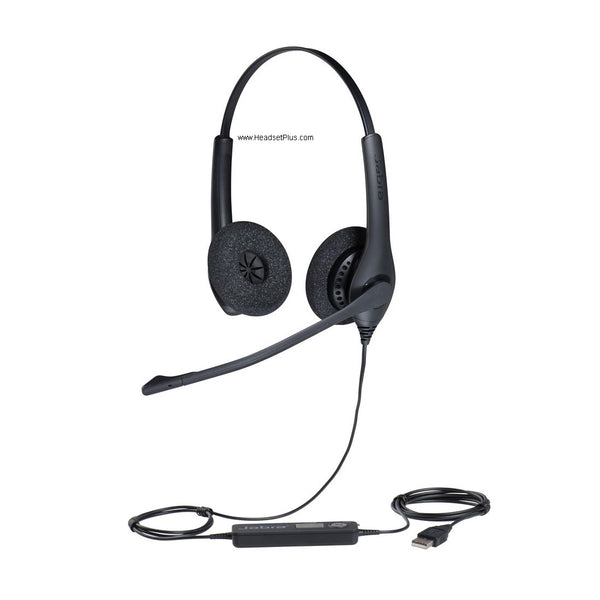
Jabra Biz 1500 Wired Headset (Mono or Duo)

No products match “” in Quick Disconnect Headsets.
Which quick disconnect headset matches your cord
Three different plugs get sold as QD, and each takes its own cord. Read the headset's part number: HW510 is Poly QD, HW510D is the six-pin digital version, and anything named Biz or GN is Jabra. PW models are HW headsets sold with a cord already included.
| QD type | Headsets here | Cord it takes | Also called |
|---|---|---|---|
| Poly QD | EncorePro HW510 to HW720, EncorePro 310 and 320, SupraPlus | Any Poly QD cord or adapter | Plantronics QD |
| Jabra QD | Biz 1500, Biz 2300, Biz 2400 II, GN2124, GN2125 | A Jabra QD cord | GN QD |
| Poly QD, cord included | PW510, PW520, PW530, PW540, PW710, PW720 | Comes with the A10 cord | Plantronics Polaris bundle |
| 6-pin digital QD | HW510D, HW520D, HW530D, HW540D, HW710D | Poly DA90 USB adapter | Digital QD |
Brands never cross. A Plantronics headset needs a Plantronics or Poly cord and a Jabra headset needs a Jabra cord, however alike the plugs look. Check the name on the headset before you pick a cord.
Which QD cord set your desk phone takes
The phone picks the cord, never the headset. Find your phone's brand and model on the underside, then match it here:
- Avaya J100, 1600 and 9600: the HIS cord.
- Avaya 2400, 4400, 4600, 5400, 6400 and 9400: the HIC-10 cord. It isn't interchangeable with HIS.
- Cisco 7900, 8900 and 9900: the Cisco U10 cord (26716-01).
- Polycom IP and VVX: the U10P Polaris cord, with a smoke RJ9 plug.
- Yealink, Snom and Grandstream: the U10P-S Reverse Polaris, with a clear RJ9 plug.
- Nortel, NEC and ShoreTel: the A10-16.
- Cisco SPA and Linksys SPA: a 2.5mm QD cord, because the port is a 2.5mm jack.
Don't order a QD to RJ9 cord by the shape of the plug. RJ9 was never a wiring standard, so phone makers put the microphone and speaker on different pins. A cord can click into the port and still carry no audio.
Identifying the QD cord you already have
Three things identify a Plantronics QD cord: the code embossed on the QD connector (A10, HIC, HIS or nothing), the size of that plug, and the color of the RJ9 on the phone end. Tilt the plug toward a light to read the code. Hold the phone end against white paper to tell smoke from clear, which is the only visible difference between the Polaris and the Reverse Polaris.
Any Plantronics or Poly headset built from 2008 on takes a current QD cord. Connectors made before 2005 don't mate with today's cords, so a headset that old needs replacing along with the cord.
FAQ
Frequently Asked Questions
A QD headset is a wired headset whose cable splits in two at a quick disconnect plug. The top half is the headset you wear, and the bottom cord runs to the phone or computer, so one QD headset can move between phone systems by changing only the cord.
No. Separating a quick disconnect headset from its cord puts the call on hold, and plugging it back in picks the call up again. That lets you step away from the desk without taking the headset off or hanging up.
Yes. A quick disconnect headset connects to a computer through a USB adapter that plugs onto the QD in place of the phone cord, such as the Poly DA85 for standard Poly QD headsets or the DA90 for the six-pin digital models. The same headset can then switch between the desk phone and a softphone by changing what's below the plug.