















































Wireless USB Headsets
Wireless USB headsets that bring their own radio
Every wireless USB headset on this page ships with a small USB receiver, and that receiver is the point. It carries its own radio instead of borrowing your laptop's Bluetooth chipset, so the headset behaves the same on a five-year-old ThinkPad as it does on a new Mac. Move the dongle to another machine and the pairing goes with it.
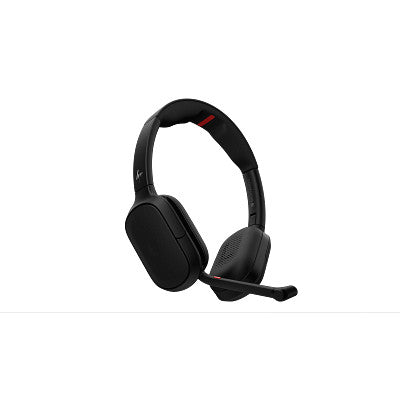
Poly Focus 6 Wireless Headset (Fold and Charging Stand Options)
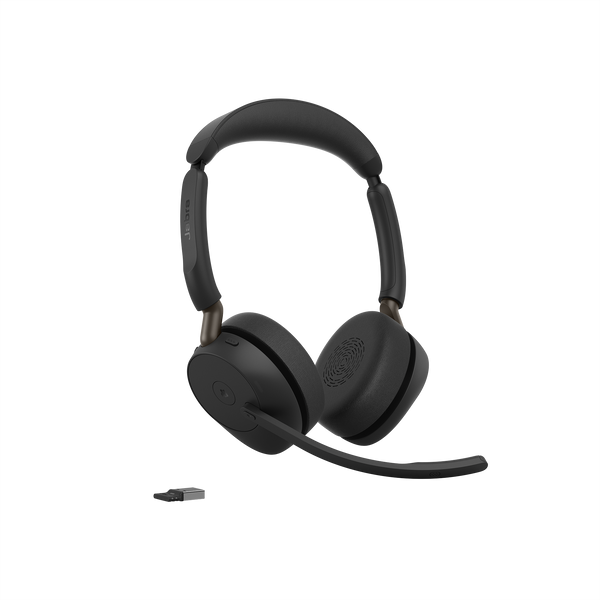
Jabra Evolve3 65 Wireless Headset
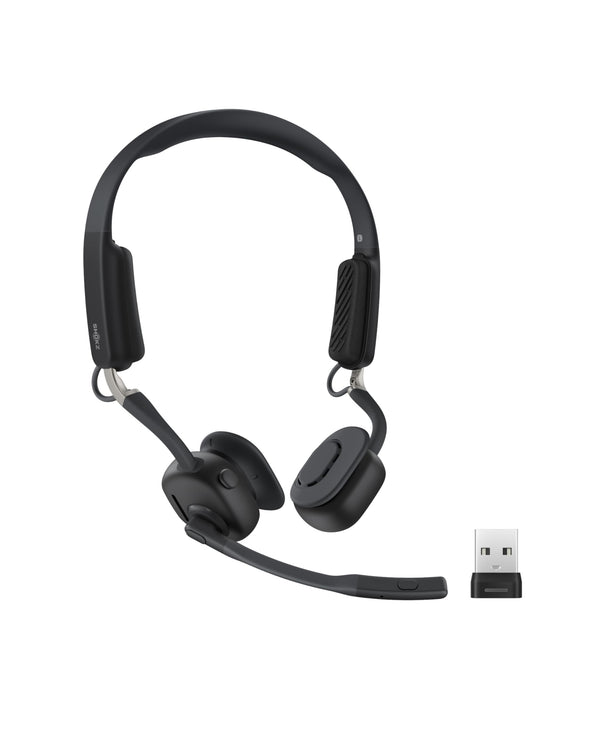
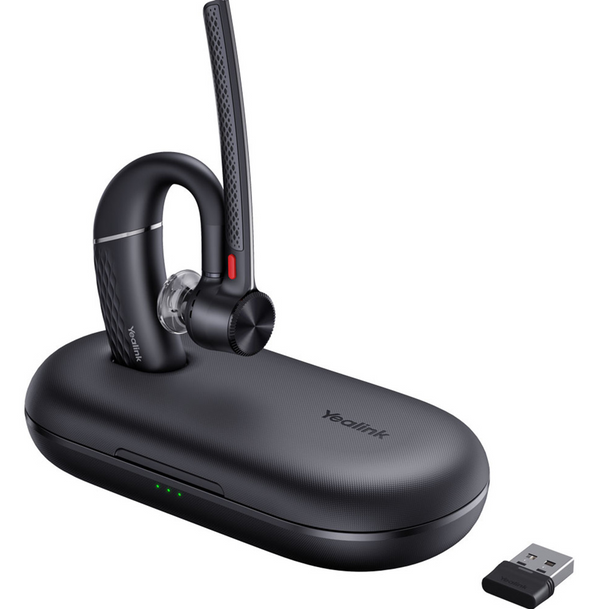
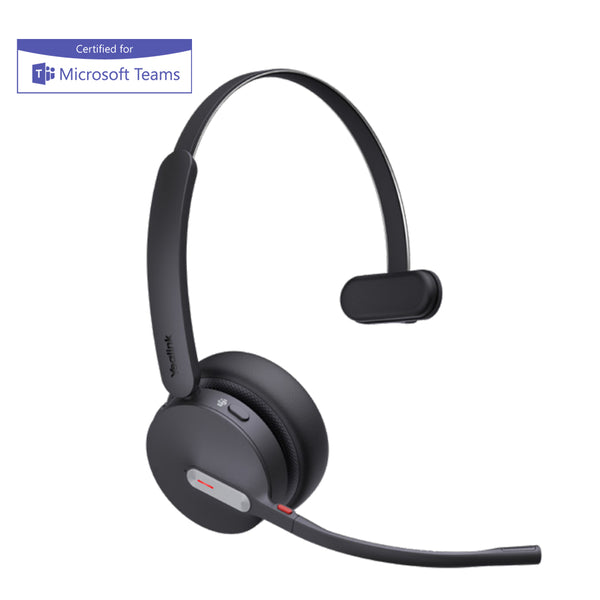
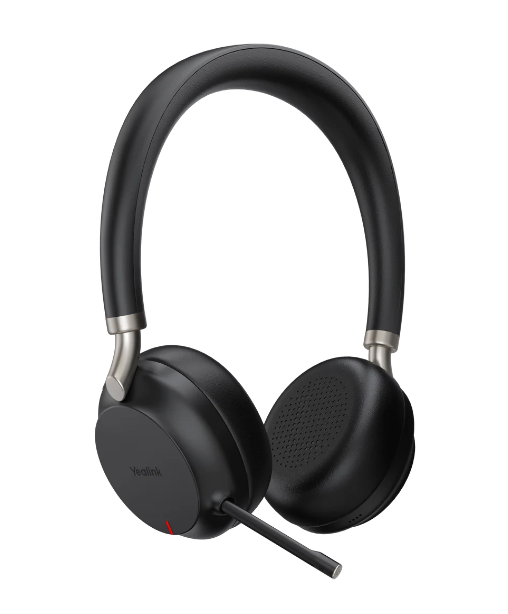
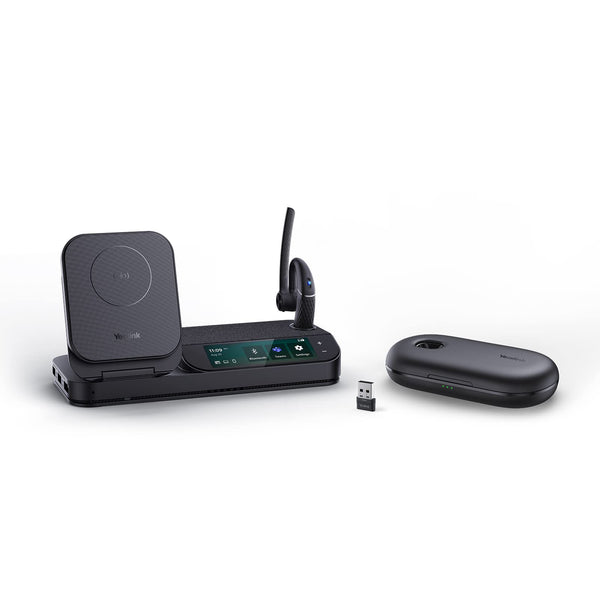
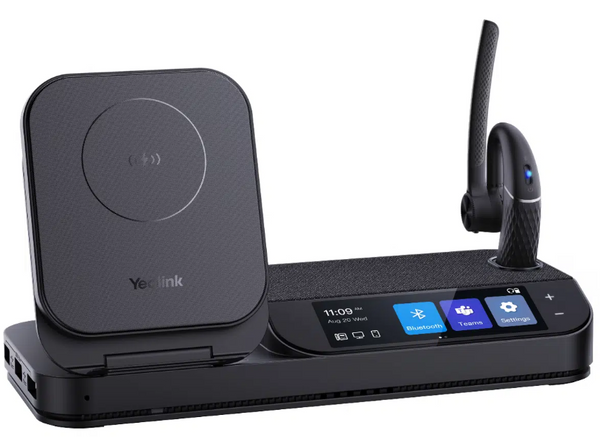
Yealink BH70 Bluetooth Headset (Mono or Dual, Teams Certified)
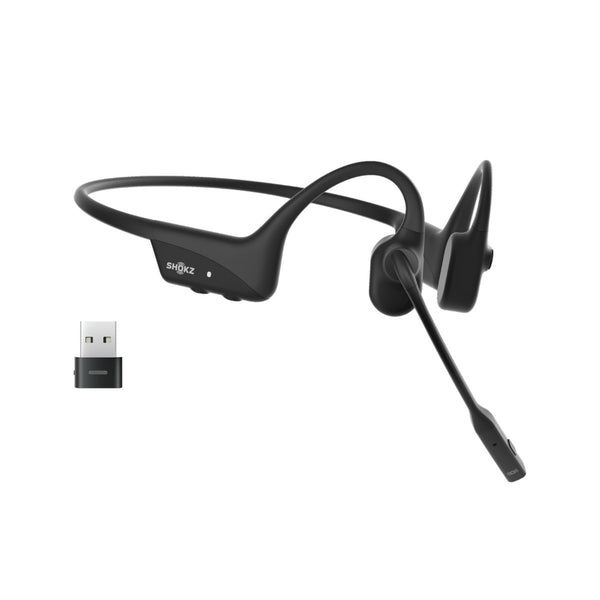
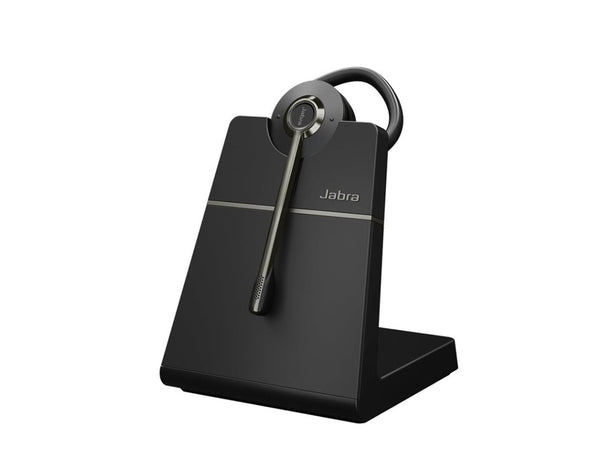
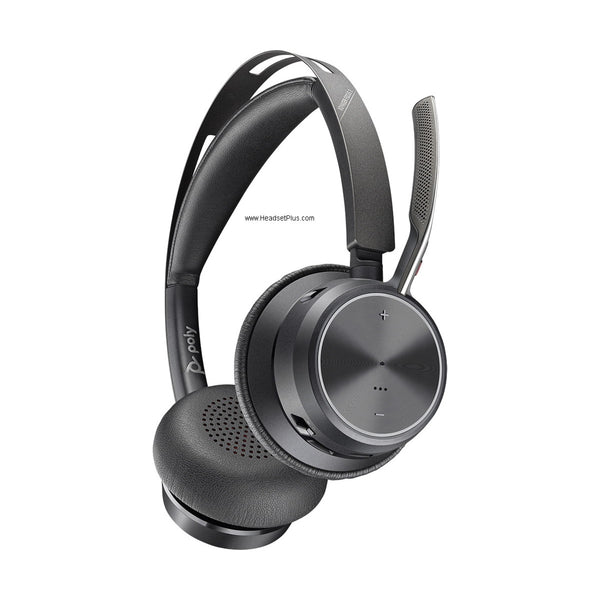
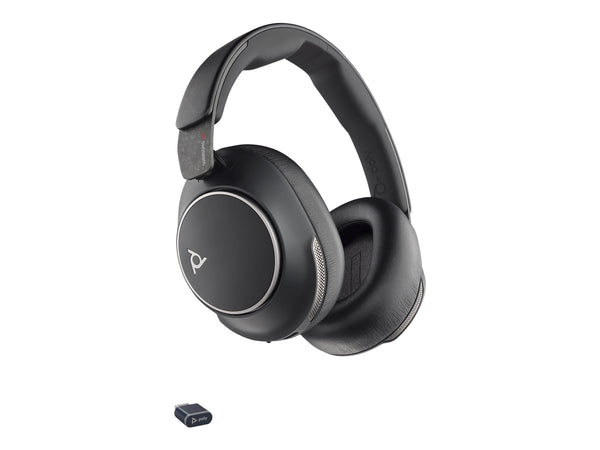
Poly Voyager Focus 2 UC and Teams Wireless Headset (Charging Stand Optional)
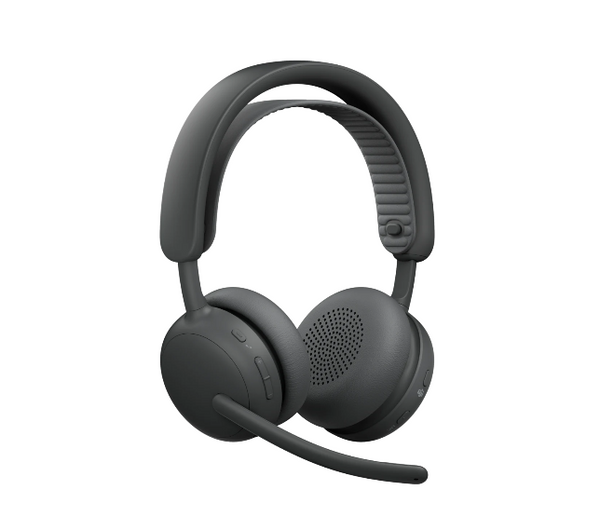
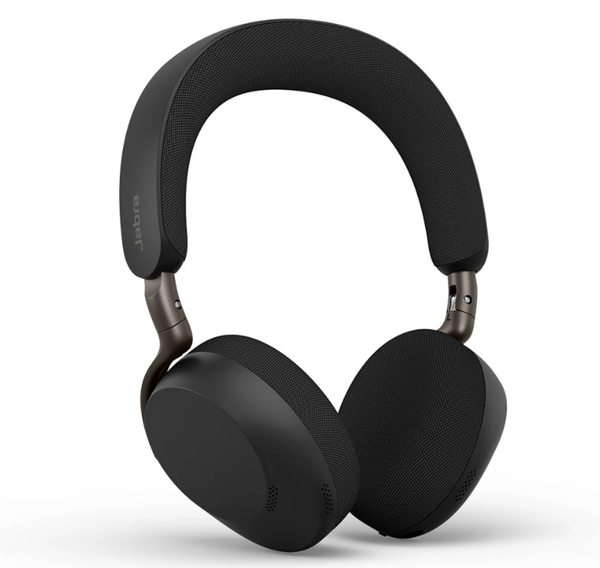
Jabra Evolve3 75 Wireless Headset (Charging Pad Optional)

Jabra Evolve3 85 Wireless Headset (Charging Pad Optional)
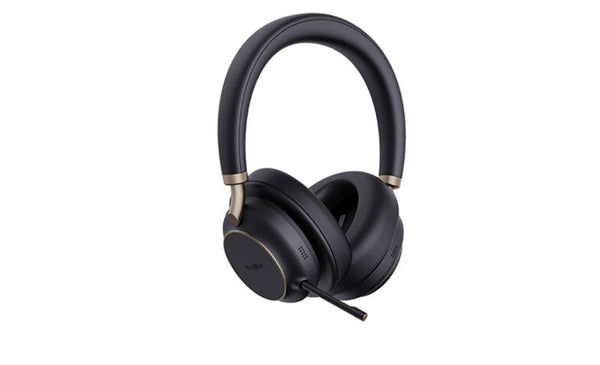
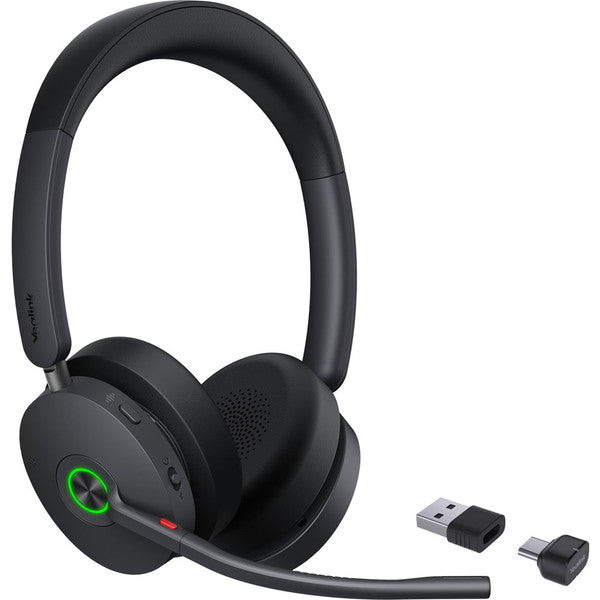
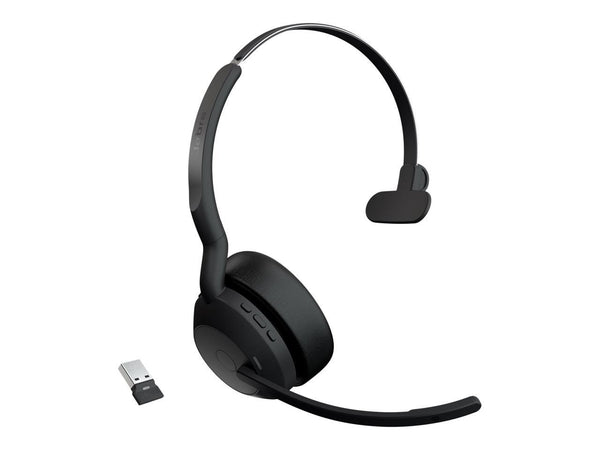
Jabra Evolve2 55 Wireless Headset (Mono or Stereo)
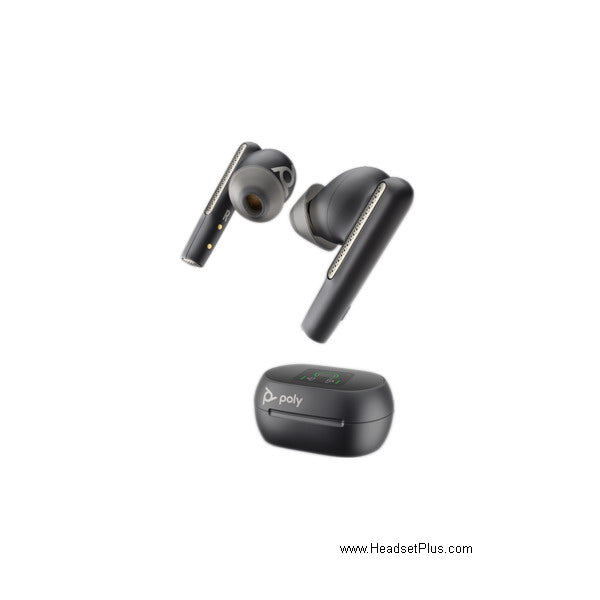
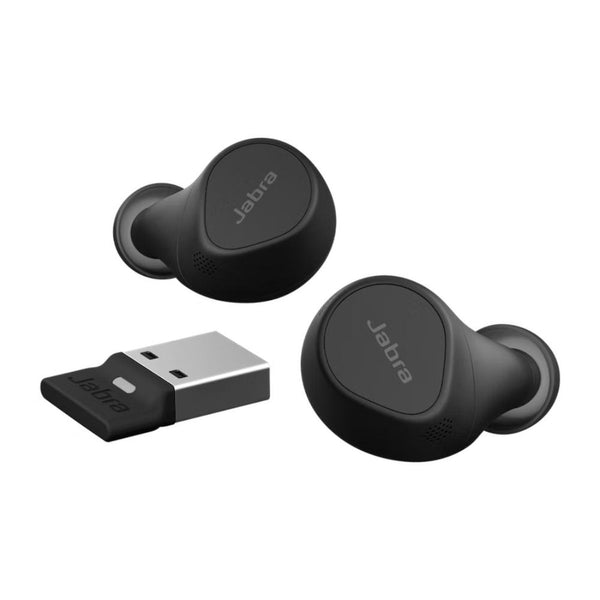
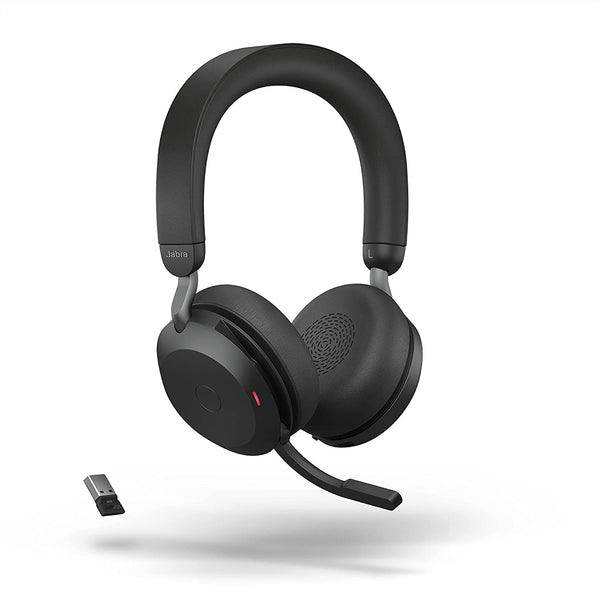
Jabra Evolve2 75 Wireless Headset (Charging Stand Optional)
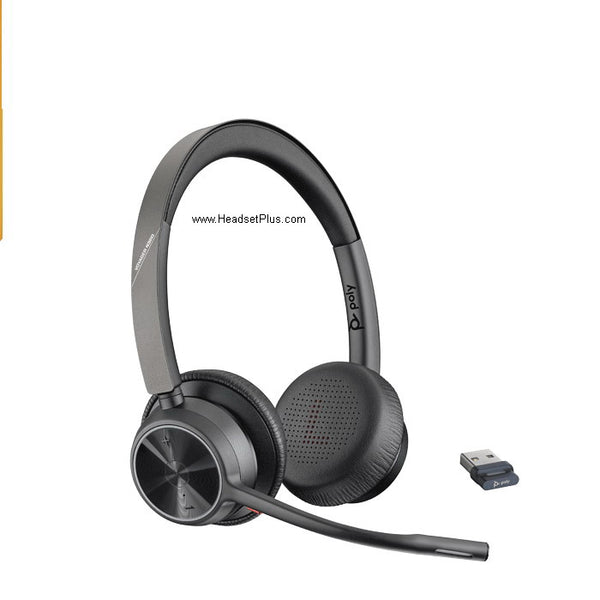
Poly Voyager 4320 Stereo UC and Teams Bluetooth Headset
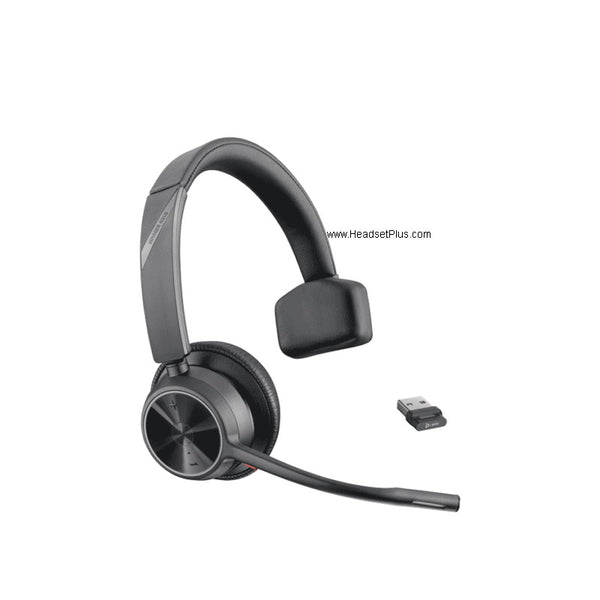
Poly Voyager 4310 Mono Wireless Headset
No products match “” in Wireless USB Headsets.
What the dongle does that a wireless USB headset cannot do without it
It arrives already paired, so the first connection costs nothing but plugging it in — no pairing menu, no six-digit code, no laptop that keeps grabbing yesterday's speaker instead. Jabra rates the Link 380 adapter shipped with the Evolve2 range at up to 30 m / 100 ft, and warns that without an adapter a connection "might get patchy over a relatively short distance".
The second thing it fixes is consistency. Built-in Bluetooth is whatever chipset the machine happens to have, which is why one headset can sound fine on one laptop and thin on the next. The receiver removes that variable.
Paired out of the box, same behavior on every machine, and the mic keeps its full width instead of the narrow profile Bluetooth falls back to while sending audio.
One less thing to lose, fine for music and occasional calls, and where you end up anyway on a phone or tablet.
Picking between them
Wearing style decides this more often than specification does, since all of them solve the connection the same way.
| Headset | Wearing style | Mic | Suits |
|---|---|---|---|
| Jabra Evolve2 65 | On-ear, one or two cups | Boom | All-day desk work in a shared room |
| Jabra Evolve2 85 | Over-ear with ANC | Retractable boom | Loud floors, long calls |
| Poly Voyager 4320 | On-ear stereo | Boom | Hybrid desks, moving between rooms |
| Yealink BH71 | Single earpiece | Boom | Light wear, half-day call loads |
| Shokz OpenComm2 UC | Bone conduction, ears open | Boom | Hearing the room and the call at once |
If your company standardizes on one platform, several ship in separate Microsoft Teams and UC builds, with different button behavior.
FAQ
Frequently Asked Questions
A wireless USB headset works either way, but the receiver is what the range and pairing figures describe. Built-in Bluetooth is fine for music and occasional calls; the dongle is what keeps call quality identical across machines.
Most wireless USB headsets still pair to a phone or laptop over ordinary Bluetooth without the receiver. Replacement adapters are sold separately, and they have to be paired to the headset before they work.
Several models in this range ship in both USB-A and USB-C versions, and the version is fixed at purchase rather than switchable. Check the port on the machine it will live on before ordering, because a USB-C wireless headset adapter will not fit a USB-A port without a converter.
Yes. Every wireless USB headset here carries a boom or bone-conduction microphone rated for calls, and most are certified for Microsoft Teams, Zoom or general UC platforms in named variants.