


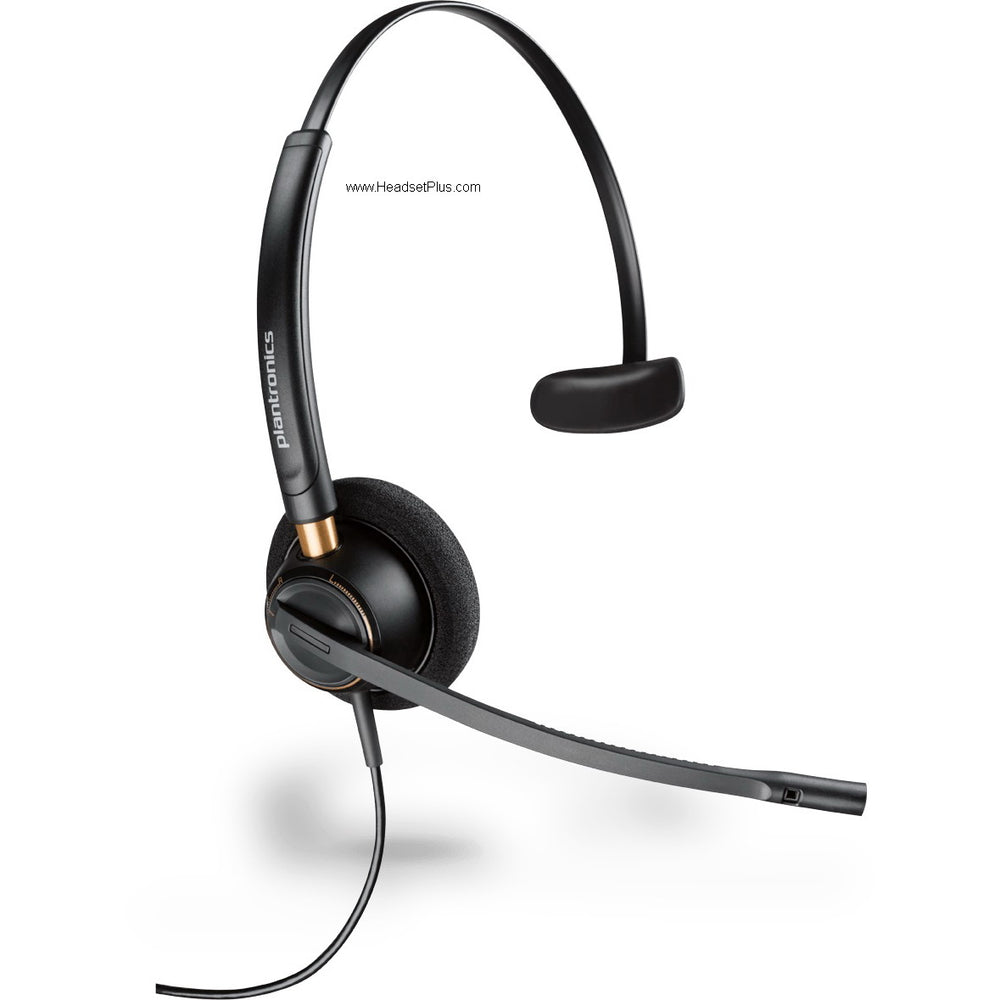


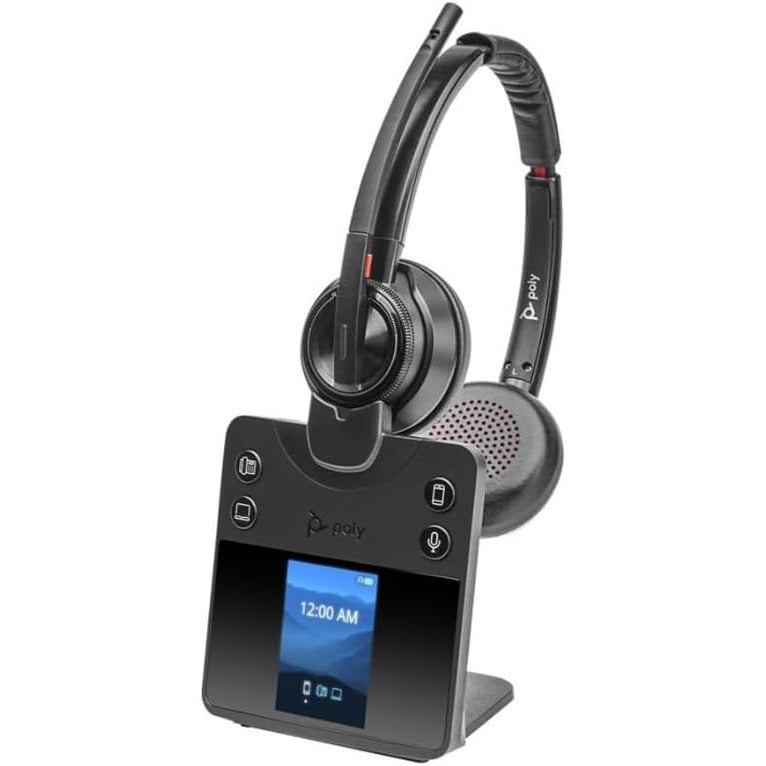









































Wired Headsets
Every wired headset here, matched to your connector
A wired headset has to fit the machine in front of you before anything else matters, and the plug on the cable settles that.
Wired headsets here end in one of four connectors: USB-A and USB-C for a computer or softphone, 3.5mm for a laptop with one combined jack, and quick disconnect for a headset that moves between devices on a swappable cable. Filter to yours, then choose on wearing style and microphone.
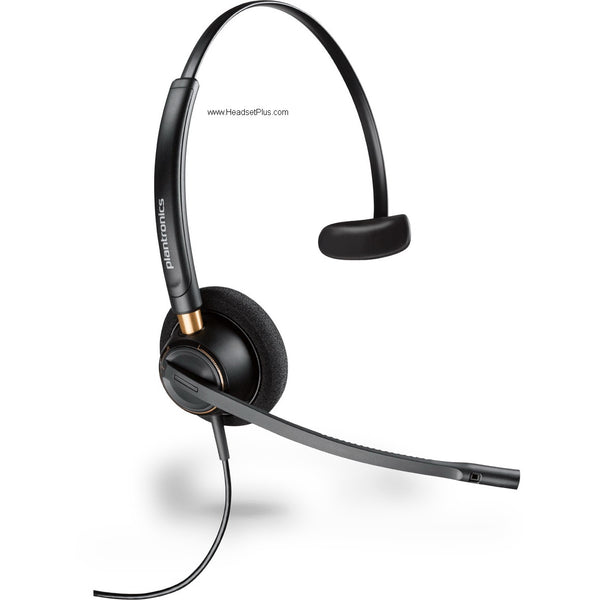
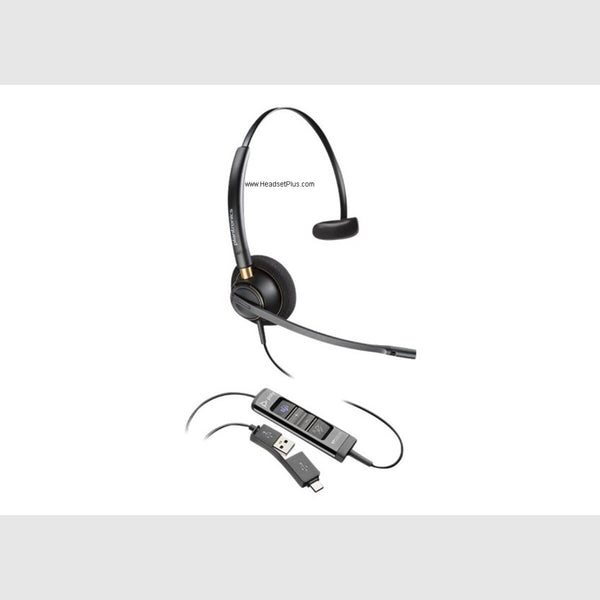
Plantronics EncorePro HW510 Mono Wired Headset (Noise-Canceling or Voice Tube)
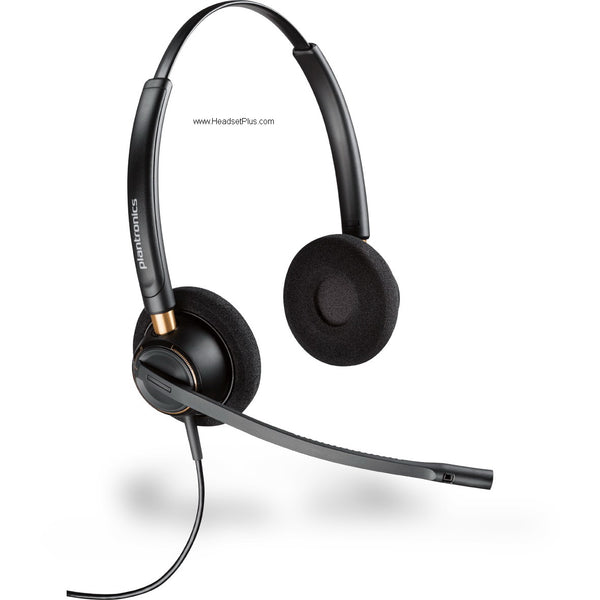
Plantronics EncorePro HW520 Binaural Wired Headset (Noise-Canceling or Voice Tube)
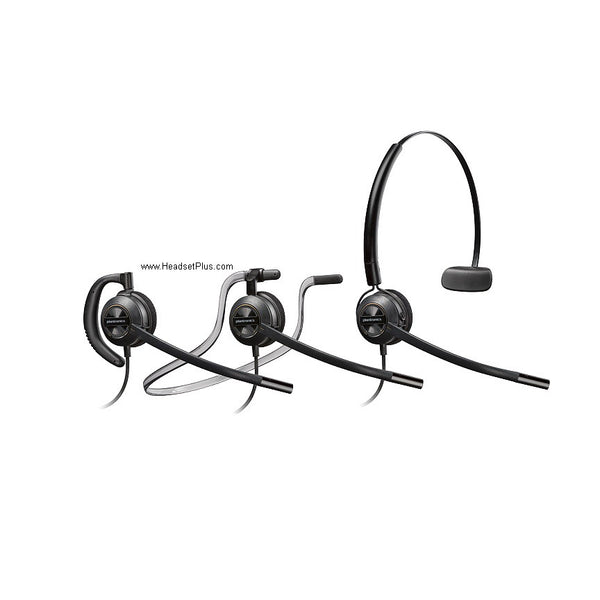
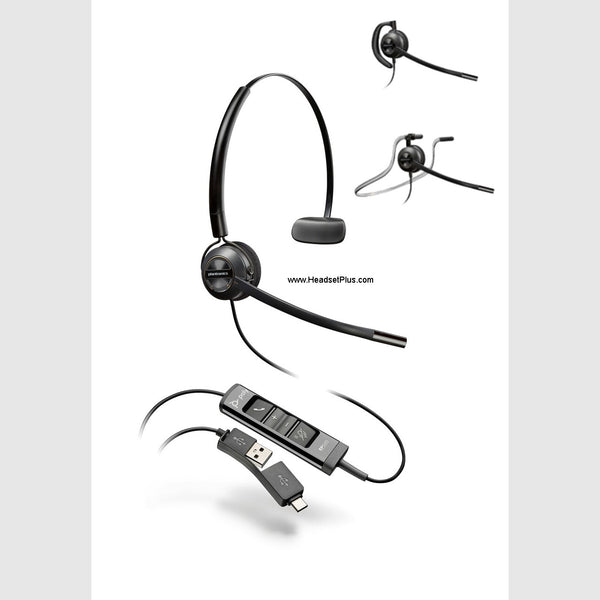
Plantronics EncorePro HW540 3-in-1 Convertible Wired Headset (QD or Phone-Specific)
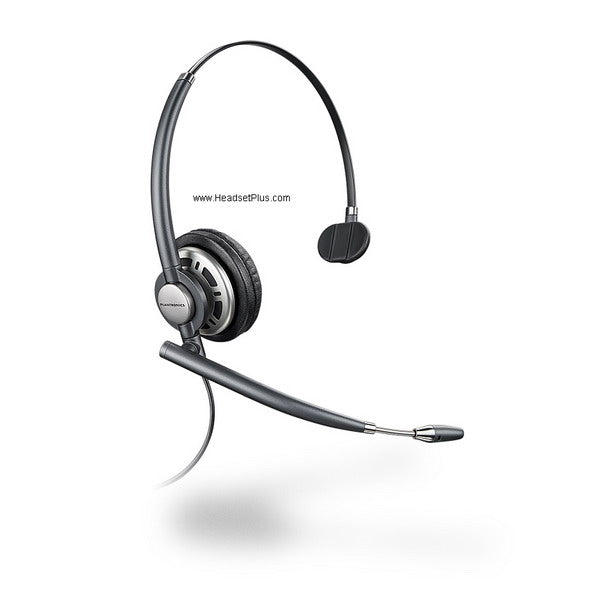
Plantronics EncorePro HW710 Mono Wired Headset (QD or Phone-Specific)
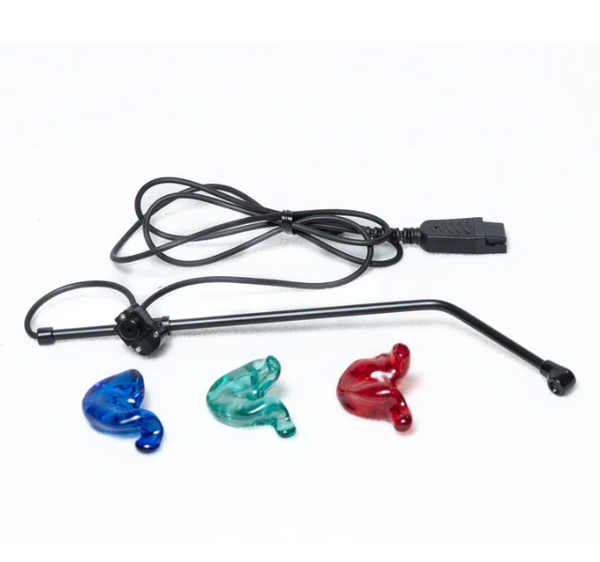
SHG S 131-PL In-Ear Headset with Non-Noise Canceling Mic
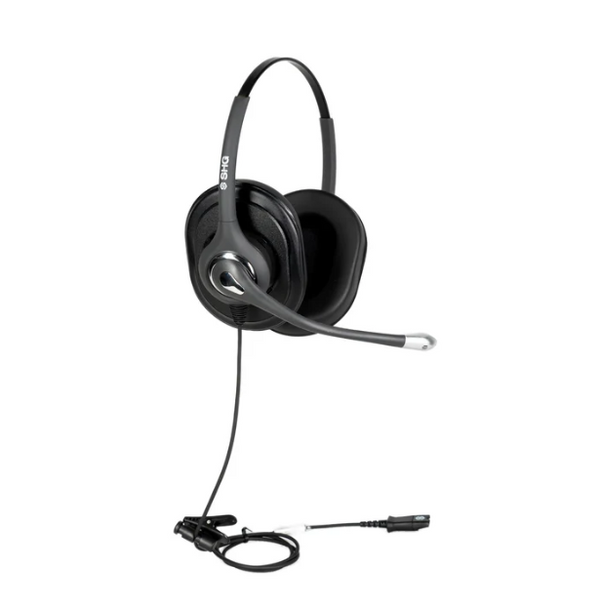
SHG S 620 NC PL Triple XL Ear Cushion Headset with Passive Noise Canceling Mic
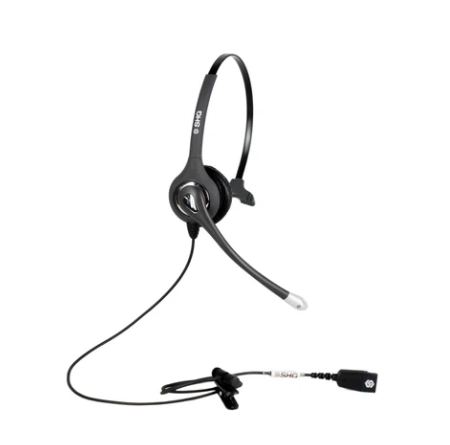
SHG S 500-PL Headset with Passive Noise Canceling Mic
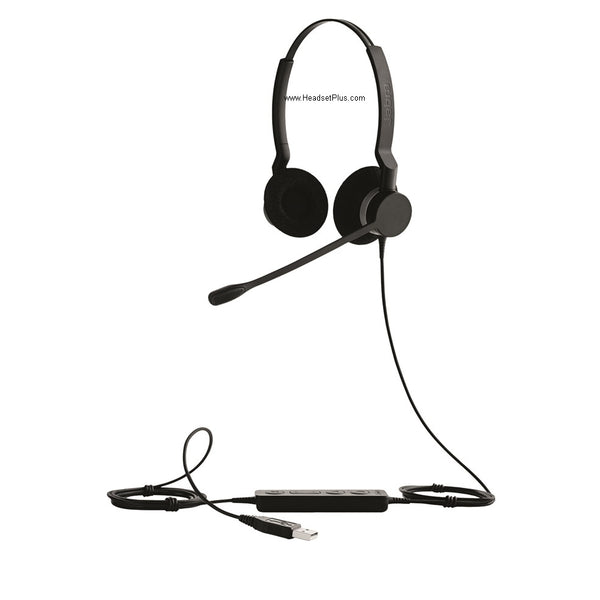
Jabra Biz 2300 Wired Headset (Mono or Duo)
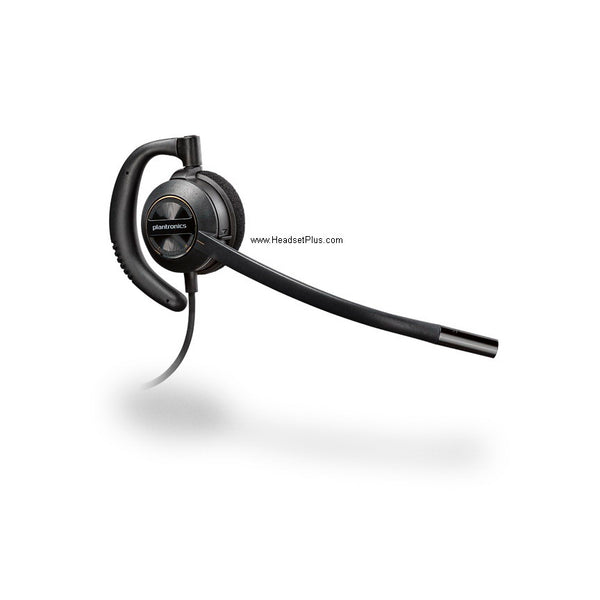
Plantronics EncorePro HW530 Wired Headset (QD or Phone-Specific)
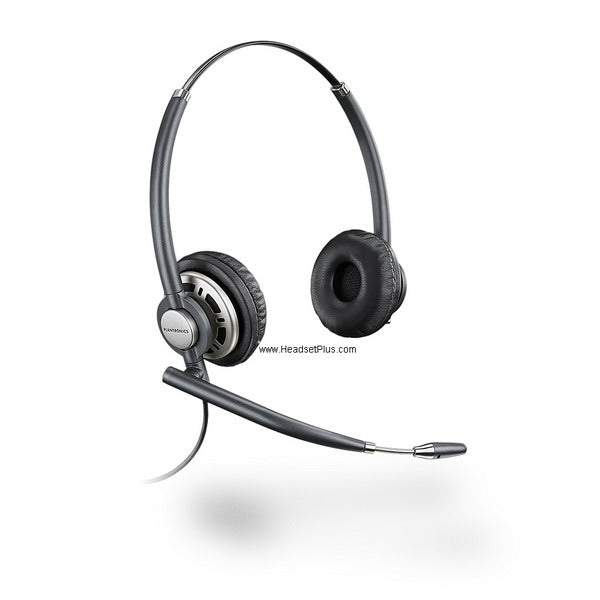
Plantronics EncorePro HW720 Binaural Wired Headset (QD or Phone-Specific)
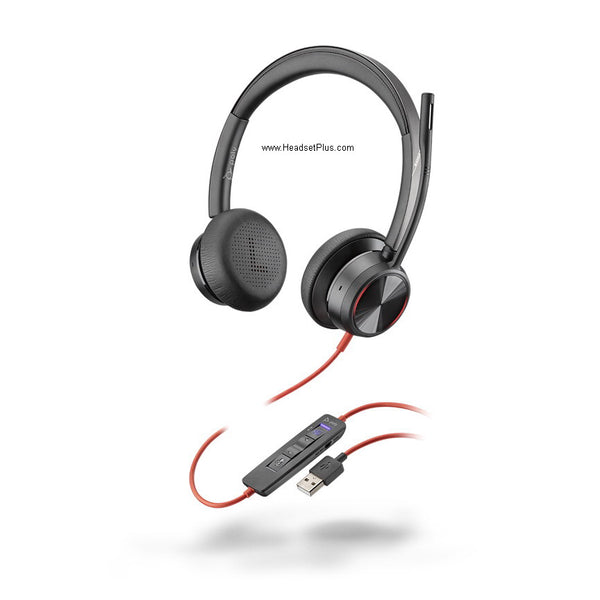
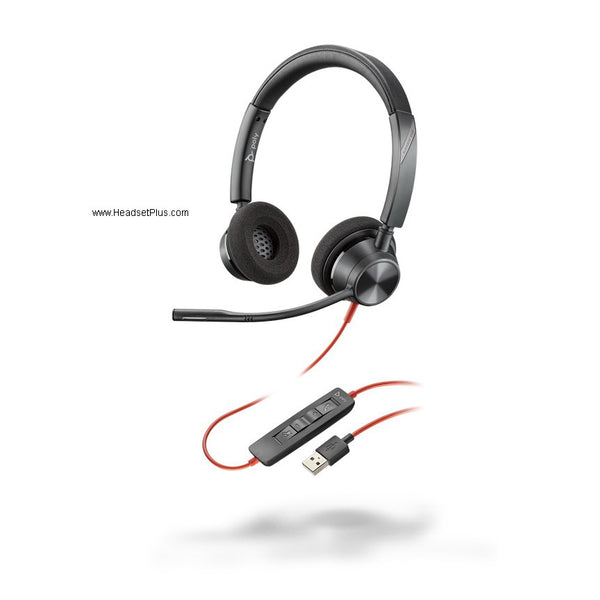
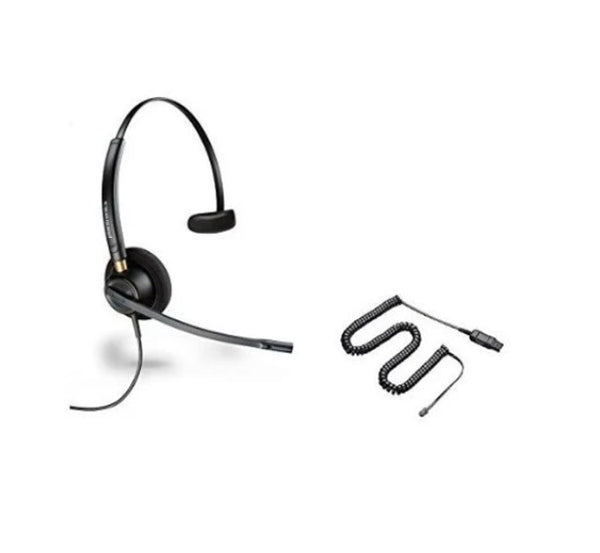
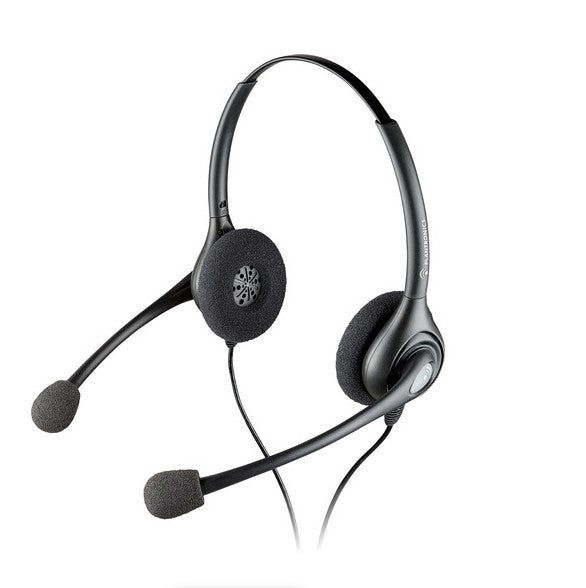
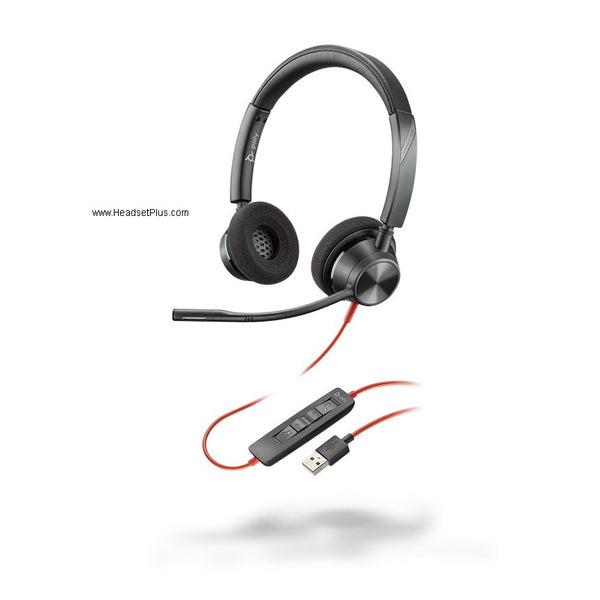
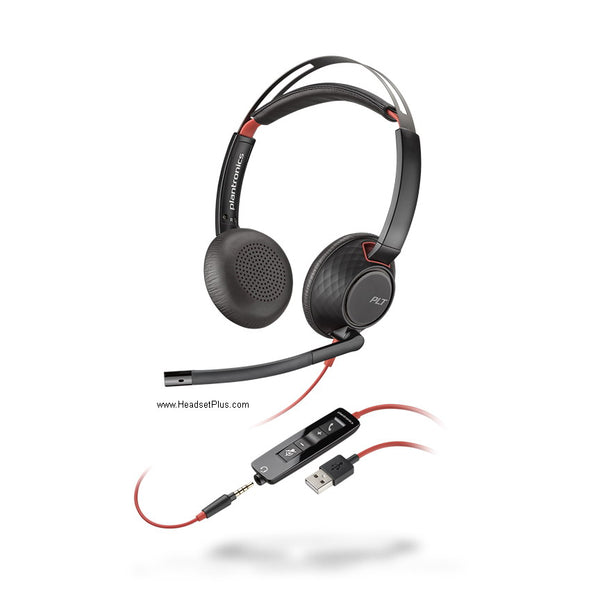
Poly Blackwire 5220 Stereo USB Headset (Teams Certified)
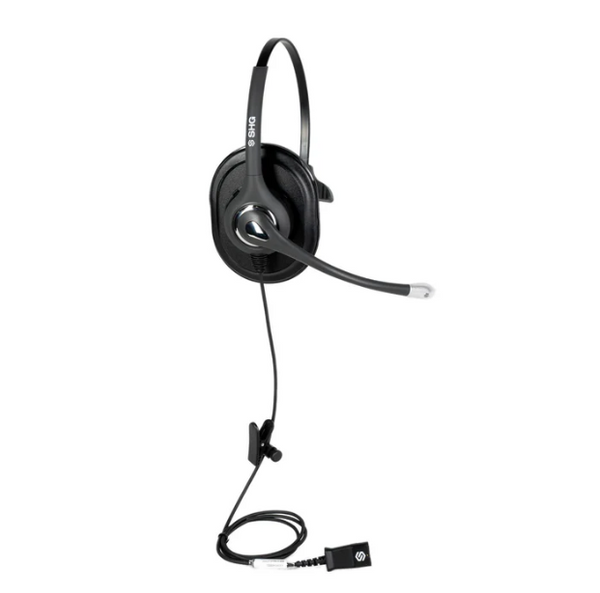
SHG S 520 NC PL Triple XL Ear Cushion Headset with Passive Noise Canceling Mic
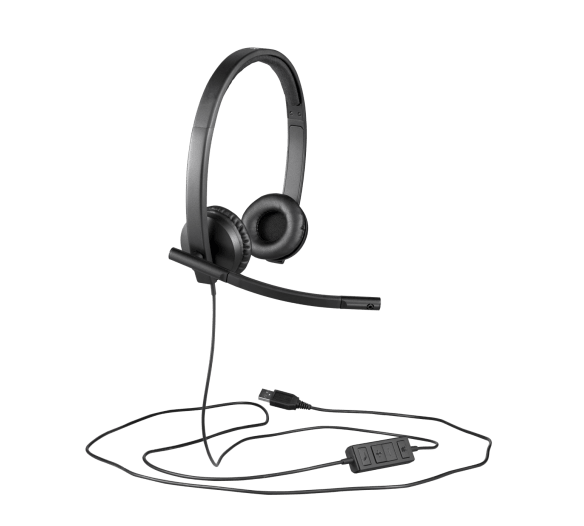
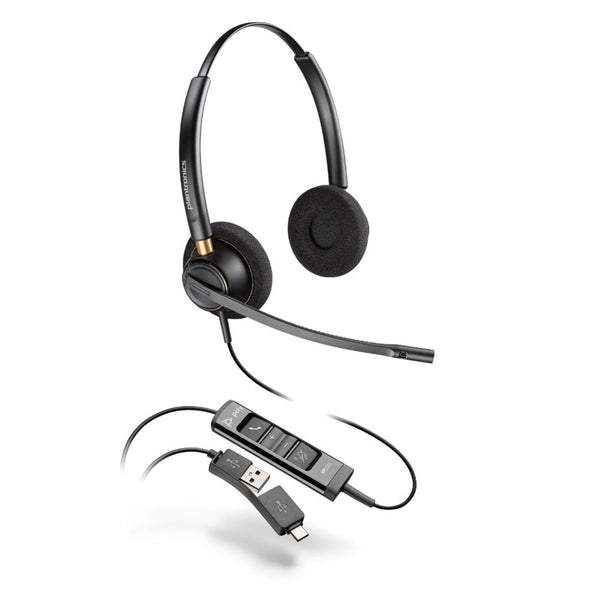
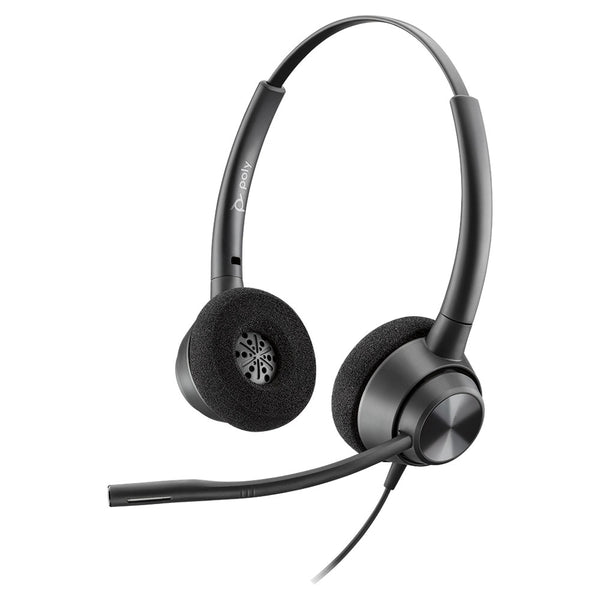
Poly EncorePro 320 Stereo Wired Headset
No products match “” in Wired Headsets.
How to choose a wired headset: start at the connector
The plug has to match the port before anything else is a factor. A wired headset that fits nothing is the most avoidable return in this category.
| Connector | Fits | Setup | Moves |
|---|---|---|---|
| USB-A | Desktop PCs, softphones | No drivers | Any computer |
| USB-C | Recent laptops | No drivers | Any USB-C machine |
| 3.5mm | Combined-jack laptops | Check the socket | Most consumer gear |
| Quick disconnect | Top half only | Needs a bottom cable | Swap cable, keep headset |
Why USB makes a universal wired headset
USB carries audio as data, so conversion happens inside the headset, not the computer's chipset. A universal wired headset sounds the same on an old desktop as a new laptop.
On a corded headset, the cable is the part that fails
The band, cushions and microphone outlive the cable, and the connector decides whether a failed one costs a cable or a whole headset.
A headset wired straight into the machine has no battery to die and no link to drop, the trade call centers made when quick disconnect became standard.
Monaural, binaural and convertible
One ear or two, decided by the room rather than sound quality. Monaural leaves an ear open for colleagues; binaural covers both for a noisy floor. Convertible models carry a headband and an ear hook, so one wired office headset suits a mixed team.
Finding the best wired headset for your setup
The best wired headset matches your connector first and your room second. For microphone type and comfort, read how to choose a wired headset; for gear you already own, the headset compatibility guide maps Poly against Jabra. A compatible wired headset, and the wired headsets and accessories that share its connector, are worth ordering together.
FAQ
Frequently Asked Questions
The best wired headset for an office is the one whose connector matches the hardware on the desk, then the wearing style that matches the room. That holds whether you search it as the best wired headset or the best headset wired for a specific setup. A wired office headset with a noise-cancelling boom microphone and inline mute covers most roles, and brand matters far less than fit.
Wired headsets over USB need no drivers and no pairing on any current Mac or PC. 3.5mm models need nothing either, though a laptop with a single combined jack behaves differently from a desktop with separate microphone and headphone sockets.
Nothing. Corded headsets and wired headsets are the same product under two names, and both appear across this collection. Corded is the older term and still the common one in call center purchasing.
A wired headset with a USB connector works with essentially any computer made in the last decade. A quick disconnect headset will not on its own, because it needs the bottom cable cut for the equipment it is connecting to.