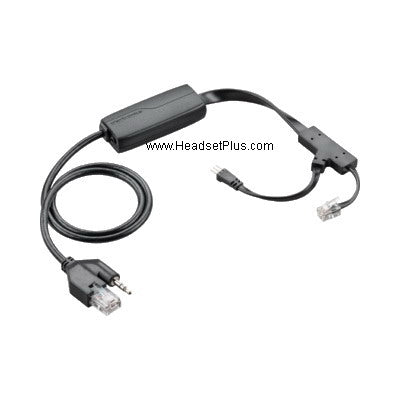
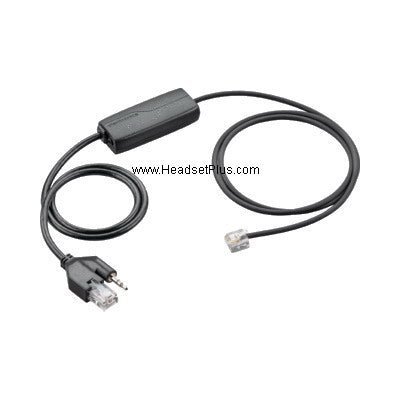
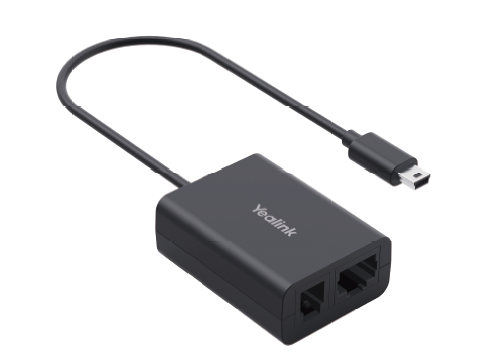
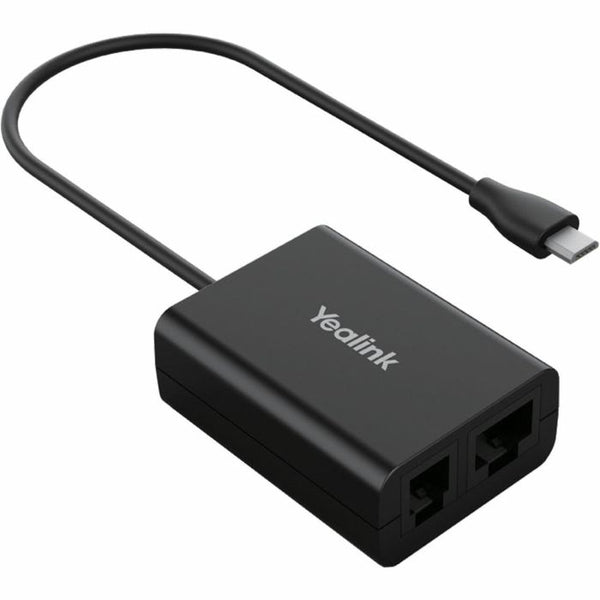
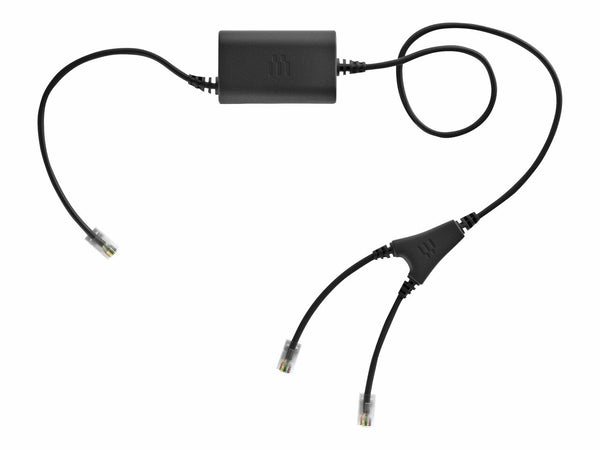
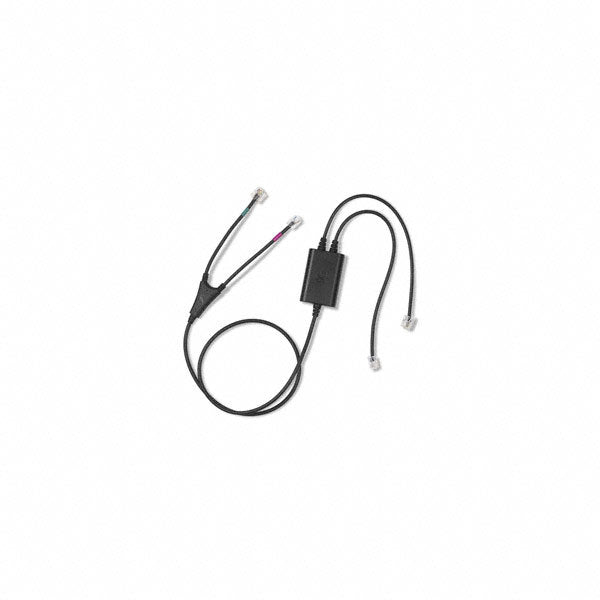
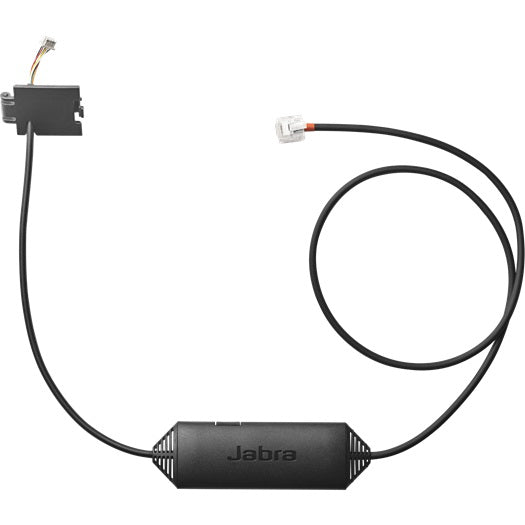
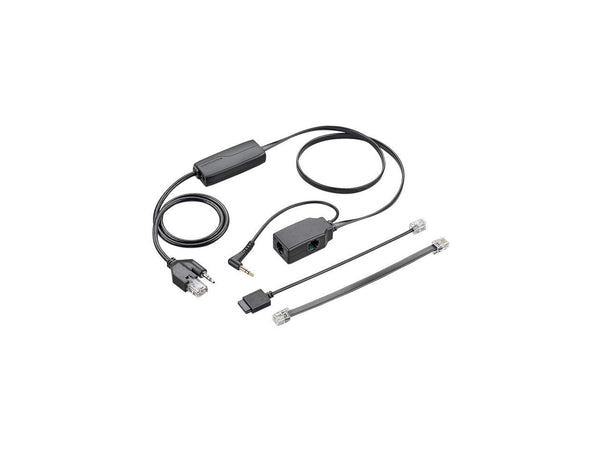
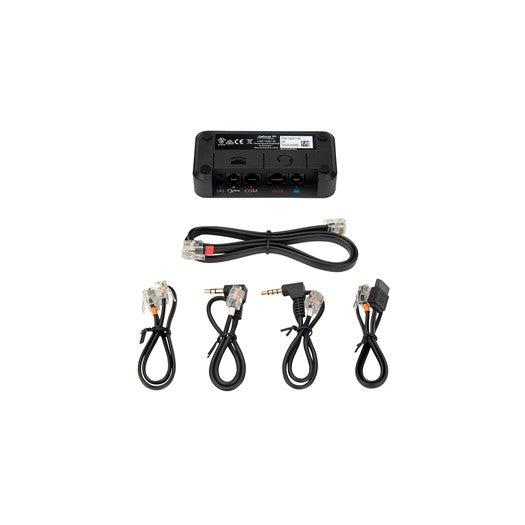
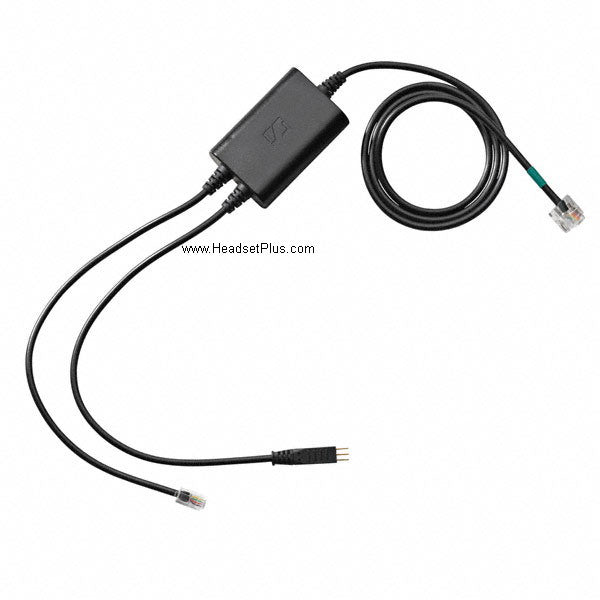
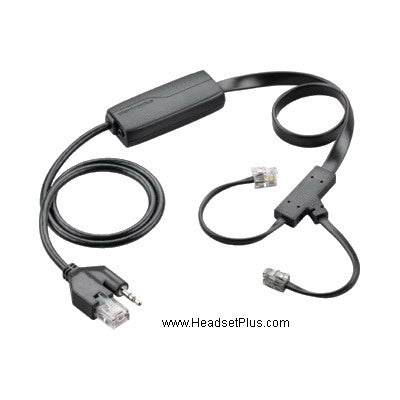
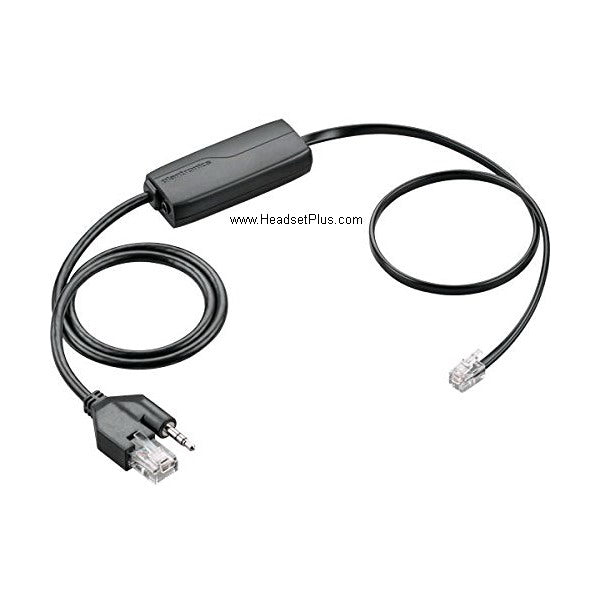
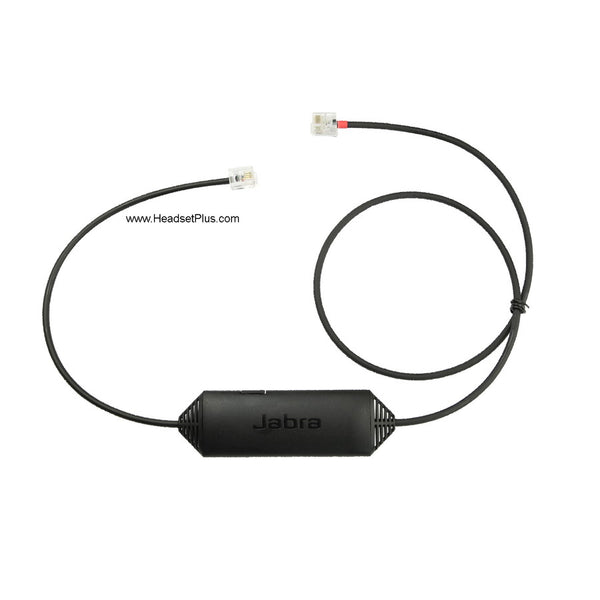
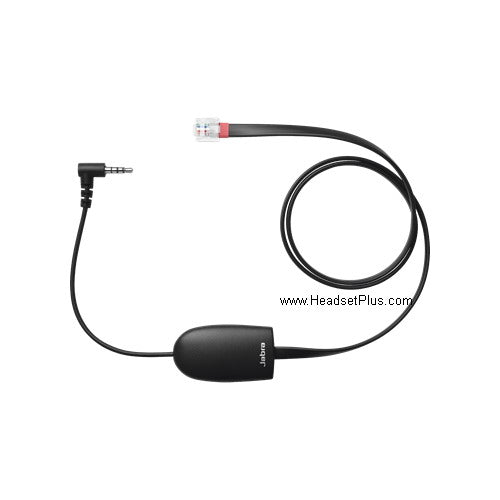
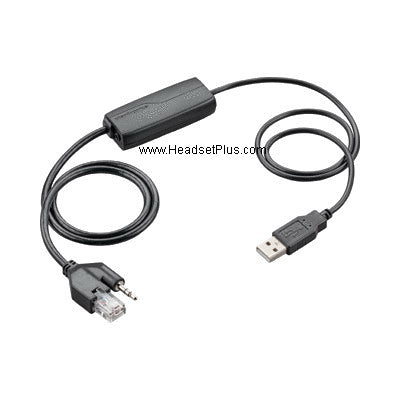
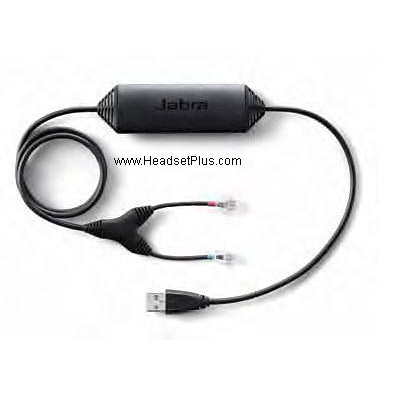
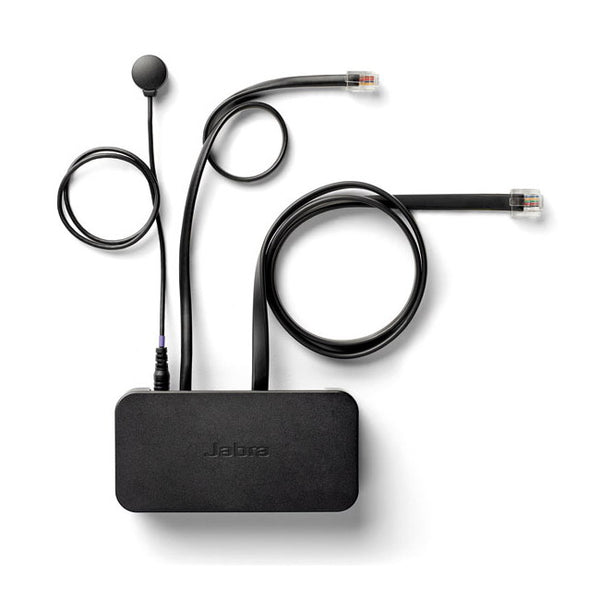
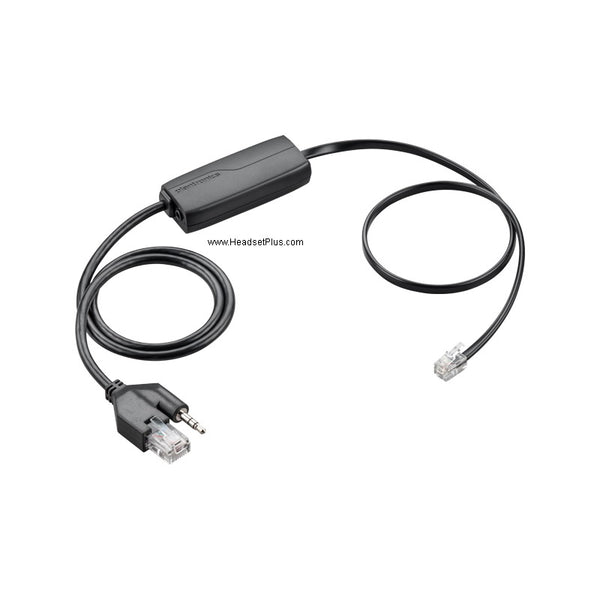
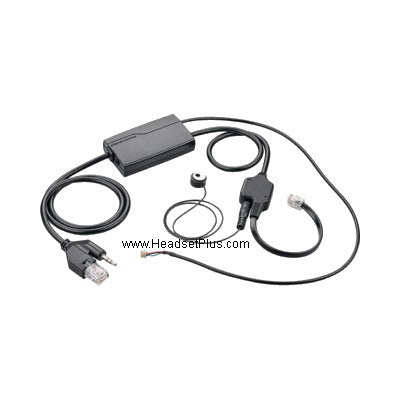
Electronic Hook Switch (EHS) lets you answer and end calls remotely from your wireless headset — no mechanical lifter needed. The catch is that EHS only works if your phone has the technology built in, and the specific cable you need depends on your exact phone model, your headset's generation, and your headset brand. This is the master reference: find your phone below to get the exact cable.
Quick answer
Last updated July 2026
What is EHS, and do you need it?
EHS stands for Electronic Hook Switch. It lets your wireless headset base communicate directly with your desk phone — pressing the answer button on your headset tells the phone to go "on" or "off" hook electronically, the same job a mechanical lifter does by physically raising the handset, but with no motor or moving parts to wear out.
Myth
Any EHS cable works with any wireless headset, as long as it fits my phone.Reality
The cable has to match more than just your phone model. It also has to match your headset brand — a Plantronics cable only works with a Plantronics wireless headset, a Jabra cable only with a Jabra one, and EPOS headsets need EPOS CEHS-CI adapters — and in several cases, your headset's generation. Older and newer headsets often use different cable versions for the same phone, and using the wrong one simply won't work, even though the connector may look identical.Plantronics EHS cables by phone model
| Cable | Compatible phones |
|---|---|
| APA-2, APA-23 | Alcatel IP Touch 4028, 4038, 4068, Touch 4029, Touch 4039 |
| APT-31 | Avaya/Tenovis T3 Classic (with Interface Adapter), TH13, TM13 |
| APC-4, APC-41 | Cisco 7942G, 7945G, 7962G, 7965G, 7975G |
| APS-1, APS-11 | Funkwerk CS290U, CS410, CS410U, IP-S400; Siemens OpenStage 40/60/80; Siemens Optipoint 410/420/500/600 (with acoustic adapter) |
| APP-5, APP-51 | Polycom SoundPoint IP 320/321, 330/331, 335, 430, 450, 550, 560, 650, 670; Polycom VVX 500, VVX 1500 |
| APV-6A, APV-63 | Avaya 1608, 1616, 9608, 9611, 9620, 9620L, 9630, 9640, 9641G, 9650, 9670, 1408, 1416, 2410, 4630, 5410, 6416+M, 6424D+M, 9404, 9406, 9504, 9508 |
| APV-6B, APV-66 | Avaya 2420, 4610, 4610SW, 4620, 4620SW, 4621SW, 4622SW, 4625SW, 4630SW, 5420, 5610, 5620 |
| APN-91 | NEC DT330, DT730, DT750 — newer CS500/W700 series headsets only |
| APU-72 (replaced APU-71) | Cisco 8811, 8961, 9951, 9971; Avaya/Nortel 1120E, 1140E, 1150E, 1165E |
| APC-82 | Cisco 8941, 8945, 8945G |
| APC-43 + 40287-05 | Cisco phones with a 7914 expansion module (sidecar) |
| RD-1 | ShoreTel, Allworx, and Toshiba phones with built-in EHS (see full list below) — adds an audible ring alert, not required for remote answer itself |
A note on older vs newer headset generations
Several Plantronics EHS cable families come in two versions — one for older headset generations, one for newer — and they are not interchangeable:
- APP-5 works with older Plantronics models (CS50, CS55, CS70, CS351, CS361, including the "N" variants); APP-51 works with the newer CS500 series and Savi WO/W700 series. You cannot use an APP-51 with an old CS55.
- APC-4 works with the same older models (CS50, CS55, CS70, CS351, CS361); APC-41 works with the newer CS500 and Savi WO/W700 series.
- APC-45 is a special case — it only works with Cisco/Linksys SPA 512G, 514G, and 525G2 phones, and only with the newer CS500/Savi WO/W700 headset generation. It will not work with older headset models at all.
For Avaya, the same generational split applies: the 9600 and 1600 series typically use the APV-6A/APV-63 pairing, while most other Avaya phones use APV-6B/APV-66 — though there are model-specific exceptions, so confirm your exact phone before ordering.
The APN-91 (for NEC DT330, DT730, DT750 phones) follows the same rule — it works only with the newer Plantronics CS500 and Savi W700 series. There is no equivalent EHS cable for the older CS50, CS55, CS70, CS351, or CS361 models on these NEC phones; a mechanical lifter such as the HL10 is the only option for those older headsets.
The APU-72 replaced the earlier APU-71 for the same set of Cisco (8811, 8961, 9951, 9971) and Avaya/Nortel (1120E, 1140E, 1150E, 1165E) phones. As with all EHS cables, confirm current availability with our team before ordering, since Plantronics/Poly EHS parts occasionally go in and out of stock.
The APC-82 covers a specific gap: the Cisco 8941, 8945, and 8945G need this adapter rather than the standard Cisco EHS cable, connecting to the headset port on the back of the phone. For phones fitted with a 7914 expansion module, plug the module into the phone's AUX connector, connect the APC-43 control connection into the expansion module, then use a 40287-05 adapter to extend the audio input to reach the phone's headset jack.
ShoreTel, Allworx, and Toshiba: a ring-alert sensor, not EHS itself
ShoreTel, Allworx, and Toshiba phones are a distinct case, because electronic hook switch is already built into the phone itself — you can answer and end calls remotely on these phones with a compatible wireless headset with no extra cable at all. What you won't get without an add-on is an audible signal that the phone is ringing, since the headset itself has no way to know a call is coming in until you're already within earshot of your desk phone.
The Plantronics RD-1 solves that specific gap. It's a ring sensor, not a true EHS cable — its ring-detect pad sits on the phone's speaker, sensing the vibration when it rings, and sends a signal to your wireless headset that beeps in your ear to alert you. Because ring detection is its only job, it's priced well below a full EHS cable. It's genuinely optional: without it, remote answer already works on these phones, you just need to already be near your desk to know a call has come in.
Compatible phones:
- ShoreTel: IP100, IP212K, IP230, IP230G, IP265, IP420, IP480, IP480G, IP485, IP530, IP560, IP560G, IP565, IP565G, IP655
- Allworx: IP 9112, 9204, 9212, 9222, 9224
- Toshiba: IPT2008-SDL, IPT2010-SD, IPT2020-SD, DP5008, DP5018-S, DP5022, DP5022-SD, DP5023-SD, DP5032, DSP-5118-DP, DP5122-SD, DP5130, DP5132-SD
One practical note across all these cables: hookup varies by phone brand — some connections are immediate, some require a menu setting on the phone, and a few (notably Polycom) require your phone's firmware and boot-ROM to meet a minimum version first. Regardless of the phone, one end of the cable always plugs into the Aux port on your wireless headset's base, and the other into a specific port on the phone.
Jabra Link EHS cables by phone model
| Cable | Compatible phones |
|---|---|
| Jabra Link 17 (14201-17) | Polycom phones generally — works with all current Jabra/GN wireless headset systems |
| 8800-00-75 (2.5mm-to-RJ9 adapter) | Referenced alongside the Link 17 for the Polycom IP 320, 321, 330, and 331 specifically — see note below |
| Jabra Link 16 | Cisco 7942G, 7945G, 7962G, 7965G, 7975G |
| Jabra Link 22 (14201-22) | Cisco 6945, 7821, 7841, 7861, 7942G, 7945G, 7962G, 7965G, 7975G, 8811, 8841, 8851, 8961 — "9400 series" headsets only; see note below |
| Jabra Link 43 (14201-43) | Same Cisco phones as Link 22 — originally released for the Jabra Pro series (920, 9450, 9460, 9465, 9470, Motion Office); requires "IQ mode" on the headset; see note below |
| Jabra Link 41 | Cisco 8941, 8945, 8945G (headset port on the back of the phone) |
| Jabra Link 19 | Avaya 4610/4610SW, 4620/4620SW, 4621/4621SW, 4622/4622SW, 4625/4625SW, 4630/4630SW (firmware 1.8+); Avaya 5420, 5610, 5620, 5621, 5625 |
| Jabra Link 20 | Avaya 1408, 1416, 1608, 1616, 2410, 5410, 6416D+M, 6424D+M, 9608, 9404, 9406, 9408, 9504, 9508, 9610, 9611, 9611G, 9620, 9620C, 9620G, 9621, 9630, 9630G, 9640, 9640C, 9640G, 9641, 9650, 9650G, 9670; Alcatel IP Touch 4028 EE, 4038 EE, 4068 EE; Toshiba DP5022-SD, DP5022-SDM, DP5032-SD, DP5122-SD, DP5130-FSDL, DP5130-SDL, DP5132-SD, IP5022-SD, IP5122-SD, IP5122-SDC, IP5131-SDL, IP5132-SD; ShoreTel IP 565g, 560g, 560, 265, 230, 230g, 212k |
| Jabra Link 30 | Cisco 8961, 9951, 9971; Cisco DX650, DX70, DX80 (via the phone's USB port) |
| Jabra Link 31 | NEC DT730/ITL-12D-1P, ITL-24D-1P, ITL-32D-1P, ITL-8LD-1P |
| Jabra Link 32 | Avaya/Nortel 1120e, 1140e, 1150e, 1165e |
| Jabra Link 33 | Avaya 1408, 1416, 9404, 9406, 9408, 9504, 9508 |
For the Polycom IP 320, 321, 330, and 331, ordering guidance for Jabra/GN wireless headsets has referenced both the Jabra Link 17 EHS cable and the 8800-00-75 2.5mm-to-RJ9 cable as items needed for setup. The exact relationship between the two — whether both are required together or one applies to a different connection point in your specific configuration — is worth confirming with our team before ordering, since sources on this aren't fully clear on the point.
Jabra Link 43 vs Link 22 (Cisco 6900/7900/8800/8900 series): these two cables were released for the Cisco 6945, 7821, 7841, 7861, 7942G, 7945G, 7962G, 7965G, 7975G, 8811, 8841, 8851, and 8961, but for different headset generations. The Link 43 (14201-43) requires the Jabra wireless headset to be manually set to "IQ mode" before it works, and was released for the Jabra Pro series (Pro 920, 9450, 9460, 9465, 9470, and Motion Office). The Link 22 (14201-22) needs no headset setting changes, but is compatible only with headsets described as the "9400 series." We haven't independently confirmed how the "9400 series" designation maps onto Jabra's current headset lineup, so if you're setting up a current Jabra wireless headset on one of these Cisco phones, call our team to confirm the correct cable for your exact model rather than assuming either Link 43 or Link 22 applies.
A note on Jabra Link 16 vs Link 14201-22: both work with Cisco phones, but with different headset generations. The Jabra Link 16 works only with older Jabra/GN wireless headset models — the 9120, 9125, 9330e, and 9350e. Newer Jabra headsets on Cisco 6400 and 9400 series phones (such as the 6470 or 9470) instead need the Jabra Link 14201-22. As with the Plantronics cables, matching your exact headset generation to the right cable version matters as much as matching the phone model.
EPOS Cisco adapters (CEHS-CI series)
EPOS (formerly Sennheiser) uses its own CEHS-CI adapter line for Cisco phones, and the numbering maps to what the phone supports rather than its series:
| Adapter | Compatible Cisco phones |
|---|---|
| CEHS-CI 01 | 6821, 6841, 6851, 6921, 6941, 6945, 6961, 7821, 7841, 7861, 7931G, 7940(G), 7941(G), 7942G, 7945(G), 7960(G), 7961(G), 7962G, 7965G, 7970(G), 8811, 8841, 8845, 8851, 8861, 8865 — connects to the headset port and AUX port |
| CEHS-CI 02 | 8800 series, 9900 series, and 8961 — uses the phone's side USB port |
| CEHS-CI 04 | 8941, 8945, 8945G — connects to the headset port |
| EPOS HSL10 II (lifter) | Cisco SPA series (SPA 303, 501G, 502G, 504G, 508G, 509G, 512G, 514G, 525G, 525G2, SPA 921, 922, 941, 942, 962) — no built-in EHS, so a mechanical lifter is required |
For the Cisco DX650, DX70, and DX80, EPOS offers two routes: the HSL10 II lifter, or connecting the headset base directly to the phone's USB port, depending on the model.
Yealink: its own EHS adapters, not a headset manufacturer's cable
Yealink IP phones are a separate case from everything above. They don't use the Plantronics, Jabra, or EPOS adapters in the tables — Yealink makes its own, and which one you need depends on your phone's generation:
| Adapter | Compatible Yealink phones |
|---|---|
| Yealink EHS36 | T26P, T27P, T27G, T28P, T29G, T38G, T40P, T40G, T41P, T42G, T46G, T48G |
| Yealink EHS40 | T41S, T42S, T46S, T48S, T53, T53W, T54W, T57W, T58A |
The split follows the model suffix: the newer "S" and "W" series phones need the EHS40, while the earlier non-S models take the EHS36. Ordering an EHS36 for a T46S is one of the more common mistakes here, since the model numbers look almost identical.
The EHS36 connects with three cables — 3.5mm to the wireless headset base, RJ12 to the phone's EXT port, and RJ11 to the phone's headset port. See our Yealink EHS36 setup and troubleshooting guide for the full connection steps, the headset settings that resolve static and echo, and the busylight port conflict worth knowing about before you order one.
Phone not listed? Use a handset lifter instead
If your exact phone model doesn't appear in any table above, it likely doesn't have EHS support built in — the alternative is a mechanical handset lifter, which physically raises the phone's handset to answer the call rather than communicating electronically. The Plantronics/Poly HL10, the Jabra GN1000, and the EPOS HSL10 II are the standard options; see our full HL10 & GN1000 lifter setup and FAQ for installation and troubleshooting.
What is an EHS cable and what does it do?
EHS stands for Electronic Hook Switch. It's a cable that lets a wireless headset base communicate directly with a desk phone, so pressing the answer button on the headset tells the phone to go on or off hook electronically — no mechanical lifter or moving parts required.
Which EHS cable does my phone need?
It depends on your exact phone model, your headset's generation (older vs newer), and your headset brand. Check your phone against the Plantronics (APA/APT/APC/APS/APP/APV/APN/APU/RD-1), Jabra Link (16, 17, 19-22, 30-33, plus 41 and 43), EPOS (CEHS-CI 01/02/04), or Yealink (EHS36/EHS40) tables above. If your phone isn't listed in any of them, it likely doesn't support EHS, and you'll need a mechanical handset lifter instead.
Can I use a Jabra EHS cable with a Plantronics headset?
No. EHS cables must match your headset brand — a Plantronics cable works only with a Plantronics wireless headset, a Jabra cable only with a Jabra one, and EPOS headsets need EPOS CEHS-CI adapters, even on the same phone model. Always match both the phone and the headset brand when ordering.
What adapter do I need for a Cisco 8941, 8945, or 8945G?
These three models need a specific adapter in every brand rather than the standard Cisco EHS cable: the Plantronics APC-82, the Jabra Link 41, or the EPOS CEHS-CI 04. All three connect to the headset port on the back of the phone.
What EHS adapter does a Yealink phone need?
Yealink uses its own adapters rather than Plantronics, Jabra, or EPOS cables. The EHS36 fits the older range (T26P, T27P, T27G, T28P, T29G, T38G, T40P, T40G, T41P, T42G, T46G, T48G), while the newer "S" and "W" series — T41S, T42S, T46S, T48S, T53, T53W, T54W, T57W, T58A — require the EHS40 instead.
What's the difference between APP-5 and APP-51, or APC-4 and APC-41?
These cable pairs support different headset generations on the same phone. APP-5 and APC-4 work with older Plantronics headsets (CS50, CS55, CS70, CS351, CS361), while APP-51 and APC-41 work with newer models (the CS500 series and Savi WO/W700 series). They are not interchangeable — an APP-51 will not work with an old CS55, for example.
What is the difference between the Jabra Link 43 and Link 22 EHS cables?
Both work with the same Cisco 6900/7900/8800/8900 series phones, but differ by headset generation. The Link 43 requires the headset to be manually set to "IQ mode" and was released for the Jabra Pro series. The Link 22 needs no setting change but is compatible only with headsets described as the "9400 series." Confirm with our team which cable matches your current headset model.
Which Jabra EHS cable works with Polycom phones?
The Jabra Link 17 (14201-17) works with Polycom phones for current Jabra/GN wireless headset systems. For the Polycom IP 320, 321, 330, and 331 specifically, ordering guidance has also referenced the 8800-00-75 2.5mm-to-RJ9 cable alongside the Link 17 — confirm with our team whether both are needed for your exact setup.
Is there a Plantronics EHS cable for NEC phones?
Yes. The Plantronics APN-91 works with NEC DT330, DT730, and DT750 phones, but only with the newer CS500 and Savi W700 series headsets. There's no equivalent EHS cable for older CS50/CS55/CS70/CS351/CS361 models on these NEC phones — those require a mechanical lifter like the HL10 instead.
What EHS cable works with Cisco 8811/8961/9951/9971 or Avaya/Nortel 1120E-1165E phones?
The Plantronics APU-72 covers Cisco 8811, 8961, 9951, and 9971, as well as Avaya/Nortel 1120E, 1140E, 1150E, and 1165E phones. It replaced the earlier APU-71. For Jabra headsets on these same Cisco models, the Jabra Link 30 is the equivalent; for the same Avaya/Nortel models, use the Jabra Link 32. For EPOS headsets on USB-equipped Cisco models, use the CEHS-CI 02.
Do ShoreTel, Allworx, and Toshiba phones need an EHS cable for remote answer?
No. These phones have electronic hook switch built in already, so a compatible wireless headset can answer and end calls remotely with no extra cable. The Plantronics RD-1 is an optional add-on that provides an audible ring alert in the headset — without it, remote answer still works, you just won't hear the phone ring unless you're already near your desk.
What do I do if my phone isn't compatible with EHS?
Use a mechanical handset lifter instead, such as the Plantronics HL10, Jabra GN1000, or EPOS HSL10 II. These physically raise the phone's handset to answer a call rather than communicating electronically, and work with the vast majority of phones that lack built-in EHS support.
Matching the right EHS cable to your exact phone model, headset generation, and headset brand is the whole trick — get all three right and remote answering just works. If your phone isn't in any table above, a handset lifter is your path instead. Call our headset experts at 877-999-3838 with your exact phone model and headset brand, and we'll confirm the right cable in a minute.


Comments (0)