


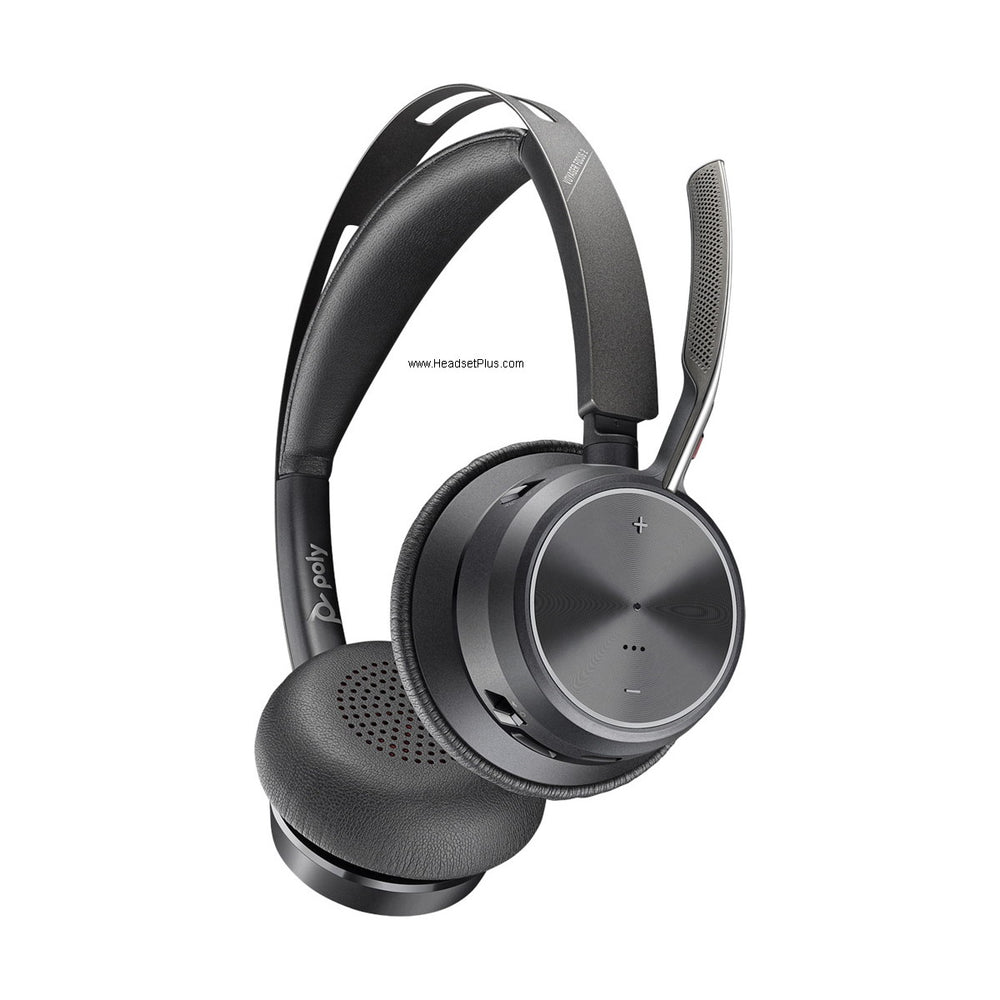












































How to reset a Plantronics headset
It depends on the kind of headset. A Bluetooth Voyager, such as the 4310, 4320 or Voyager Focus 2, factory resets from the HP Poly Studio app, the new name for Poly Lens: Settings, then Reset Device, then Factory Reset.
A DECT headset that docks in a base, such as the CS540 or a Savi, resets by unplugging the base and taking the headset battery out for 10 to 15 seconds.
An app reset covers the headset only. If its USB adapter still won't connect afterwards, you re-pair the adapter separately.
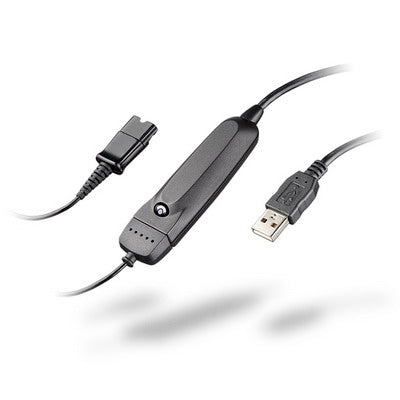
Poly makes both kinds of wireless headset, and it's easy to tell them apart: a Bluetooth Voyager comes with a small USB adapter, the BT700, while a CS540 or Savi sits in a base cabled to your phone or computer.
Factory reset a Voyager 4320, 4310 or Focus 2
Connect the headset to the app
Plug the BT700 adapter or the headset's USB cable into your computer, turn the headset on and open the HP Poly Studio app, called Poly Lens until January 2026. Can't install software on a work laptop? The Poly Lens Web App runs in Chrome or Edge at webapp.lens.poly.com, and Poly lists the Voyager 4310, 4320, Focus 2 and the BT700 as supported.
Run the factory reset
Select the headset, open Settings, choose Reset Device, then Factory Reset, and wait for it to finish.
Restart the headset
Turn the headset off and back on.
Check for updates
Click the notification bell in the app and install any firmware update before you test it again.
Looking for a hard reset with buttons? Poly's Voyager 4310 and 4320 user guide doesn't document one: the factory reset lives in the app, and the web app does it with nothing to install. Button combinations you'll find on other sites aren't from Poly, and they don't agree with each other.
The reset erases your settings but not the headset's Bluetooth pairings. A user on HP's support forum found the Voyager 4320 still announced "PC connected" straight after one.
If the BT700 adapter still won't connect
Re-pair it. The app can't reset the adapter itself, an HP support employee confirms, but it can pair it again. Put the headset in pairing mode, then select Pair for the adapter in the app. The adapter flashes red and blue, and you're done when you hear "pairing successful" and "PC connected" and its light stays on.
The adapter's light tells you what state it's in, according to Poly's Voyager 4320 user guide:
| Light | Meaning |
|---|---|
| Flashing red and blue | Pairing |
| Solid blue | Headset connected |
| Flashing blue | On a call |
| Solid red | Mic muted |
| Flashing purple | Streaming audio from the computer |
| Solid purple | Connected to Microsoft Teams |
Voyager Focus 2 muting itself? Reset the sensors
If a Focus 2 cuts your mic when you move, reset its wearing sensors instead of the whole headset. Sit the powered-on headset on its charge stand for 10 seconds, or turn it on while holding Mute for more than 4 seconds, until the lights flash purple 4 times. Our guide to why a Poly headset keeps saying mute on, mute off covers the rest.
Reset a CS540
These steps are for the Poly CS540, the DECT headset that docks in a base beside your desk phone.
- Unplug the power from the CS540 base.
- Open the battery door on the headset, then unplug and remove the battery.
- Wait 10 to 15 seconds, reconnect the battery and close the door.
- Put the headset in the base and plug the power back in.
If it still won't talk to the base, subscribe it again. Hold the subscription button on the base for 3 seconds, until its light flashes white. Then hold the headset's volume up button for 3 seconds, until the headset light turns solid white. A solid white light on the base means they're linked.
Reconnect a Savi headset to its base
A Savi that has lost its base needs subscribing again, not resetting. With no call in progress, dock the headset: the base's subscription light flashes green and red, then stays green once they're linked.
Away from the base, double-press the subscription button on the base, then hold the headset's Call button for 4 seconds. You'll hear "pairing successful, base connected." A solid red subscription light means it didn't take, so try again. These steps come from Poly's Savi 8200 user guide.
If a reset doesn't fix it
A reset can't bring back a battery that no longer holds a charge. If the headset resets fine but still dies or drops out, our wireless headset battery guide shows how to tell whether the battery is the problem.
To check the headset itself after a reset, our headset test runs in your browser and shows whether the mic and both earpieces work, and which device your computer is actually using.
Comments (0)