


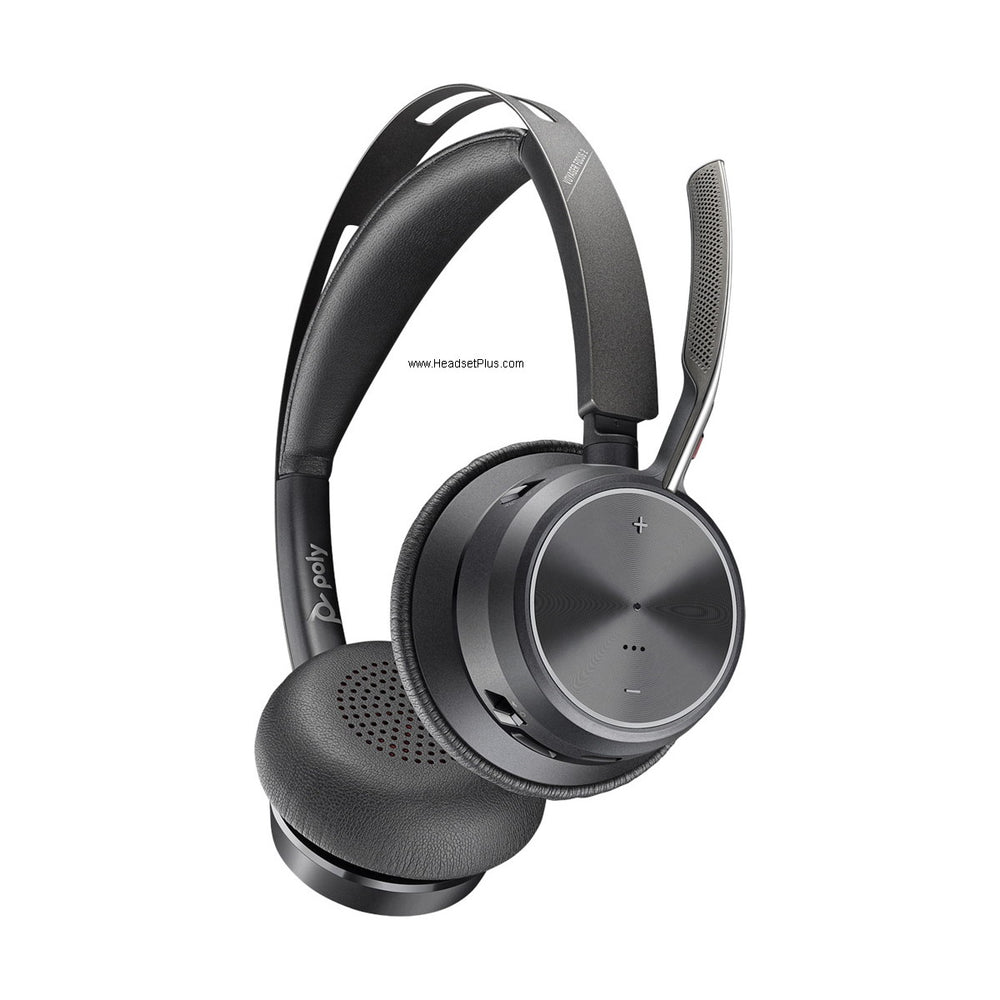












































Most professional headsets have a built-in busy light, but it's only visible to the person sitting right behind you. If your desk faces a wall, if colleagues approach from the side, or if the light on your headset is simply too small to catch anyone's attention in an open office, a separate desk-mounted indicator solves it. Here's which busylight works with your headset — by brand and connection type.
Key takeaways
- Most headsets have a built-in busy light, but a desk-mounted indicator is more visible — especially in open offices or when facing a wall.
- Poly/Plantronics wireless headsets: use the OLI (On-Line Indicator) plugged into the MDA524's 3.5mm jack.
- Jabra corded headsets: use the Jabra busy light via the Link 860 amplifier's dedicated port.
- EPOS SDW wireless headsets: use the EPOS SDW Busy Light via the base's 3.5mm jack on the left side.
- For any USB softphone or headset: the Kuando Busylight UC Alpha is brand-agnostic and works with all major UC platforms.
Which busylight do you need?
The short answer is: match the busylight to your headset's amplifier or base. Each brand uses its own accessory port, so they're not interchangeable. Use this table to find your path:
| Headset setup | Busylight to use | How it connects |
|---|---|---|
| Poly/Plantronics wireless (CS500, Savi series) | Plantronics Savi/CS500 OLI | 3.5mm jack on wireless base or MDA524 |
| Poly/Plantronics corded (via MDA524 amplifier) | Plantronics Savi/CS500 OLI | 3.5mm jack on MDA524 |
| Jabra corded (via Link 860) | Jabra On-Line Busy Light | Busy light port on top of Link 860 |
| EPOS SDW wireless headsets | EPOS SDW Busy Light | 3.5mm jack on back of SDW base (left side) |
| Any headset or softphone (USB) | Kuando Busylight UC Alpha | USB — brand-agnostic |
| Desk phone only (no headset) | Plantronics Savi/CS500 OLI | Adapter into handset/receiver jack |
Poly / Plantronics busylights
For Poly wireless headsets (CS510, CS520, CS530, CS540, W710, W720, W730, W740, and the Savi series), the Plantronics Savi/CS500 Series In-Use Busy Light (OLI) plugs directly into the 3.5mm accessory jack on the wireless base — the light activates automatically when a call is live. The 4-foot cord can stay coiled if you only need a short run, and the 90-degree plug sits flush against the base.
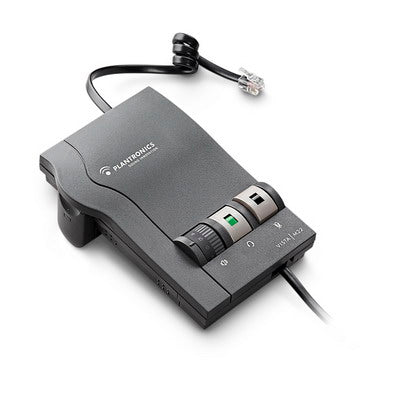
For Poly corded headsets, the OLI connects to the Poly MDA524 amplifier's 3.5mm jack — the amplifier is the hub for both the phone connection and the busylight. Note: the older Plantronics M22 amplifier did not have a busylight jack (and has since been discontinued); the MDA524 is the correct current amplifier. If your cord doesn't reach, a Plantronics Busy Light Extension Cable adds 6 feet.
The OLI also works as a desk-phone-only indicator: an included adapter plugs into the handset jack of any standard phone, the handset plugs into the adapter, and the light activates when the line is off-hook — so even without a headset you get a visible in-use indicator.
Jabra busylights
For Jabra corded headsets, the Jabra On-Line Busy Light connects to the Jabra Link 860 amplifier — there's a dedicated busy light port on the top of the Link 860, between the USB and telephone ports. The light auto-activates when a call goes live. Mount it to the desk with the included 3M tape, or to a monitor edge using the 180-degree turntable foot. It works with any corded Jabra headset plugged into the Link 860.
EPOS busylights
The EPOS Busy Light for SDW Wireless Headsets connects via the 3.5mm jack on the back-left of the SDW wireless base (look for the blue label marked "Busy"). It's compatible with the EPOS SDW 5000 series wireless headsets and shows three states: green (available or streaming), yellow (away or headset out of range), and red (on a call). That three-colour status display is the most informative of any busylight in the range.
Universal USB busylight (any brand)
If your headset connects via USB — or you use a computer softphone without a dedicated headset — the Kuando Busylight UC Alpha is brand-agnostic and platform-agnostic. It connects via USB, works on PC and Mac, and integrates with Microsoft Teams, Zoom, Webex, Skype, and other major UC platforms. Place it on the desk or monitor and it illuminates automatically when you're on a call or in a meeting, without needing to match the busylight to a specific headset brand.
Which busylight works with the Plantronics CS540?
The Plantronics Savi/CS500 Series In-Use Busy Light (OLI) is compatible with the CS540 and other CS500/Savi wireless headsets. It plugs into the 3.5mm jack on the wireless base and activates automatically during a call. The older CS540/CS510/Savi 700 busylight has been discontinued and replaced by the current OLI.
Can I use a busylight with a corded headset?
Yes. For Poly corded headsets, the OLI connects to the MDA524 amplifier's 3.5mm jack. For Jabra corded headsets, the Jabra busy light connects to the Link 860 amplifier's dedicated port. The Kuando Busylight UC Alpha also works with any USB headset or softphone regardless of brand.
Is there a busylight that works with any headset brand?
Yes. The Kuando Busylight UC Alpha connects via USB and works with any headset on any platform — Microsoft Teams, Zoom, Webex, Skype, and more. It's the right pick when your headset doesn't have a compatible 3.5mm busylight jack, or when you want one indicator that works across multiple devices and brands.
How does the EPOS SDW Busy Light work?
The EPOS Busy Light for SDW Wireless Headsets plugs into the 3.5mm jack on the back-left of the EPOS SDW wireless base, labelled "Busy" with a blue label. It shows three colours: green for available or streaming, yellow for away or out of range, and red for an active call. It's compatible with the EPOS SDW 5000 series wireless headsets.
Can I use a busylight with just a desk phone and no headset?
Yes. The Plantronics OLI includes an adapter that plugs into the handset jack of a standard desk phone, with the handset then plugging into the adapter. The light activates whenever the line is off-hook, so you get a visible in-use indicator even without a headset system.
The right busylight is the one that matches your amplifier or base — OLI for Poly wireless and MDA524-connected corded setups, Jabra busy light for the Link 860, EPOS SDW light for the SDW base, and Kuando for anything USB. Browse the full range on the busylights collection, or call our team at 877-999-3838 if you're not sure which port your setup has.
Was this article helpful?
Thanks for letting us know.
Comments (0)