


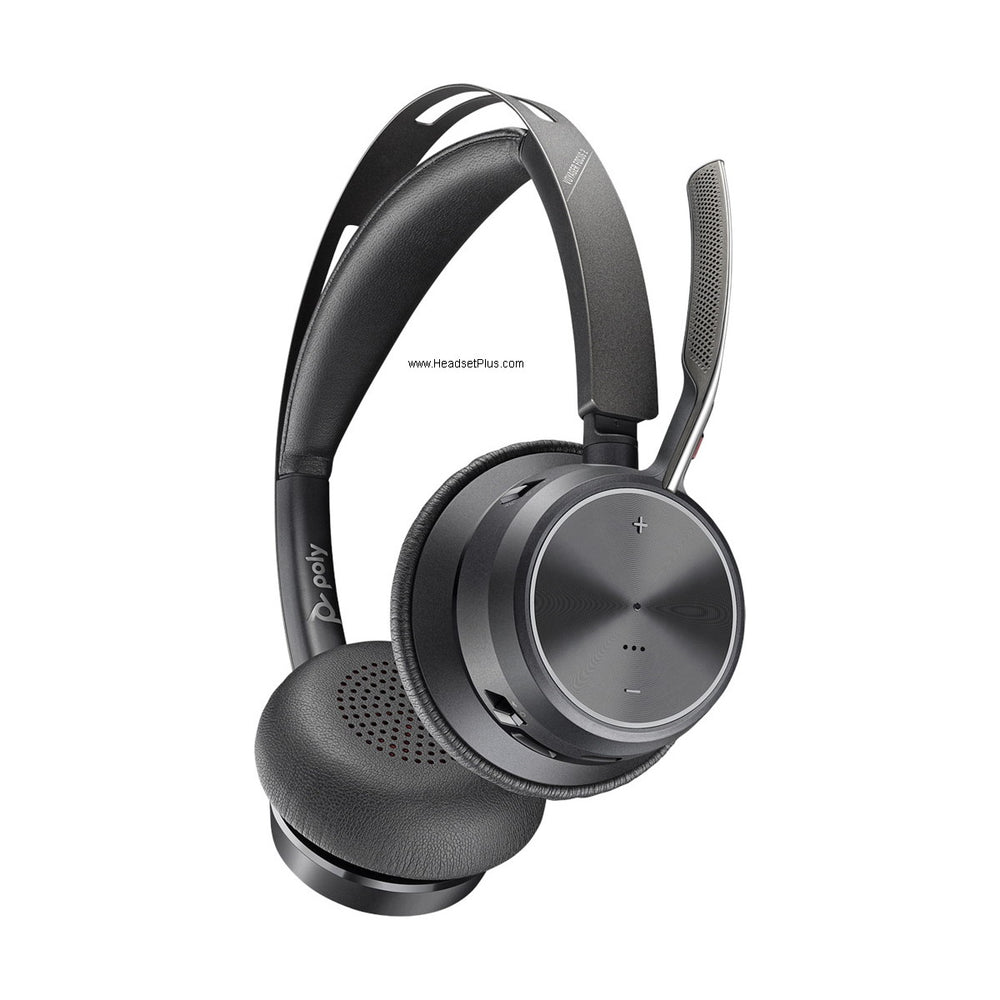












































How to connect a Plantronics headset to a computer
It depends on the kind of Plantronics headset you have. A USB headset plugs straight into a USB port. A Bluetooth headset connects through the USB adapter it came with, or pairs with the computer's own Bluetooth. A corded headset with a quick disconnect plug partway down its cable, the kind made for desk phones, needs a Poly DA-series USB adapter between that plug and the computer.
Which DA adapter a corded QD headset takes
- A standard 4-pin QD headset, such as an EncorePro 500 or 700: the DA75, or the DA85 if you want call, volume and mute buttons on the cable.
- A digital 6-pin QD headset, the EncorePro digital models whose numbers end in D: the DA90.
- Not sure which plug you have: the markings on it tell you, and our guide to the qd cord set shows where to look.
USB and Bluetooth Plantronics headsets
A USB headset needs nothing extra. Plug it into a port on the computer itself rather than an unpowered hub, then choose it as both the microphone and the speaker in Teams, Zoom or whichever calling app you use, because apps don't always follow the computer's default.
A Bluetooth headset works best through the USB adapter that shipped with it. If you've lost the adapter or never had one, see our guide on how to pair a plantronics bluetooth headset to connect it to the computer's own Bluetooth instead.
Connect a corded QD headset with a DA adapter
A corded headset made for a desk phone connects to a computer through a DA-series adapter, which has a quick disconnect plug at one end and USB at the other. The headset itself stays the same; only the part below the quick disconnect changes.
DA-series adapter: Poly's USB adapters for quick disconnect headsets. The current DA75 and DA85 have USB-A and USB-C connectors built into the same cable, so they fit older and newer computers alike.
Separate the quick disconnect
Find the flat plug partway down the headset cable and pull the two halves apart. The lower half, the part that ran to the desk phone, isn't needed here.Join the headset to the adapter
Push the headset's QD plug into the matching plug on the DA adapter until it seats. It only fits one way round.Plug the adapter into the computer
Use the USB-A or USB-C end, whichever your computer has, in a port on the machine itself rather than a hub.Pick the headset in your calling app
Open the sound settings in Teams, Zoom or your softphone and choose the Poly device as both microphone and speaker.Test it before a real call
Record a few seconds and play it back, or use our headphone test, which also checks each earpiece. It confirms the microphone side, the half nobody notices is wrong until a caller says so.
Which DA adapter fits your headset
The plug on your headset decides it. Standard Plantronics QD headsets use a 4-pin quick disconnect, and the digital EncorePro 500 and 700 models use a 6-pin one that only the DA90 accepts.
For a 4-pin QD headset, the DA75 is the basic adapter and the DA85 adds inline call control, volume and mute or hold buttons. HP says both work with any Poly QD-equipped headset, new or legacy, and there's a DA85-M version certified for Microsoft Teams. They replaced the DA70 and DA80, so if an older setup guide names those, the DA75 and DA85 are the ones you'll find today.
For a digital 6-pin QD headset, the ones whose model numbers end in D, the DA90 is the only DA adapter that fits.
What an adapter doesn't change
A DA adapter connects the headset to the computer and nothing else, so it can't keep the headset connected to the desk phone at the same time. It also doesn't change the headset: if the complaint on the desk phone was comfort or background noise, the same complaint follows it onto the computer, and that's a reason to look at a different qd headset rather than an adapter.
If the plug on your headset doesn't match anything here, call 877-999-3838 with the model number on the headset and we'll tell you which adapter it takes.
Do I need software to use a Poly DA adapter?
A Poly DA adapter works as a USB audio device, so the headset can talk and listen without extra software. Plantronics' DA series guide says Plantronics software is what lets the headset's call button answer and end calls in your softphone, and without it you answer from the softphone screen.

Comments (0)