















































How to connect a Plantronics headset to a Cisco phone
To connect a Plantronics headset to a Cisco phone with full call control, run the Poly APC-43 EHS cable between the wireless headset base and the Cisco phone's auxiliary port, then switch the hookswitch feature on. Where that switch lives depends on firmware. Cisco's 12.7(1) release notes for the 7800 and 8800 Series say the electronic hookswitch parameter, previously on the phone page in Cisco Unified Communications Manager, is now enabled from the phone itself under Admin settings > Aux port. On earlier firmware it stays in Cisco Unified CM Administration under Device > Phone, in the Wireless Headset Hookswitch Control field, set to Enabled. Reset the phone either way. On Cisco Unified Communications Manager Express the same job is one command under telephony-service. The Cisco 7811 is the exception in its series, with no headset support and no AUX port, so no EHS cable will work on it.
What decides which procedure you follow
- Firmware 12.7(1) moved the e-hook setting off Cisco Unified CM and onto the phone's own Admin settings menu.
- Wireless headset hookswitch control is disabled by default, so a cable that seems to do nothing is usually a setting rather than a fault.
- The APC-43 replaces the HL10 mechanical handset lifter on any Cisco phone that supports EHS.
- No aux port, no EHS. The 7811 has neither a headset port nor an AUX port.
Most of the instructions still circulating for this job were written against Cisco Unified CM 4.1 and phone firmware 8.3(3), and they point at a field that current 7800 and 8800 firmware no longer keeps in that place. The cable did not change. It is still the APC-43, still part 38350-13, and it still lands on the same auxiliary port. What changed is who turns the feature on, and on newer firmware that is the person sitting at the desk rather than the administrator in the server console.
What the APC-43 EHS cable does that the headset cable does not
The APC-43 EHS cable carries call control signaling between a Poly wireless headset base and the Cisco phone's auxiliary port, which is what lets the headset answer and end calls from across the room. Cisco's administration guide for the 7821, 7841 and 7861 describes the same arrangement from the phone's side: to use a wireless headset you connect a base station to the auxiliary port, and the base station communicates with the headset. Cisco lists the functions the feature covers as on-hook and off-hook, ring indication, volume and mute.
Electronic hookswitch: Electronic hookswitch: a wired signaling link between a wireless headset base and a desk phone that lets the headset take the phone off hook, so answering a call does not mean walking back to the handset.
Poly sells the cable as 38350-13, previously 38350-01, 38350-11 and 38350-12, and HP now catalogs the same part as 85Q55AA. One cable, a stack of part numbers, which matters the day a purchasing system spits back an old code. On any phone that supports EHS, the Plantronics APC-43 EHS cable removes the need for an HL10 handset lifter, the motorized arm that physically raises the handset out of its cradle. Phones without an aux port still need the HL10, and that is the whole reason the lifter is still sold.
Check the Cisco phone has an aux port before ordering
The aux port decides this, not the family name on the front of the phone. The Cisco models listed as working with the APC-43 are the 6851, 6945, 7821, 7841, 7861, 7942G, 7945G, 7962G, 7965G, 7975G, 8811, 8841, 8845, 8851, 8861 and 8865. The 7811 is the one phone in the 7800 Series that supports no headset at all and carries no AUX port, so when EHS does not work on a 7811 the cause is neither the firmware nor the cable.
Every 8800 model on that list has the aux port the APC-43 needs, so the cable works the same on an 8841 as on an 8851. The differences between the 8841 and 8851 are Bluetooth, USB and expansion modules, not EHS.
On the 7821, 7841 and 7861 the analog headset jack is a standard wideband-capable RJ-9 audio port, and it is not the port the APC-43 uses. The 7900 Series handsets on that list are well past their order window: Cisco's end-of-life notice for the 7915, 7942 and 7962 set February 1, 2016 as the last day to order them. Plenty are still in service, and the APC-43 still works on them, but a floor running 7942G and 7962G handsets is a floor where the Cisco Unified CM procedure below is the one that applies, because none of them ever received 12.7(1).
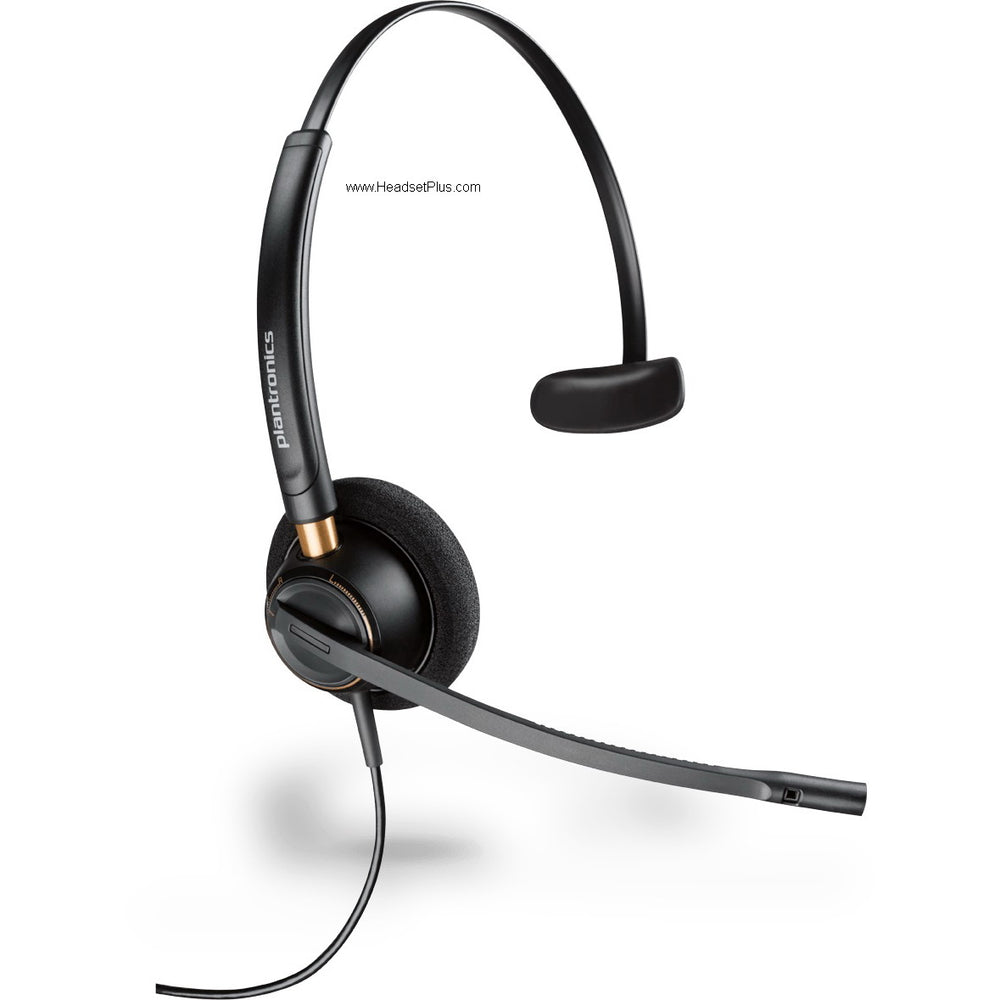
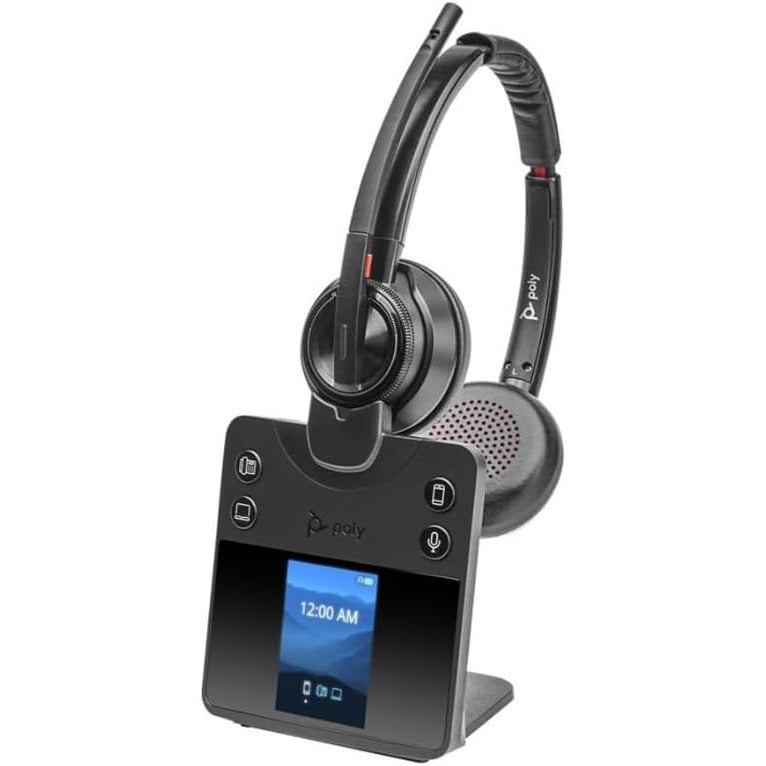
The cable is only half of the order. Pair it with a headset for cisco ip phone from the CS500, Savi or Voyager Office families, because those are the bases the APC-43 was built to talk to: the CS540, the Savi 7210, 7220, 7310, 7320, 8210, 8220 and 8245, and the Voyager Office 4210, 4220, 4245 and 5200.
Setting up the Plantronics APC-43 step by step
Six steps, and only one of them changes depending on what the phone is running.
Confirm the phone has an aux port
Check the model against the list above. If it is a 7811, stop here: no headset support and no AUX port means the APC-43 has nothing to connect to, and an HL10 lifter is not a workaround either.Connect the base station to the auxiliary port
Run the APC-43 from the EHS socket on the Poly base to the auxiliary port on the back of the Cisco phone. Cisco's own description of the arrangement is that the base station connects to the auxiliary port and communicates with the wireless headset.Find out which firmware release the phone runs
Firmware 12.7(1) is the dividing line. A 7800 or 8800 Series phone at 12.7(1) or later uses the on-phone menu in the next step. Anything earlier, including every 7900 Series handset, uses Cisco Unified CM in the step after that.On 12.7(1) or later, enable e-hook on the phone
Open Admin settings on the phone, choose Aux port, and select the e-hook headset option. Cisco's Webex help describes the same choice on the Cisco Video Phone 8875 as Aux port, then Connect e-hook headset. Cisco's reason for moving it here was to make headsets easier for people to enable and use.On older firmware, enable it in Cisco Unified CM
Open Cisco Unified CM Administration, go to Device > Phone, open the phone record, find Wireless Headset Hookswitch Control, set it to Enabled and apply. This is the field the older guides describe, and on the 7821, 7841 and 7861 it is where Cisco documented it before 12.7(1).Reset the phone and place a test call
Reset the phone so the change takes. Then call the extension from a cell phone, leave the handset in its cradle, and answer from the headset button. If the headset rings but the call does not connect, the hookswitch setting did not apply.
Where the hookswitch setting went in firmware 12.7(1)
Cisco moved it onto the phone. The 12.7(1) release notes for both the 7800 Series and the 8800 Series say users can now enable electronic hookswitch control, or e-hook, from the phone, that the parameter was previously located on the phone page in Cisco Unified Communications Manager, and that the path is Admin settings and then Aux port.
What the cable listing implies
Plug the APC-43 into the aux port and the wireless headset can answer calls.What the documentation says
Wireless headset remote hookswitch control is disabled by default. Until it is switched on and the phone is reset, the cable carries no call control at all.A mixed fleet means running both procedures in the same afternoon. Firmware is a per-phone property, so two identical 8841s on the same cluster can need different steps purely because of the release each one happens to be on. Check the release before you open Cisco Unified CM looking for a field that is no longer there.
Enabling EHS on Cisco Unified CME
Cisco Unified Communications Manager Express does this from the router command line, not from a web page. Under telephony-service the command is service phone ehookEnable 1, followed by create cnf-files and a reset of the phones. Cisco's documentation on wireless headset remote hookswitch control in CME and the UC500 puts the requirement at phone firmware 8.3(3) or higher and states that the feature is disabled by default. Auto answer is a separate command under the ephone configuration, so a headset that connects calls but does not open the line automatically is working as configured.
Questions about the APC-43 and Cisco phones
Is the Plantronics APC 43 the same thing as the Poly APC-43?
Yes. The Plantronics APC-43 and the Poly APC-43 are one cable under a series of part numbers: 38350-13 today, 38350-01, 38350-11 and 38350-12 before that, and 85Q55AA in HP's catalog. Plantronics became Poly, and Poly became part of HP, so all three names appear on listings for the identical part.
Which Cisco phones work with the APC-43 EHS cable?
The APC-43 EHS cable is listed for the Cisco 6851, 6945, 7821, 7841, 7861, 7942G, 7945G, 7962G, 7965G, 7975G, 8811, 8841, 8845, 8851, 8861 and 8865. The Cisco 7811 is not on that list and cannot be: it supports no headset and has no AUX port.
Do I still need an HL10 lifter if I have the APC-43?
No. On a Cisco phone that supports electronic hookswitch, the APC-43 removes the need for the HL10 handset lifter, because the phone goes off hook electronically instead of having the handset lifted for it. The HL10 is for phones with no aux port, where mechanical lifting is the only route to remote answering.
Why does the APC-43 not answer calls after I plugged it in?
Wireless headset hookswitch control is disabled by default on Cisco phones, so the APC-43 passes nothing until the feature is enabled and the phone is reset. On 7800 and 8800 Series firmware 12.7(1) or later, enable it on the phone under Admin settings and then Aux port. On earlier firmware, enable Wireless Headset Hookswitch Control in Cisco Unified CM Administration.
Comments (0)