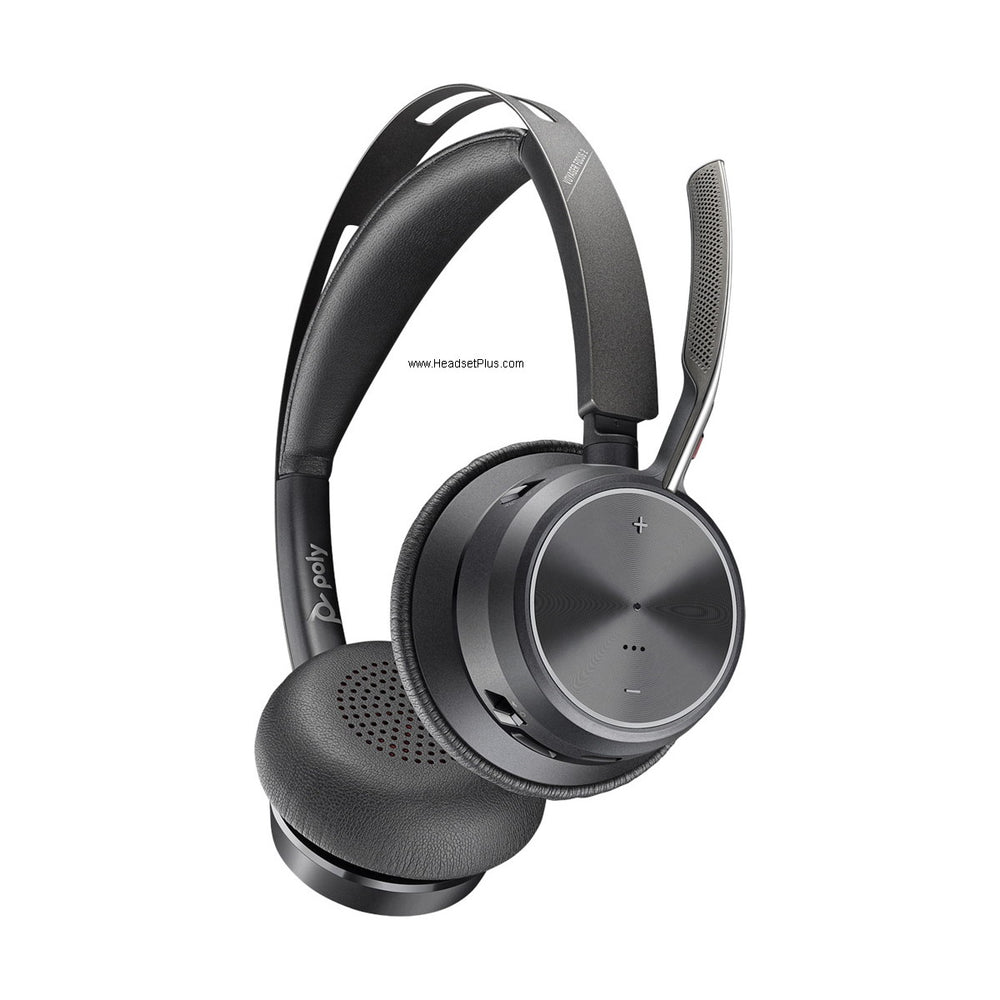












































When Zoom uses the wrong microphone or speaker, choose the headset by its device name in Zoom Audio settings and run the built-in test. Microphone and speaker are separate selections, so hearing the meeting through a headset does not prove Zoom is transmitting its microphone. Avoid “Same as System” during diagnosis because docks, monitors and Bluetooth reconnections can change the system default.
Name the device, do not inherit it
- Zoom holds its own microphone and speaker choice, separate from the operating system.
- You can hear the meeting through the headset while everyone else hears your room.
- Same as System is convenient until a dock, monitor or Bluetooth device reconnects and moves it.
- Check where alerts play when the headset is off your head.
- Note whether the failure follows docking, sleep or a Bluetooth reconnection.
Why the laptop microphone stays active
Zoom can route incoming sound to a headset while keeping the laptop microphone selected. This produces the confusing result that you hear privately but everyone else hears the room.
The two-minute routing test
Select named devices
Choose the headset explicitly for both speaker and microphone.
Run the Zoom test
Listen to the speaker tone and record a microphone sample.
Check the ringer workflow
Confirm where alerts play when the headset is not being worn.
Reconnect everything
Dock, undock, sleep and wake the computer, then verify the selections again.
Myth
Same as System is always the safest setting
Reality
It is convenient, but the system default can change as devices reconnect. Explicit selection is better while diagnosing an unstable workstation.
What to record for support
Capture the exact names Zoom shows before and after the failure, plus whether the issue follows sleep, docking or Bluetooth reconnection.
Use the Zoom headset collection after defining the connection and controls the role requires.
Frequently asked questions
Everyone can hear my room instead of my headset. Why?
Zoom can route incoming sound to the headset while keeping the laptop microphone selected. You hear the meeting privately and the meeting hears the room. Set the microphone explicitly, not only the speaker.
Should I just use Same as System?
It is convenient, but the system default can change as devices reconnect. While you are diagnosing an unstable workstation, pick the headset by name instead.
The problem only appears after I dock or wake the laptop. Is that normal?
It is common. Dock, undock, sleep and wake the computer, then check the Zoom selections again, and record whether the failure follows docking, sleep or a Bluetooth reconnection.