















































Microsoft Teams Headsets
Microsoft Teams headsets, and what the certification actually buys
Every Microsoft Teams headset here is certified by Microsoft, which is a specific promise rather than a badge on a box. A certified headset registers with the Teams client by itself, needs no configuration, and gives you answer, hang-up, mute and volume from the headset. Newer certifications add a dedicated Teams button with an LED that lights when a meeting starts.
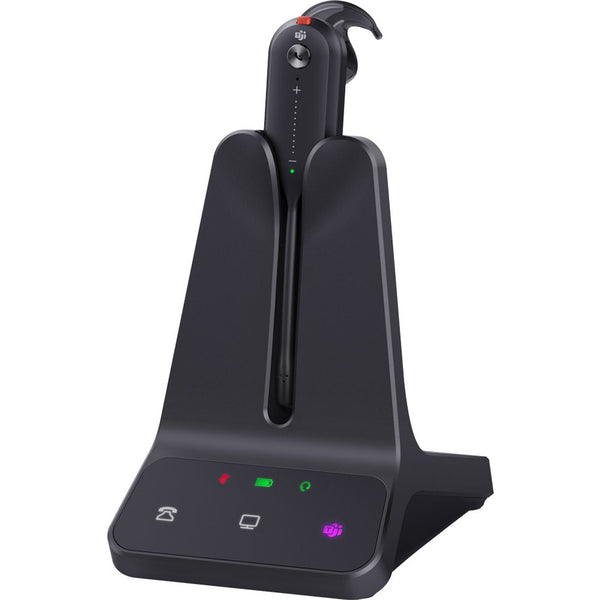
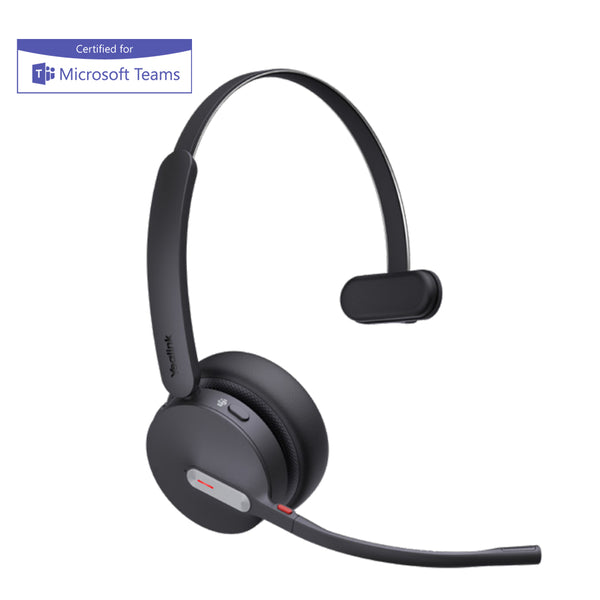
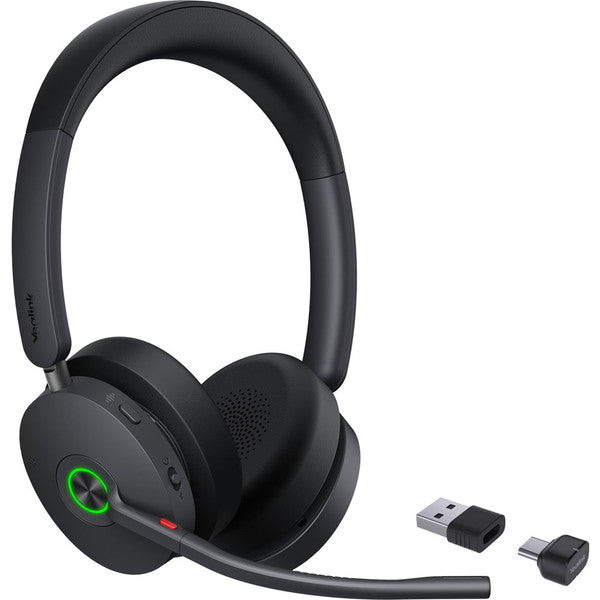
Yealink BH70 Bluetooth Headset - Teams Certified
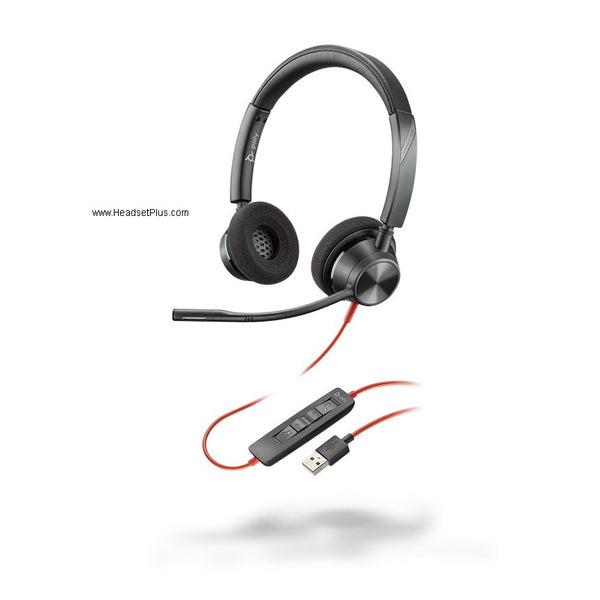
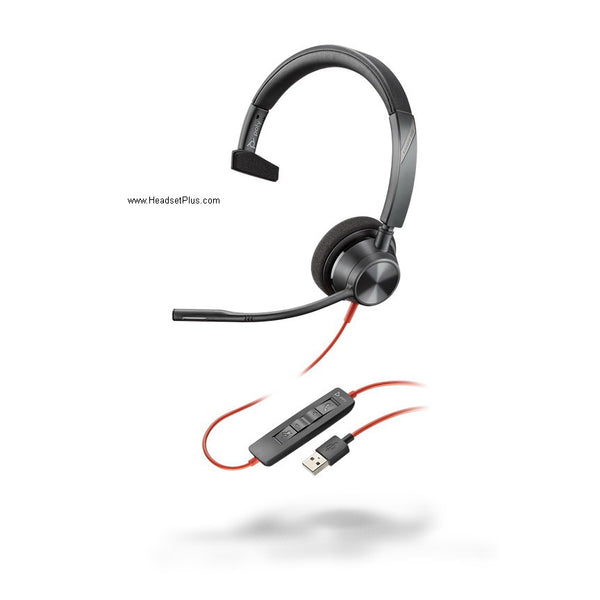
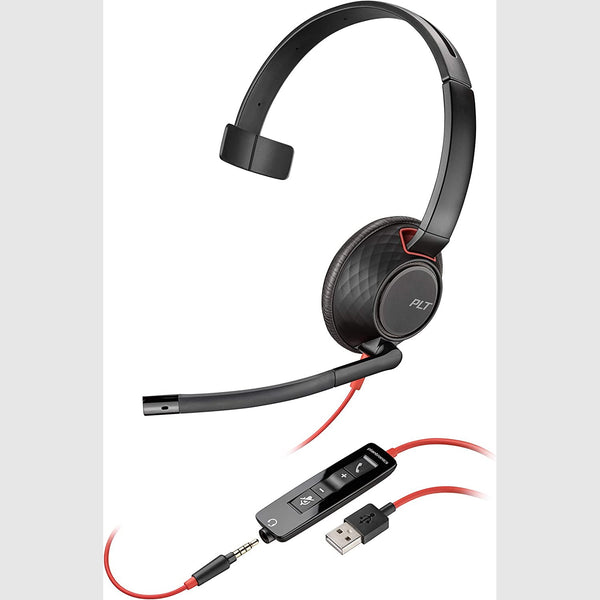
Plantronics Blackwire 5210 Mono Headset – USB & 3.5mm (Teams Certified)
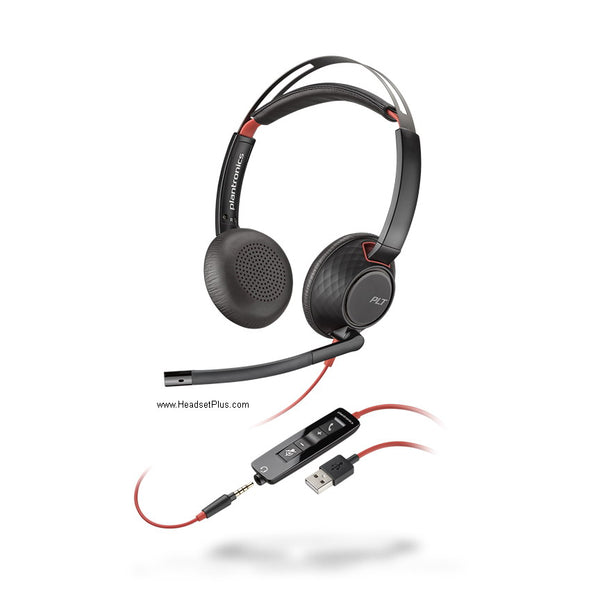
Plantronics Blackwire 5220 Stereo Headset – USB & 3.5mm (Teams Certified)
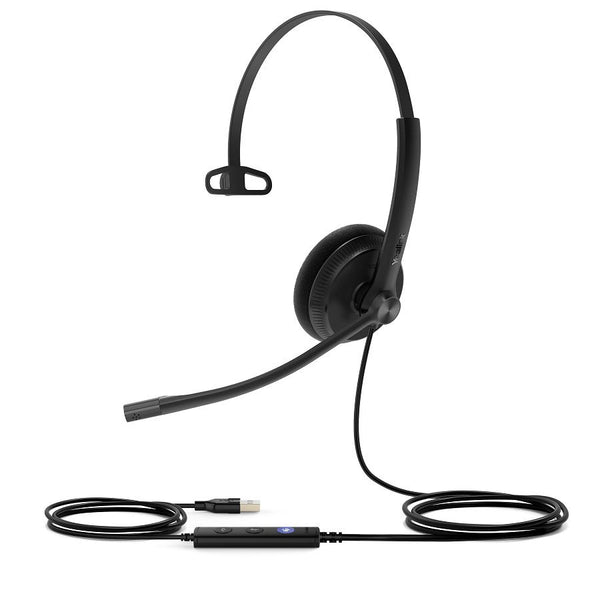
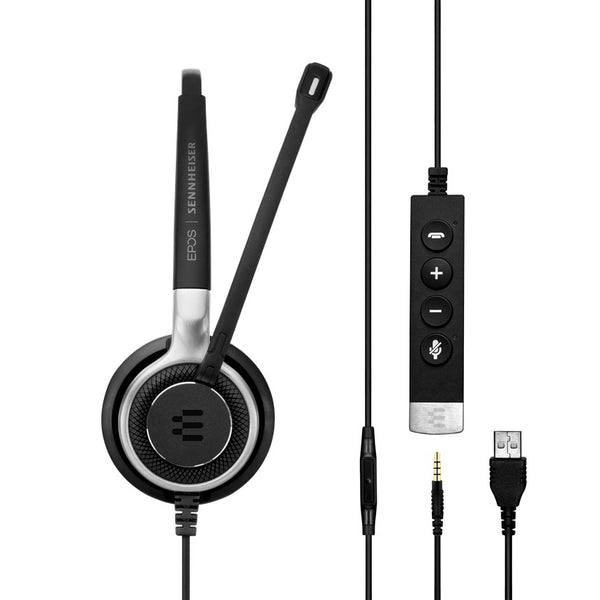
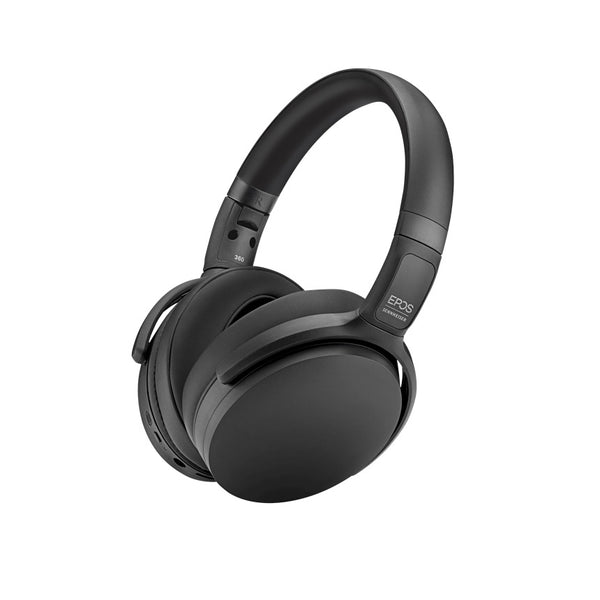
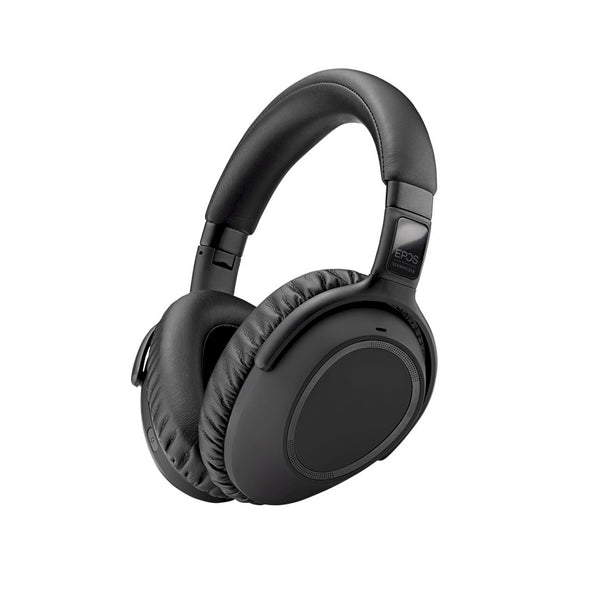
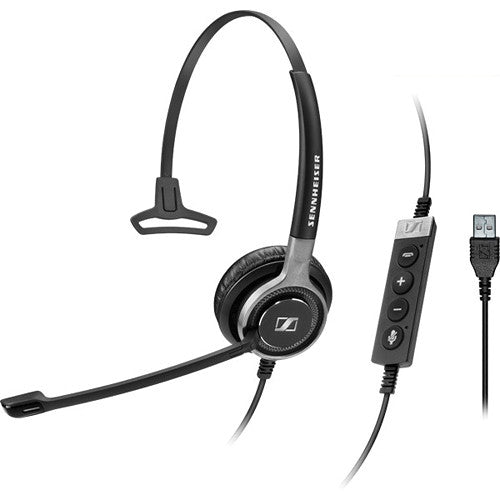
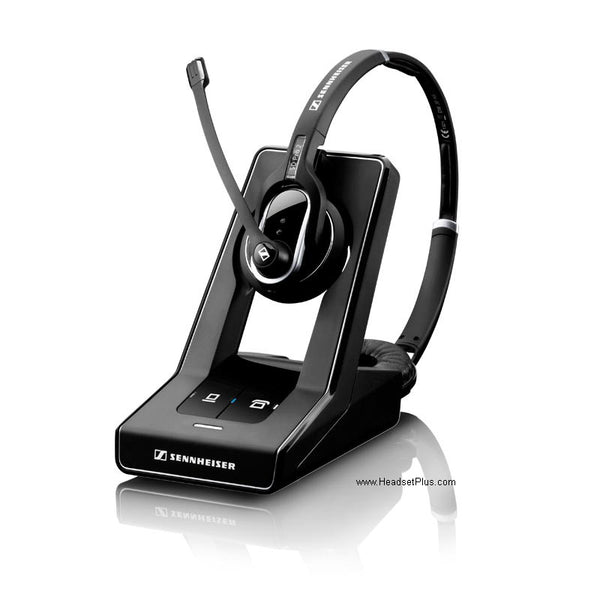

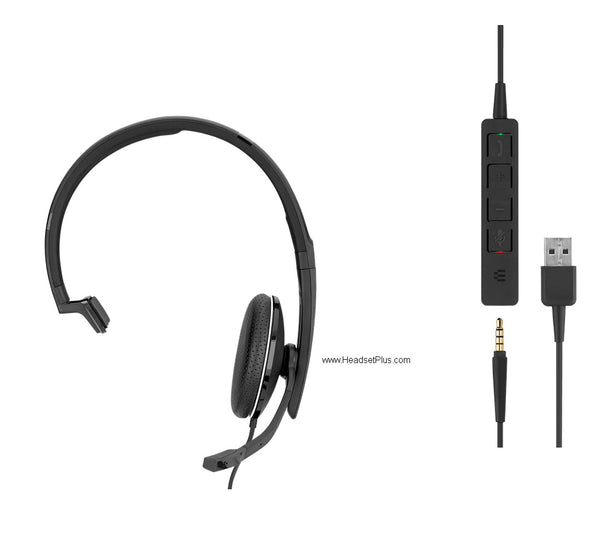
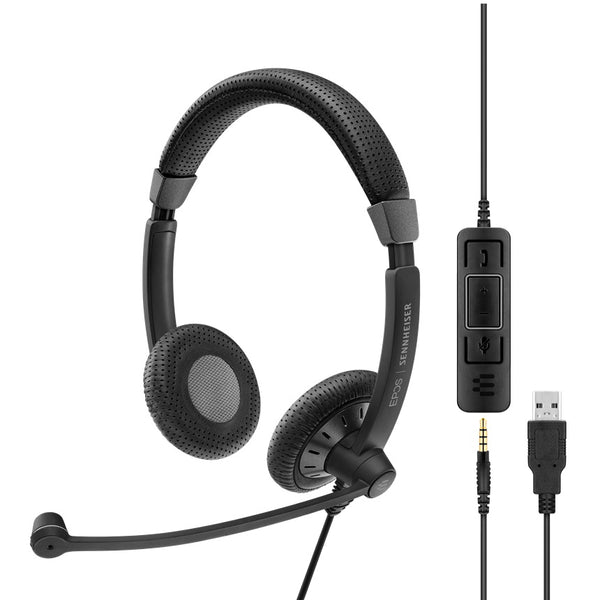
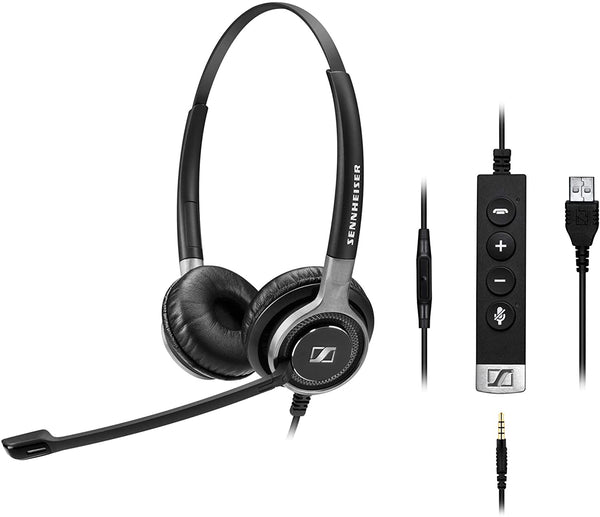
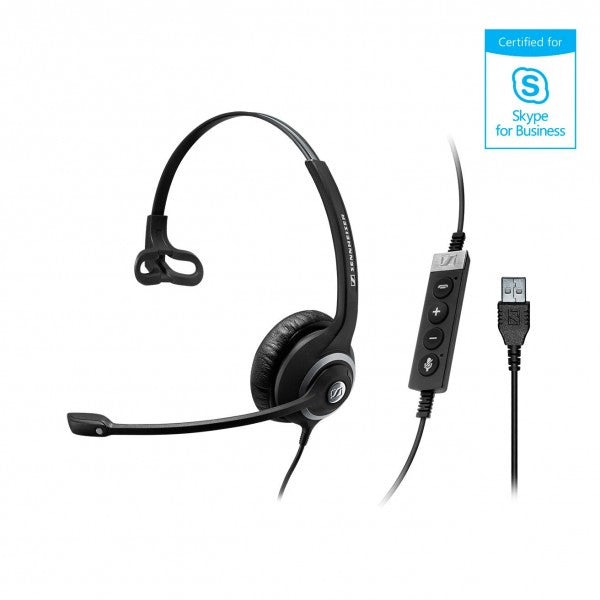
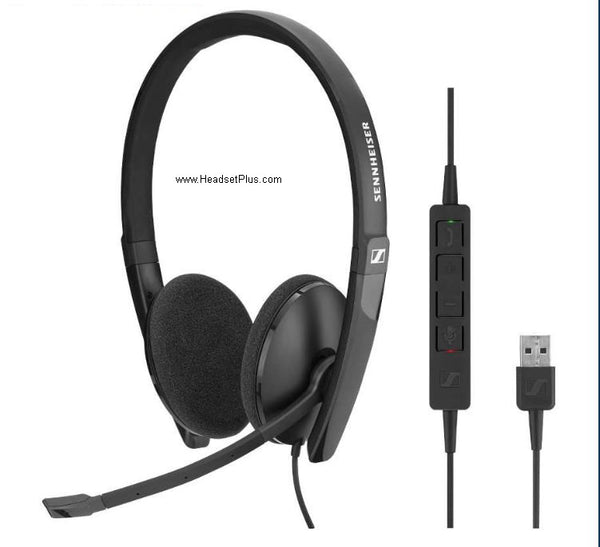
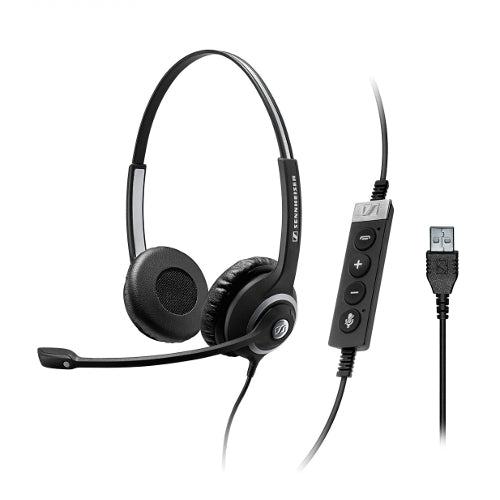
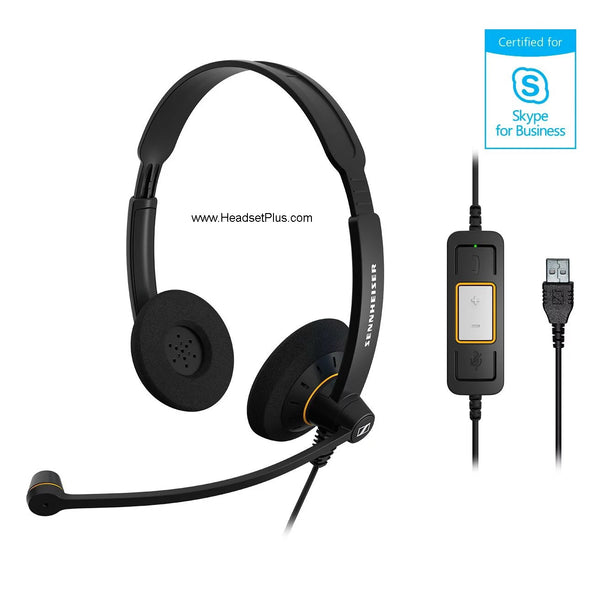
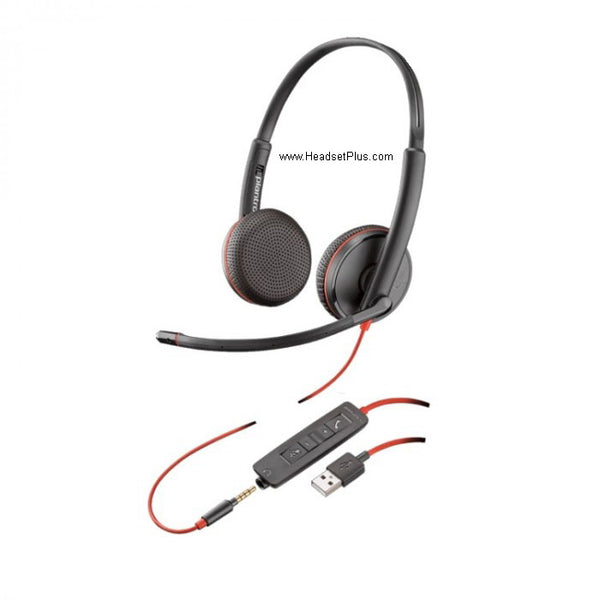
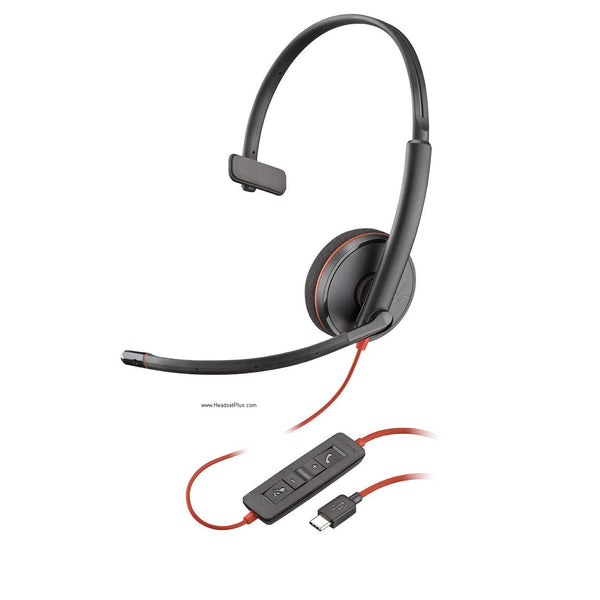
No products match “” in Microsoft Teams Headsets.
What Microsoft Teams certification guarantees
Four things, and Microsoft tests each of them. The headset is selected as the default audio device and prioritised over anything else plugged in. It registers with Teams and is ready to use with no provisioning. Answer, hang-up, mute and volume work from the headset on both PC and Mac. And the audio is wideband, with echo cancellation and no distortion.
Two certification tiers, and both say Teams
Microsoft's list carries "Certified for Microsoft Teams" and, on older hardware, "Skype for Business with upgrade to Microsoft Teams". Both work with Teams. The newer tier is what brings the dedicated Teams button, the LED and the meeting notifications; the older tier gives you the call control and the audio quality without the button. Worth knowing if the button is the reason you are buying.
Corded, wireless or DECT
Most of this grid is corded USB, which is the cheapest way in and has nothing to charge. Wireless models reach Teams through their own USB dongle rather than your laptop's Bluetooth, though Microsoft now certifies some for native Bluetooth on Windows as well. DECT trades a base station on the desk for range around the floor.
| How you work | Connection | What to look for |
|---|---|---|
| One desk, all day | Corded USB-A or USB-C | The newer Teams certification, for the button |
| Desk plus meeting rooms | Wireless with USB dongle | Whether it is also native-Bluetooth certified |
| Roaming the floor | DECT with a base | Range, and desk space for the base |
| Open-plan and noisy | Any | The Premium Microphone for Open Office designation |
FAQ
Frequently Asked Questions
Microsoft Teams certification means Microsoft has tested the headset against its own specification for audio quality, user interface, device management and security. A certified headset works plug-and-play with no configuration, registers with the Teams client automatically, and supports answer, hang-up, mute and volume from the headset itself on both PC and Mac.
No. Almost any headset will carry audio on a Teams call. Microsoft Teams certification is what guarantees the rest: that Teams picks the headset as the default device, that the buttons control the call rather than doing nothing, and that the microphone has been tuned and tested to Microsoft's specification instead of just working.
Usually through their own USB dongle rather than your laptop's Bluetooth radio, because that is what most wireless Microsoft Teams headsets are designed and certified for. Microsoft has since added a native Bluetooth certification for Windows PCs, so some models now work either way, and performance in native mode depends on the Bluetooth radio in the computer.