





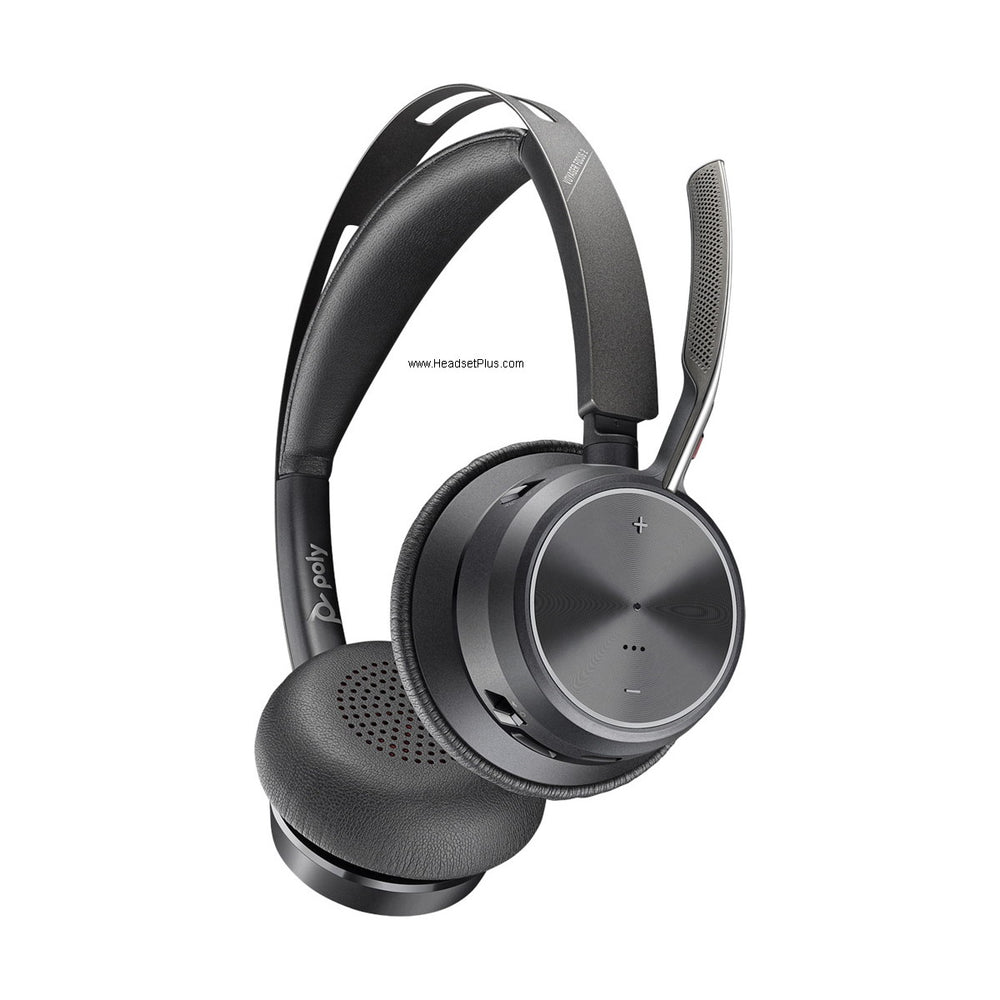









































VoIP Headsets
VoIP headsets that are certified, not just compatible
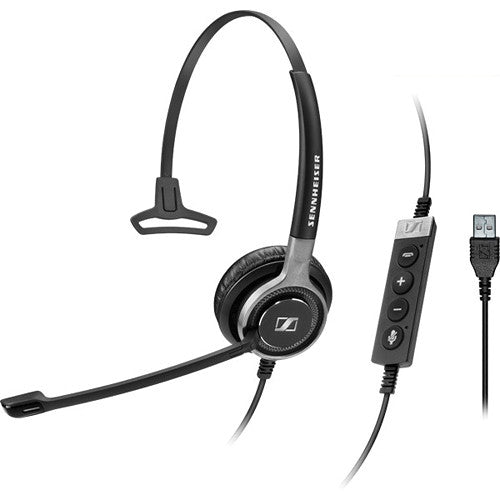
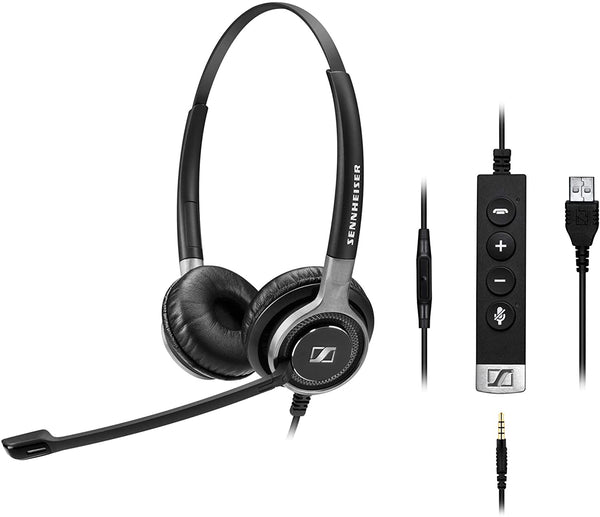
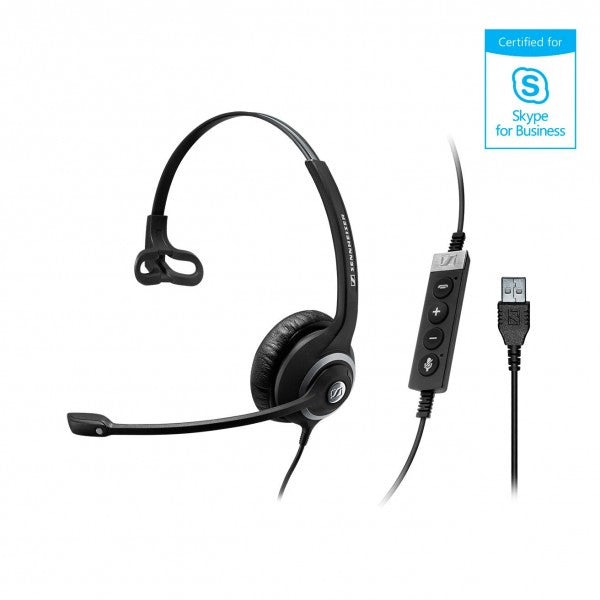
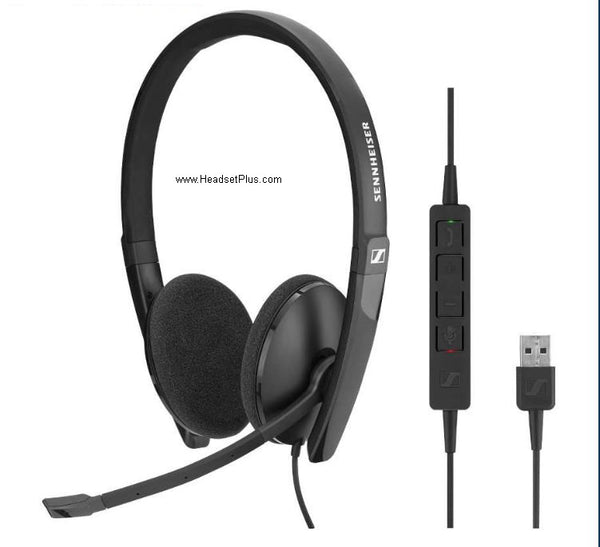
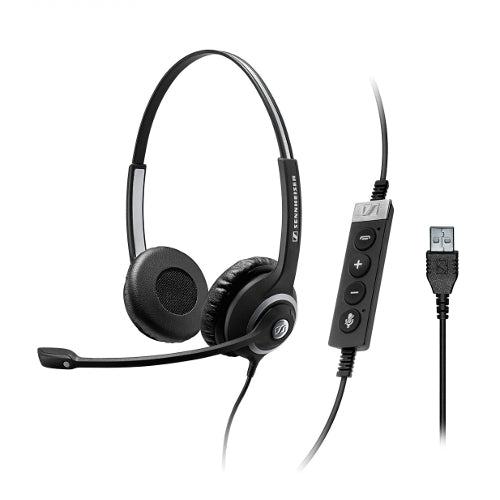
Every VoIP headset in this grid carries a UC certification, and that is the difference between a headset that passes audio and one whose buttons actually control the call. All of them plug into a computer, so this is the softphone and UC-app path. If your calls arrive on a VoIP desk phone instead, you need an RJ9 headset, and very few here have that connector.
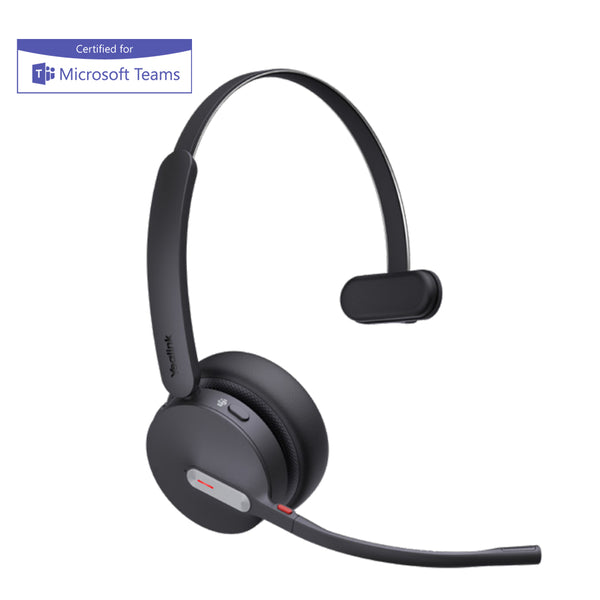
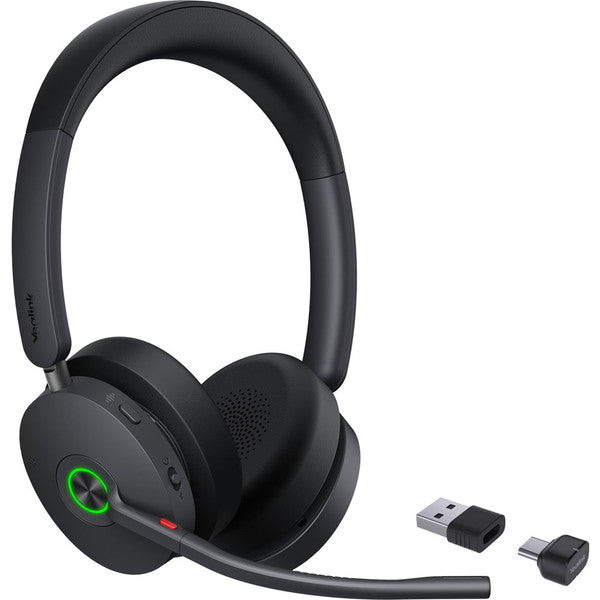
Yealink BH70 Bluetooth Headset - Teams Certified
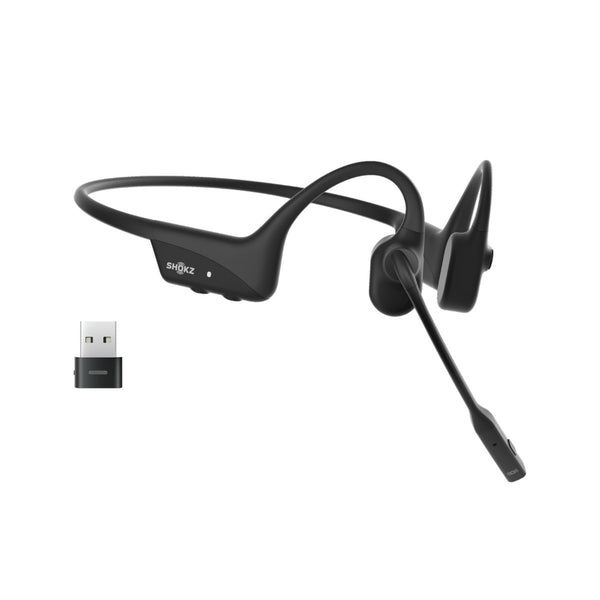
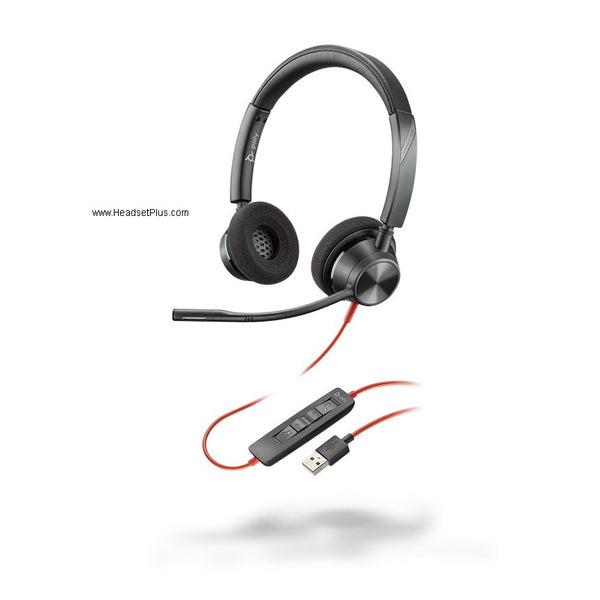
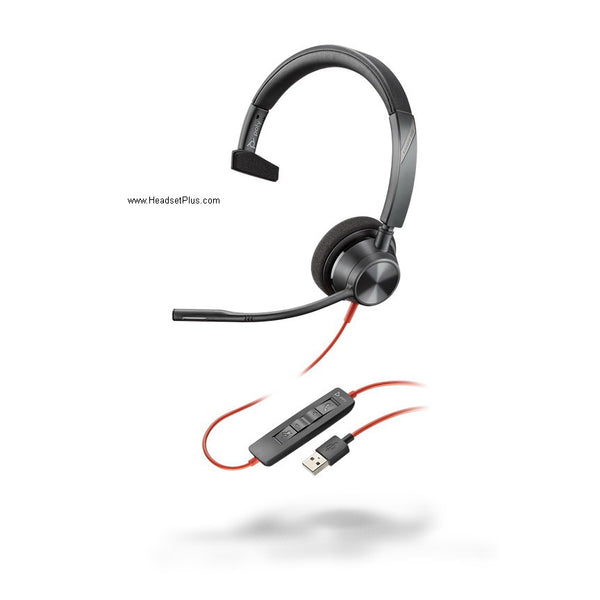
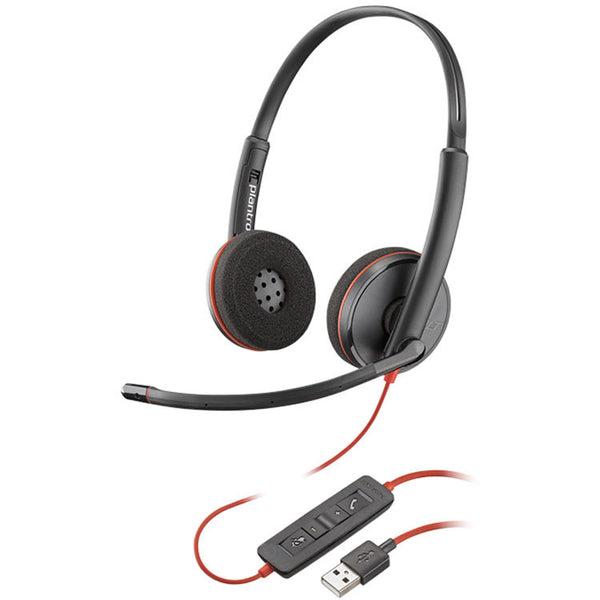
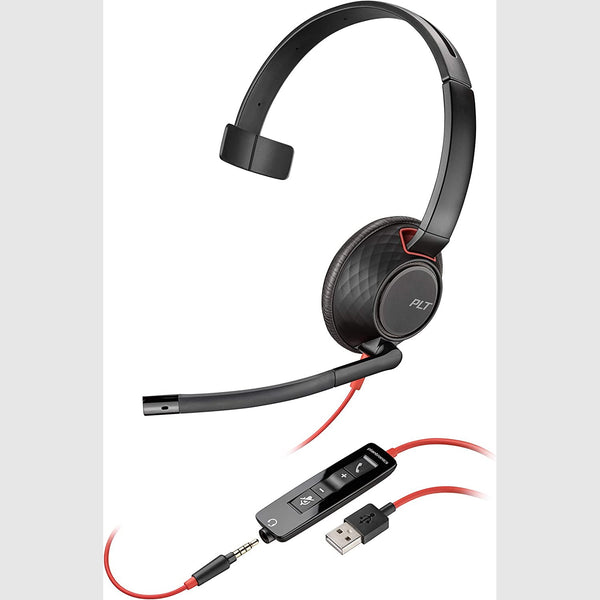
Plantronics Blackwire 5210 Mono Headset – USB & 3.5mm (Teams Certified)
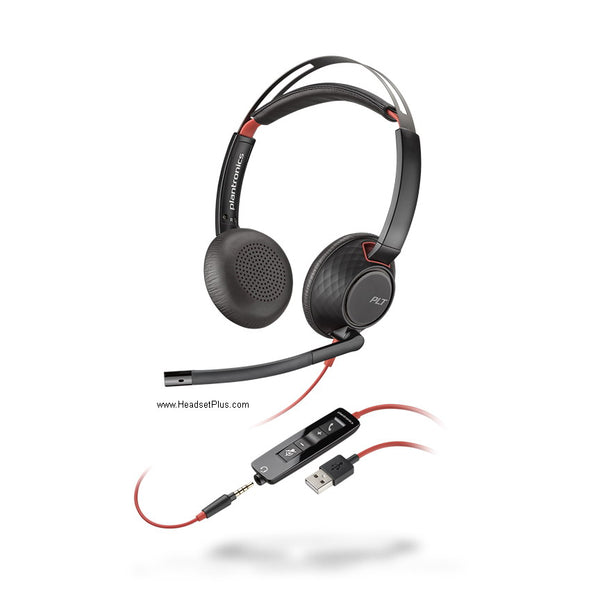
Plantronics Blackwire 5220 Stereo Headset – USB & 3.5mm (Teams Certified)
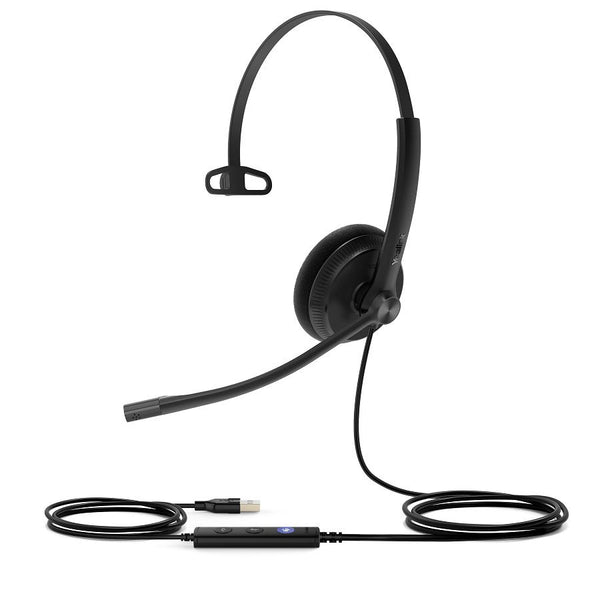
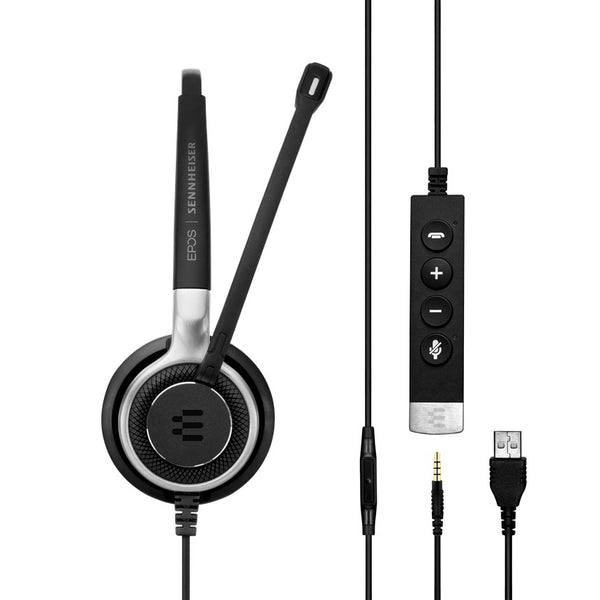
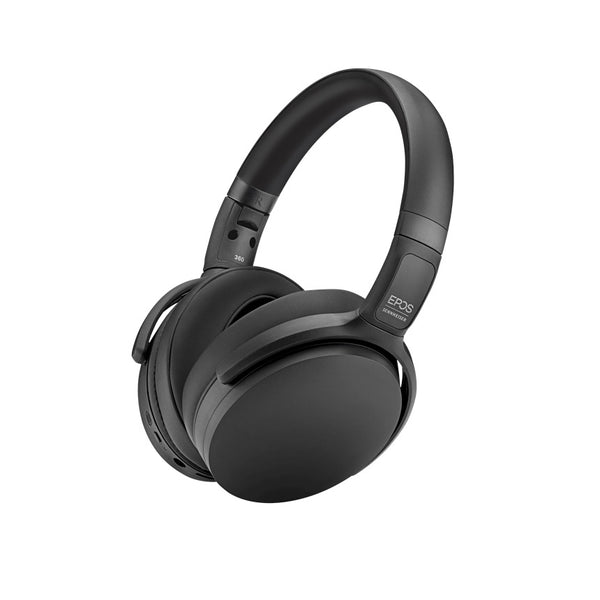
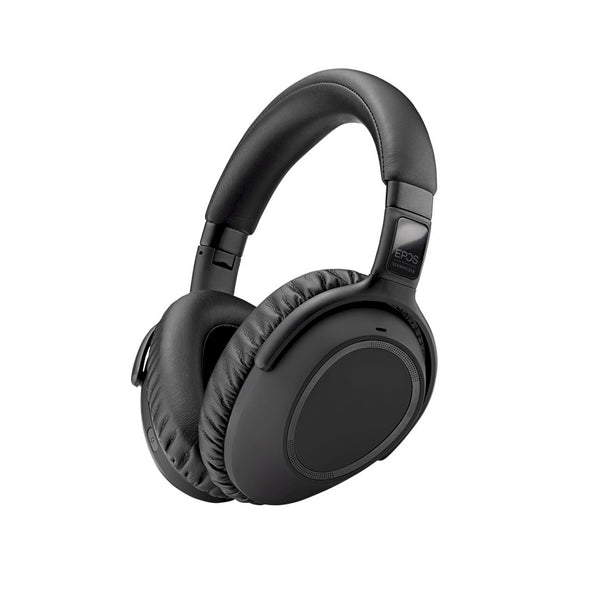

No products match “” in VoIP Headsets.
Which VoIP headset fits how you take calls
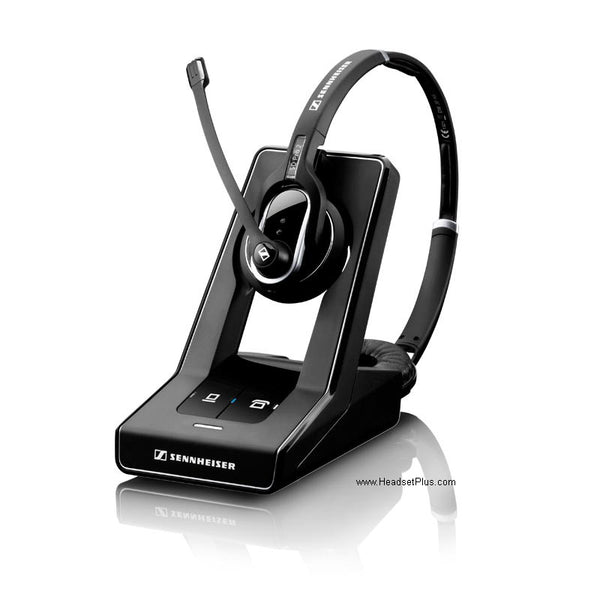
The connector decides it. Most of this grid is corded USB: plug in and the softphone finds them. A smaller group is Bluetooth, reaching the app through its own USB adapter rather than your laptop's radio. A couple are DECT, trading a base station on the desk for range around the floor.
Certified for the platform you actually use
Most carry Microsoft Teams certification; the rest cover Skype for Business, RingCentral, Zoom or Webex. A certification covers the call-control buttons and the microphone tuning for that one platform, so match it to the app you open every morning rather than treating UC certification as a single badge.
Corded, Bluetooth or DECT
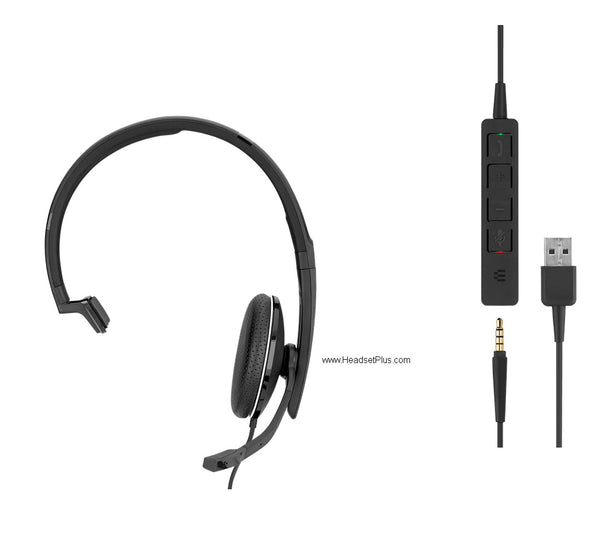
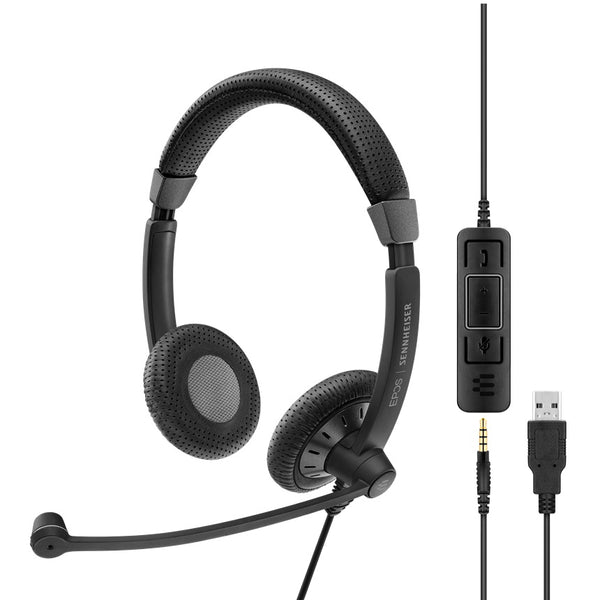
A corded USB VoIP headset is the cheapest and has the least to go wrong, and it is most of this grid. A VoIP bluetooth headset buys the walk to the printer and pairs to a phone too. DECT buys the most range and costs the most. The best VoIP headset for a call center is usually corded: nothing to charge, nothing to pair.
| How you take calls | Connector | What to look for |
|---|---|---|
| Softphone, at one desk | USB-A or USB-C | Certification for your platform |
| Softphone, moving around | Bluetooth plus adapter | The adapter, not laptop Bluetooth |
| Softphone, roaming the floor | DECT base | Range, and a base on the desk |
| VoIP desk phone | RJ9 | EHS to answer away from the desk |
What makes a VoIP headset different
Nothing in the hardware, which is the honest answer. A VoIP headset is an ordinary USB or wireless headset a platform has tested and certified, so its buttons map to answer, end and mute in that app. The certification is the part nobody notices until it fails.
FAQ
Frequently Asked Questions
Audio, yes. Nearly any USB headset will carry a VoIP call. What varies is call control: a certified USB VoIP headset reports itself as a USB HID device, so the answer, end and mute buttons drive the softphone. An uncertified one often leaves those buttons doing nothing, and you go back to clicking on screen.
Mostly no, and it is worth checking before ordering. Almost every headset in this collection connects to a computer, which is the softphone path. A VoIP phone headset for a physical desk phone needs an RJ9 connector, and very few models here have one. If your calls come through a desk phone rather than an app, filter for RJ9.
For a call center, corded USB usually beats wireless: there is no battery to run flat mid-shift and no pairing to lose. Look for a noise-cancelling microphone and a certification matching the platform the floor runs on. Wireless earns its place when agents leave the desk, which in most contact centers they do not.