











































What is sidetone?
Sidetone is a small amount of your own voice played back into your earpiece while you talk. It tells you the microphone is live and lets you judge how loudly you're speaking. With too little, people start to shout; with too much, they start to mumble.
Telephones have always had it. On a headset it matters more, because the earpiece covers the ear you'd normally hear yourself with.
Sidetone is one of the settings that decides how comfortable a long shift on a dispatcher headset feels, and it's the reason you hear yourself when you key the radio.
What sidetone does
Sidetone does three jobs, and you notice all three when it's missing:
- It sets your volume. You adjust how loudly you talk by hearing yourself. Take that away and most people raise their voice without realizing it.
- It confirms the connection. Hearing yourself tells you the microphone works and the line is open. When the sidetone stops, the call has usually dropped.
- It makes the headset feel natural. Without it, talking with your ear covered feels like talking with a finger in your ear.
Wikipedia's entry on sidetone traces "cell yell", people shouting into mobile phones, to the fact that many phones carry less sidetone than landlines did.
Too much, too little, or none
The right level is the one where you forget it's there. Each wrong setting has its own sound:
- Too little: your voice sounds far away, so you talk louder and tire faster over a shift.
- Too much: your own voice fills the earpiece, so you speak quietly and the person listening struggles to hear you.
- None at all: the headset feels dead, and you can't tell whether you're being heard.
Sidetone is not the same as echo. Sidetone is instant, your voice as you speak it. An echo arrives a moment later, and it usually means sound from someone's speakers is getting back into a microphone.
Why sidetone matters for dispatchers and controllers
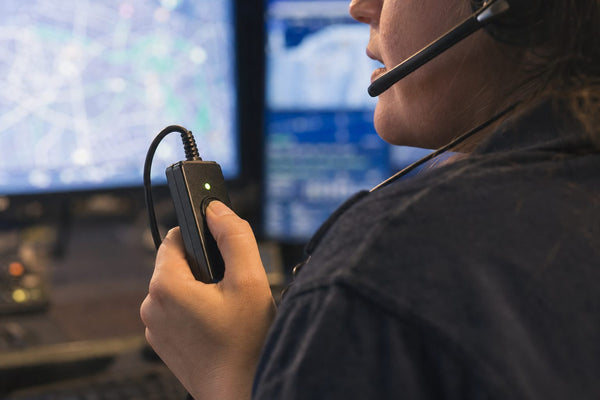
Dispatchers and air traffic controllers talk for hours, and much of it is over push to talk radio, where sidetone does a job it doesn't do on a phone call. In aviation, you hear your sidetone when you press the push to talk switch. Sporty's, the pilot supply company, describes the effect of getting it wrong: too little and pilots yell into the microphone, too much and they talk softer, and their transmissions break up.
Voice strain is the other reason. A dispatcher who can't hear themselves raises their voice call after call, and a whole shift of that is tiring. Sidetone also carries some room noise back into your ear along with your voice, so on a loud floor a noise-canceling microphone keeps both the radio and your earpiece cleaner. The headsets 911 dispatchers use mostly have noise-canceling mics for this reason.
Where sidetone is set
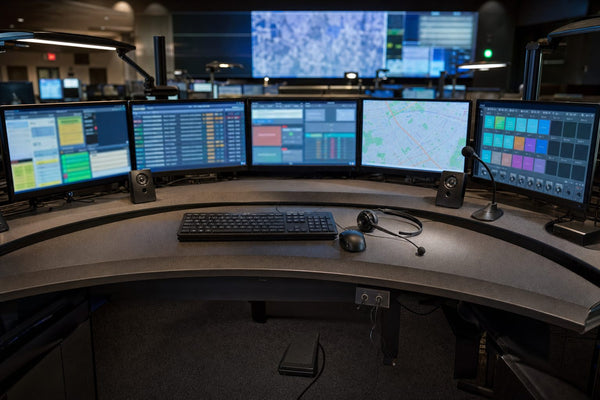
Sidetone is usually set by the equipment the headset plugs into, not by the headset itself. On a phone, it comes from the phone. On a computer, the headset's software often has a sidetone slider. On a radio, Sporty's points out it's a function of the radio or intercom, set by the technician when the radio is installed. Dispatch consoles are configured centrally in the same way, so the equipment 911 dispatchers use decides the level more than the headset on your head.
How to adjust sidetone
Where you change it depends on what the headset is connected to:
- Desk phone: look for sidetone or headset settings in the phone's audio menu.
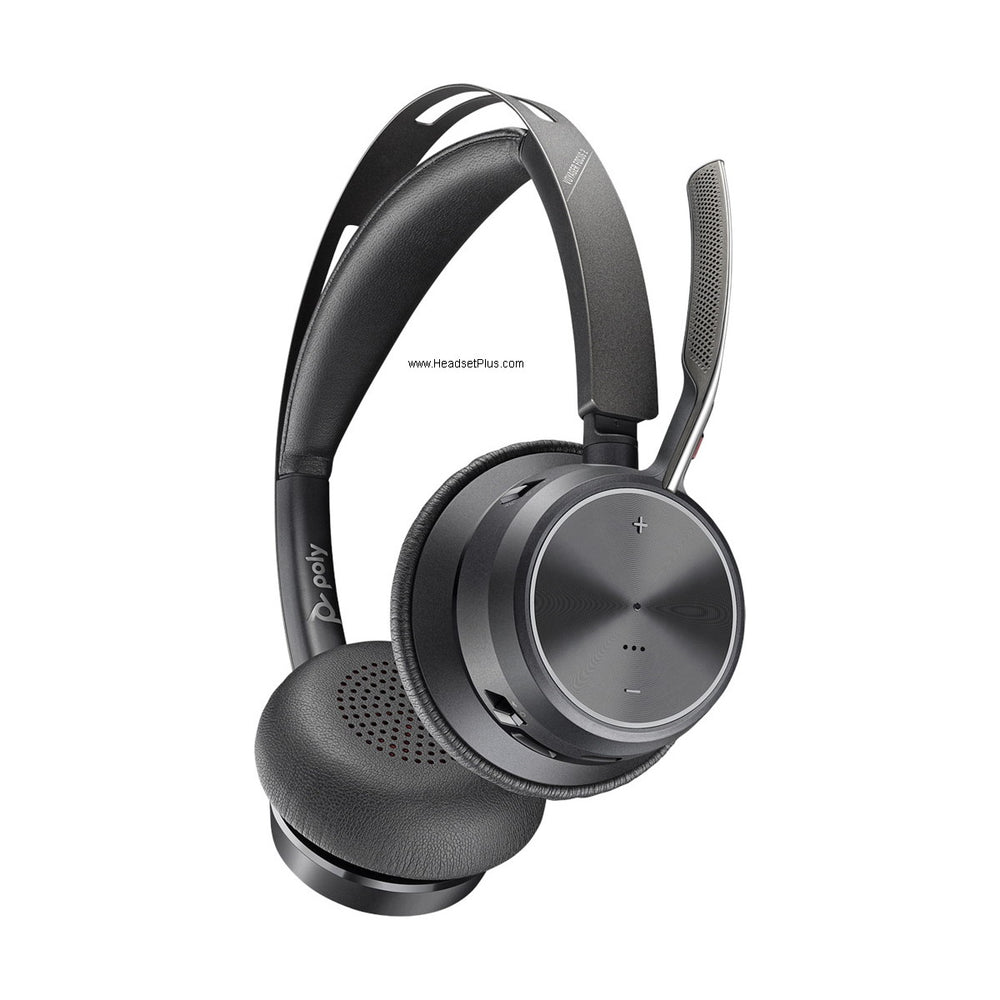
- Computer headset: open the headset maker's app and look for a sidetone or "hear myself" slider.
- Radio or dispatch console: ask the technician who manages the system. In aviation, pilots are told to adjust their headset volume instead, since that changes how loud sidetone sounds.
Why can't I hear myself in my headset?
If you can't hear yourself in your headset, sidetone is turned off or set very low on the phone, computer app or console the headset connects to. Turn it up there; the headset itself rarely has a sidetone control.
Does the other person hear my sidetone?
No. Sidetone only plays in your own earpiece. The person on the other end hears your microphone as normal.