


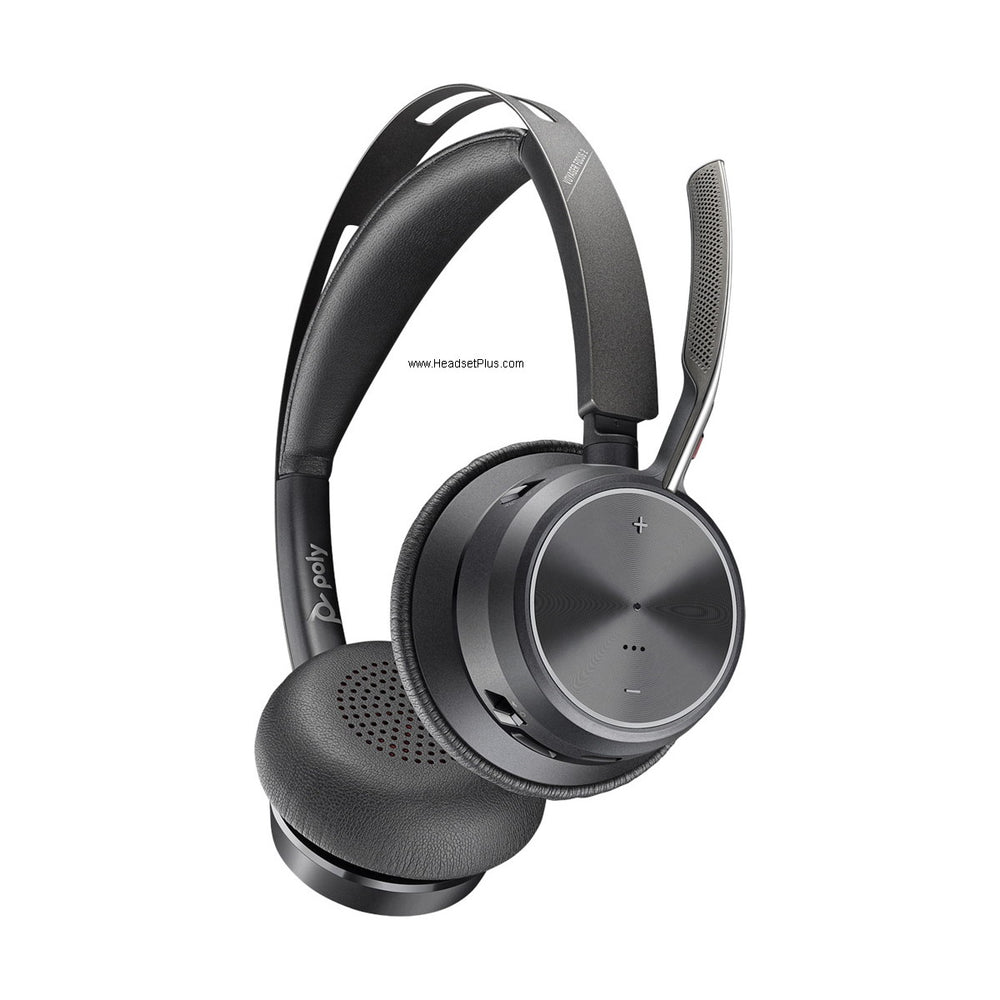












































Plug a cheap headset into your laptop's 3.5mm jack and you might notice a faint hum, hiss, or static under your voice — especially with the laptop plugged in to charge. That's not a bad headset; it's electrical interference from inside the computer itself. A USB headset sidesteps that problem entirely, and understanding why explains a lot about what you're actually paying for when you buy one.
Key takeaways
- A computer's sound card sits near noisy internal components (CPU, graphics card, drives), which can introduce hiss and interference into analog audio.
- USB headsets bypass the sound card entirely, handling audio conversion inside the headset itself.
- A CODEC converts between analog sound and digital data; a DSP (digital signal processor) can clean up noise and tailor the audio for voice, music, or calls.
- USB uses a single connector for both microphone and speaker, unlike analog's separate mic and headphone jacks that are easy to mix up.
- USB headsets are self-powered through the USB port — no separate power adapter needed.
Why your computer's sound card is a noisy place for audio
Every sound card lives close to some of the electrically busiest parts of a computer — the CPU, graphics card, memory, and drives all generate electromagnetic interference nearby. An analog headset plugged into the 3.5mm jack picks up some of that noise along with your actual audio, which is why analog headsets can pick up a faint hum or hiss, especially on laptops where everything is packed tightly together.
Short for "coder-decoder" — the component that converts audio between analog sound waves and digital data. A USB headset's CODEC handles this conversion inside the headset itself, rather than relying on the computer's sound card, which is exposed to the PC's internal electrical noise.[/definition>How USB audio actually works
A USB headset moves the entire audio conversion process out of the noisy PC environment and into the headset. When you speak, your voice becomes an electrical signal that the headset's own CODEC converts into digital data — clean of the PC's internal interference — before it ever reaches the computer. The reverse happens for anything you hear: digital audio travels from the PC over USB, and the headset's CODEC converts it back to sound.
Many USB headsets go a step further with a built-in DSP (digital signal processor), which can actively clean up and tailor the audio — filtering background noise on a call, adjusting the sound profile for music versus voice, or boosting clarity for speech recognition software. This is the same DSP-based noise-cancelling microphone processing that shows up across today's professional headsets; we cover how that compares to active noise cancellation in noise-cancelling mic vs ANC.
The practical benefits beyond sound quality
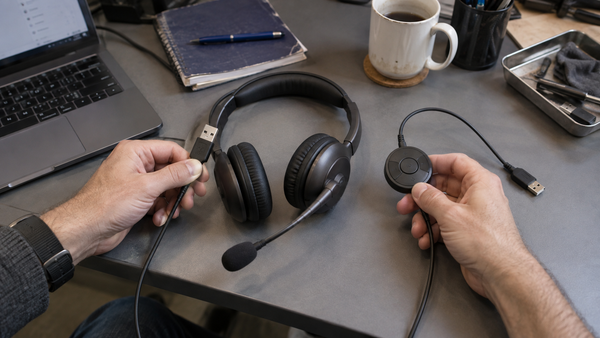
Audio quality aside, USB solves two everyday annoyances with analog headsets. First, a single USB connector replaces the separate microphone and speaker jacks analog headsets need — no more guessing which unlabeled mini-jack is which, or fumbling behind a desktop tower. Second, a USB headset draws its power directly from the USB port, so there's no separate power adapter or "piggyback" device to manage, unlike some older analog setups that needed external amplification.
On the software side, most USB headsets today work with any modern operating system without installing drivers — plug in and the computer recognizes it immediately. Optional companion software (Jabra Direct, the HP Poly Studio App) adds finer control — EQ presets, sidetone level, busylight behavior — and those settings typically live on the headset itself, so they follow you between computers.
What this means when you're choosing a headset
The takeaway isn't "always buy USB over analog" — plenty of analog headsets sound fine for casual use. It's that if audio clarity matters (calls, dictation, a noisy office), a USB headset with genuine digital signal processing has a real, physics-based advantage over an analog connection, and it's worth paying attention to whether a headset actually does meaningful DSP work rather than just carrying a USB plug. For current picks across budgets, see our best USB headsets for VoIP and softphones guide.
If your laptop only has USB-C ports there is one more thing to check before you buy, and we cover whether USB-C headphones work on laptops separately.
That distinction is the reason our computer headset range is built around USB models rather than analog ones.
Why do USB headsets sound better than analog headsets?
USB headsets bypass the computer's sound card, which sits near electrically noisy components like the CPU and graphics card. Instead, the headset handles audio conversion itself through a CODEC, and often improves it further with a DSP (digital signal processor), resulting in cleaner audio with less background hiss than a typical analog connection.
What is a CODEC in a USB headset?
A CODEC ("coder-decoder") converts audio between analog sound waves and digital data. In a USB headset, this conversion happens inside the headset itself, away from the computer's internal electrical noise, which is a key reason USB headsets often sound cleaner than headsets plugged into a computer's analog 3.5mm jack.
Do all USB headsets have the same audio quality?
No. Going digital via USB makes better audio quality possible, but the specific CODEC and whether the headset includes real DSP processing still determine how much better it actually sounds. A basic USB headset with minimal processing won't necessarily outperform a decent analog one by much, while a headset with genuine noise-cancelling DSP processing shows a clear difference.
Do USB headsets need drivers or a power adapter?
No separate power adapter is needed — USB headsets draw power directly from the USB port. Most modern USB headsets also work without installing drivers; the computer recognizes them automatically on connection. Optional companion software (like Jabra Direct or the HP Poly Studio App) adds extra controls but isn't required for basic use.
The physics is simple: keep audio digital and out of the computer's noisy internals for as long as possible, and it sounds cleaner. That's the real reason a good USB headset outperforms a basic analog one — not marketing, just where the signal travels. See our current USB headset picks in the best USB headsets guide, or call our team at 877-999-3838 for help choosing.


Comments (0)