









































Headsets
Headsets with a mic for every desk, phone, and platform
This is every headset we carry, built since 1995 around one job: making you sound clear to the person on the other end. Almost all of them are a headset with a mic — for work, the microphone is the point. Two things decide which is right for you: how it connects, and how you'll use it.
Sort by connection or by job below — wired, USB, Bluetooth, or DECT wireless, and headsets with a microphone built for the desk phone, office, call center, or truck cab.
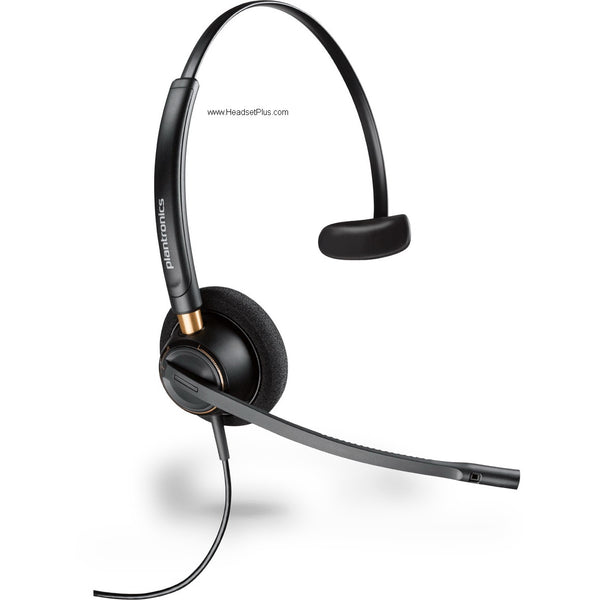
Plantronics EncorePro HW510 Mono QD Headset (Noise-Canceling or Voice Tube)
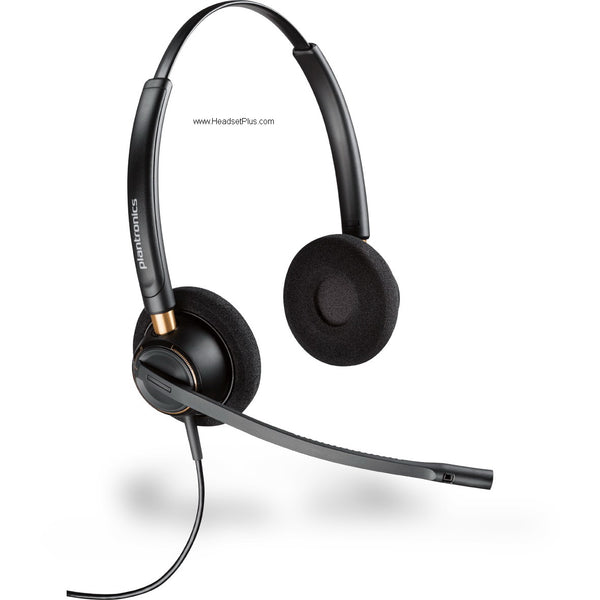
Plantronics EncorePro HW520 Binaural QD Headset (Noise-Canceling or Voice Tube)
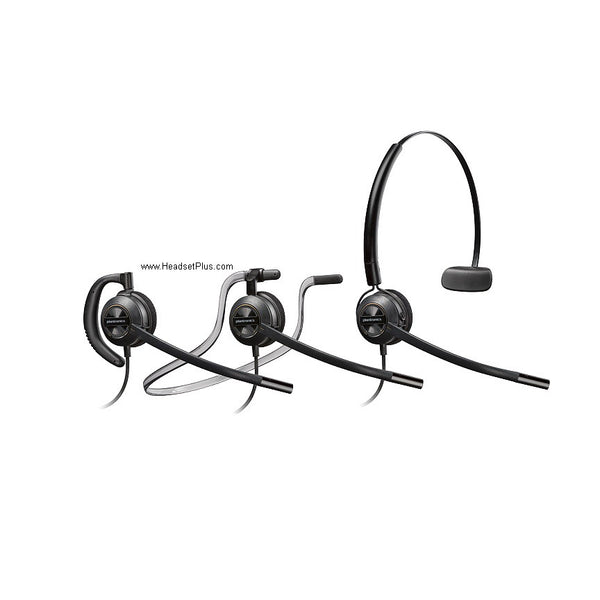
Plantronics EncorePro HW540 3-in-1 Noise-Canceling Headset (QD or Phone-Specific)
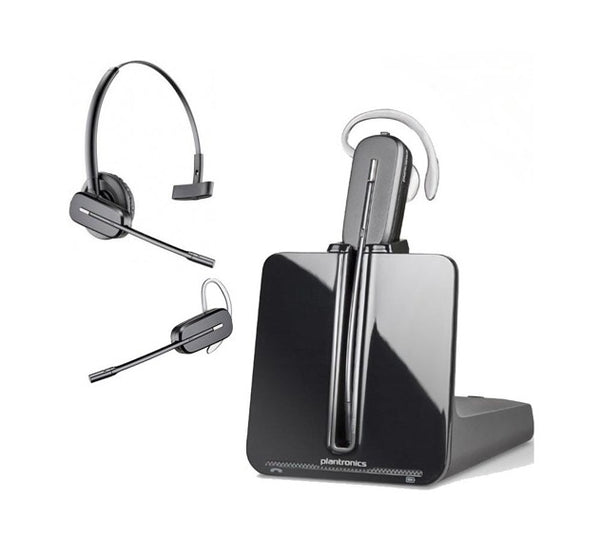
Poly CS540 Wireless Headset
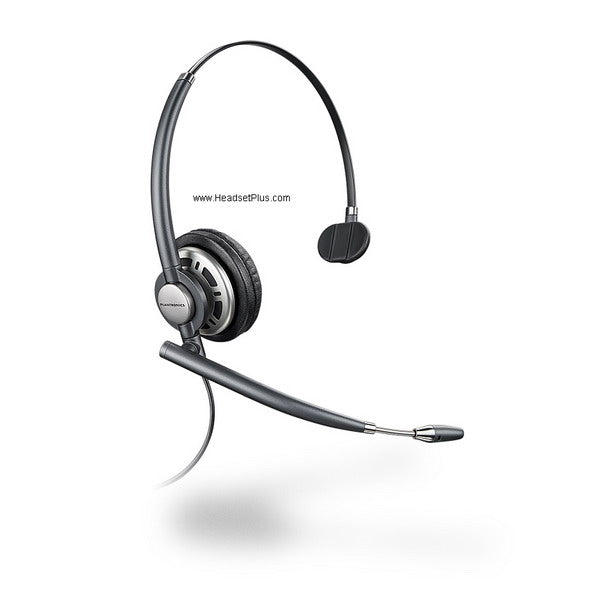
Plantronics EncorePro HW710 Mono Noise-Canceling Headset (QD or Phone-Specific)
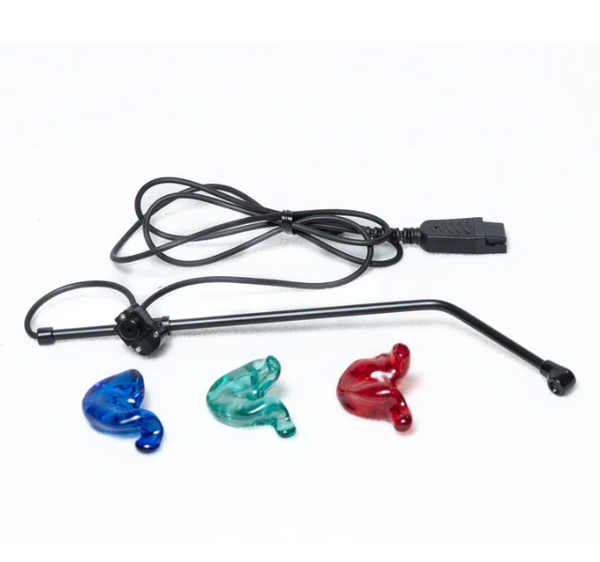
SHG S 131-PL In-Ear Headset with Non-Noise Canceling Mic
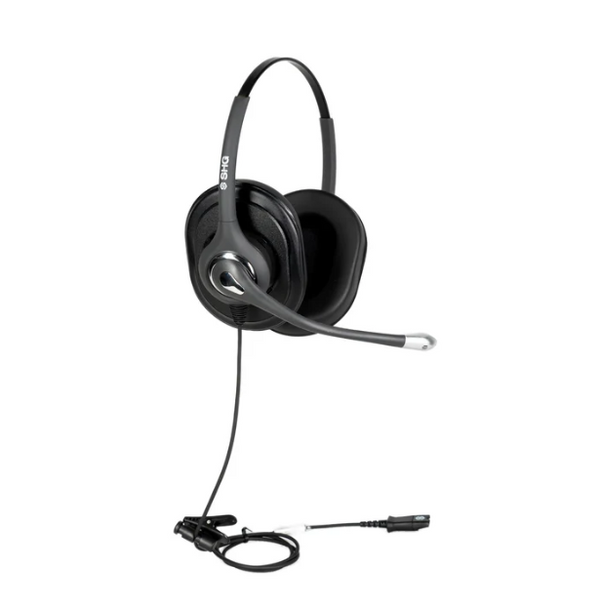
SHG S 620 NC PL Triple XL Ear Cushion Headset with Passive Noise Canceling Mic
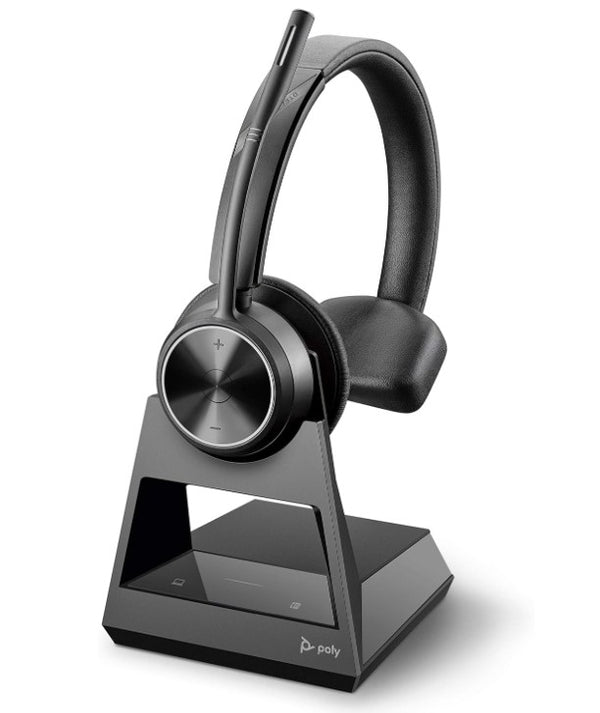
Poly Savi 7310 Ultra-Secure DECT Wireless Mono Headset (EHS Options)
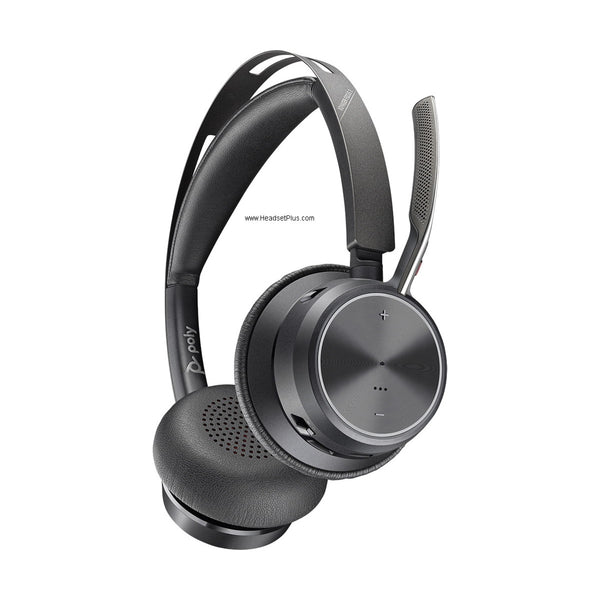
Poly Voyager Focus 2 Wireless Stereo Headset - 3-Level ANC
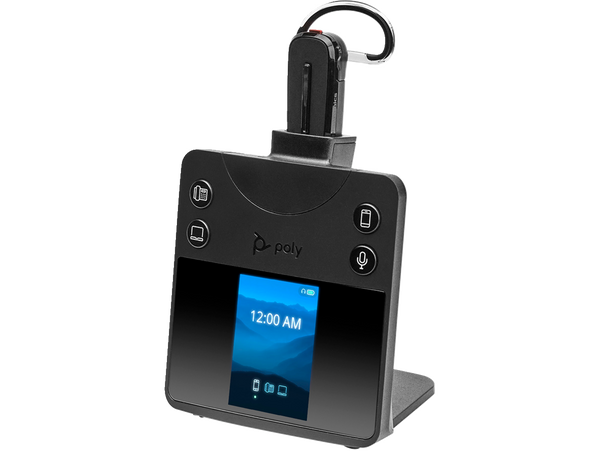
Poly Savi 8445 DECT Wireless Convertible Headset
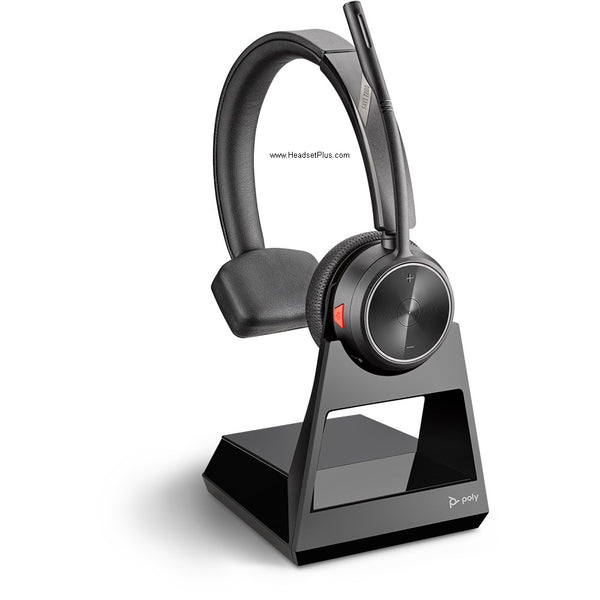
Poly Savi 7210 DECT Wireless Mono Headset for Desk Phones (EHS Options)
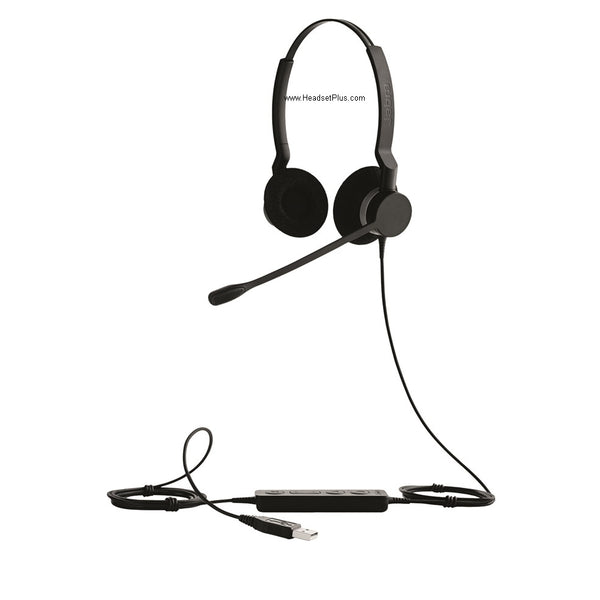
Jabra Biz 2300 – Professional Wired Noise-Cancelling Headset (Mono or Duo)
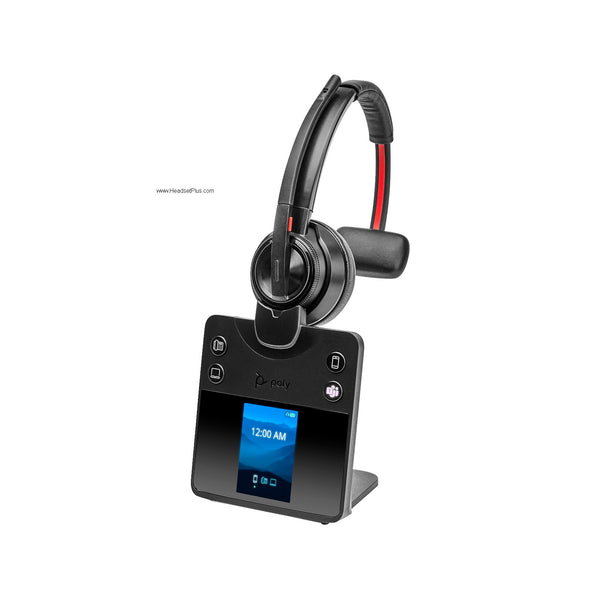
Poly Savi 8410 DECT Wireless Mono Bluetooth Headset
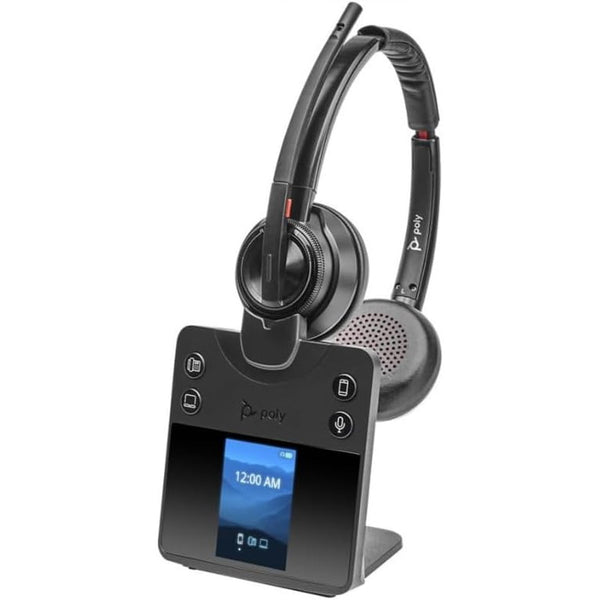
Poly Savi 8420 DECT Wireless Stereo Headset with ANC (EHS Remote Answer Options)
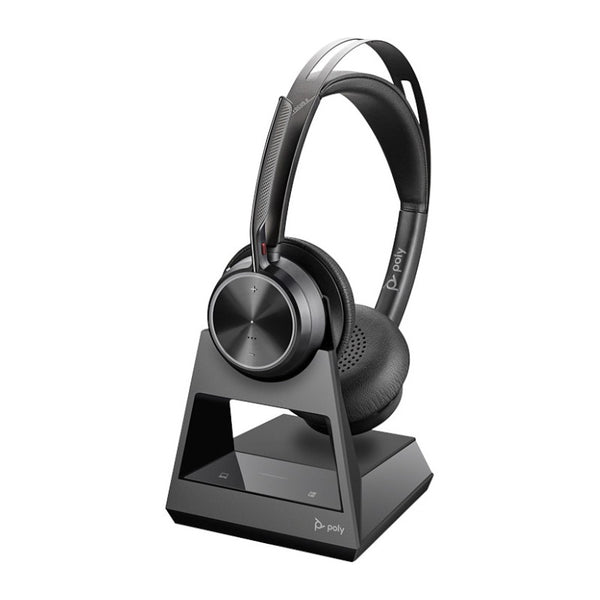
Poly Voyager Focus 2 Office Wireless Stereo Headset (EHS Remote Answer Options)
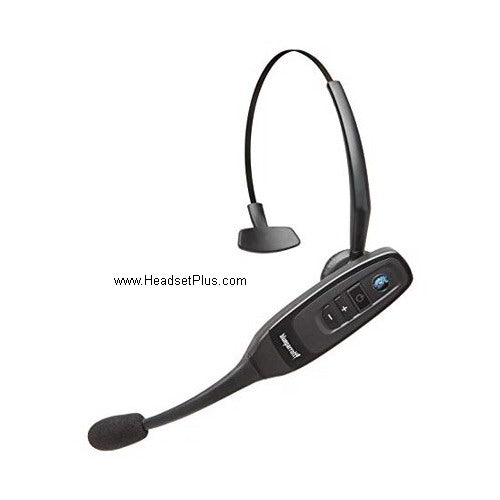
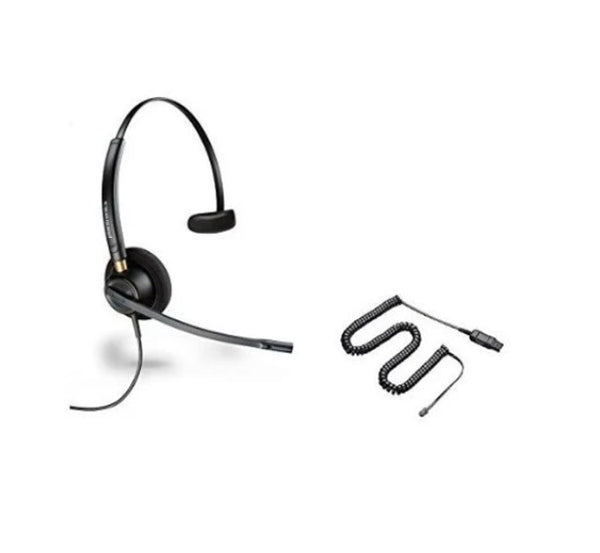
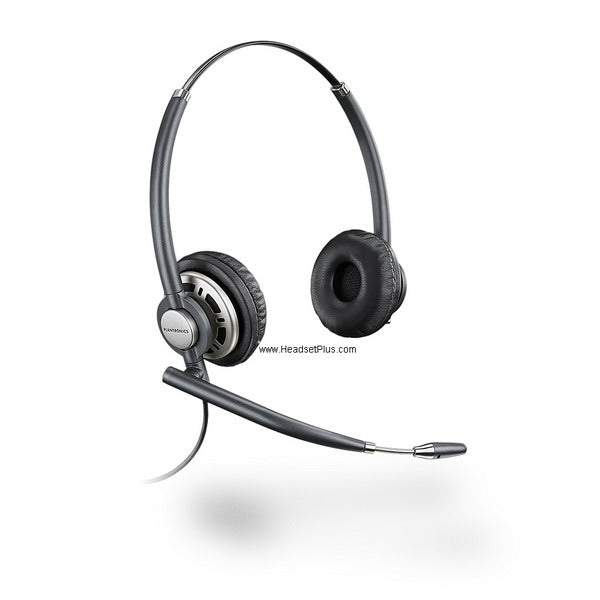
Plantronics EncorePro HW720 Binaural Noise-Canceling Headset (QD or Phone-Specific)
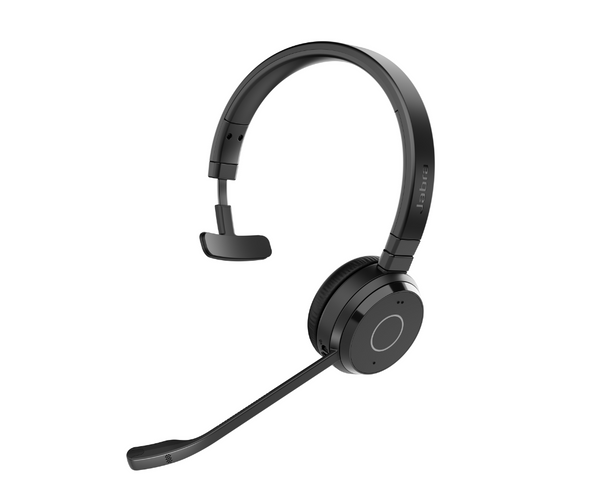
Jabra Evolve 65 TE – Wireless Bluetooth Office Headset (Mono or Stereo)
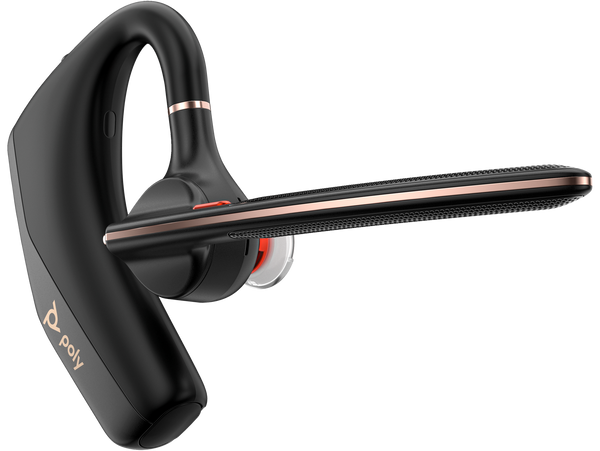
Poly Voyager Legend 50 Mono Bluetooth Headset - NoiseBlockAI
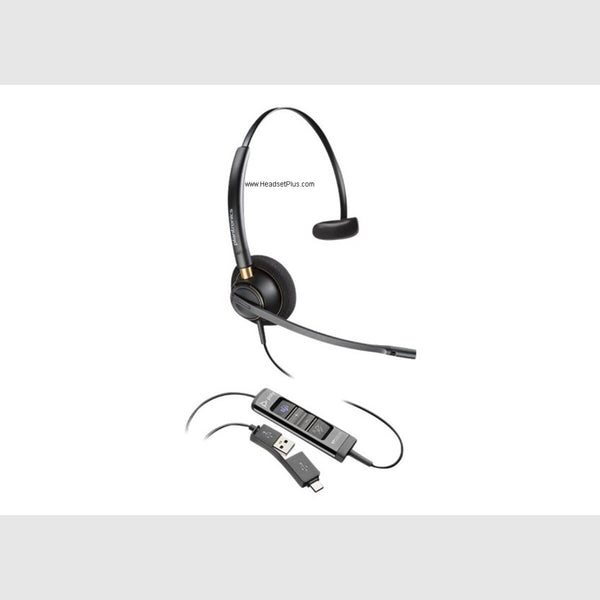
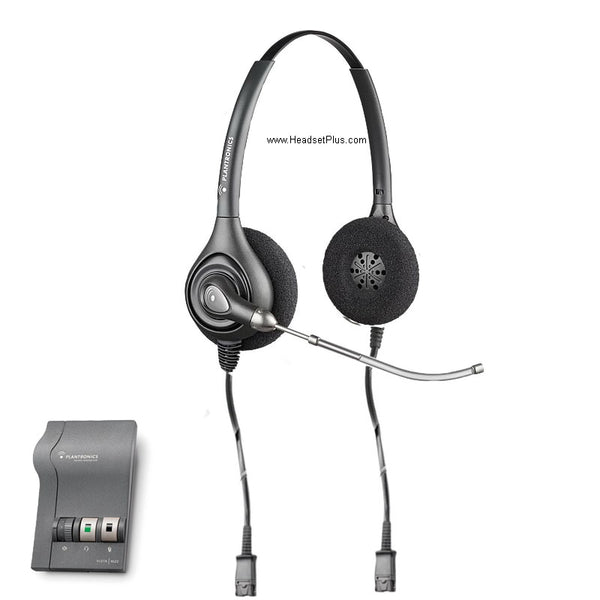
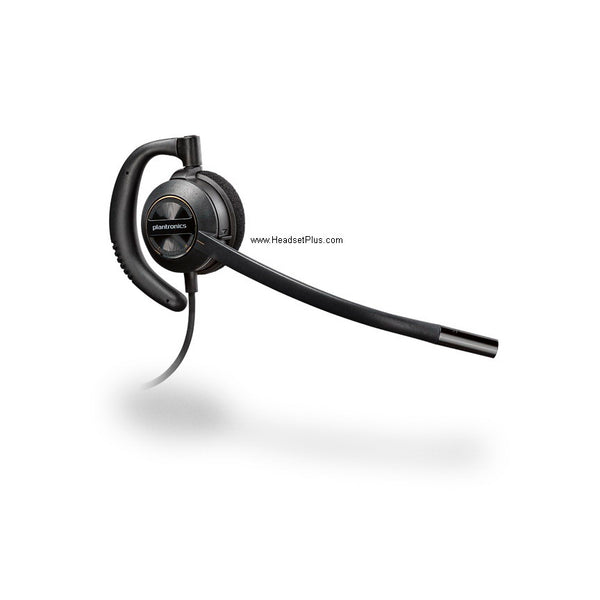
Plantronics EncorePro HW530 Noise-Canceling Over-Ear Headset (QD or Phone-Specific)
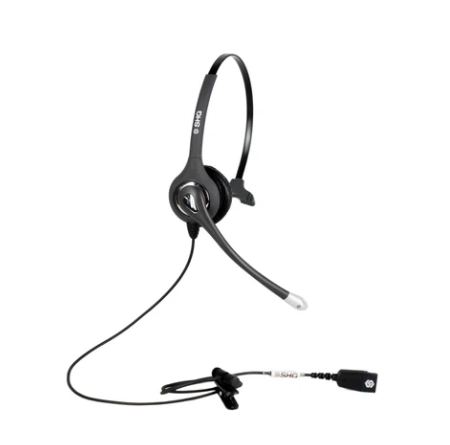
SHG S 500-PL Headset with Passive Noise Canceling Mic
No products match “” in Headsets.
How to choose a headset with a mic: start with the connection
The fastest way to the right headset with a mic is to decide how it connects before anything else — the connection narrows thousands of models down to a handful, and it's the choice a novice skips and later regrets. Here's the fork.
Within wired, the connector is everything: a USB headset carries its own soundcard and works on any computer, a 3.5mm headset depends on your machine's jacks, and a desk-phone headset needs the right cable for your exact phone. Not sure which bucket you're in? The connection-type collections above split it cleanly, and each product page lists exactly what it plugs into.
Match your setup to the right headset
The other way in is by the job. Every situation has a headset built for it, and landing in the right sub-category saves you from a model that technically works but wasn't made for your day.
- Office & Work-from-Home Headsets. Certified for Microsoft Teams and Zoom, noise-cancelling boom mic, all-day comfort and an adjustable headband.
- Call Center Headsets. Built for hundreds of calls a shift — durable, wired-simple, and easy to manage at scale.
- Wireless Headsets for Desk Phones. Roam from a Cisco, Avaya, Poly, or Yealink desk phone, with the EHS cable that lets you answer from across the room.
- Computer & PC Headsets. USB or 3.5mm, tuned for softphones and video meetings. This is also home for a simple phone headset, a headset for the phone, or a home phone headset used with a computer.
- Trucker Headsets. A single-ear Bluetooth headset with a windproof mic and all-day battery, built for the cab.
Prefer to shop by brand? We carry Jabra, Poly (Plantronics), Sennheiser / EPOS, Yealink, Logitech, and BlueParrott, each with its own collection. A quick honest note on the market: the desk phone is quietly giving way to the softphone — Teams, Zoom Phone, and Webex now carry most business calls, and modern IP desk phones from the likes of Yealink increasingly add USB and Bluetooth — so the old line between "desk phone headset" and "computer headset" is blurring fast.
What "noise cancelling" actually means on a headset microphone
The most useful thing to know across every headset here: "noise cancelling" on a spec sheet almost always describes the microphone filtering sound out for your callers — not for you. As Headset Advisor puts it plainly, noise-cancelling on a headset refers to the mic keeping your background out of the call, while active noise cancellation (ANC) is the separate feature that quiets the room in your own ears. Mixing the two up is the most common mistake buyers make in this whole category.
So when you compare a headset microphone, the question isn't "how many mics" — it's how close the boom sits to your mouth and how hard it rejects the room. The best headset microphone isn't about mic count. A good noise cancelling headset with mic is the home-office essential that turns a house full of dogs and doorbells into a call where you simply sound professional; whether you also want the best noise cancelling headset or best noise reduction headset with ANC on top depends on one thing — whether you need the room quieted in your own ears too. In a loud open-plan office, yes. In a quiet spare room, it's overkill.
The good headsets all share one trait: a mic your callers never notice. The best headsets just deliver it in the connection and the form that fit how you work — so start with the fork above, then let the sub-collection do the narrowing.
FAQ
Frequently Asked Questions
The best headset with a mic for work is the one whose microphone keeps your background out of the call and whose connection matches your setup — those two things decide it more than brand or price. For a fixed desk, a wired USB headset with a noise-cancelling boom mic is the reliable default; if you move around, go wireless. Certification for Microsoft Teams or Zoom is worth it if your team lives on those platforms.
On a headset with a microphone, "noise cancelling" almost always means the mic filters background noise out for the people you're calling — so they hear your voice, not your room. That's different from active noise cancellation (ANC), which quiets sound in your own ears. Most business headsets have a noise-cancelling mic; only some add ANC, and you mainly need it in a loud open-plan office.
Choose a wired headset for a fixed desk or call center — it's cheaper, needs no charging, and never drops a connection, which matters at scale. Choose wireless if you need to leave your desk during calls, with Bluetooth for moving between a laptop and phone or DECT for long office range. Our connection-type collections split every headset here into exactly these buckets.
Yes — the headsets here work with Microsoft Teams, Zoom, Google Meet, and other UC platforms, and many carry official Teams or Zoom certification. Certification means the headset's buttons — answer, mute, volume — work natively inside the app, and that its mic meets the platform's audio standard. For phone-only use, certification matters less.
A mono (single-ear) headset covers one ear so you stay aware of your surroundings — the usual pick for reception desks, retail, and driving. A binaural (dual-ear) headset covers both ears for focus on a noisy call-center floor or in an open-plan office. Many headsets here come in both styles on the same chassis, so choose by environment, not audio quality.
The best headset for a desk phone is usually a DECT wireless model paired with the EHS cable matched to your phone's make and model — that combination lets you answer and end calls away from the desk. Cisco, Avaya, Poly, and Yealink phones each need a specific cable, so confirm yours before ordering. Our Wireless Headsets for Desk Phones collection covers the full range.