









































Bluetooth Headsets
Choosing a Bluetooth headset comes down to your computer
A Bluetooth headset that pairs straight to a Windows 11 PC and one that needs the USB dongle in the box are different purchases, and which you need is settled by the radio and processor already in your laptop, not by the earpiece. Phones take either in seconds. The Bluetooth headsets below are office and UC models, chosen for how they sound to the person you called.
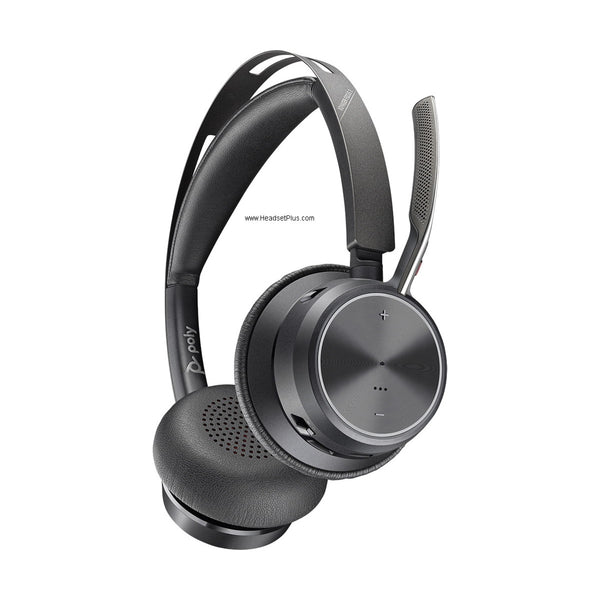
Poly Voyager Focus 2 Wireless Stereo Headset - 3-Level ANC
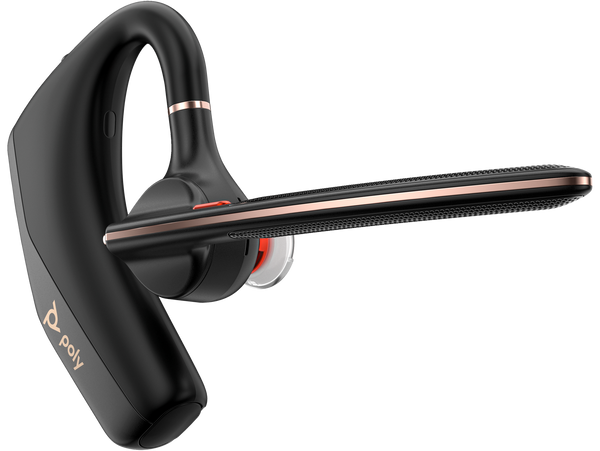
Poly Voyager Legend 50 Mono Bluetooth Headset - NoiseBlockAI
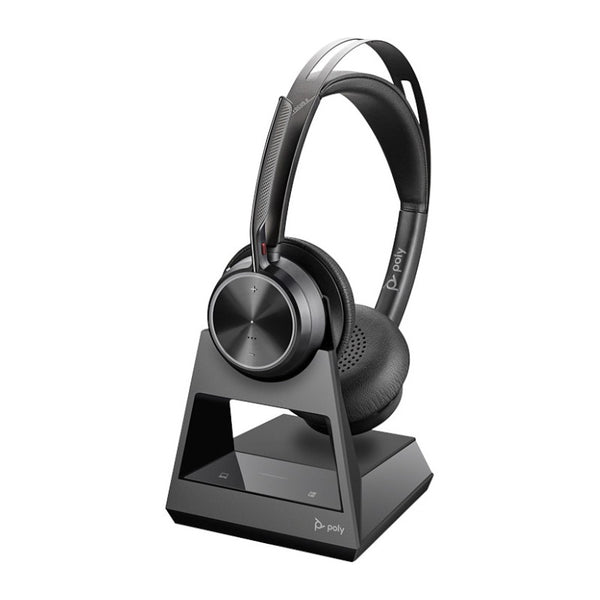
Poly Voyager Focus 2 Office Wireless Stereo Headset (EHS Remote Answer Options)
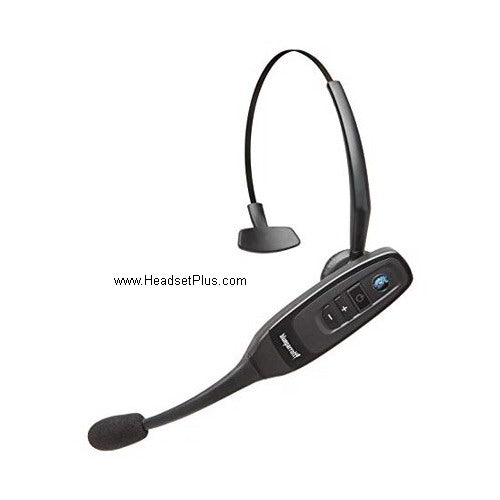
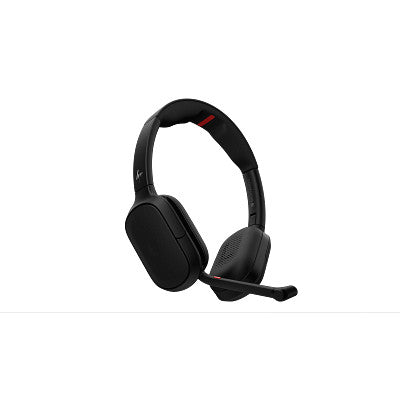
HP Poly Focus 6 Series Stereo Wireless Headset (Fold and Charging Stand Options)
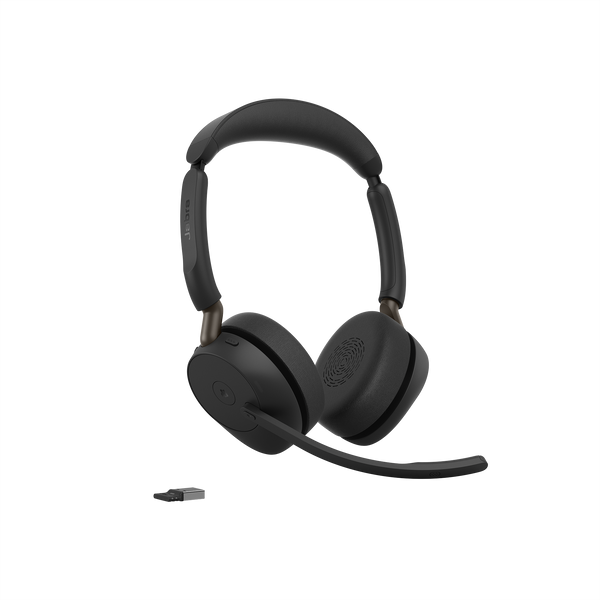
Jabra Evolve3 65 – Office headset with Adaptative Noise Cancelation
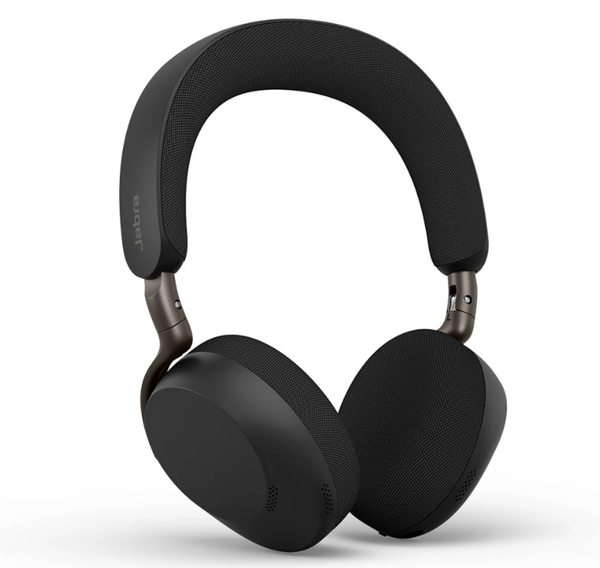
Jabra Evolve3 75 – Boomless Wireless On-Ear Headset (Charging Pad Optional)
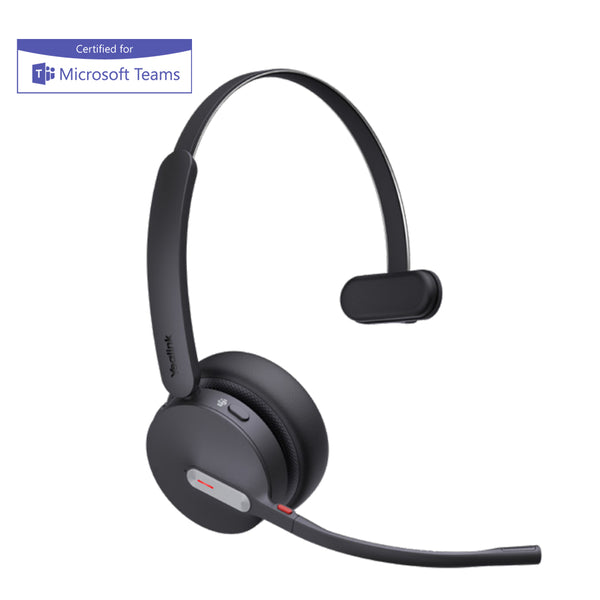
Yealink BH70 Bluetooth Headset - Teams Certified
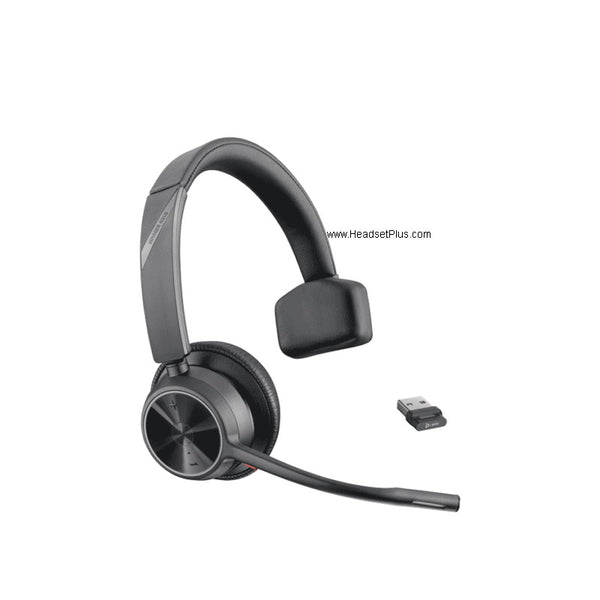
Poly Voyager 4310 Wireless Bluetooth Headset - Mono, 164 ft Range
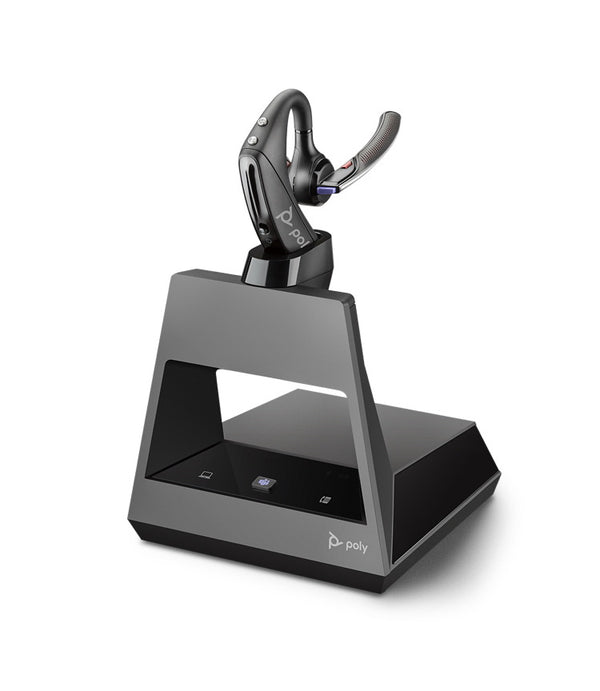
Poly Voyager 5200 Office Wireless Headset - 2-Way Base, Microsoft Teams Certified
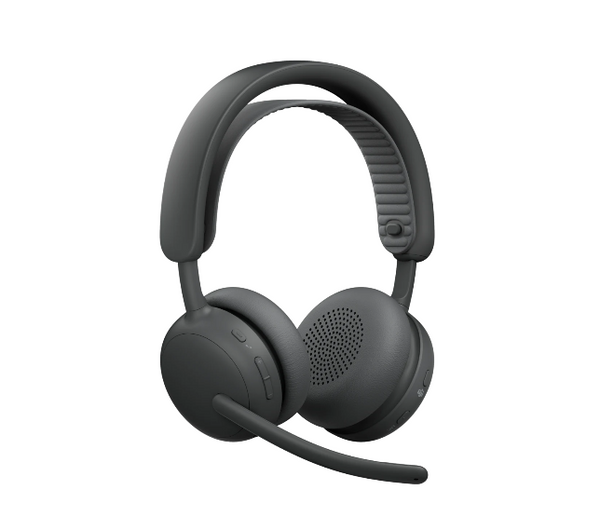

Jabra Evolve3 85 – Over-Ear Boomless Wireless Headset (Charging Pad Optional)
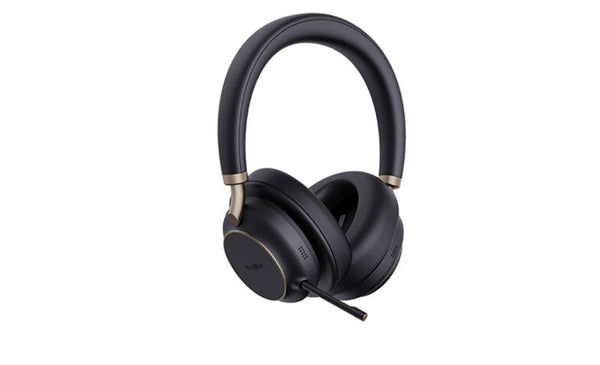
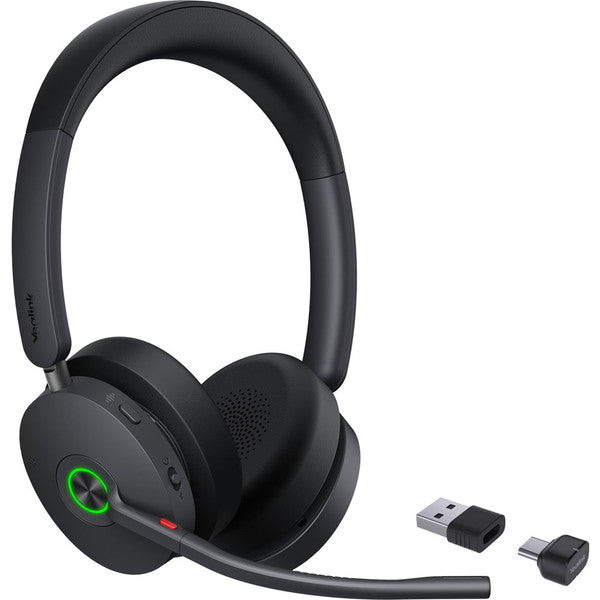
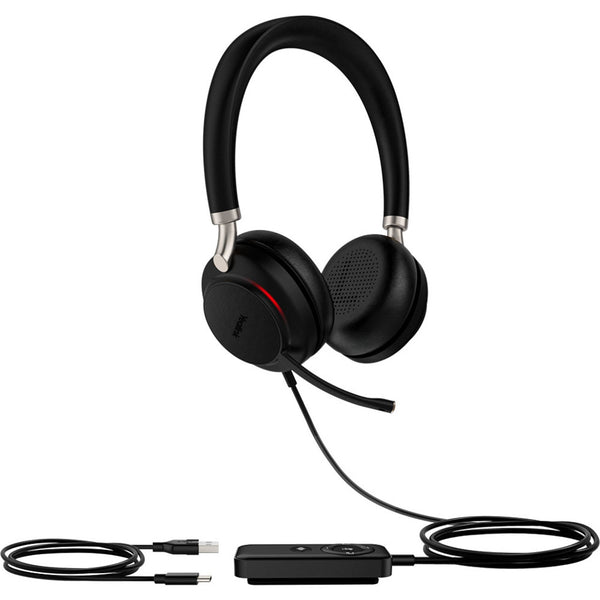
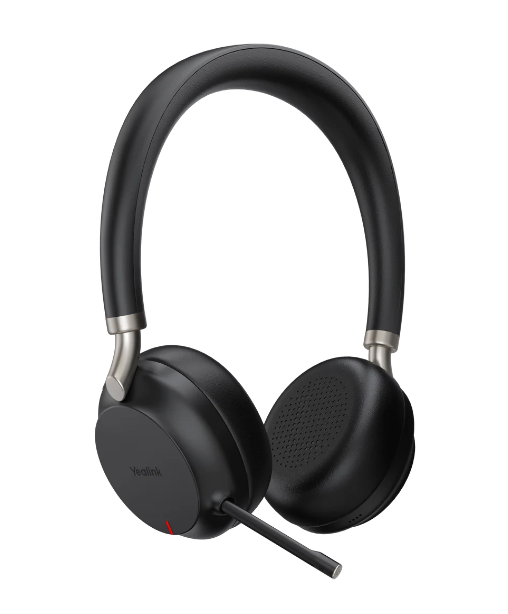
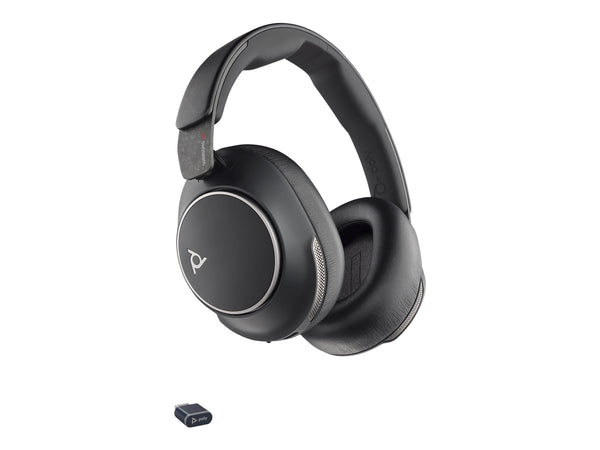
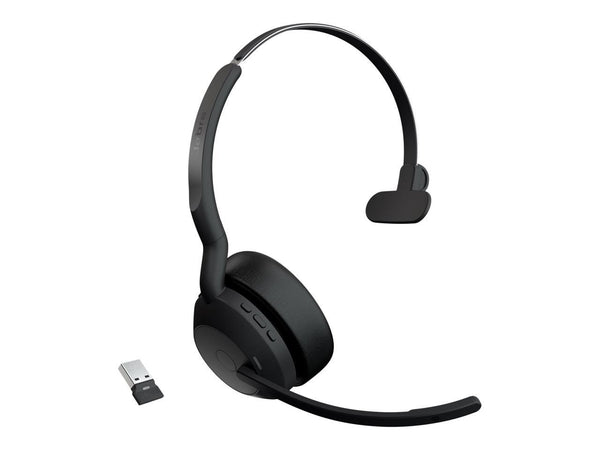
Jabra Evolve2 55 – Wireless Bluetooth Office Headset (Mono or Stereo)
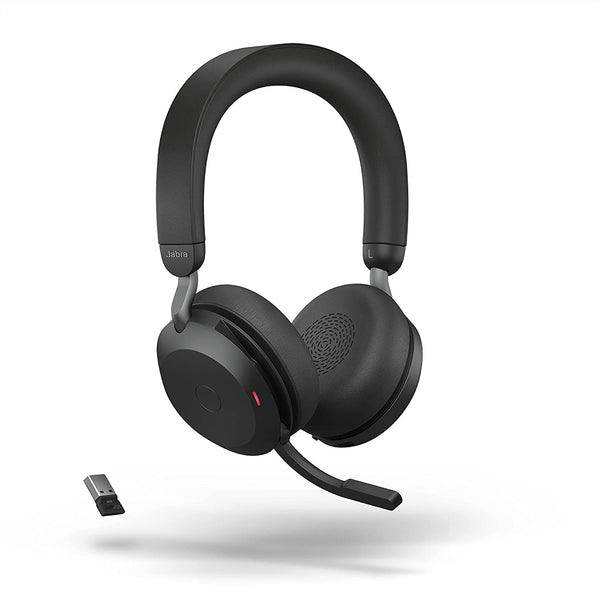
Jabra Evolve2 75 – Premium Wireless ANC Headset (Charging Stand Optional)
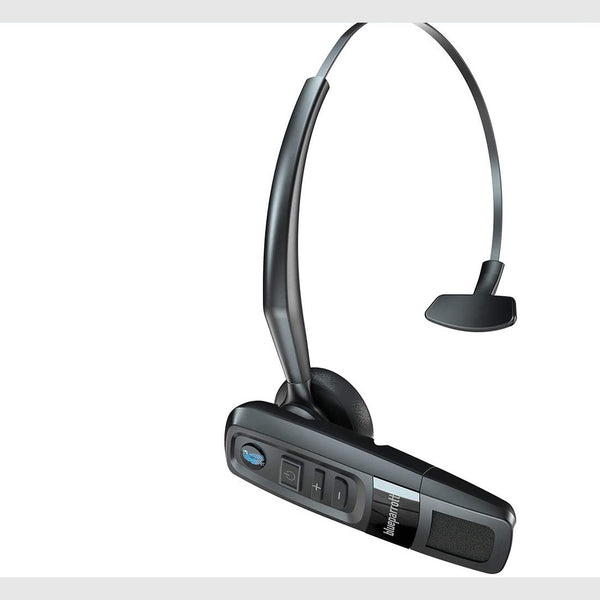
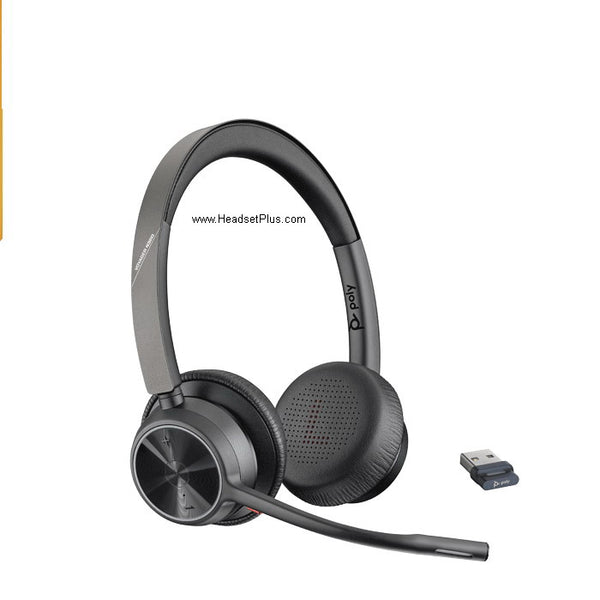
Poly Voyager 4320 Wireless Bluetooth Headset - Stereo, 164 ft Range
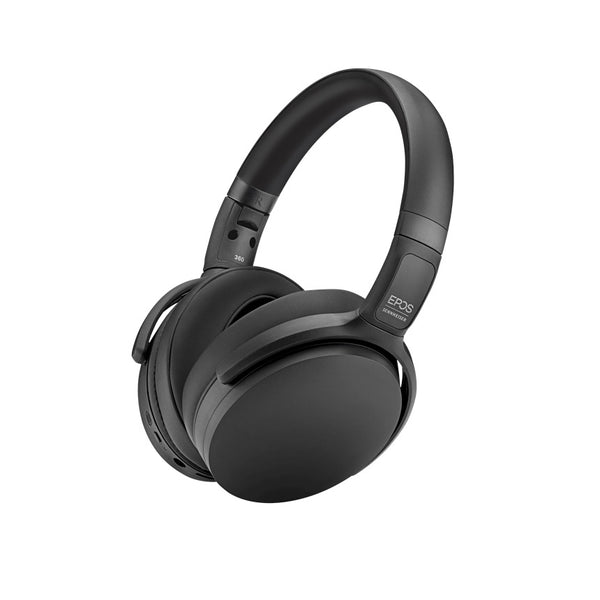
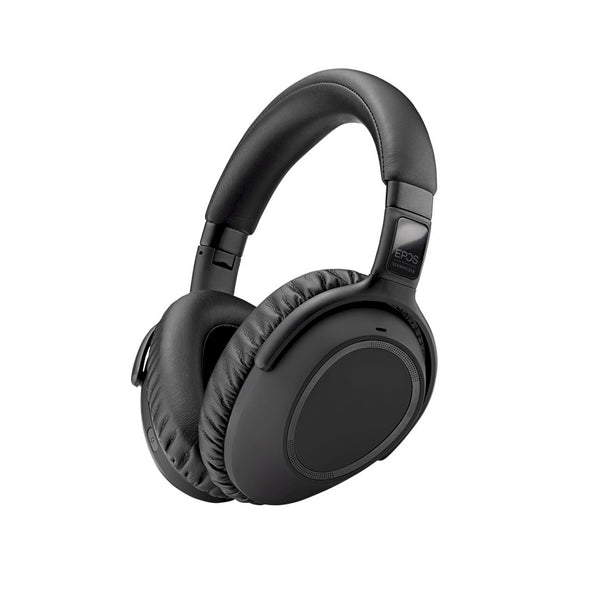
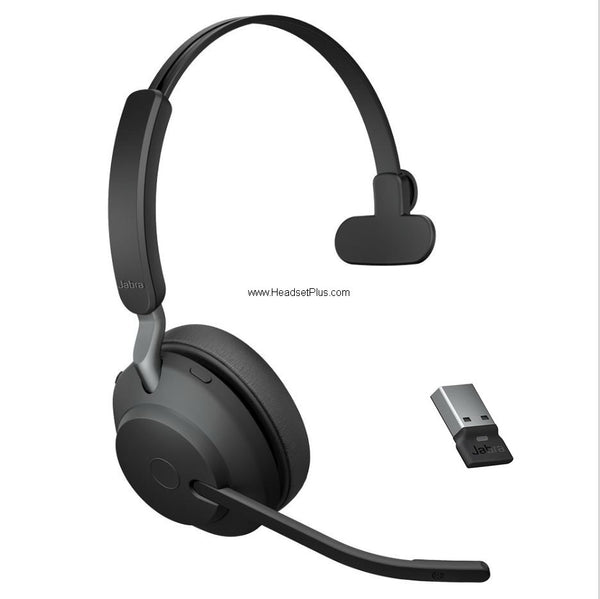
Jabra Evolve2 65 – Wireless Bluetooth Office Headset (Mono or Stereo)
No products match “” in Bluetooth Headsets.
What a Bluetooth headset needs to skip the USB adapter
Microsoft's bar for pairing a certified headset straight to a PC is Windows 11, an integrated Bluetooth radio, and an Intel Core 12th Gen chip or newer, a Snapdragon X or newer, or an AMD model Windows 11 supports. Fall short of it and take the version with a dongle in the box.
That adapter exists because Classic Bluetooth cannot send stereo out and carry your voice back at once. A2DP runs one direction only, so the moment an app opens the mic, Windows drops to the Hands-Free Profile: mono, at 16 kHz where both ends manage it and 8 kHz where they do not.
| Calling from | Connects via | Teams call control | What to buy |
|---|---|---|---|
| Windows 11, Intel 12th Gen or newer | The PC's own radio | Yes, if certified native | No adapter needed |
| Windows 10 or older | Bundled USB-A adapter | Yes, via the adapter | A headset with Bluetooth and a USB-A dongle |
| A phone only | Pairs directly | Not required | A wireless headset for cell phone calls |
Multipoint headsets come in two versions
Simple multipoint drops the call you are on when you answer a second one, while advanced multipoint puts the first caller on hold instead. Both hold two devices, and a multipoint Bluetooth headset seldom says on the box which of the two it does.
The Bluetooth specification fixes transmit power, from -20 dBm to +20 dBm, and a minimum receiver sensitivity, not a distance, so bluetooth range depends on antennas and obstacles. HP rates the Poly BT700 adapter at up to 50 m, and how to pair a plantronics bluetooth headset covers the sequence when one will not appear.
FAQ
Frequently Asked Questions
Classic Bluetooth cannot send stereo audio out and carry your microphone back at the same time. A2DP only runs from the computer to the headset, so Windows 11 switches a Bluetooth headset to the Hands-Free Profile as soon as an app opens the microphone or creates a playback stream marked as Communications. That profile is mono, at 16 kHz where the radio and the headset both manage wideband speech and 8 kHz where they do not, and Windows resamples anything else playing to match it. A Bluetooth noise cancelling headset does not change this, because the switch is Windows choosing a profile rather than anything about the microphone.
Yes, where the PC meets Microsoft's requirements: Windows 11, an integrated Bluetooth radio, and an Intel Core 12th Gen processor or newer, a Snapdragon X or newer, or an AMD model Windows 11 supports. Microsoft does not recommend or certify aftermarket USB Bluetooth adapters for this, and a dongle that connects to the PC as a USB audio device rather than a Bluetooth controller cannot support the native Bluetooth experience in Teams at all. macOS is not supported yet. Phones are the simple case, where wireless headset Bluetooth pairing takes seconds and no adapter is involved.
On a Bluetooth headset with mic, Microsoft Teams certification covers calling, mute and the Teams button, plug-and-play pairing with no extra configuration, and mute status syncing in both directions between the headset and the Teams desktop client. The program's scope is the Teams desktop client only, and mute sync from the client back to the device works only with Teams-certified peripherals. Microsoft also lists the Teams button as inconsistent when more than one Bluetooth peripheral is connected directly to the same laptop.
Multipoint keeps a Bluetooth headset connected to two devices at once, usually a laptop and a phone, so a call on either arrives without re-pairing. It comes in two forms that are rarely labeled on the box: simple multipoint drops the call you are already on when you answer the second, and advanced multipoint puts the first caller on hold so you can switch back and forth. Ask which one a headset uses if you take calls on two lines.