










































Plantronics CS540 (CO54 C054) Replacement Battery
$56.99
Skip to product information


Plantronics CS540 (CO54 C054) Replacement Battery
$56.99
Model: 85Q98AA
Save $0 (0%)
Same Day Shipping*Same-day shipping applies to in-stock orders placed on a business day before our shipping cutoff. Weekends, holidays, and back-ordered items are excluded.Most orders ship same day
30-Day Money BackHassle-free guarantee
No Sales TaxExcept select states
Description
Replacement battery for Plantronics CS540 (CO54 C054). This is a genuine Plantronics OEM (not after market) Replacement Battery or Spare Battery.
Key Features:
- Li-Ion Polymer Battery
- Provides up to 7 hours talk time on a full charge
- Full charge takes 3 hours (charge approximately 20 minutes prior to the first use)
- Approximately 0.75" x 1/2" thick
Old Poly part # 86180-01
New HP part # 85Q98AA
Note:
- This battery is NOT interchangeable with other wireless headset batteries (i.e. Plantronics CS55 or CS50).
- NOT compatible with Plantronics W740
- Battery will be labeled "P/N 84479-01" but correct Plantronics part number is 86180-01
Plantronics CS540 Battery Replacement Instructions:
- Slide the battery cover off and remove it from the headset.
- Pull the battery out of the attachment clip.
- Grasp the battery connector and disconnect from the headset.
To install a new battery:
- Plug the new battery to the battery connector.
- Once connected, slide the battery into place.
- Slide the cover back on and push it into place.
Goes With It
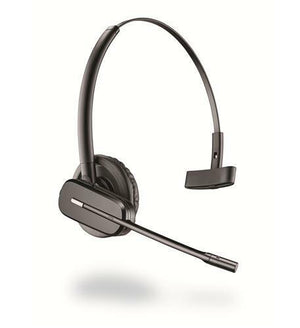
Plantronics CS540 (CO54 C054) Replacement/Extra Headset
$189.96
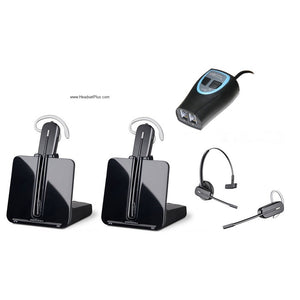
Plantronics CS540 Training Bundle (2 Headsets + ZoomSwitch Adapter)
$449.96
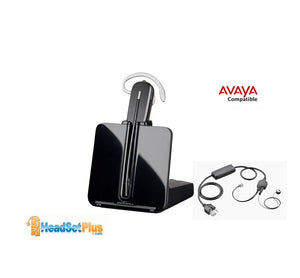
Plantronics CS540+Avaya EHS J100 1400 1600 9400 9600 (APV-63)
$219.96
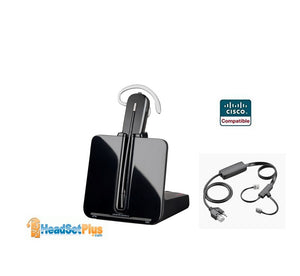
Plantronics CS540+Cisco EHS for Cisco Phones (APC-43)
$219.96
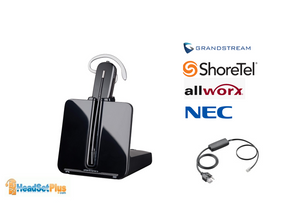
Plantronics CS540+Grandstream Shoretel Allworx NEC EHS (APD-80)
$304.96
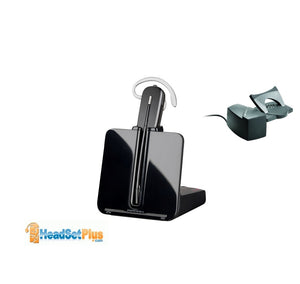
Plantronics CS540 + HL10 Handset Lifter Bundle
$342.99
You May Also Like
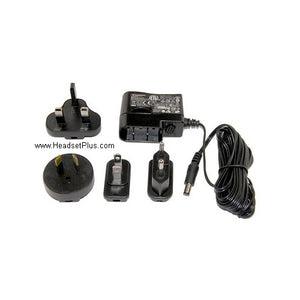
Plantronics CS540 CS510 CS520 CS530 4245 Universal AC adapter
$54.96
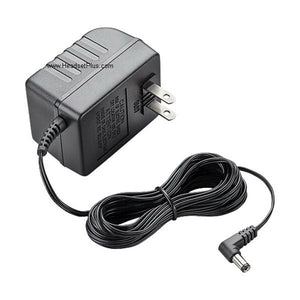
Plantronics CS50 CS55 CS70 CS351 CS361 MDA200 CA12CD AC Adapter
$26.96
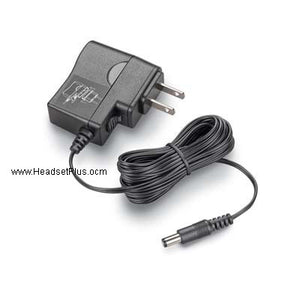
Plantronics Universal AC/DC Wall Adapter MDA220 Savi 8210 8220
$26.96
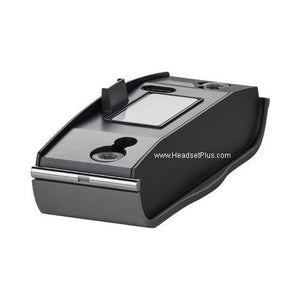
Plantronics W440, W710, W720, W730, W740, CS500 Charging Base
$39.95
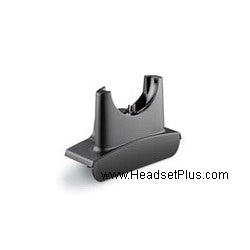
Plantronics W710 W720 CS510 CS520 W410 W420 Charging Cradle
$29.95
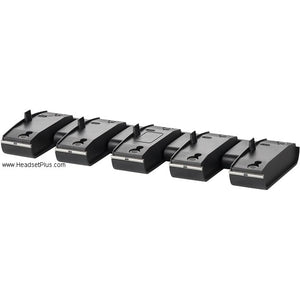
Plantronics W740 W710 W720 W730 W440 CS500 Charging Bank 5 units
$109.95